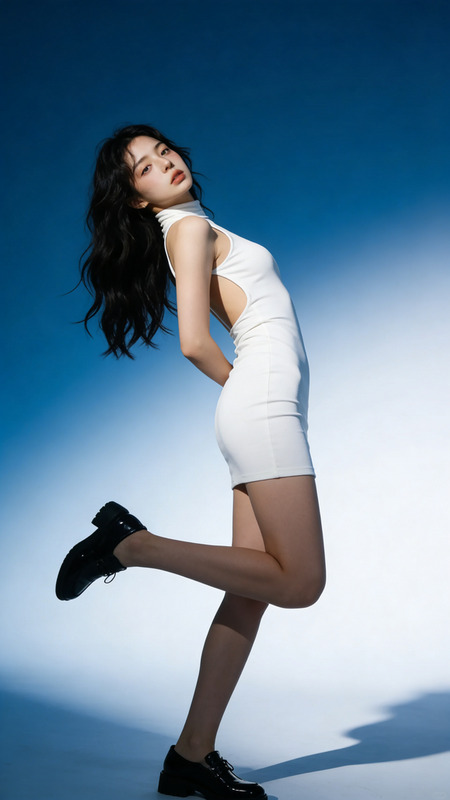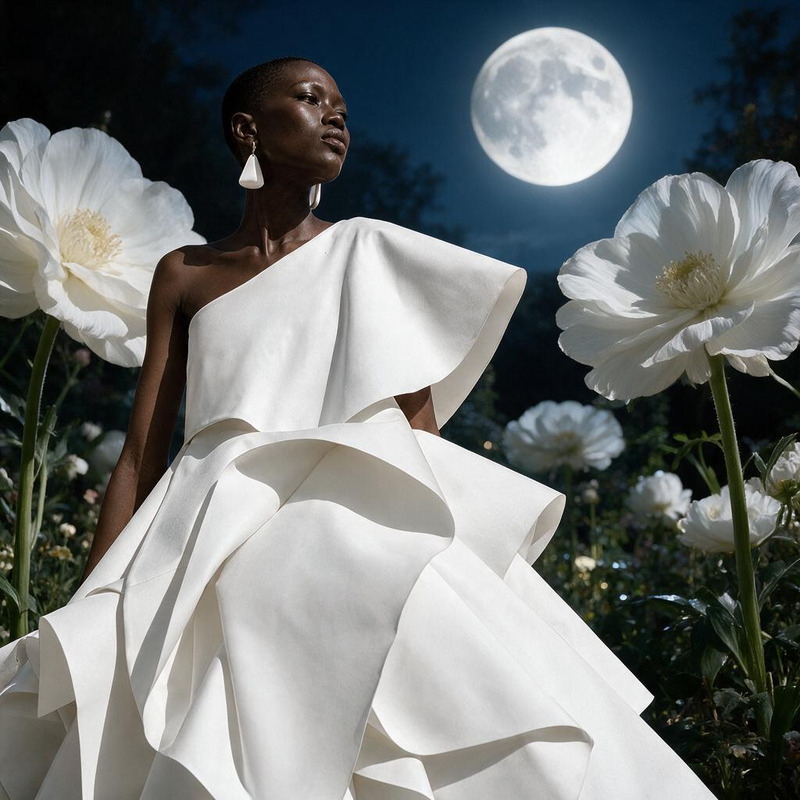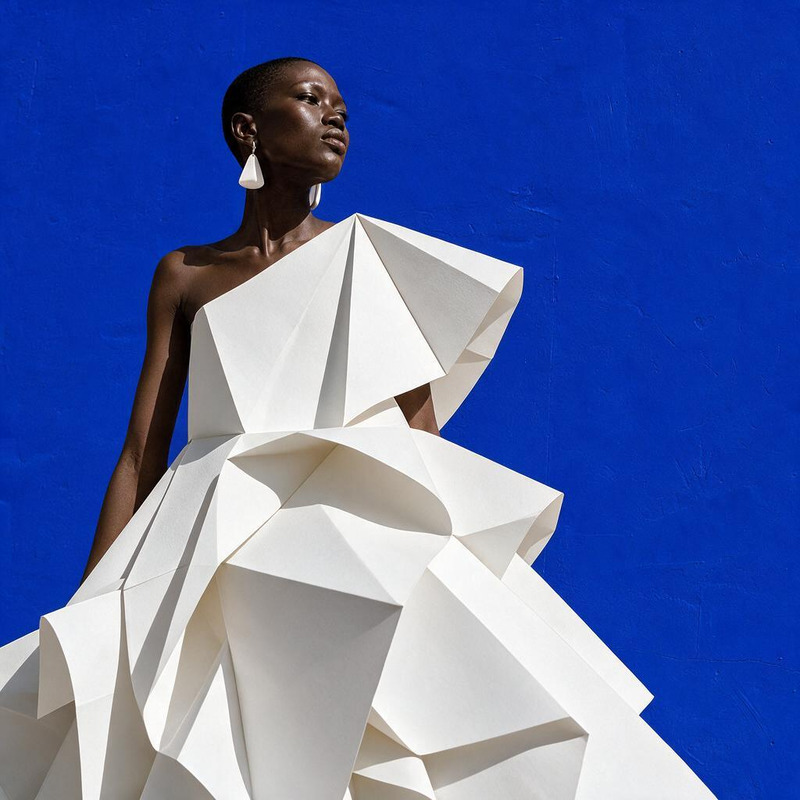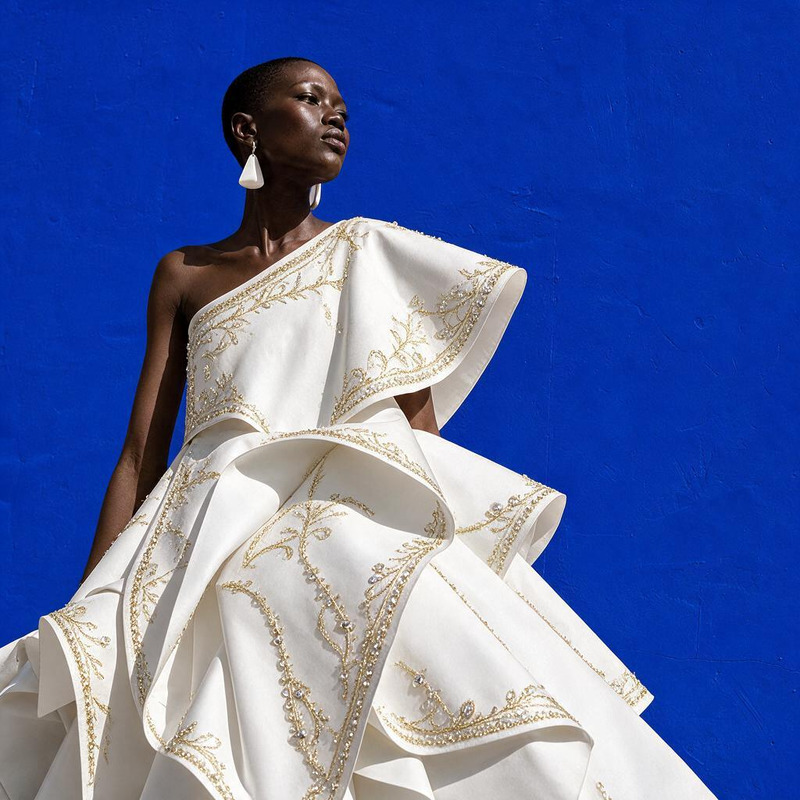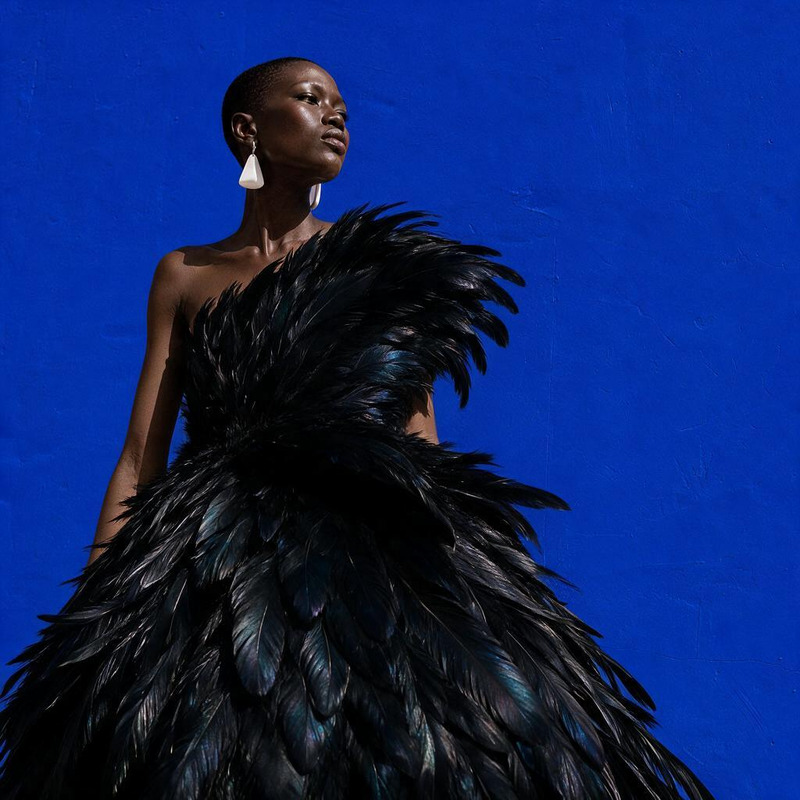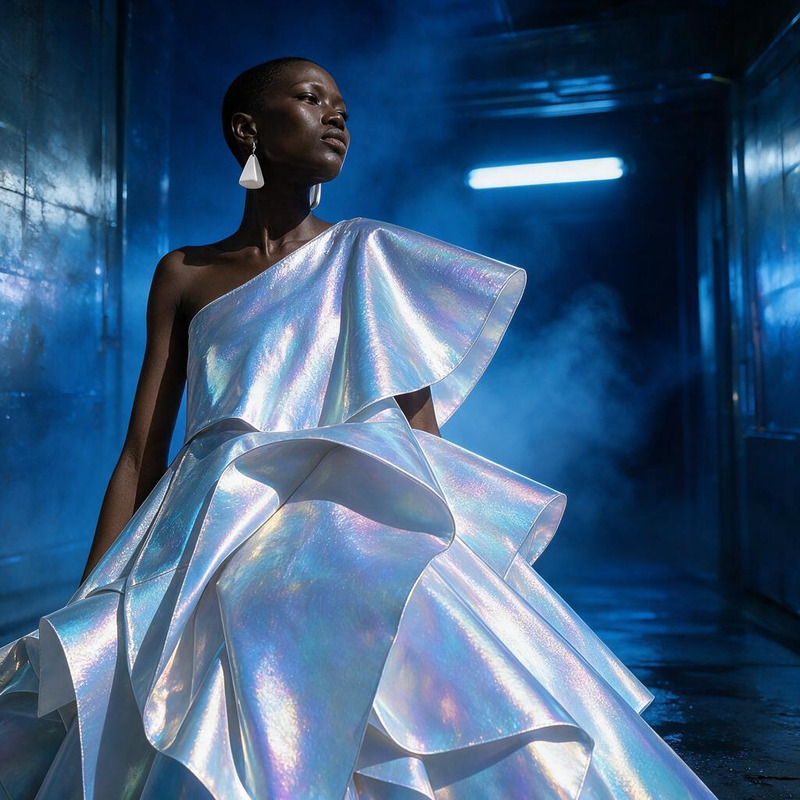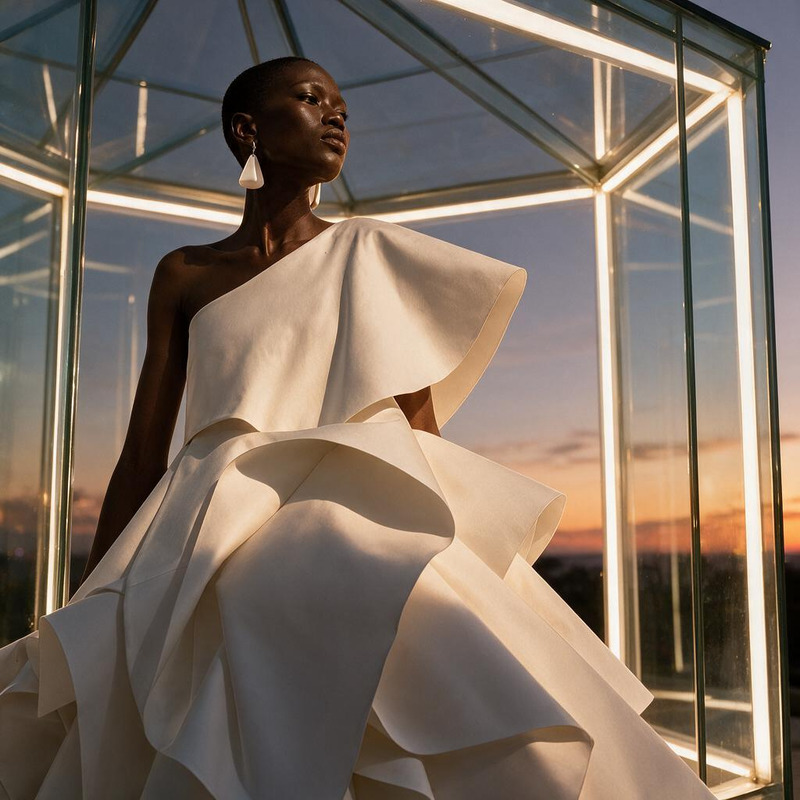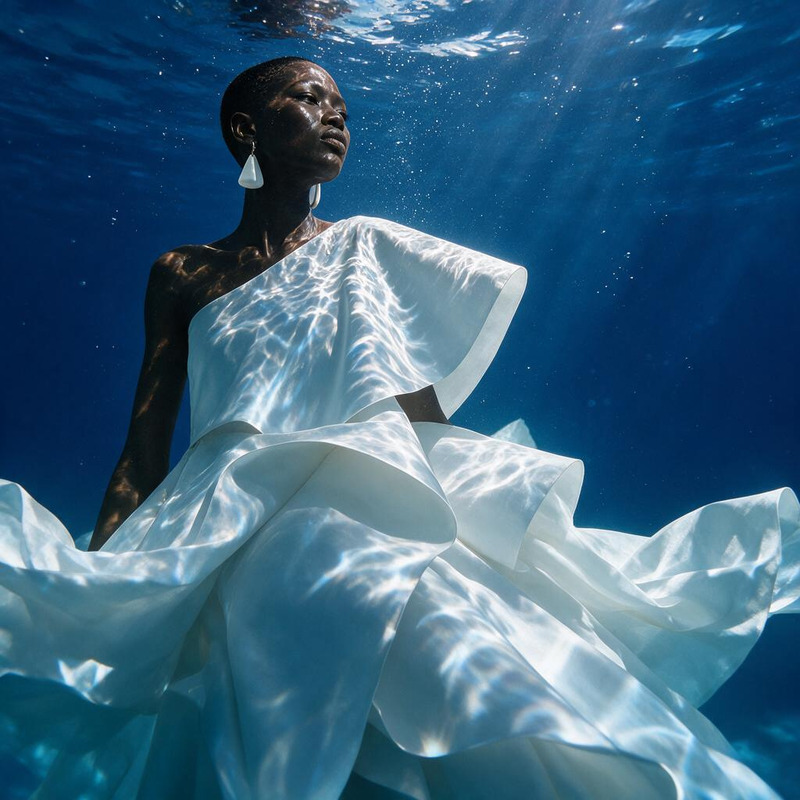
AI Image Editor · Turn the white dress into laye
- Model
- Seedream 5 Pro
- Image
- 1024 × 1024 px
Prompt
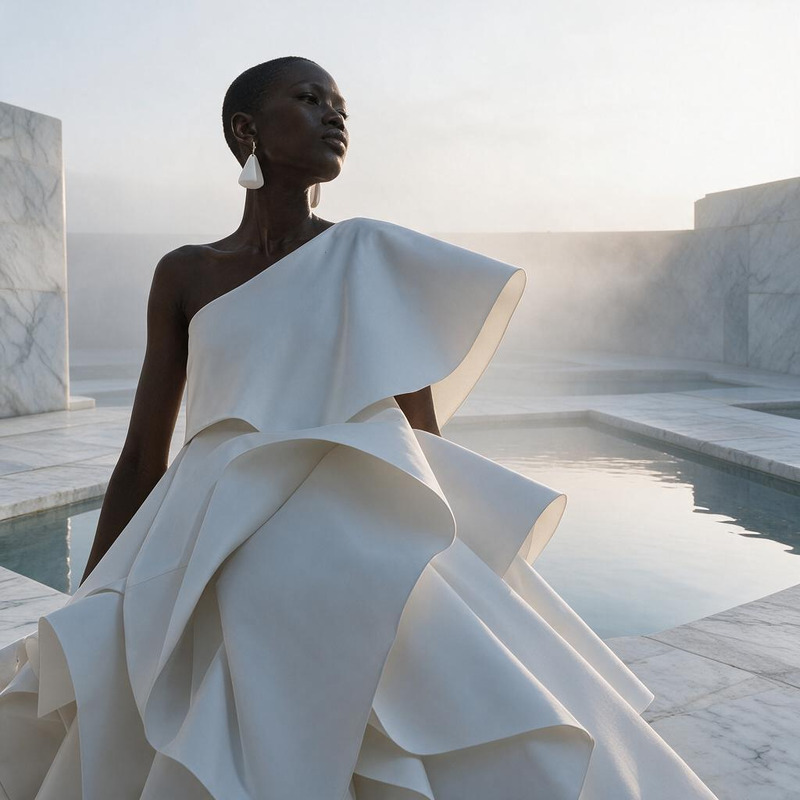
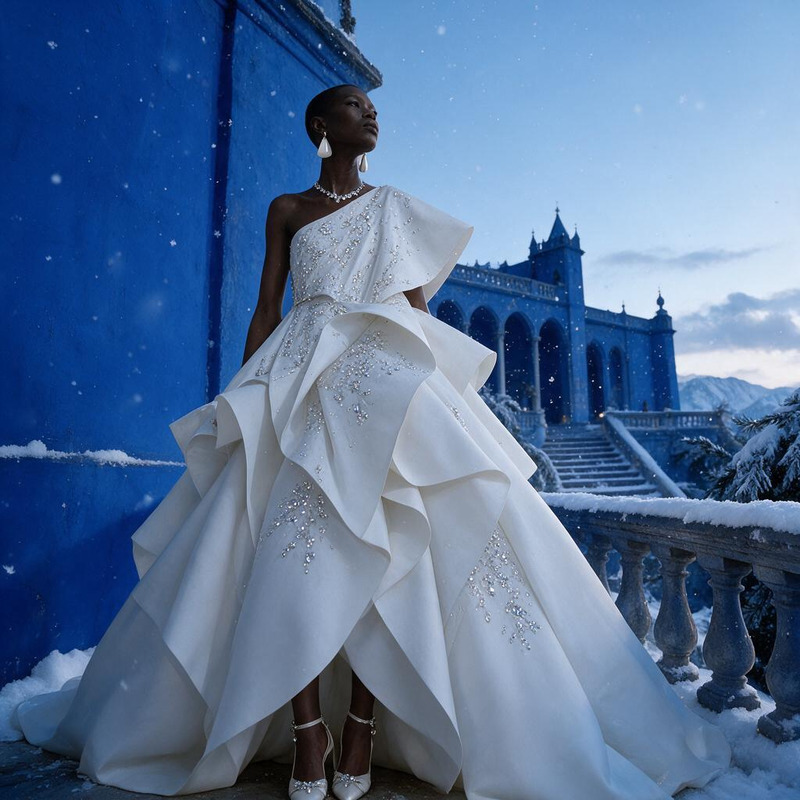
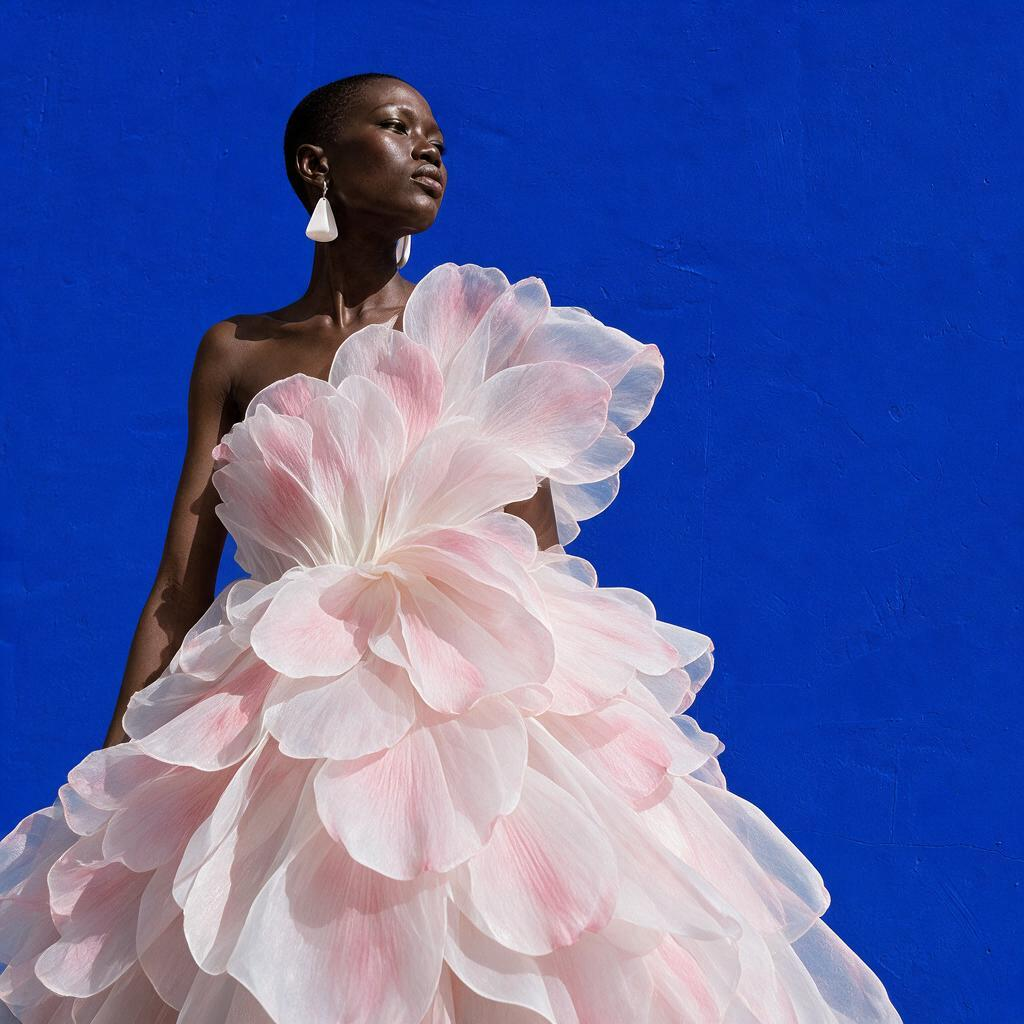
Turn the white dress into layered translucent petals with subtle blush tones, preserving the model and pose
Any aspect ratio
Overview
The AI Image Editor template allows you to transform garments in your photos with artistic flair. Designed with the powerful seedream-v5-pro model, this template turns a plain white dress into a spectacle of layered translucent petals tinged with blush tones, all while maintaining the integrity of the model and pose. A perfect tool for designers and photographers who want to visually experiment with clothing textures and colors.
What It Does
This template modifies clothing in images by changing a basic white dress into layered petals with blush tones. It utilizes the AI Clothes Changer capability to ensure seamless integration and preservation of the original model's outline and stance. The result is a sophisticated artistic impression of your images.
Who It's For
Designed for fashion designers, photographers, and creative directors, this template is ideal for anyone looking to experiment with garment design digitally. It's a great tool for those in the fashion industry or anyone engaged in product photos to video creation, who need to visualize how different textures and styles can enhance their projects.
Summary
The transformed visual result depicting layered petals and subtle blush tones breathes new life into fashion images. This provides users with an artistic edge and the flexibility to explore creative avenues effortlessly. Access additional features similar to this through other products like the AI Image Editor.
How To
Choose the Template

Customize Your Project

Generate and Download

Use Cases
Fashion Design Prototyping
- Quick iterations of design ideas
- Cost-effective visualization
- Enhanced design presentations
Creative Photography
- Variety in a single photoshoot
- Artistic flair additions
- Portrait enhancements
Marketing Material Creation
- Unique catalog items
- Custom advertisement imagery
- E-commerce specific images
Content for Blogs and Magazines
- Visual storytelling
- Engaging color and texture narratives
- Improved reader engagement
Best Practices
High-Quality Inputs
Use high-resolution images to ensure that the transformation process retains details and looks natural.Prompt Precision
Craft prompts carefully to capture the exact visual details you envision, ensuring the result matches your creative direction.Test Different Styles
Don't hesitate to try various prompt variations to see how different style transformations complement your original design.