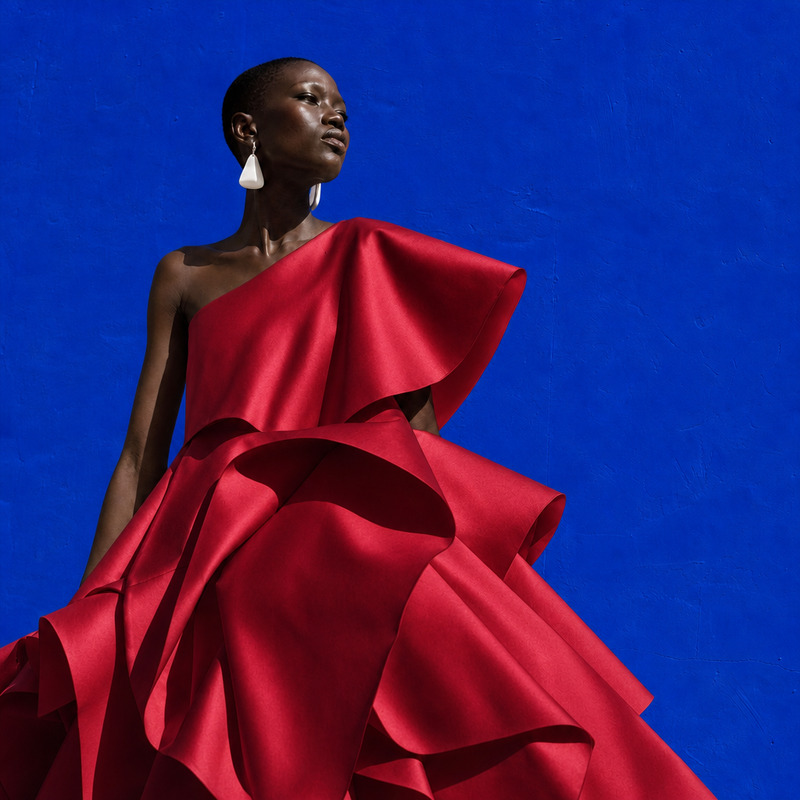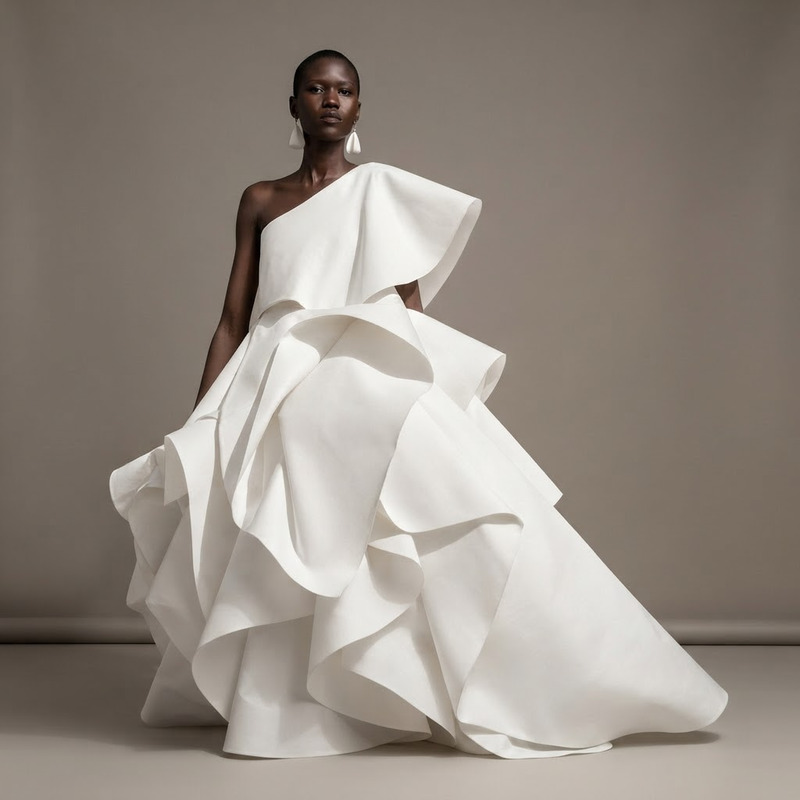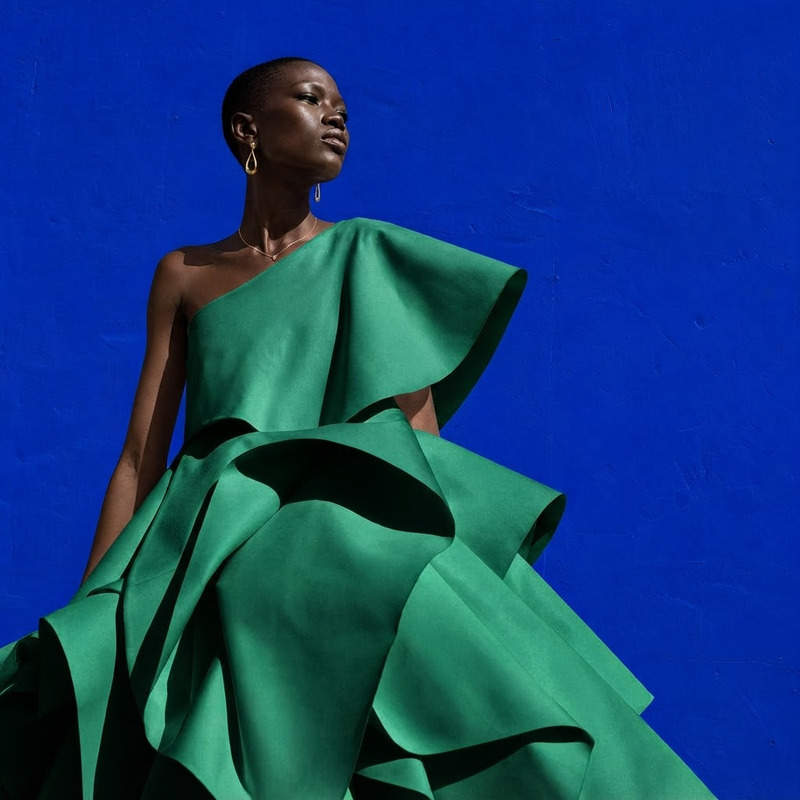
AI Image Editor · Change the dress to a tailored

AI Image Editor · Change the dress to a tailored

AI Image Editor
1 image
1 use

Any aspect ratio

Prompt

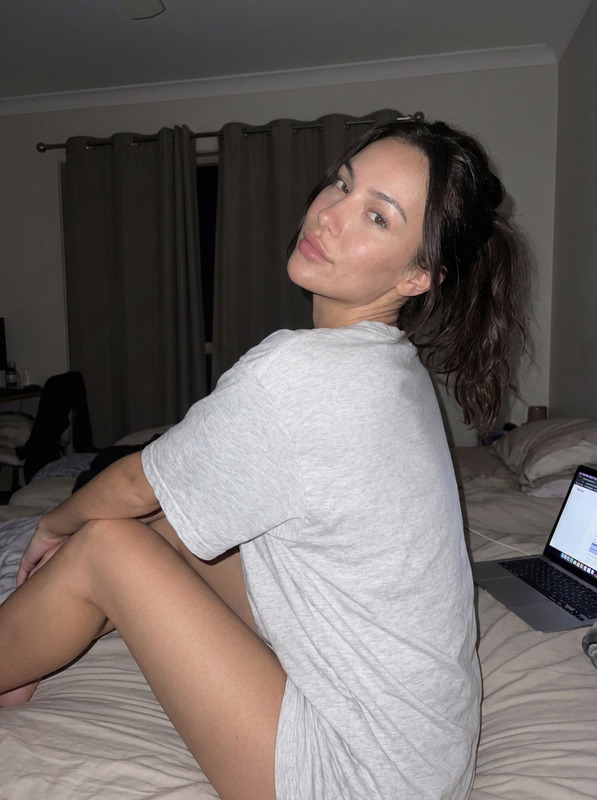
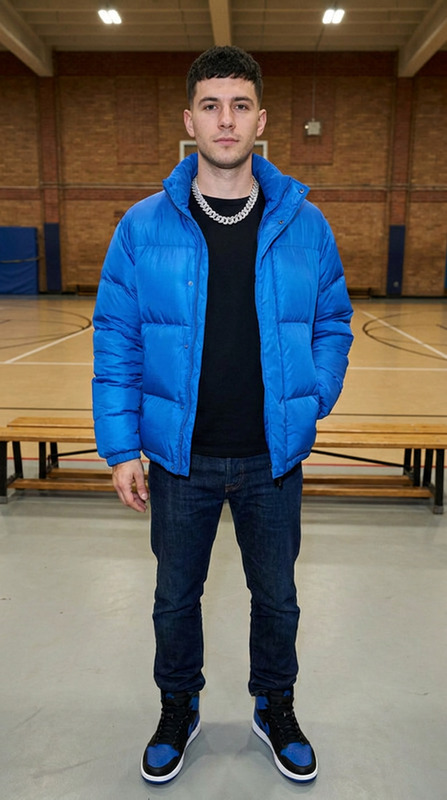
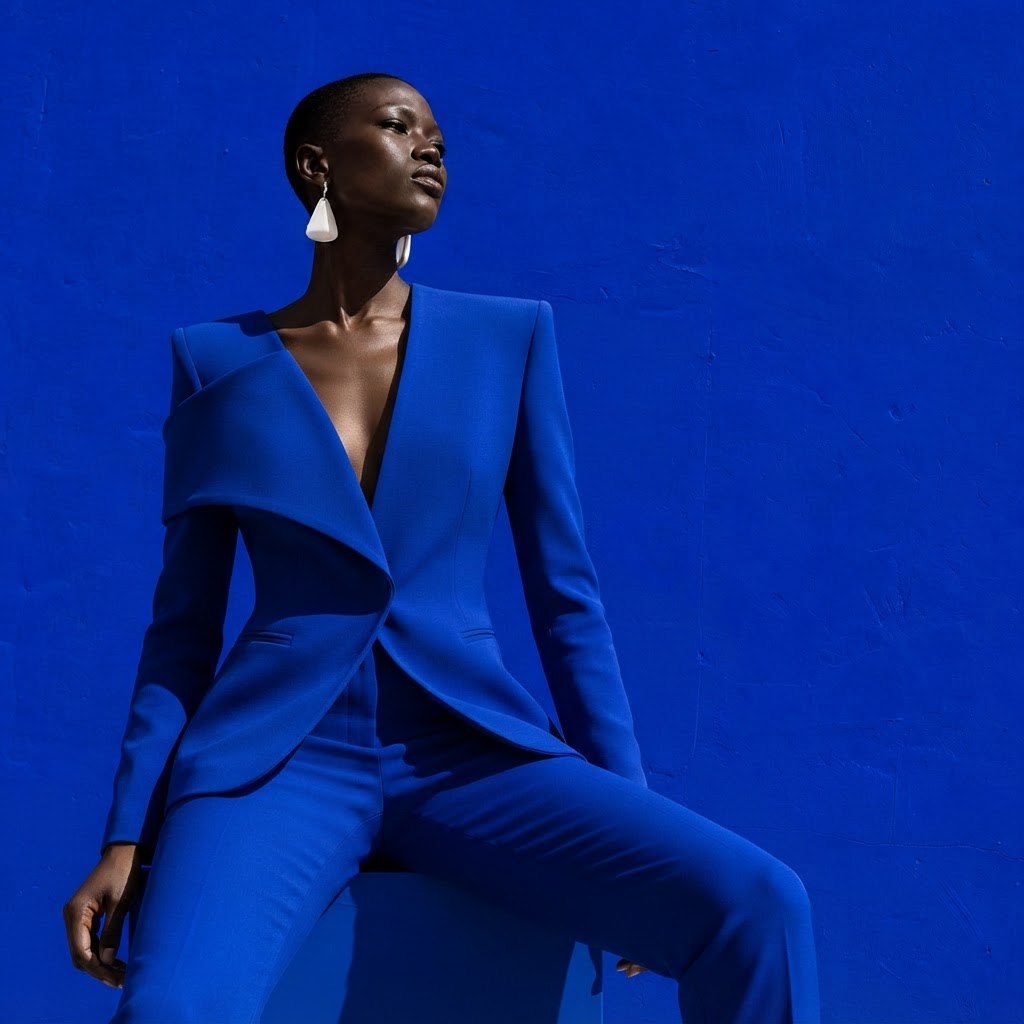
Change the dress to a tailored cobalt pantsuit while preserving the person, face, and seated pose

Overview

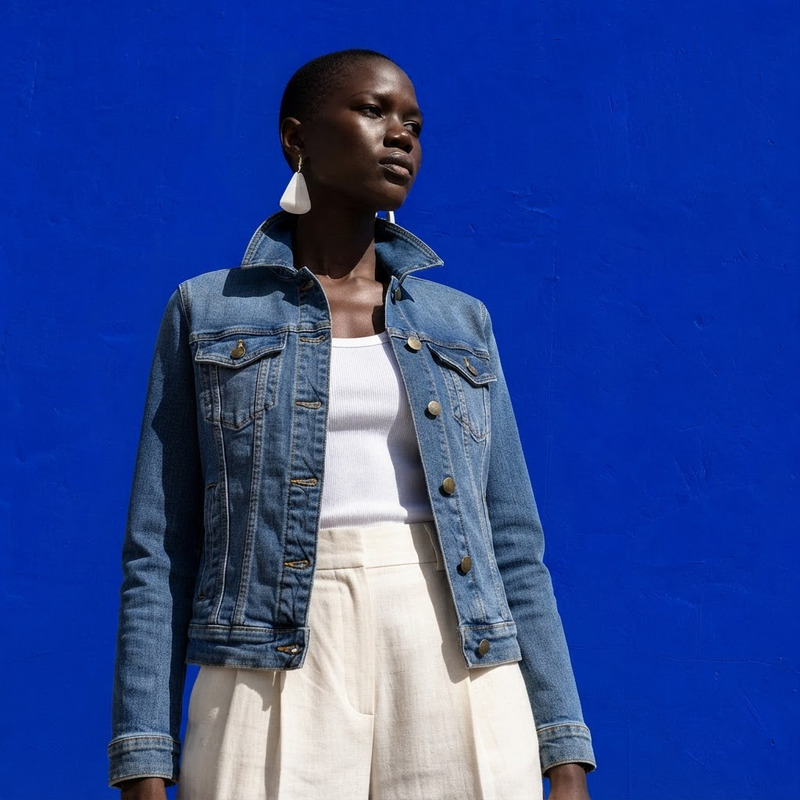
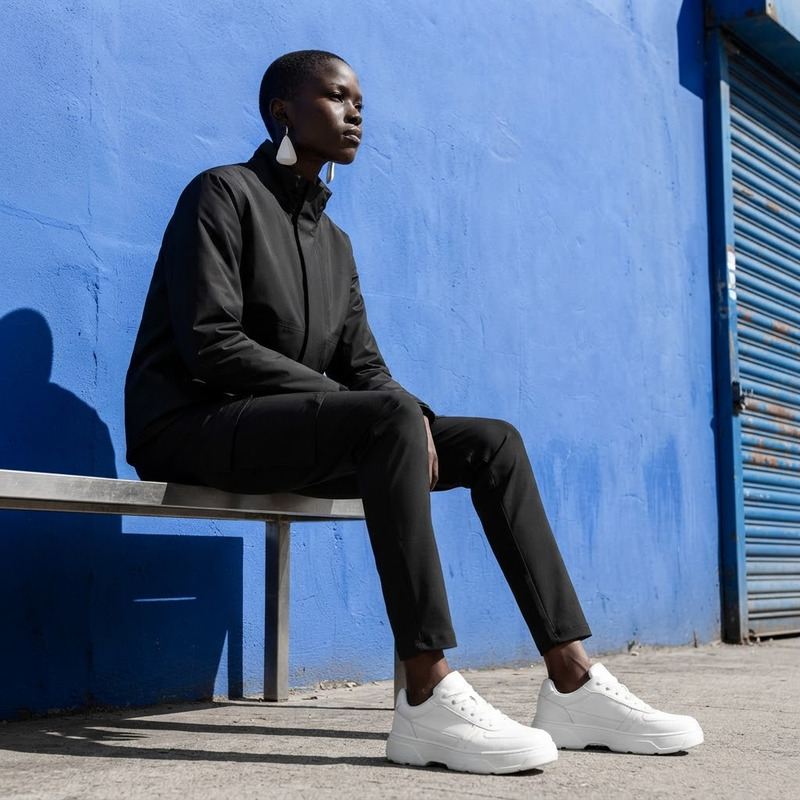
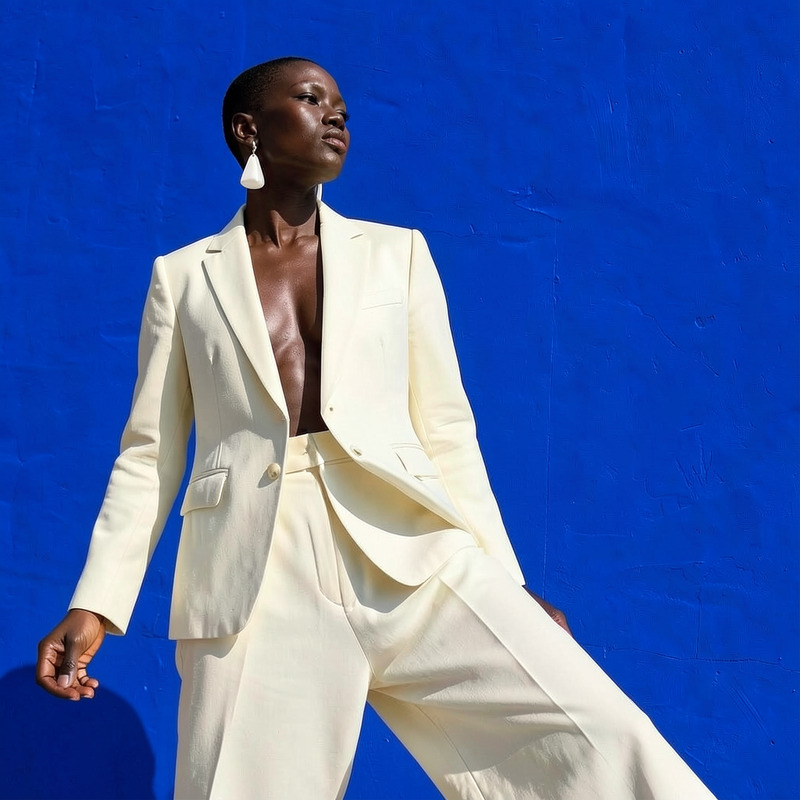
The AI Image Editor template offers the ability to transform clothing in images, allowing you to change a dress to a tailored cobalt pantsuit. With the underlying nano-banana-2-lite model, it preserves the integrity of the person, their face, and pose, ensuring realistic results in diverse settings.

What It Does

This template focuses on altering clothing within an image. It automatically adjusts the attire to a cobalt pantsuit while keeping the original facial expressions and body posture intact. Perfect for creating polished visuals quickly, it aligns well with the goals of the AI Clothes Changer product line, delivering tailored image transformations.

Who It's For

Designed for fashion designers, marketing professionals, and social media influencers, this tool supports anyone in need of a quick wardrobe change for promotional or editorial imagery. It integrates seamlessly with workflows involving the AI Product Photography and similar image-centric applications.

Summary

The AI Image Editor for clothing changes combines ease of use with powerful model capabilities. Tailored for those in the fashion and branding industries, it provides a sophisticated approach to altering garment styles without the need for reshooting photos.

How-To Steps

Follow these steps to change a dress to a tailored pantsuit using AI.
    01

    Choose the Template

    Find and select the 'AI Image Editor · Change the dress to a tailored' template from the image editor category.
    02

    Customize Your Settings

    Upload your image and ensure the prompt is set to change the dress to a "cobalt pantsuit" while maintaining the face and pose.
    03

    Generate and Download

    Run the process and review the adjustments. Once satisfied, download the edited image in the desired format.

Use Cases

Innovative applications of AI Image Editor in various scenarios.
👗

Fashion Retail

Easily update images for new season collections without the need for entirely new photo sessions.
  • Save time in photo sessions.
  • Quick wardrobe updates.
📱

Social Media Content

Create fresh content regularly by updating clothing styles in existing photos.
  • Keep social feeds dynamic.
  • Reduce content creation costs.
🛒

E-commerce Listings

Adapt product images for different marketing campaigns quickly.
  • Tailor images for seasonal sales.
  • Adjust image styles for target demographics.

Best Practices

Maximize the impact of your image edits with these guidelines.
  • Select High-Quality Source Images

    Achieve better results with high-resolution photos to ensure fine details are retained during the editing process.
  • Be Mindful of Lighting

    Ensure consistent lighting in your source image to make the alteration seamless.
  • Use Complementary Tools

    Consider using the Photo Colorizer to adjust skin tones or colors for a more natural look.
FAQs

You can change various types of attire, such as dresses to tailored suits, enhancing the style while preserving the original context.

Yes, the template allows for specific color changes, like turning a dress cobalt, while maintaining the garment's texture and fit.

The AI model analyzes and preserves the existing pose and facial features, ensuring a natural look after the clothing change.

Yes, the tool focuses solely on altering the attire, leaving the background and other image components untouched.

More Like This

Posing
2
Posing
Studio Edit
6
Studio Edit
AI Image Editor · Change the dress to tailored b
NEW
AI Image Editor · Change the dress to tailored b
AI Image Editor · Change the white dress to a ca
NEW
AI Image Editor · Change the white dress to a ca
AI Image Editor · Change the outfit into minimal
NEW
AI Image Editor · Change the outfit into minimal
AI Image Editor · Change the outfit to a cream t
NEW
AI Image Editor · Change the outfit to a cream t
Style Shift
Style Shift
AI Image Editor · Change the dress to sculptural
NEW
AI Image Editor · Change the dress to sculptural
AI Image Editor · Create a clean ecommerce fashi
NEW
AI Image Editor · Create a clean ecommerce fashi
AI Image Editor · Change the dress color to emer
NEW
AI Image Editor · Change the dress color to emer
AI Image Editor · Turn the image into a crisp pr
NEW
AI Image Editor · Turn the image into a crisp pr
Pose Change
NEW
Pose Change

AI Image Editor