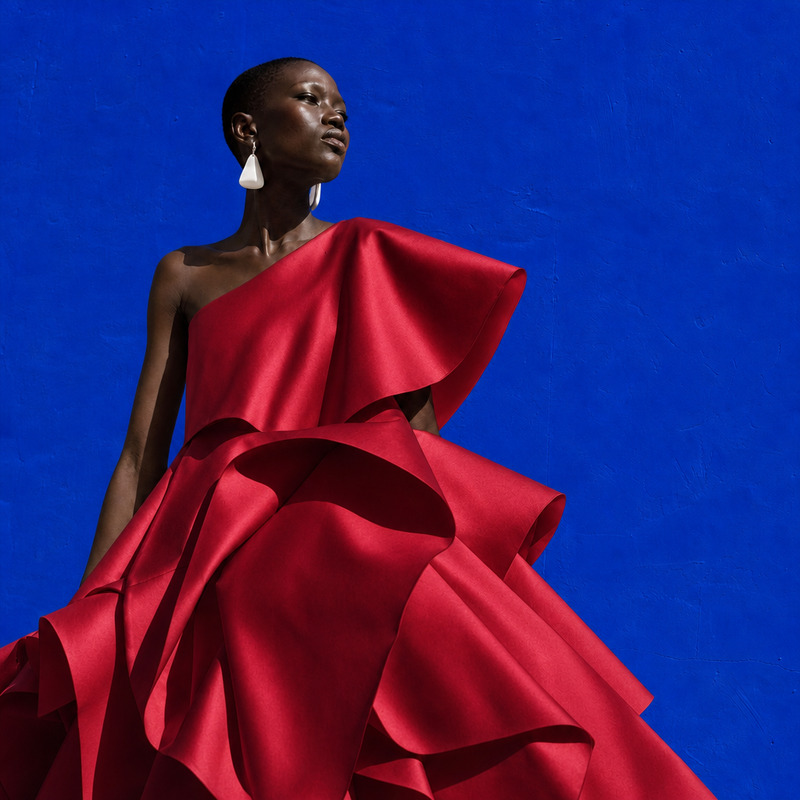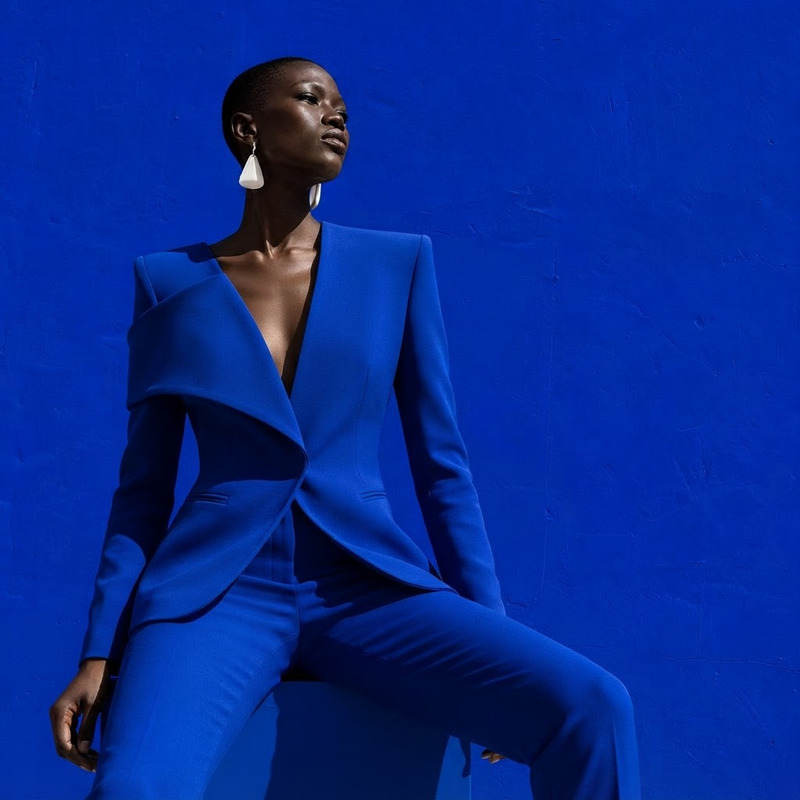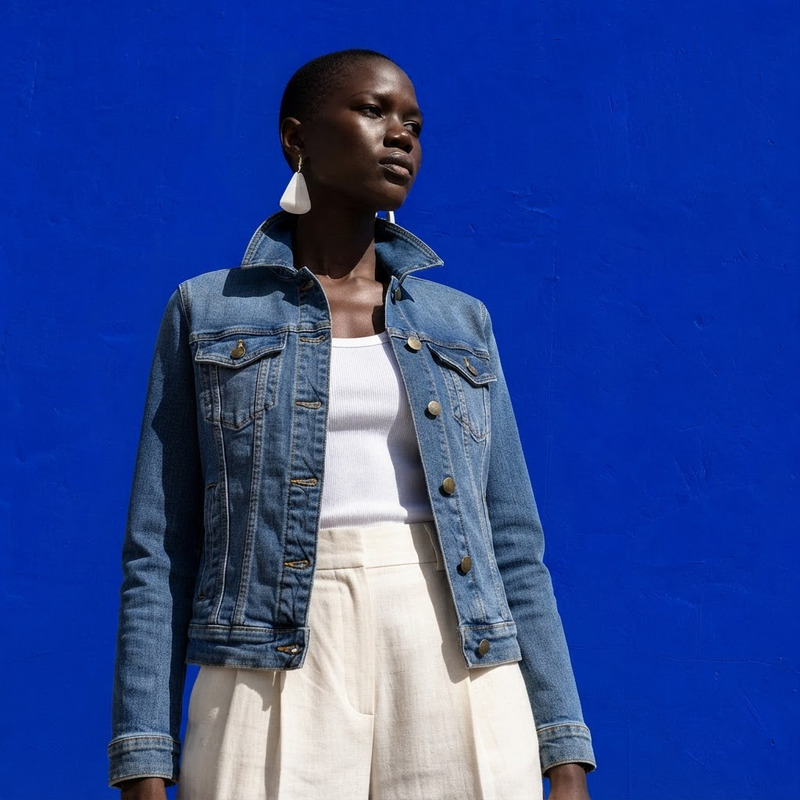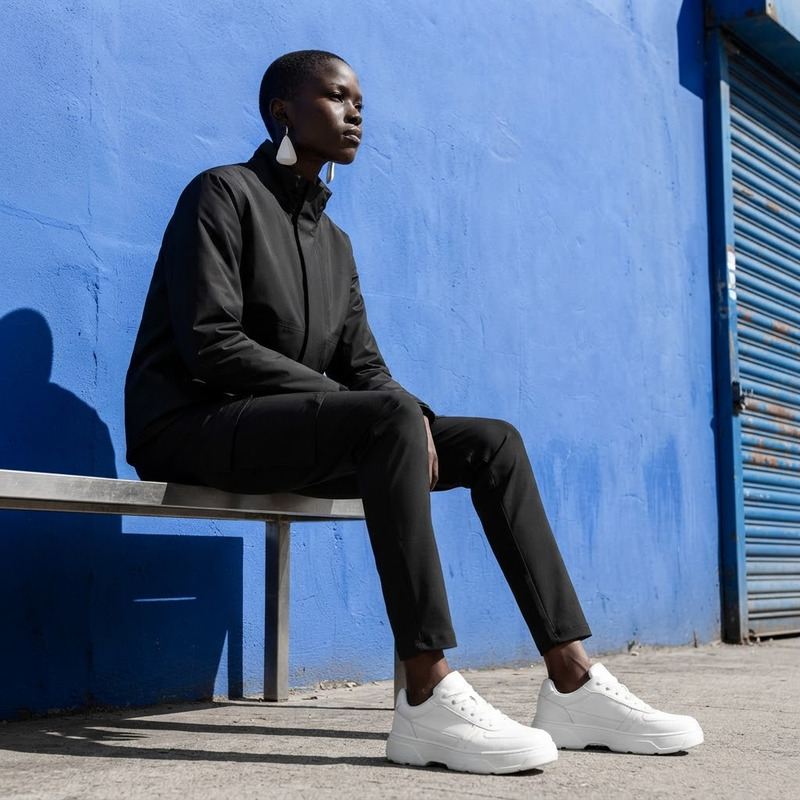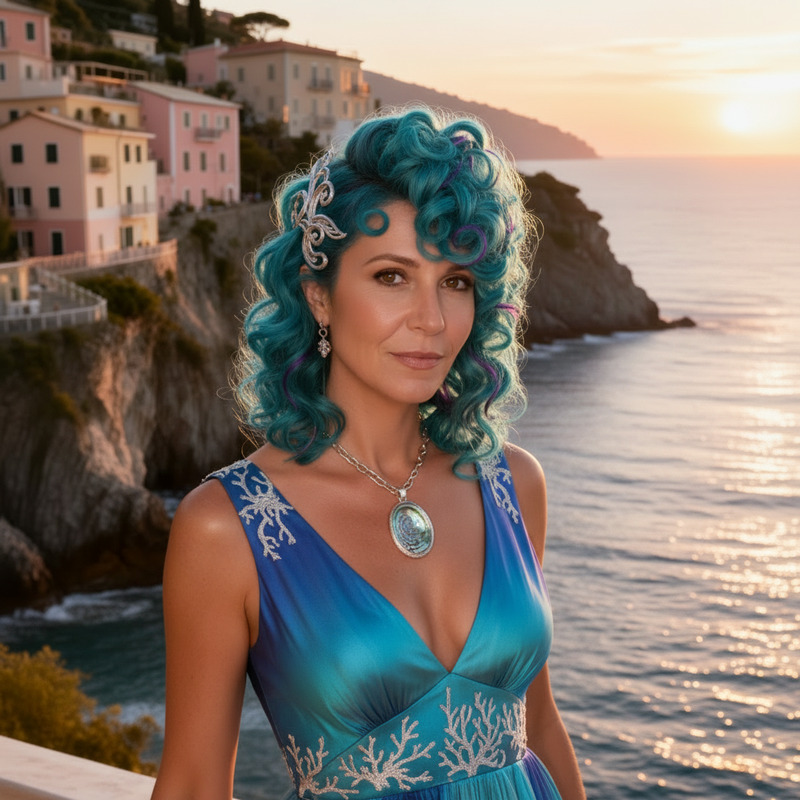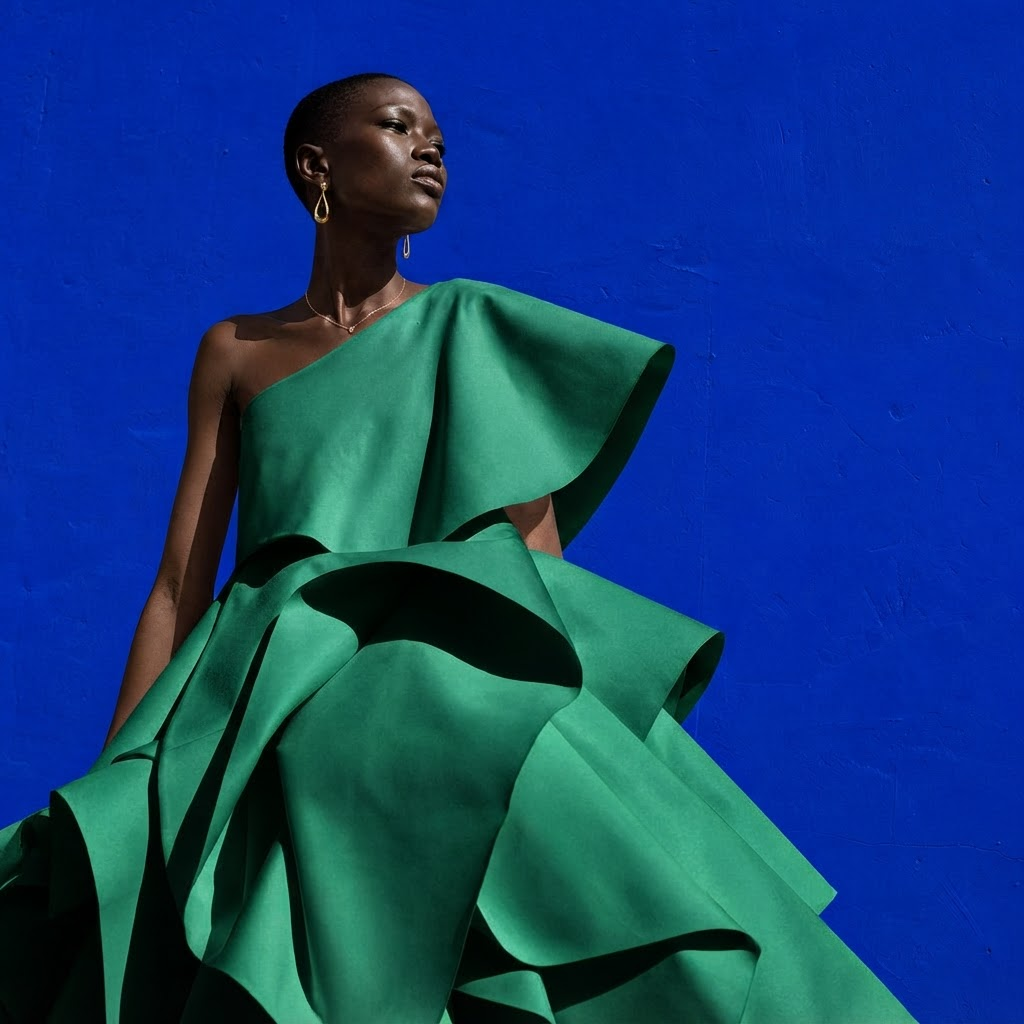
AI Image Editor · Change the dress color to emer

AI Image Editor · Change the dress color to emer

AI Image Editor
1 image
0 uses

Any aspect ratio

Prompt

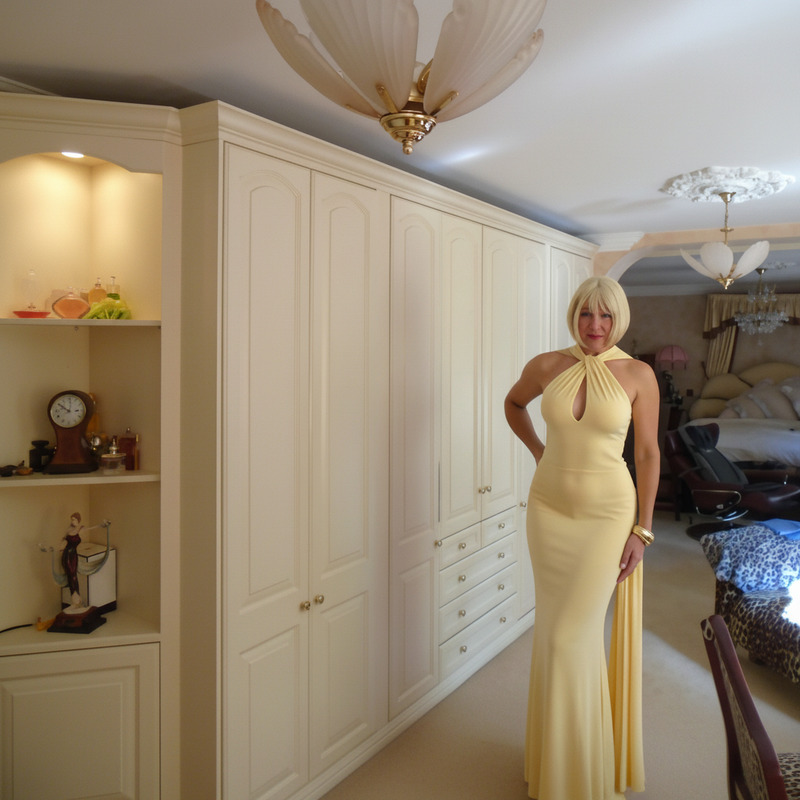
Change the dress color to emerald green and add subtle gold jewelry, preserving face and pose

Overview

The AI Image Editor template specializes in altering the color of clothing items in images. Using the nano-banana-2-lite model, it focuses on changing dress colors while maintaining the subject's natural appearance. Perfect for fashion edits and creative projects.

What It Does

This tool seamlessly changes the color of a dress in an image to a specified shade of emerald green. Additionally, it adds subtle gold jewelry accents, all while preserving the subject's original face and pose. It's part of a suite of editing options available for various media, much like the tools found in AI Image Editor.

Who It's For

Perfect for fashion designers, social media influencers, and photographers looking to enhance their visuals. Whether creating promotional content or simply experimenting with different styles, this tool offers customization without technical complexity. It complements other fashion-focused tools like the AI Clothes Changer.

Summary

With this user-friendly AI Image Editor, changing a dress to a vibrant emerald green is straightforward. Pair it with AI Headshot Generator to create cohesive and stylish visuals that attract attention. Easily downloadable outputs ensure smooth integration into your workflow.

How-To

To use this template, follow these steps for precise color editing and enhancement.
    01

    Choose Template

    Find the 'AI Image Editor' in the template library and select it from the available options.
    02

    Customize Settings

    Upload your image and input the request to change the dress color to emerald green, adding subtle gold jewelry. Ensure the face and pose details remain unchanged.
    03

    Generate Image

    Click 'Generate' to initiate processing. Once complete, download your enhanced image file for use.

Use Cases

Explore practical applications for fashion, marketing, and creative projects.
🎨

Fashion Design Previews

Visualize designs with different color palettes before production.
  • Create multiple color options for a single design
  • Evaluate color compatibility with accessories
📱

Social Media Content

Create eye-catching posts to engage and grow your audience.
  • Enhance influencer photos with trend-specific colors
  • Craft unique fashion stories for Instagram
🏷️

Brand Campaigns

Develop cohesive visuals for marketing without the cost of reshoots.
  • Align fashion pieces with campaign themes
  • Quickly adapt visuals for seasonal trends

Best Practices

Maximize the potential of the AI Image Editor for superior results.
  • Use High-Resolution Images

    Ensure source images are of high quality to achieve the best edit results.
  • Maintain Original Lighting

    Consider the image's lighting to ensure that edited colors appear natural.
  • Experiment with Accessories

    Subtle changes in accessory colors, like gold jewelry, can add elegance to your edits.

FAQs

High-resolution images with clear and distinct clothing items provide the best results.

Currently, the template focuses on a single clothing item per edit to ensure quality.

Yes, the editor maintains the original image quality, focusing on color and accessory modifications.

While gold jewelry can be added, other customizations may require additional tools.

More Like This

Studio Edit
6
Studio Edit
AI Image Editor · Change the dress to sculptural
NEW
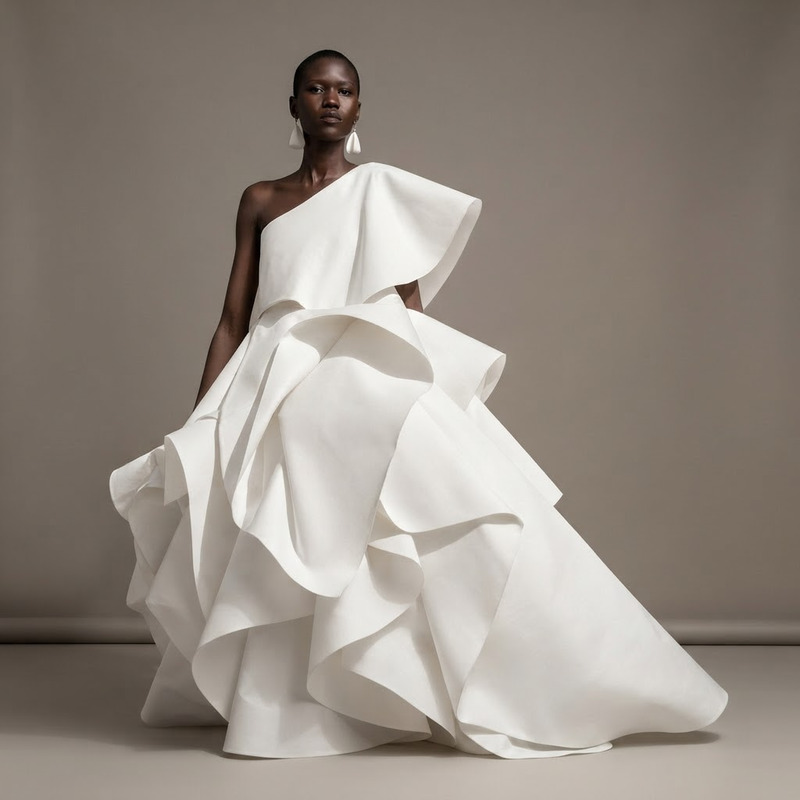
AI Image Editor · Change the dress to sculptural
AI Image Editor · Change the dress to tailored b
NEW
AI Image Editor · Change the dress to tailored b
AI Image Editor · Create a clean ecommerce fashi
NEW
AI Image Editor · Create a clean ecommerce fashi
AI Image Editor · Restyle the scene as a cozy au
NEW
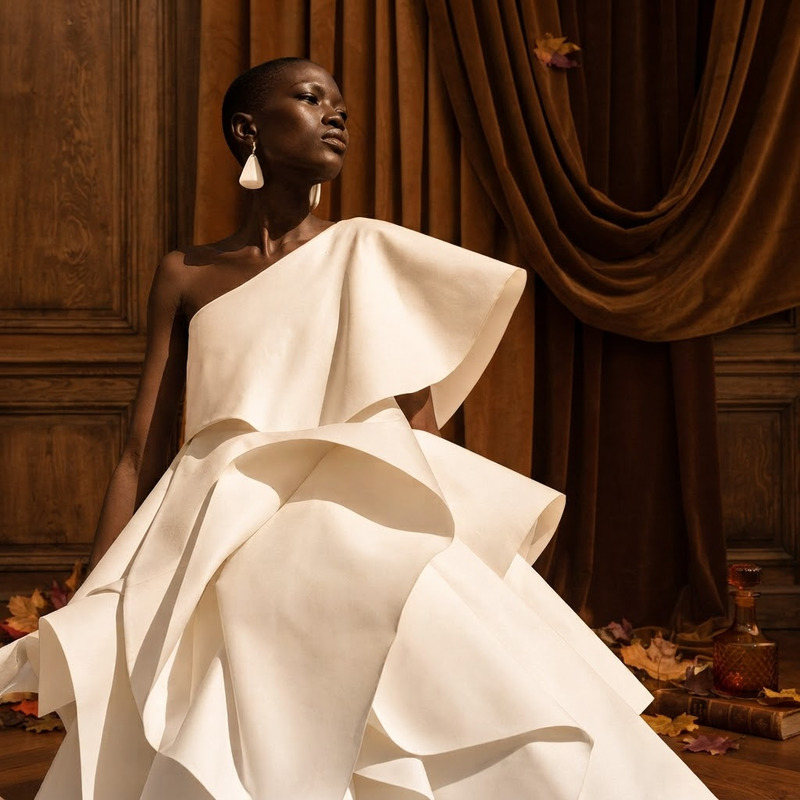
AI Image Editor · Restyle the scene as a cozy au
AI Image Editor · Add colorful paper flowers aro
NEW
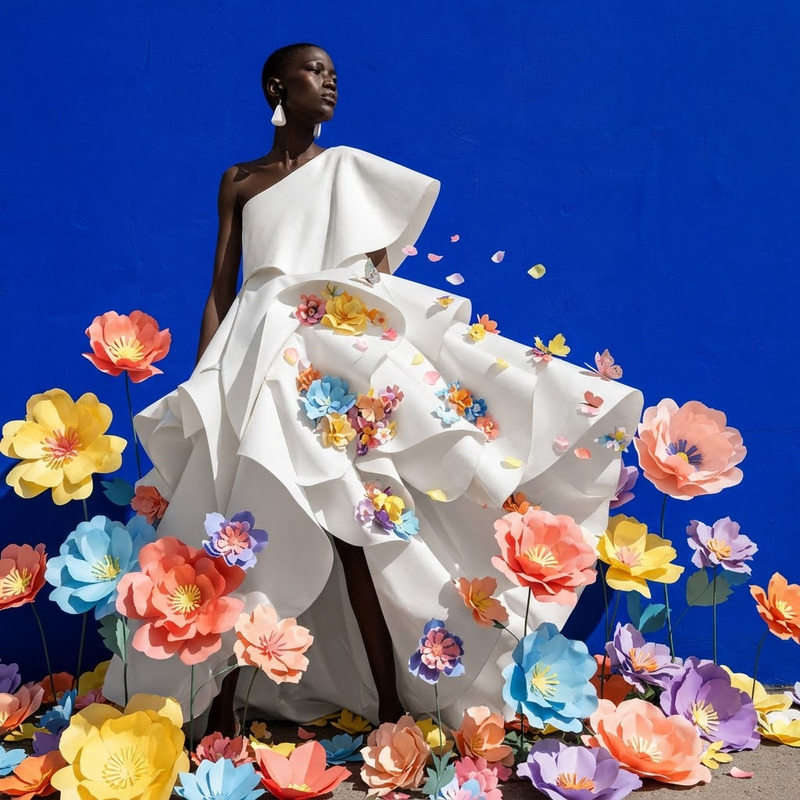
AI Image Editor · Add colorful paper flowers aro
Celebration Bold
Celebration Bold
AI Image Editor · Change the dress material to i
NEW
AI Image Editor · Change the dress material to i
AI Image Editor · Change the dress to a tailored
NEW
1
AI Image Editor · Change the dress to a tailored
AI Image Editor · Change the white dress to a ca
NEW
AI Image Editor · Change the white dress to a ca
AI Image Editor · Change the outfit into minimal
NEW
AI Image Editor · Change the outfit into minimal
AI Image Editor · Turn the image into a crisp pr
NEW
AI Image Editor · Turn the image into a crisp pr

AI Image Editor