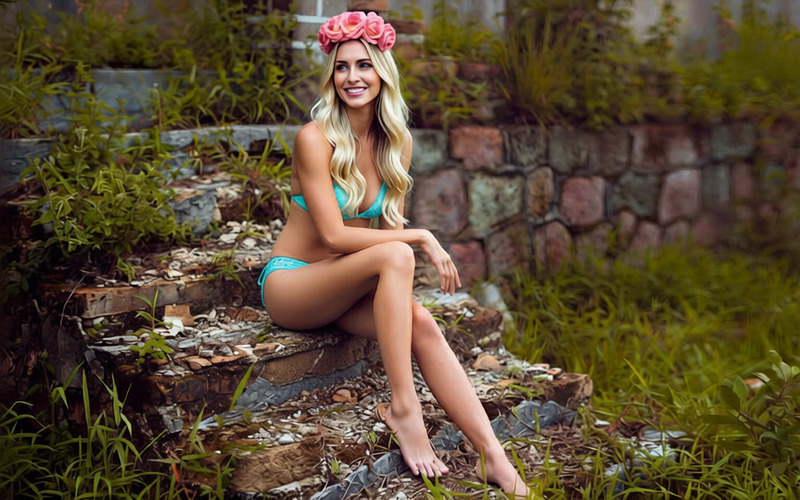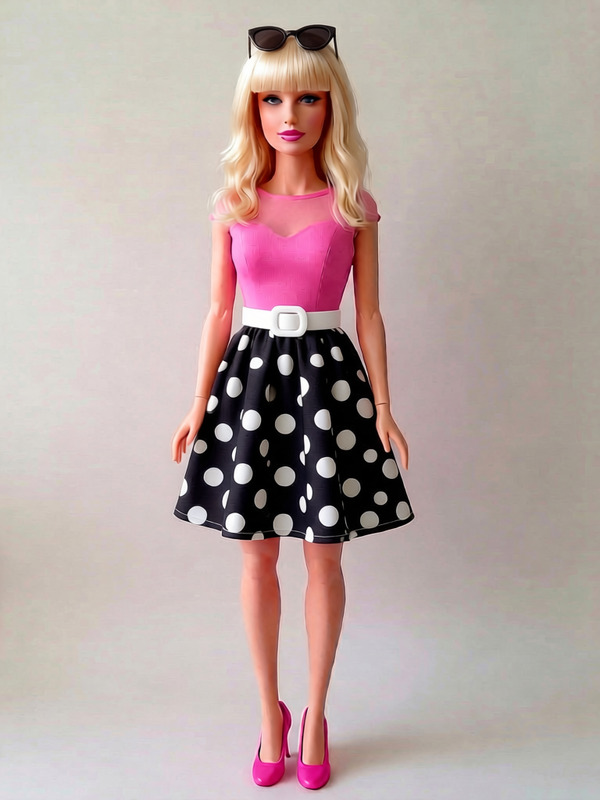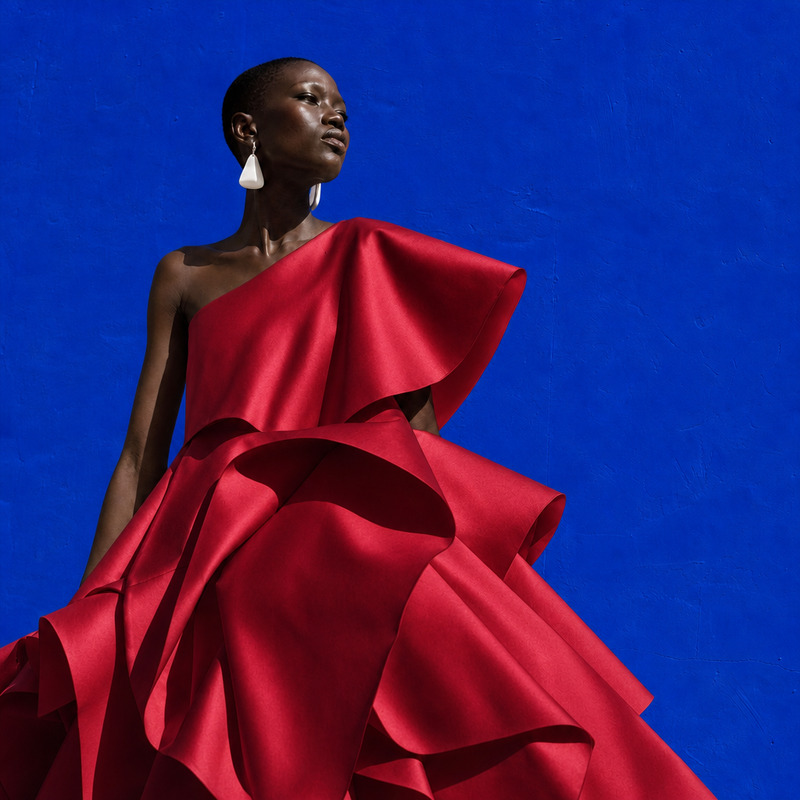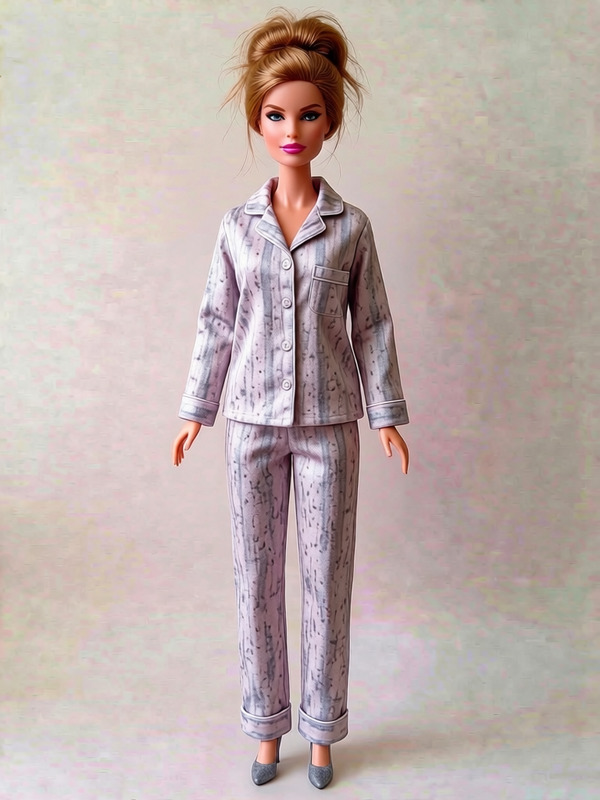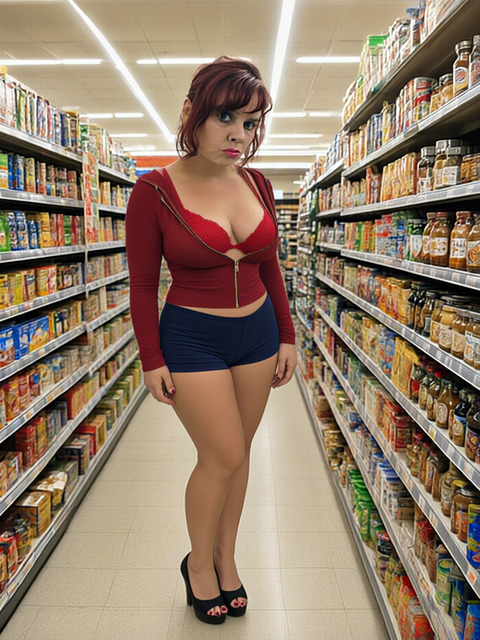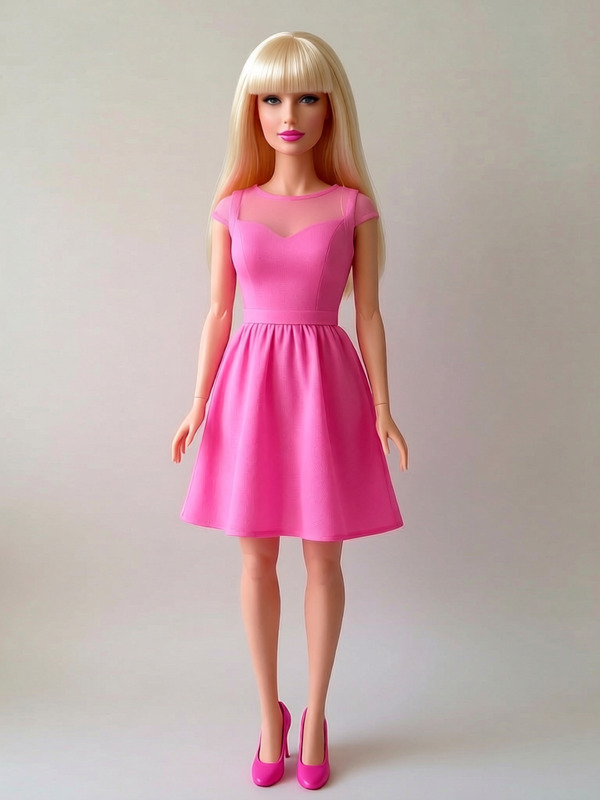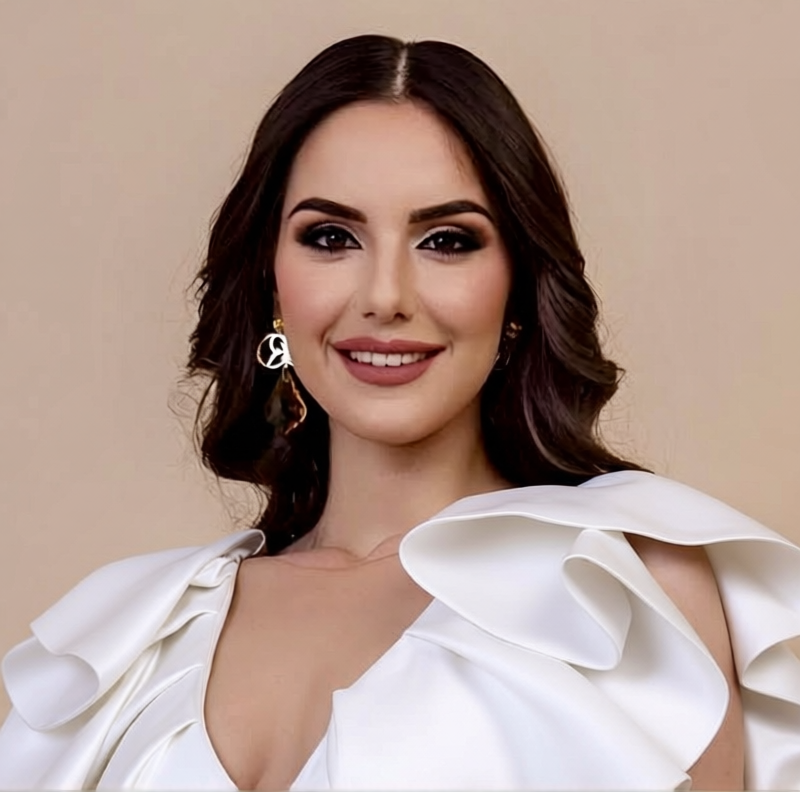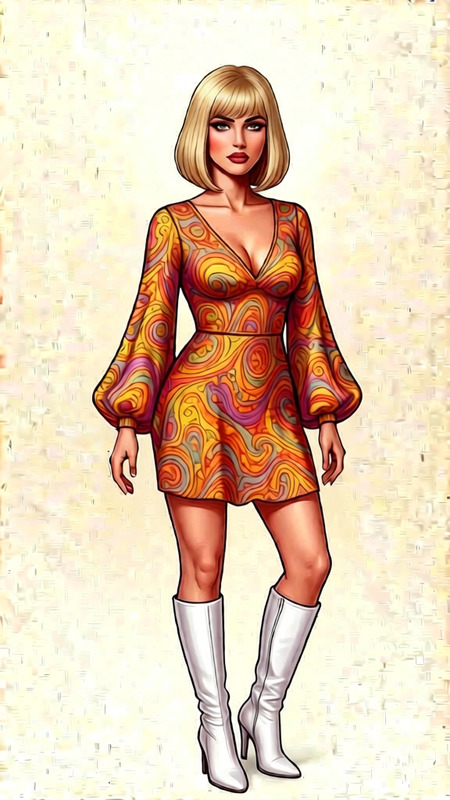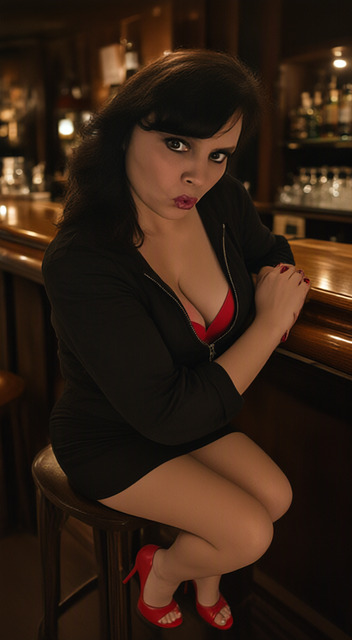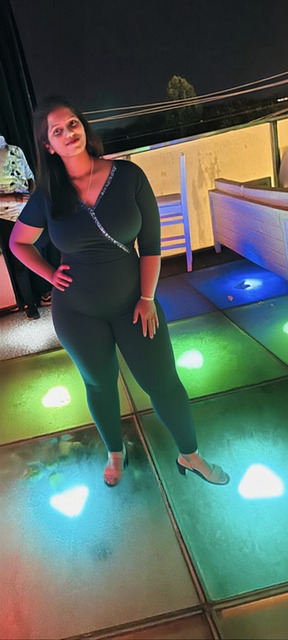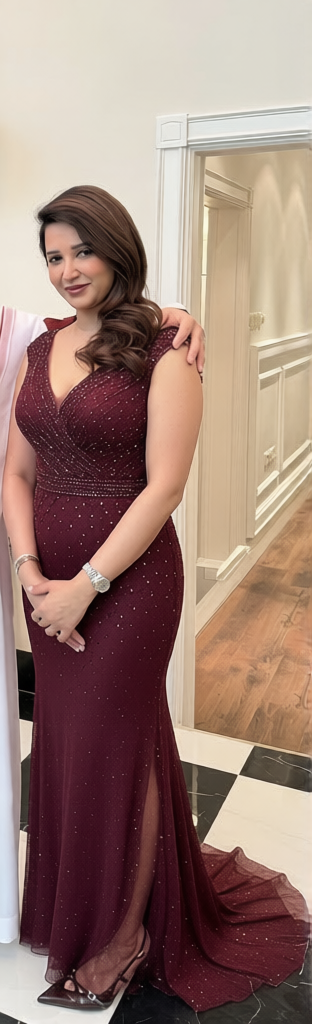
Red Evening Gown
- Model
- Qwen Edit
- Image
- 312 × 1024 px
Prompt
Change the dress to lingerie
Any aspect ratio
Overview
The "Red Evening Gown" AI Image Editor template, powered by the qwen-edit model, allows you to transform elegant evening gowns into eye-catching lingerie with just a few clicks. Crafted for designers and content creators, this template enhances fashion images with precision and creativity.
What It Does
Using the advanced capabilities of the AI Image Editor, this template modifies specific elements of a fashion image. By changing dresses into lingerie, it offers a fresh perspective while maintaining the original image aesthetics. Perfect for creating diverse fashion portfolios or enhancing product advertising.
Who It's For
This tool is ideal for fashion designers, digital content creators, and marketing professionals looking to diversify their projects. It offers an efficient way to experiment with styles and elevate the visual appeal of fashion collections, particularly where versatility in clothing presentation is key.
Summary
The "Red Evening Gown" template simplifies the creative process by offering a seamless way to transform evening gowns into stylish lingerie assets. It leverages the AI Image Upscaler to ensure high-fidelity results, catering to both high-end fashion demands and quick-turnaround digital campaigns.
How To
Choose Your Template

Customize Your Inputs

Generate and Download

Use Cases
Fashion Marketing
- Social media promotions
- Online store catalog updates
Creative Experimentation
- Design prototyping
- Trend forecasting
Product Visualization
- Virtual fashion shows
- Interactive magazine spreads
Best Practices
Choose High-Quality Images
For best results, use high-resolution images that clearly display the evening gown.Be Specific With Prompts
Detail the style and design elements you want in the lingerie to guide the AI accurately.Leverage Cropping Tools
Focus on specific areas of images using cropping tools to highlight the fashion piece effectively before applying the template.