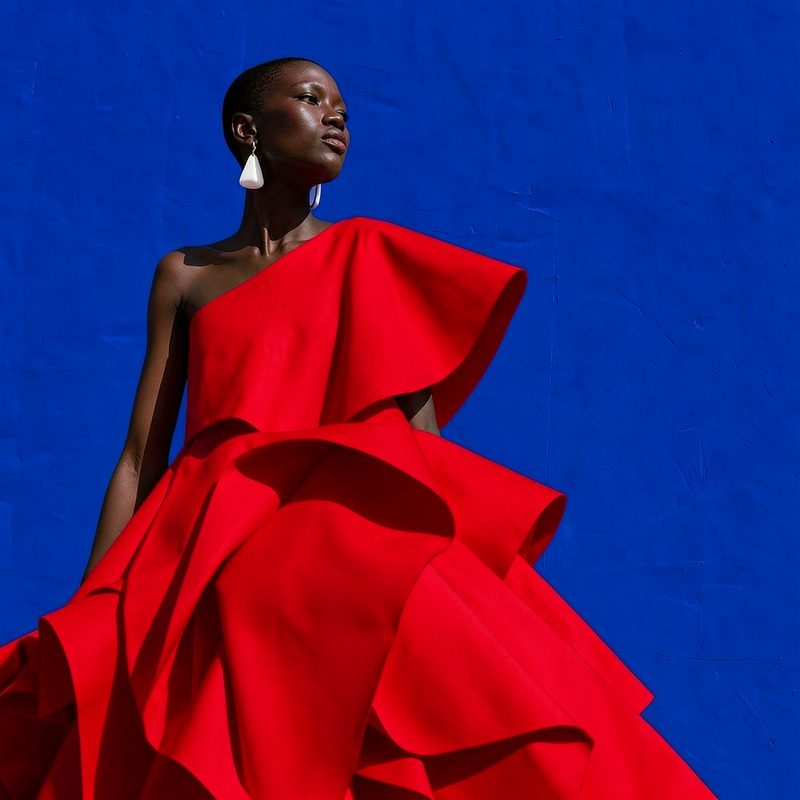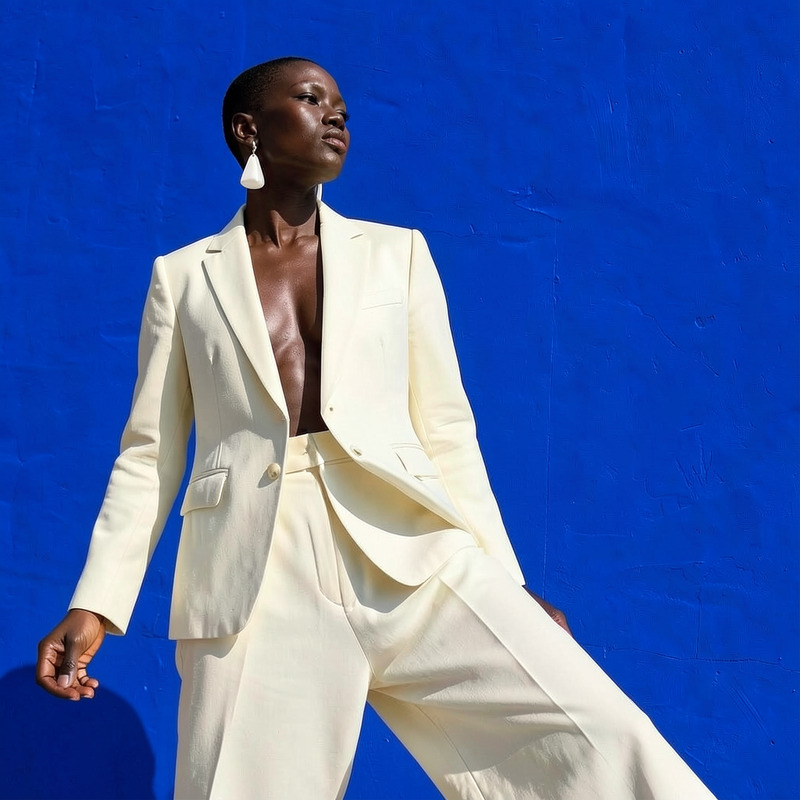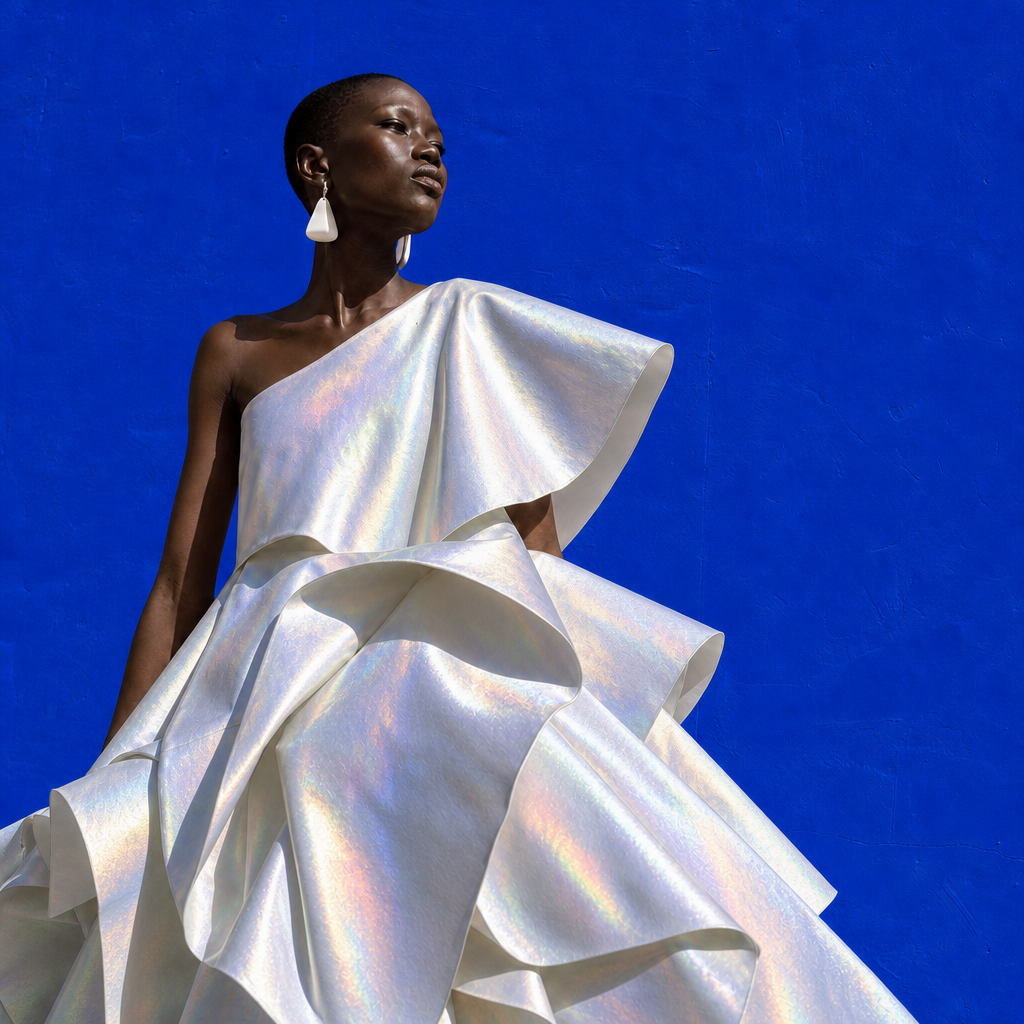
AI Image Editor · Change the dress material to i
- Model
- GPT Image 2
- Image
- 1024 × 1024 px
Prompt
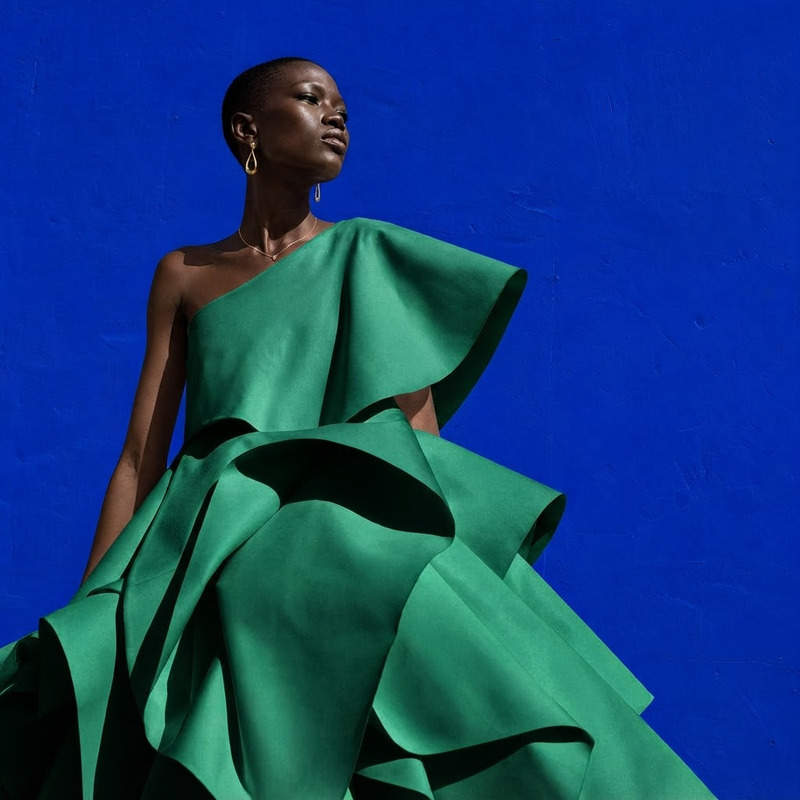
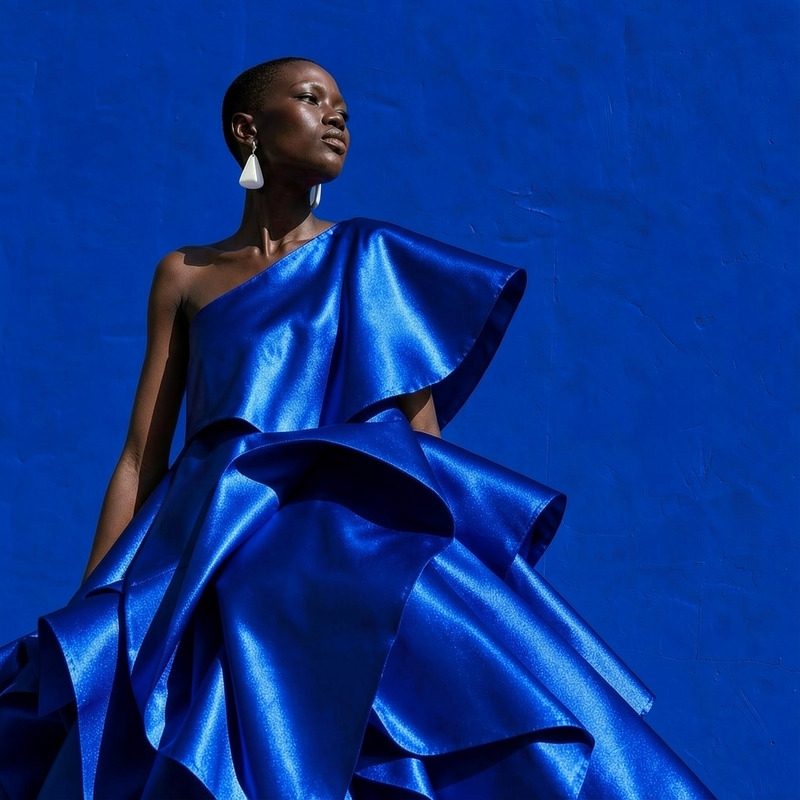
Change the dress material to iridescent metallic fabric with subtle rainbow reflections, preserving its shape
Any aspect ratio
Overview
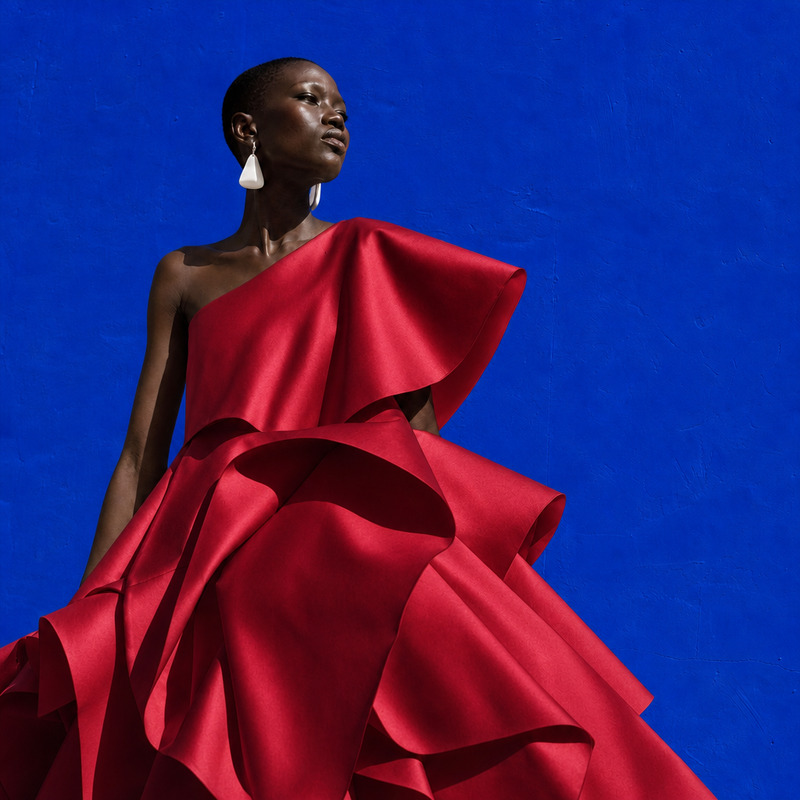
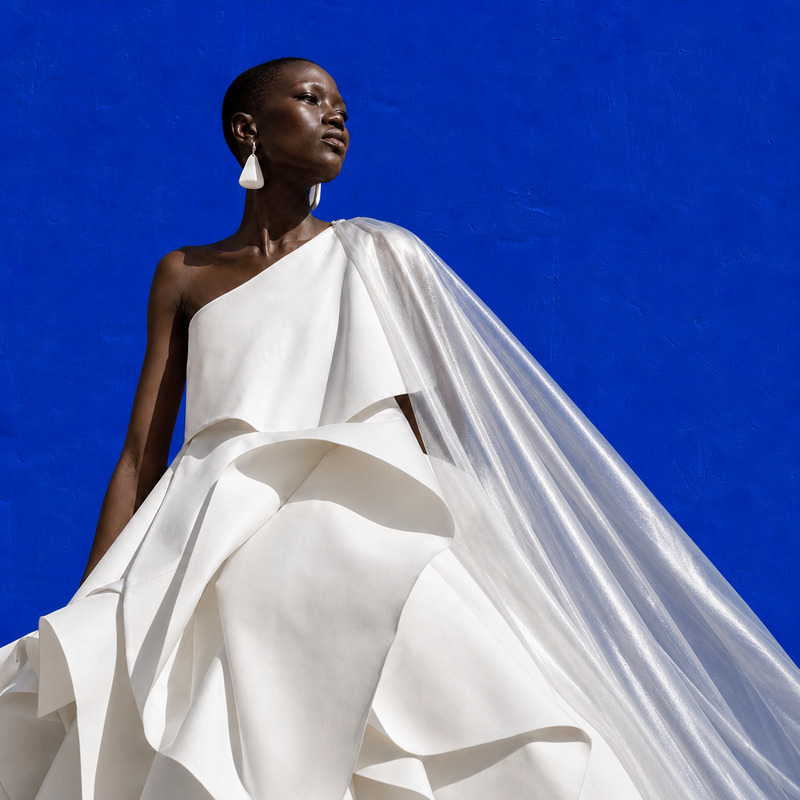
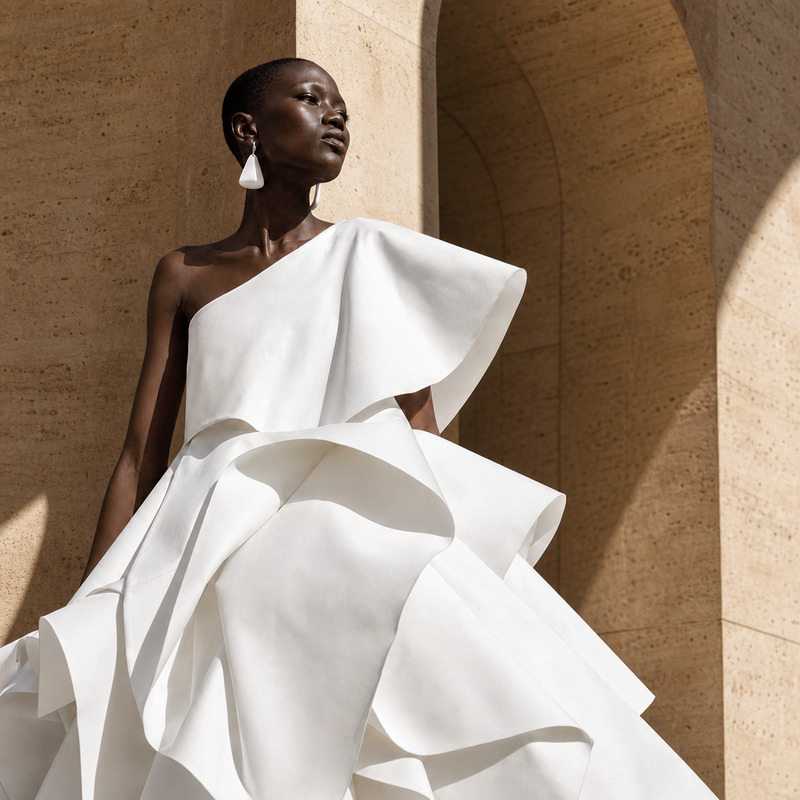
The AI Image Editor allows you to transform dress materials in your images by changing them to an iridescent metallic fabric, complete with subtle rainbow reflections. Utilizing the powerful gpt-image-2 model, this template preserves the original shape of the garment while elevating its aesthetic appeal.
What It Does
With this template, you can change the material of dresses in your images to an eye-catching iridescent metallic fabric. The AI Image Editor ensures that the original shape is maintained while adding depth and vibrancy through subtle rainbow reflections. Ideal for fashion designers and digital artists looking to experiment with different textures and looks.
Who It's For
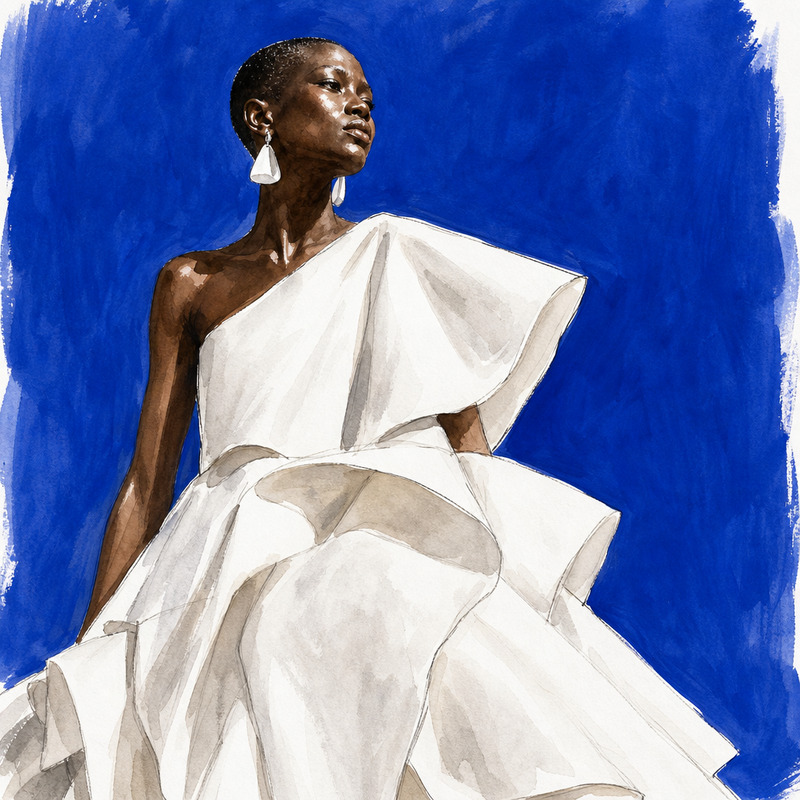
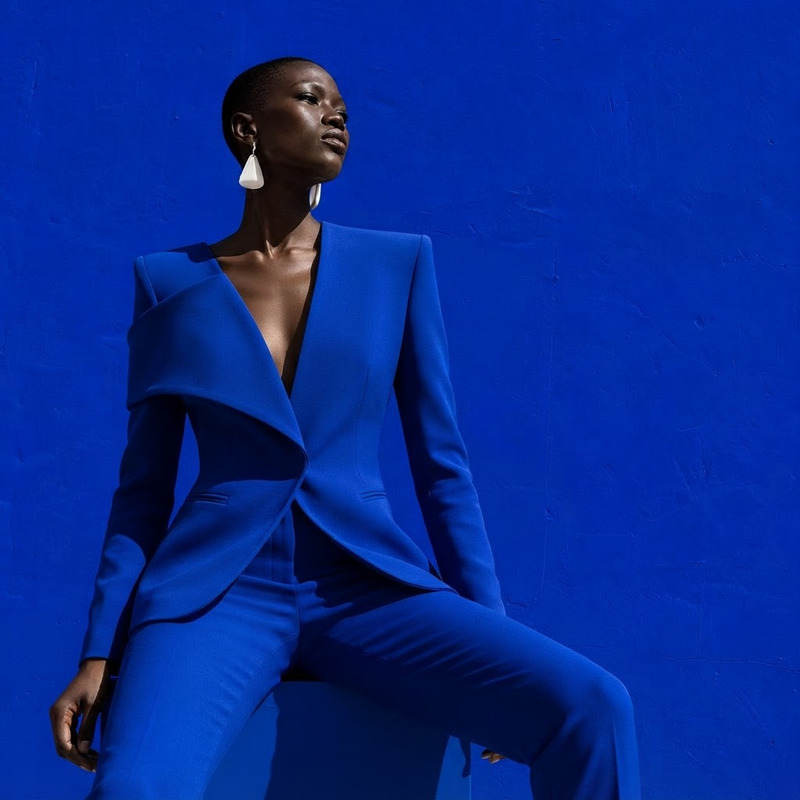
This tool is excellent for fashion designers, photographers, or digital artists who require a quick and effective way to visualize garments in new materials. It's also useful for creatives in e-commerce who wish to showcase a range of dress styles without multiple fabric samples.
Summary
Transform dress materials in images to an iridescent metallic fabric effortlessly with the AI Image Editor. Maintain the original shape while achieving a unique, vibrant look. Integrated with AI Image Upscaler and more to ensure high-quality results every time.
How To
Choose the Template

Customize Your Inputs

Generate the Image

Use Cases
Fashion Design Visualization
- Explore multiple fabric types for a single design sketch
- Enhance client presentations by showcasing vibrant textiles
E-commerce Product Variations
- Showcase potential looks to customers
- Reduce production costs with virtual testing
Digital Art Creation
- Create standout designs with new material effects
- Experiment with light and texture in your projects
Best Practices
Choose High-Resolution Images
Ensure your images are high-resolution to make the most out of the AI Image Upscaler for additional clarity and detail.Use Consistent Lighting
For the most realistic transformation, use images where the lighting matches the intended reflections of metallic fabrics.Consider Color Palettes
When selecting the iridescent finish, consider how the rainbow reflections will complement existing colors in your design.