AI Image Editor · Replace the blue background wi
- Model
- Nano Banana 2 Lite
- Image
- 1024 × 1024 px
Prompt
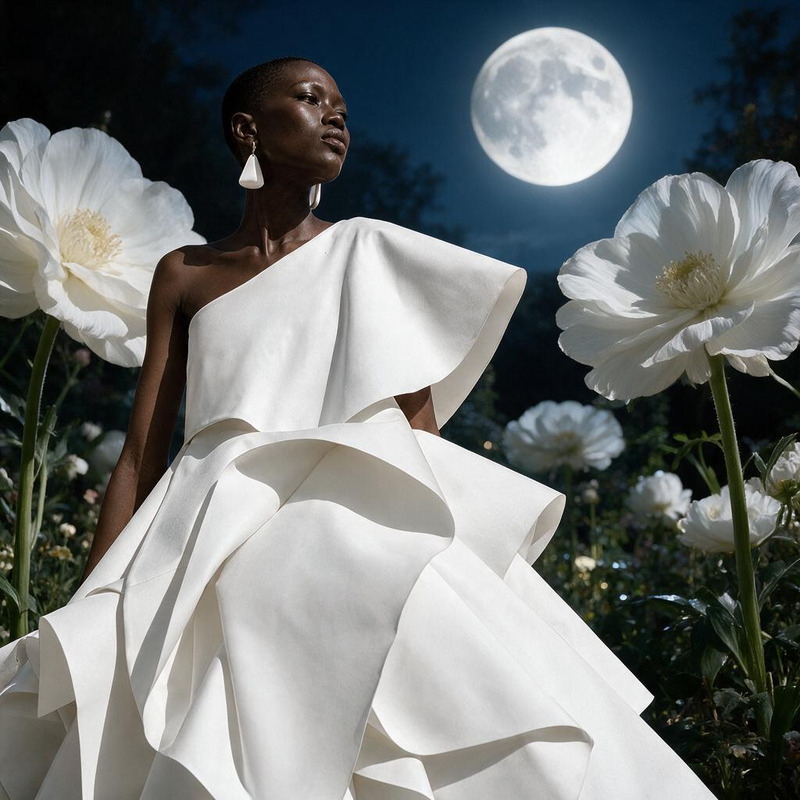
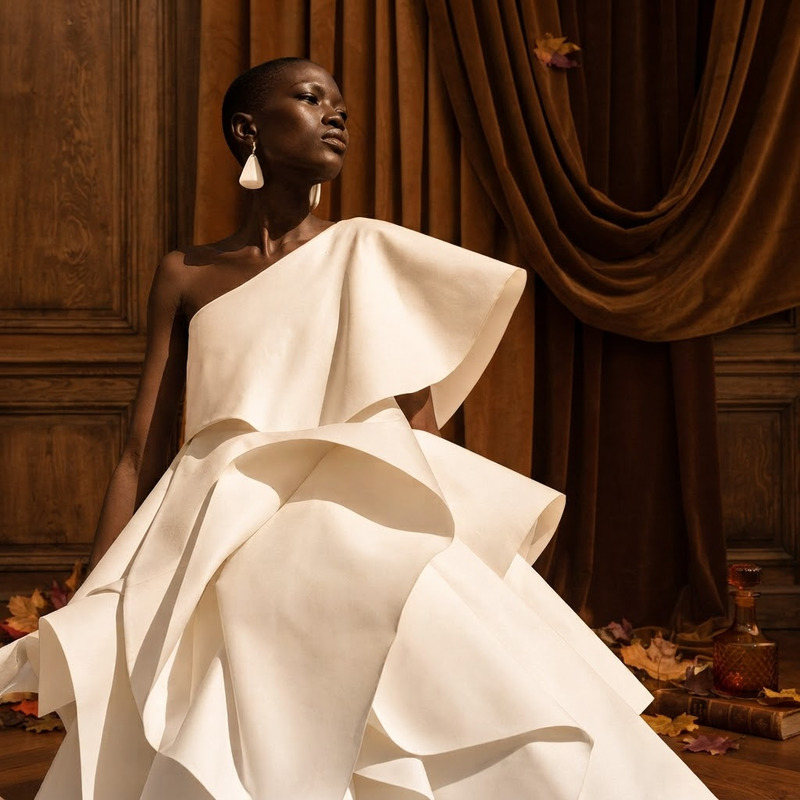
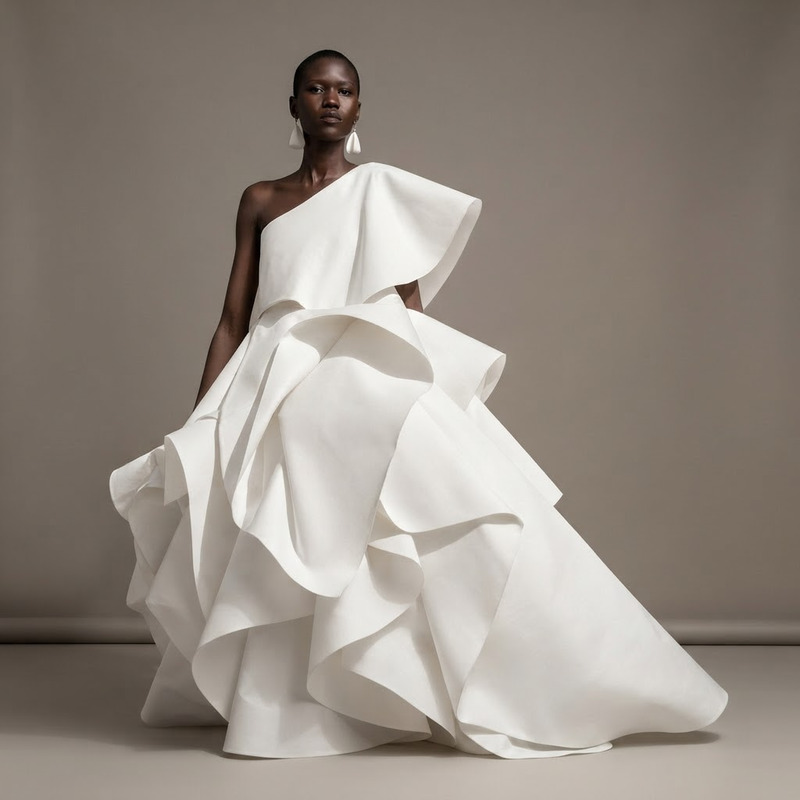
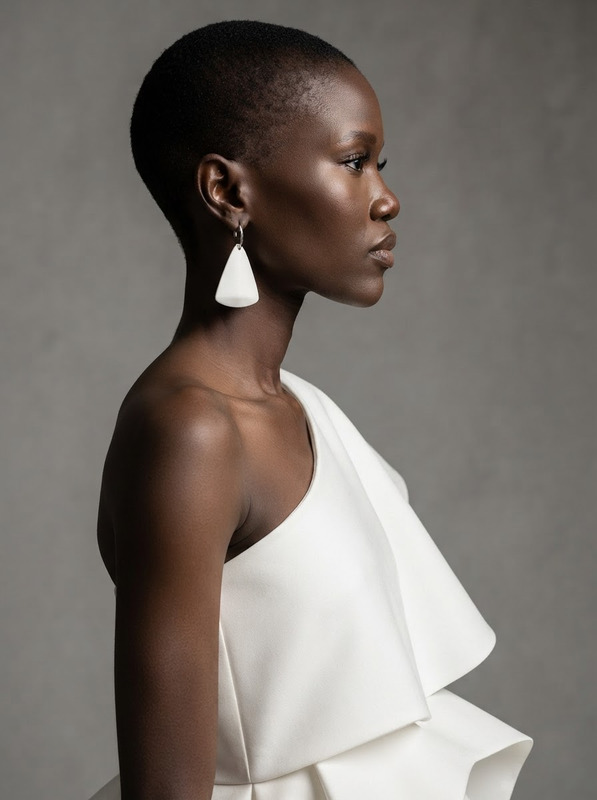
Replace the blue background with a bright sunlit loft and soft natural shadows
Any aspect ratio
Overview
The AI Image Editor template on Magic Hour is a sophisticated platform for transforming backgrounds in photos. Utilizing the AI Image Editor capabilities, this template specifically allows you to replace a blue background with a bright sunlit loft, complete with soft natural shadows. Powered by the efficient nano-banana-2-lite model, the template ensures high-quality results tailored for both personal and commercial projects.
What It Does
This template skillfully removes and replaces the existing blue backgrounds from images with a realistic portrayal of a sunlit loft environment. The shadows are enhanced to be soft and natural, lending a more authentic appearance to your images. You can efficiently edit images for a variety of purposes including enhancing product photography or creating engaging visual content.
Who It's For
The template is designed for creators, marketers, and designers who wish to enhance their visual content quickly. Whether you're crafting content for ecommerce ads or adjusting images for product photography, this tool streamlines the process of background substitution to amplify the impact of your imagery.
Summary
By using the AI Image Editor template, swapping a mundane blue background for an uplifting sunlit loft becomes straightforward. Ideal for diverse scenarios, from product shots to personal images, this tool leverages the power of AI Image Upscaler to achieve high-definition results.
How To
Choose Your Template

Customize the Input

Generate and Download

Use Cases
Product Photography
- Increase sales with visually appealing images
- Create a cohesive look for product catalogs
Social Media Content
- Boost engagement with enhanced visuals
- Maintain brand consistency across platforms
Best Practices
Simplify Backgrounds in Photos
Ensure the original image background is plain and uniformly blue for the best results during editing.High-Resolution Images
Use high-resolution images for clarity and finer details when replacing backgrounds.Preview Before Downloading
Always preview the final image within the editor to ensure it meets your expectations.