Fashion Sketch
- Model
- Nano Banana 2
- Image
- 841 × 1264 px
Prompt
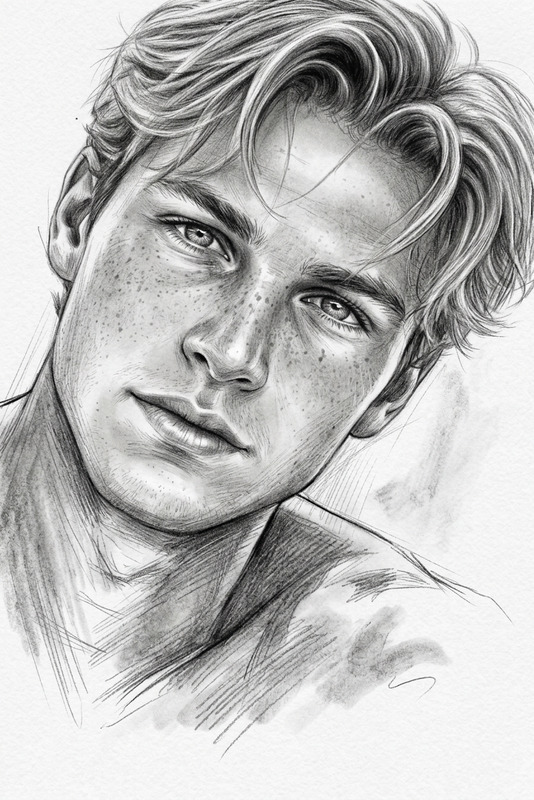
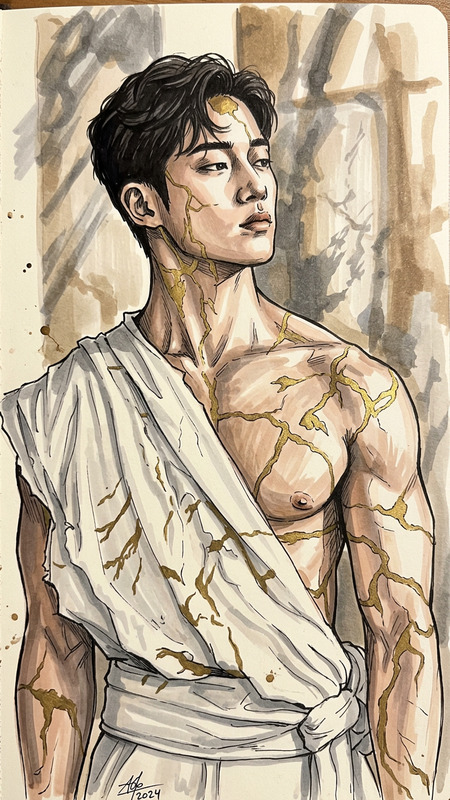
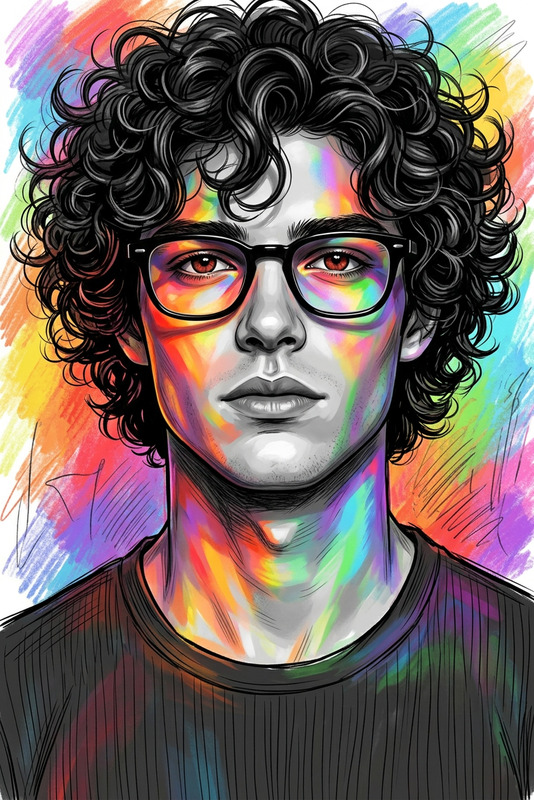
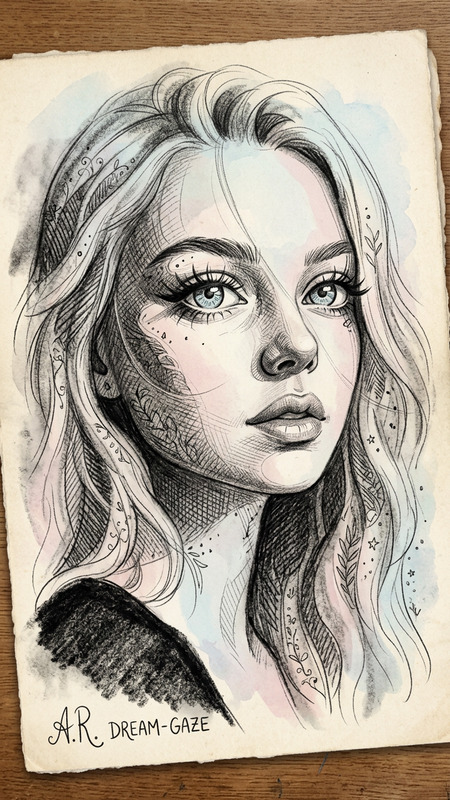
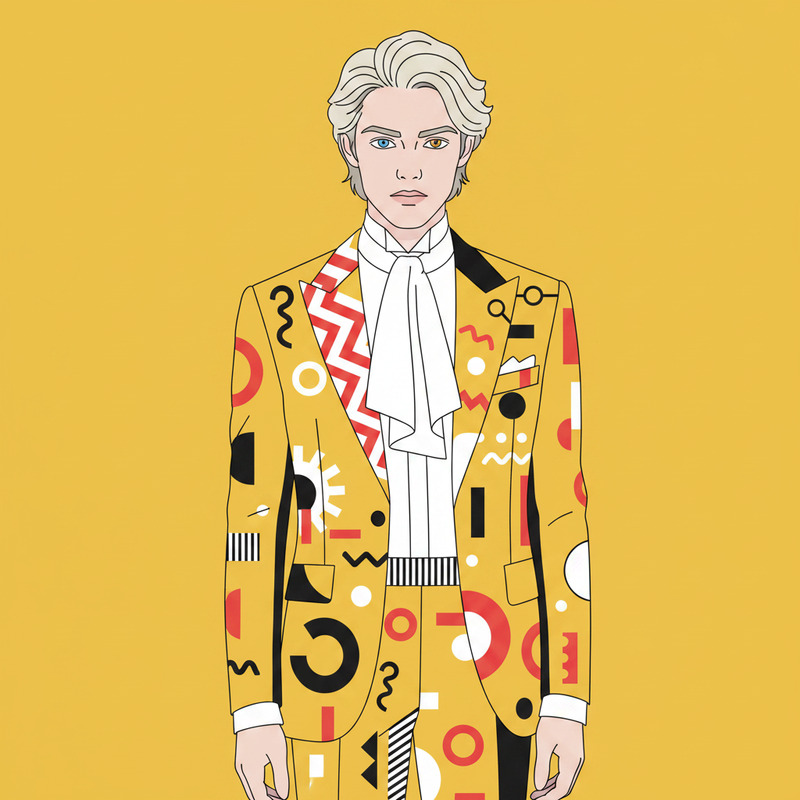
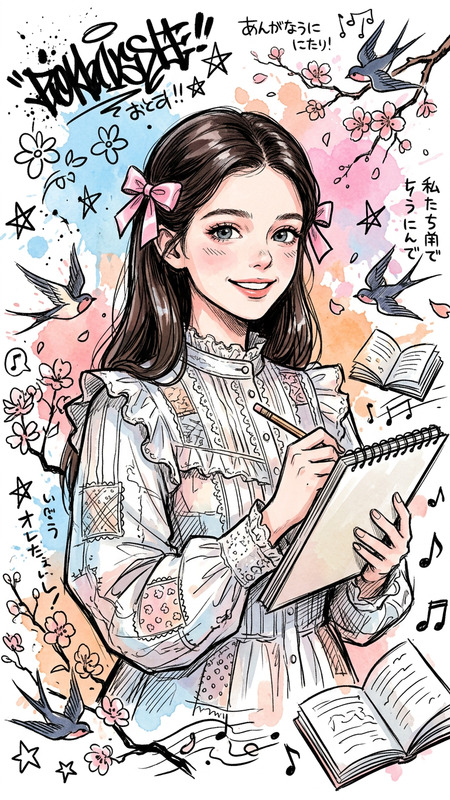
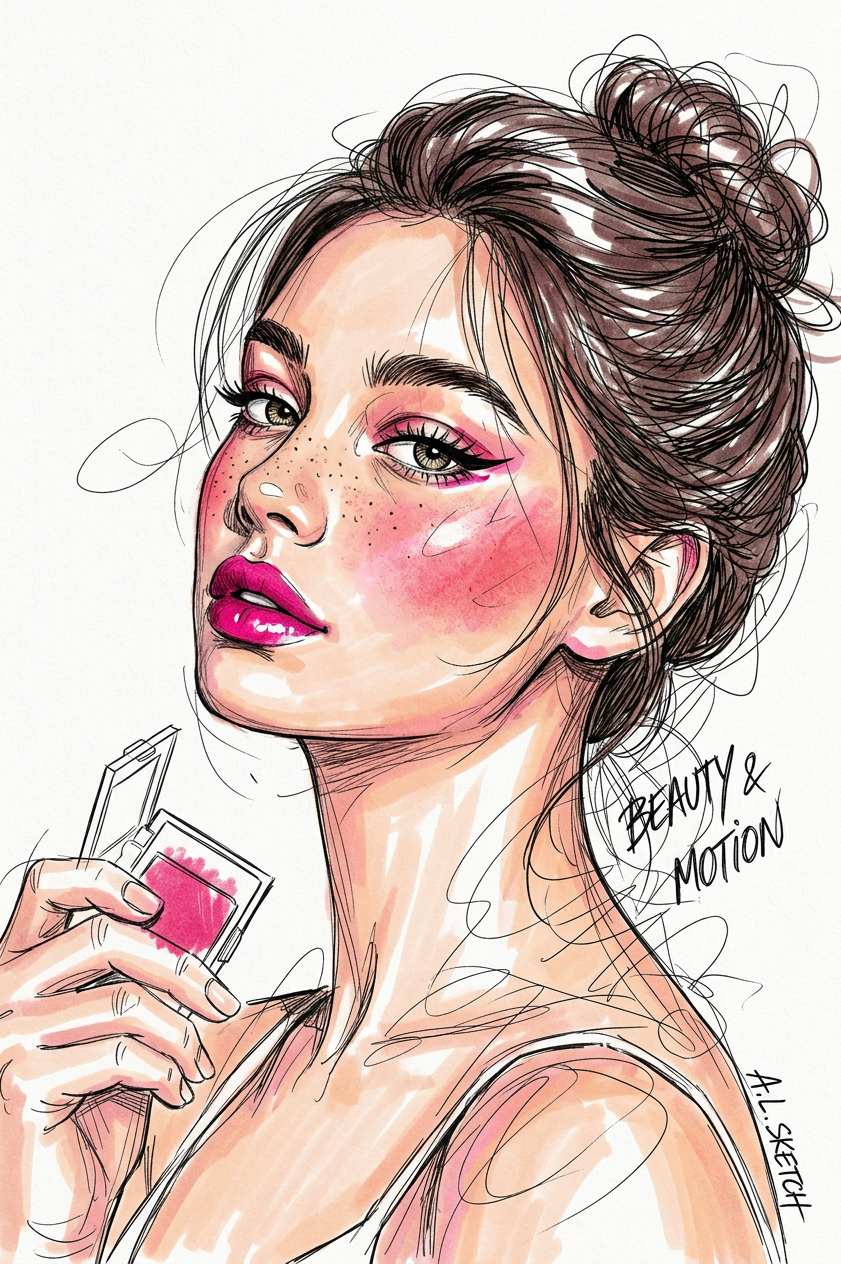
Transforms the photo into an expressive professional fashion illustration on a clean white background. Loose fine-liner outlines with floating lines and messy scribbles create a sense of movement. Vibrant Copic marker coloring with intentional white spaces and slight color bleeds, sharp stylized eyeliner and heavy blush — like a top-tier raw artist's sketch.
Any aspect ratio
Overview
Step into the world of fashion illustration with the Fashion Sketch template. This AI Image Editor utilizes the nano-banana-2 model to transform your photos into high-impact, stylized fashion sketches. Whether you're creating designs for a portfolio or visualizing outfits, this tool provides the artistic flair you need to convey your vision.
What It Does
The Fashion Sketch template converts standard photos into lively fashion illustrations, characterized by loose fine-liner outlines and floating lines. It employs vivid AI Image Editor capabilities to introduce vibrant Copic marker colors, complete with intentional white spaces and slight color bleeds, culminating in a dynamic and professional result.
Who It's For
Fashion designers, illustrators, and creative agencies will find this template invaluable for expressing ideas visually. It's ideal for artists seeking a unique way to present collections or for those in the fashion industry who want to visualize concepts in a stylish, artistic manner. Marketers and social media managers can also leverage this tool to create impactful imagery for campaigns.
Summary
Enhance your creative projects with the Fashion Sketch template. Its ability to transform everyday photos into artistic sketches on a clean white background makes it a favorite for those in the fashion and creative industries. Pair it with other tools like the AI Image Upscaler to ensure every detail stands out, or integrate it into larger projects using the AI Video Generator for comprehensive media campaigns.
How to Use
Choose Your Template

Customize Your Input

Generate Your Illustration

Use Cases
Fashion Design Portfolio
- Add a unique touch to design presentations
- Showcase your creative process
Social Media Marketing
- Develop a visual style that stands out
- Increase engagement with artistic posts
Illustration for Branding
- Design bespoke imagery for brand identity
- Collaborate with marketing teams for cohesive campaigns
Best Practices
Select High-Quality Photos
Ensure you start with high-resolution images for the best transformation results.Tailor to Your Audience
Consider the preferences of your target audience when choosing colors and styles for sketches.Combine Tools for Greater Effect
Leverage tools like the AI Photo Relighting to enhance photo elements before sketching.