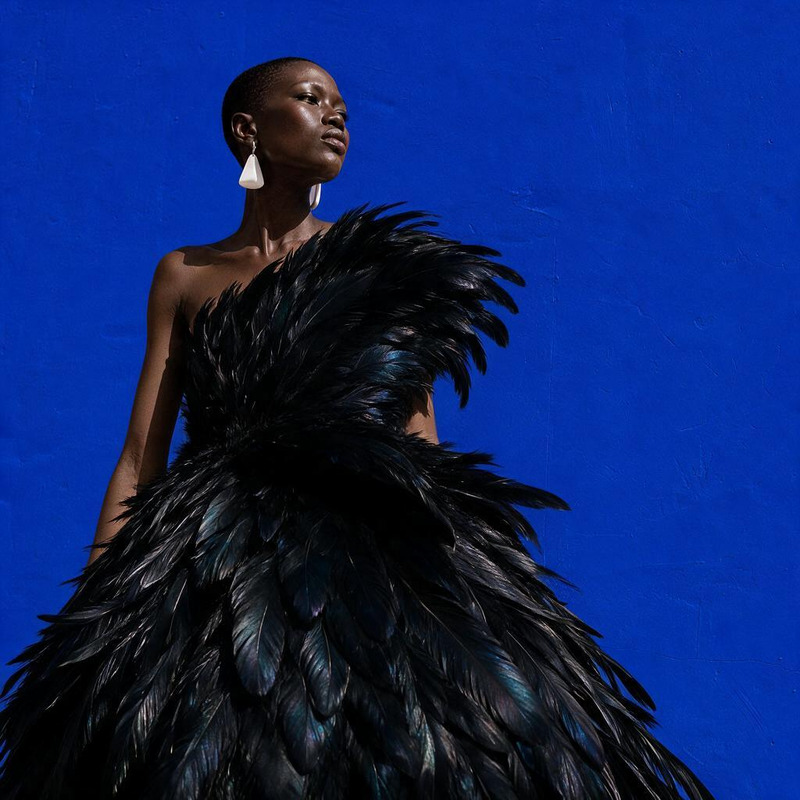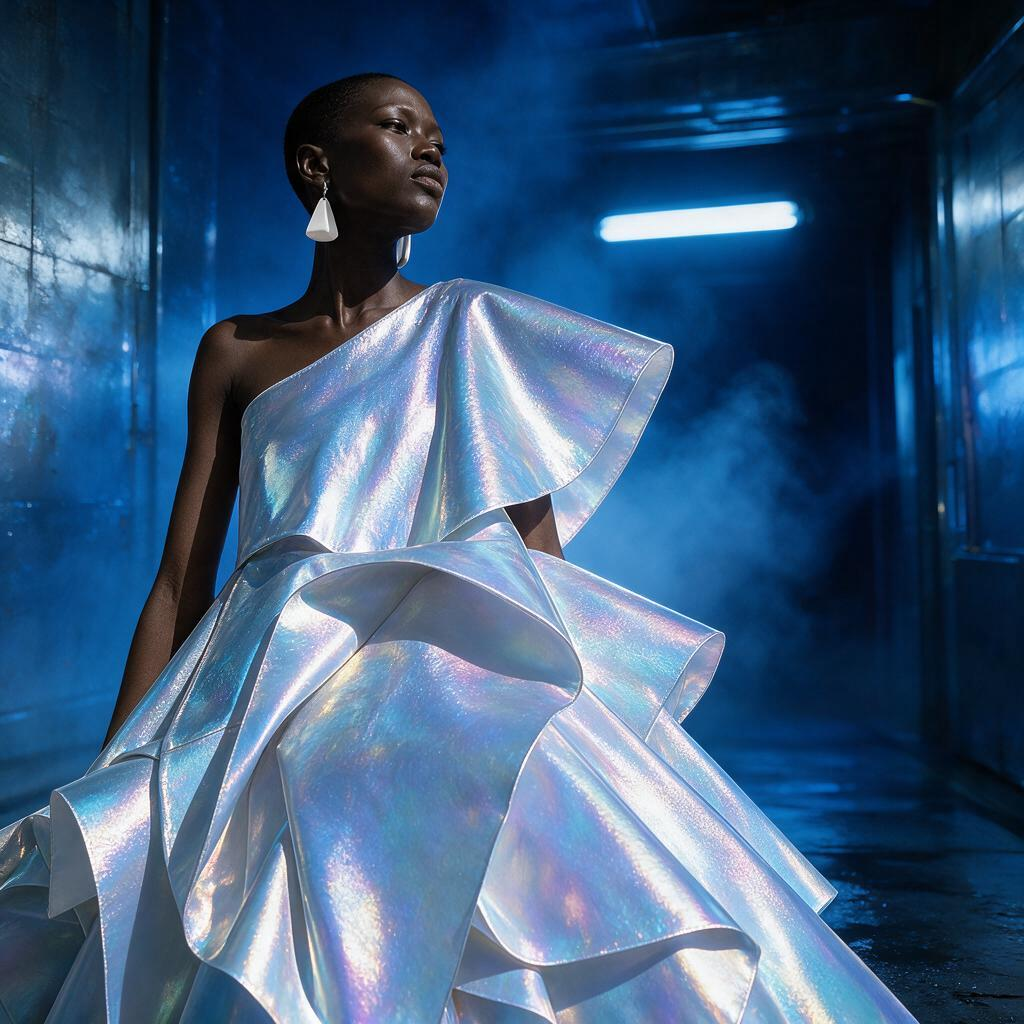
AI Image Editor · Restyle the image as a cinemat

AI Image Editor · Restyle the image as a cinemat

AI Image Editor
1 image
0 uses

Any aspect ratio

Prompt

Restyle the image as a cinematic science-fiction fashion campaign with holographic fabric and cool rim light

Overview

Transform your images into stunning sci-fi fashion statements with our AI Image Editor template, powered by the advanced seedream-v5-pro model. This tool is perfect for creators looking to reimagine their visuals with a futuristic touch, featuring holographic fabrics and striking rim lighting.

What It Does

This template allows you to restyle any image as a cinematic science-fiction fashion campaign, elevating your visuals to a new level of creativity. The AI applies sophisticated rendering techniques to imbue your subjects with an otherworldly aura, perfect for conceptual art and content marketing.

Who It's For

Ideal for fashion designers, digital artists, and creative marketers looking to break from the traditional. Whether you're aiming to enhance an online ad campaign or create unique social media content, this template will give your images a futuristic and polished look. Integrate with tools like the AI Image Generator for a comprehensive creative workflow.

Summary

Using our AI Image Editor, you can reimagine your visuals into a dramatic sci-fi setting, perfect for campaigns that demand innovation and visual intrigue. Connect this with AI Product Photography for a holistic image enhancement solution.

How To

Transform your image with our AI Image Editor following these steps.
    01

    Choose Your Template

    Start by heading to the Templates section and select the AI Image Editor for a cinematic science-fiction restyle.
    02

    Customize Your Settings

    Upload your image and specify parameters like holographic fabric effects and rim lighting intensity to match your campaign vision.
    03

    Generate and Save

    Click 'Generate' to see your edited image. Once satisfied, download the final result in a preferred format.

Use Cases

Explore the diverse applications of this template.
👗

Fashion Campaigns

Bring innovative, sci-fi themes to fashion campaigns.
  • Design futuristic catalogs
  • Create compelling ad visuals
📱

Social Media Content

Engage your audience with striking, futuristic images.
  • Enhance Instagram posts
  • Create eye-catching Facebook ads
🎨

Concept Art

Use the template to produce unique concept art for projects.
  • Visual storytelling
  • Character design in sci-fi settings

Best Practices

Tips for getting the most out of the AI Image Editor template.
  • Select High-Quality Images

    Begin with high-resolution images to ensure the clarity and detail of the edited result.
  • Experiment with Settings

    Adjust lighting and fabric effects to find the perfect balance that complements your subject.
  • Integrate with Other Tools

    Combine with AI Headshot Generator for personalized, high-impact visuals.
FAQs

The AI Image Editor supports JPEG, PNG, and TIFF file formats for both upload and download.

This template is designed for still images, but you can explore our Image to Video tools for video content.

The tool is optimized for images up to 8000x8000 pixels, ensuring high quality output.

Processing time varies but typically takes a few seconds to a minute depending on the image complexity.

More Like This

Fog Motion Portrait
7
Fog Motion Portrait
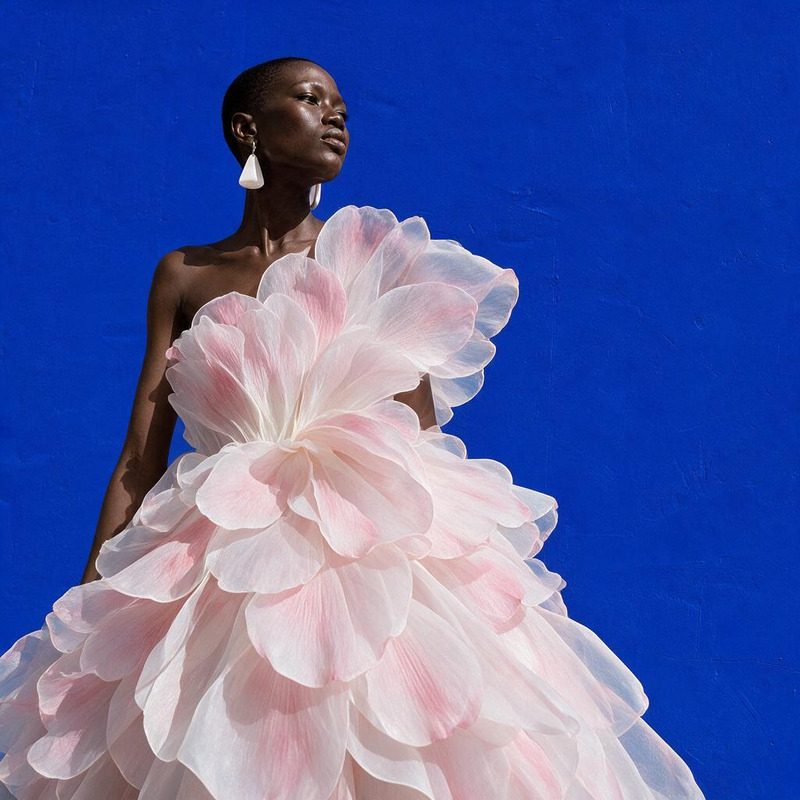
AI Image Editor · Turn the white dress into laye
NEW
AI Image Editor · Turn the white dress into laye
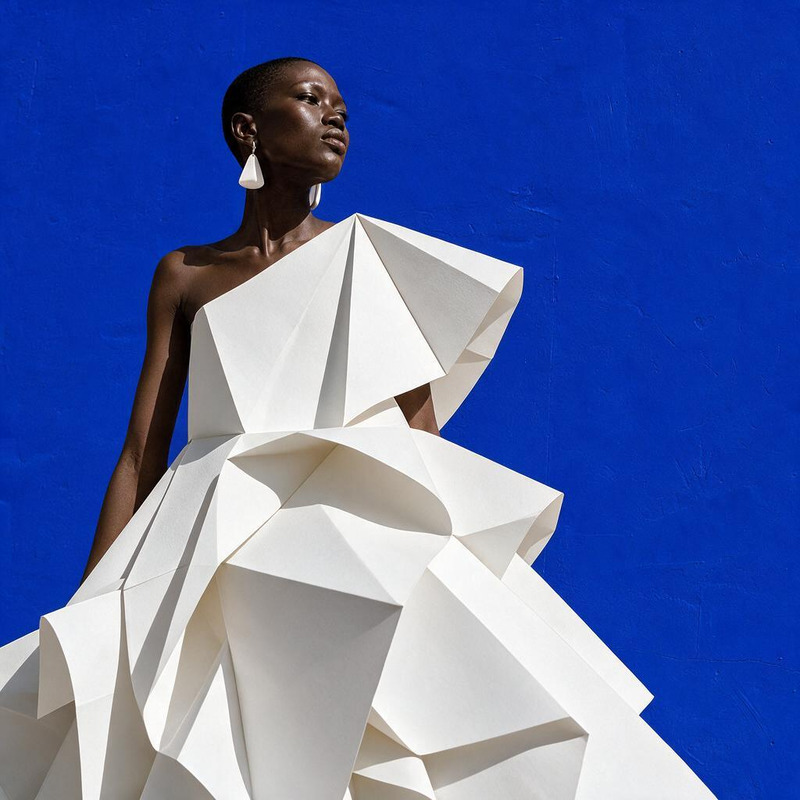
AI Image Editor · Transform the dress into folde
NEW
AI Image Editor · Transform the dress into folde
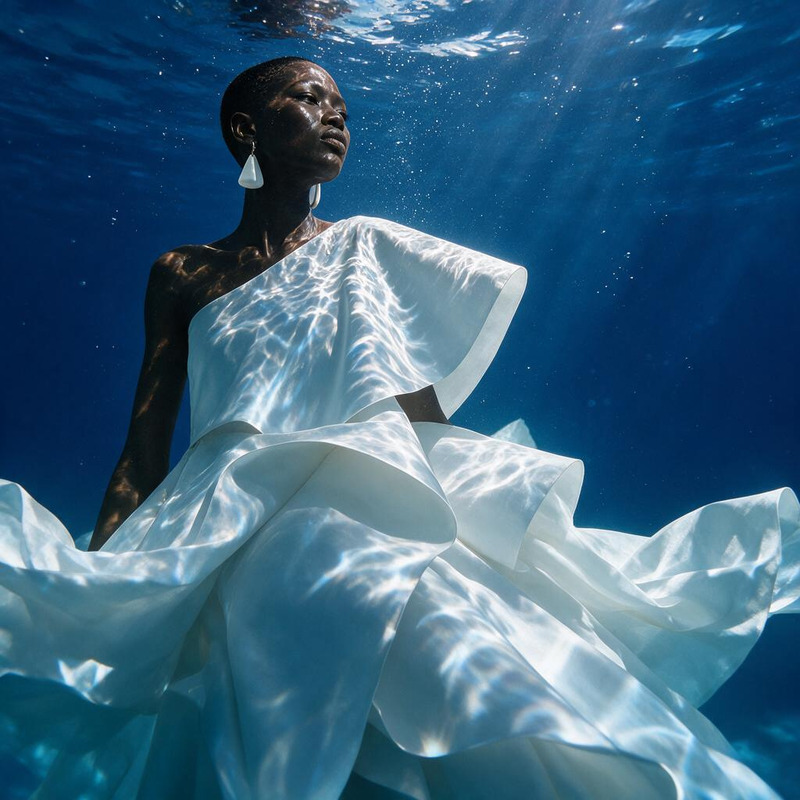
AI Image Editor · Create a dramatic underwater e
NEW
AI Image Editor · Create a dramatic underwater e
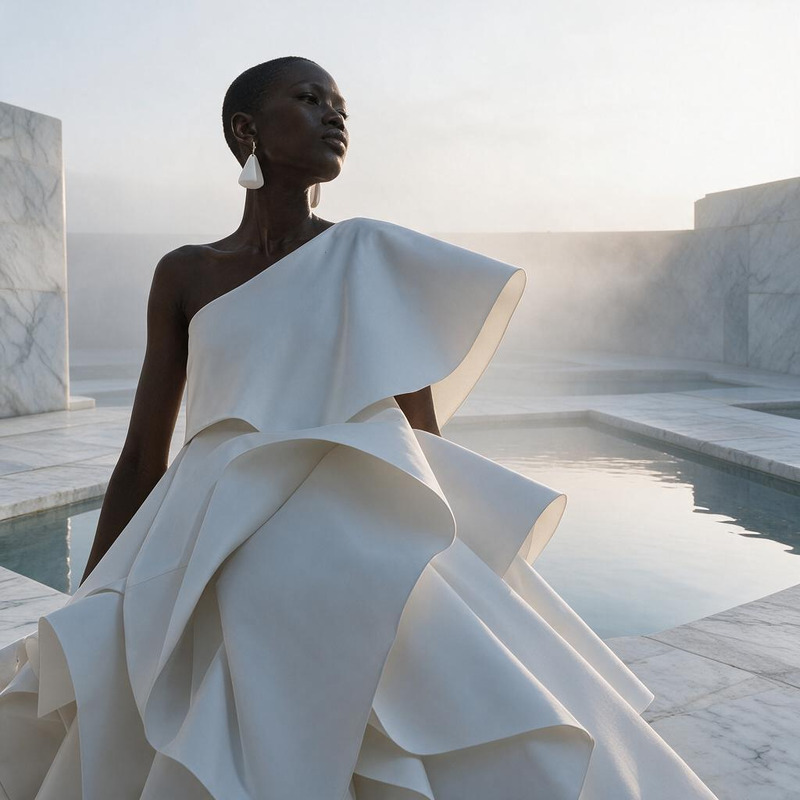
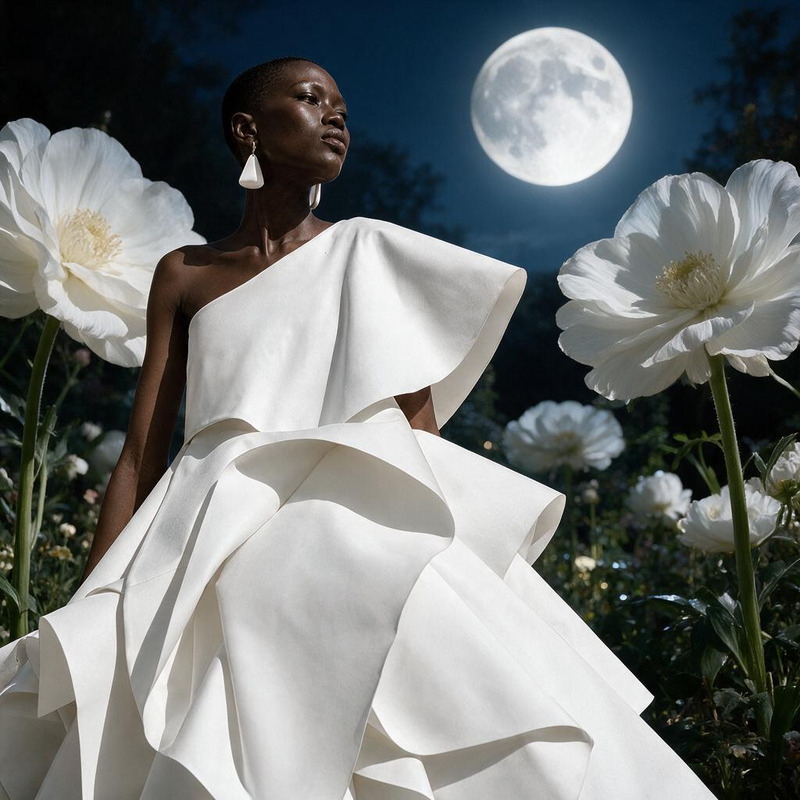
AI Image Editor · Change the environment into a
NEW
AI Image Editor · Change the environment into a
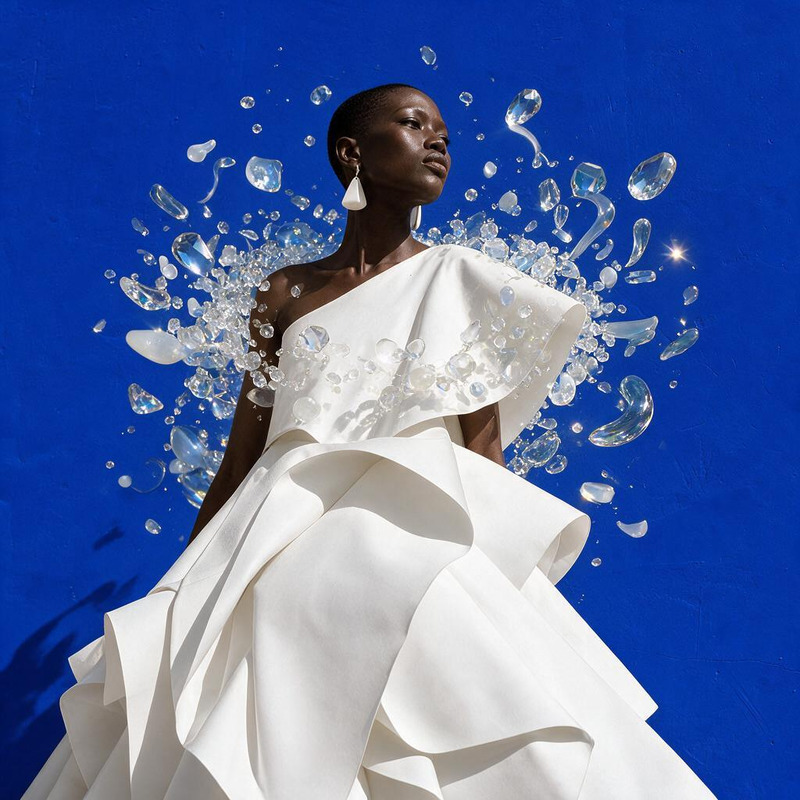
AI Image Editor · Add a halo of floating translu
NEW
AI Image Editor · Add a halo of floating translu
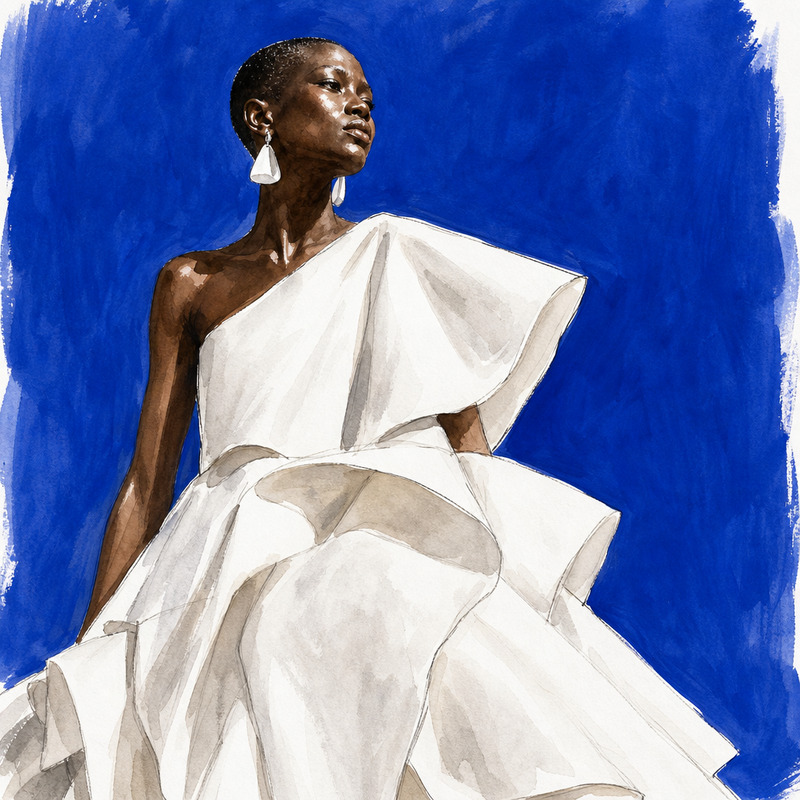
AI Image Editor · Restyle the image as a hand-pa
NEW
AI Image Editor · Restyle the image as a hand-pa
AI Image Editor · Replace the blue background wi
NEW
AI Image Editor · Replace the blue background wi
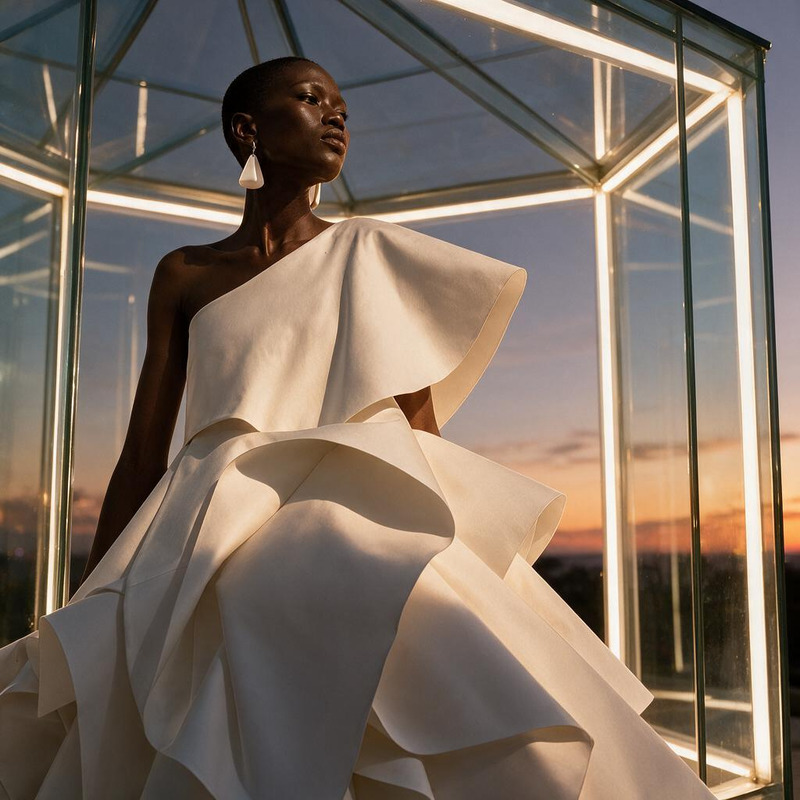
AI Image Editor · Place the model inside a lumin
NEW
AI Image Editor · Place the model inside a lumin
AI Image Editor · Restyle the portrait as an ele
NEW
AI Image Editor · Restyle the portrait as an ele
AI Image Editor · Transform the dress into sculp
NEW
AI Image Editor · Transform the dress into sculp
AI Image Editor · Create an ethereal winter cout
NEW
AI Image Editor · Create an ethereal winter cout

AI Image Editor