AI Image Editor · Restyle the portrait as an ele

AI Image Editor · Restyle the portrait as an ele

AI Image Editor
1 image
0 uses

Any aspect ratio

Prompt

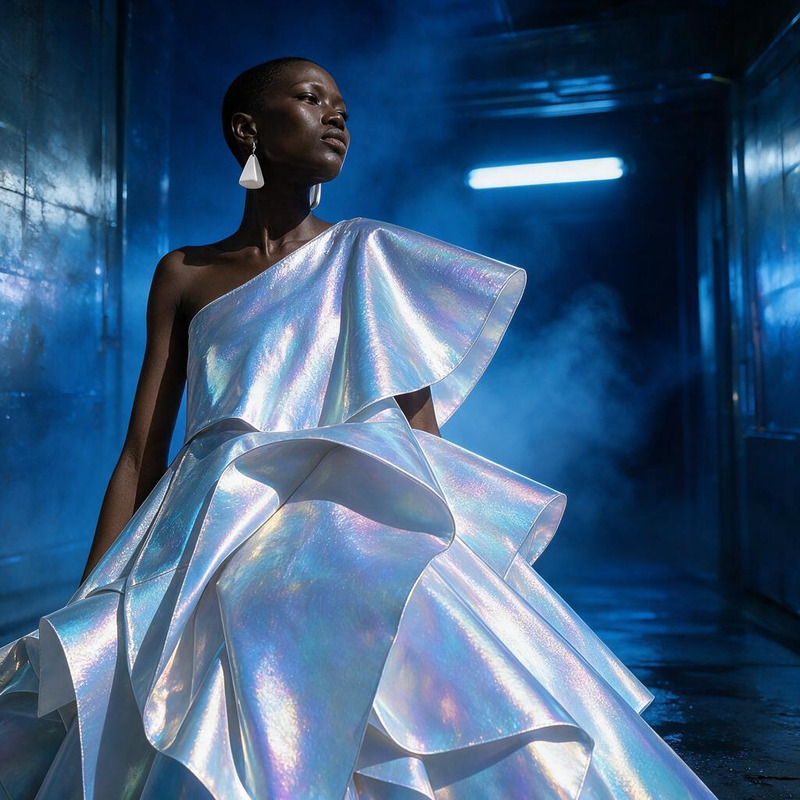
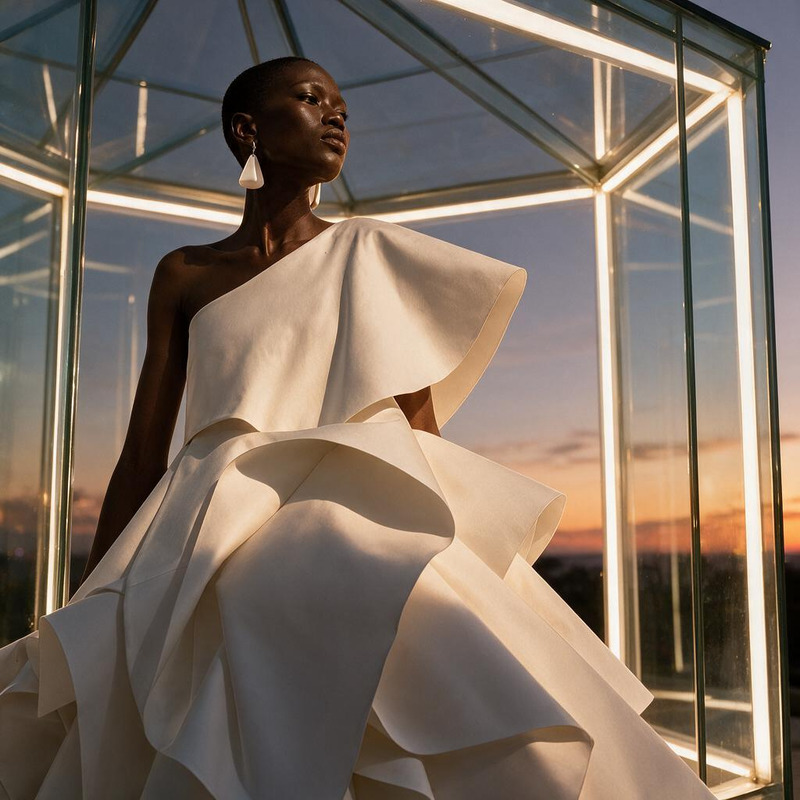
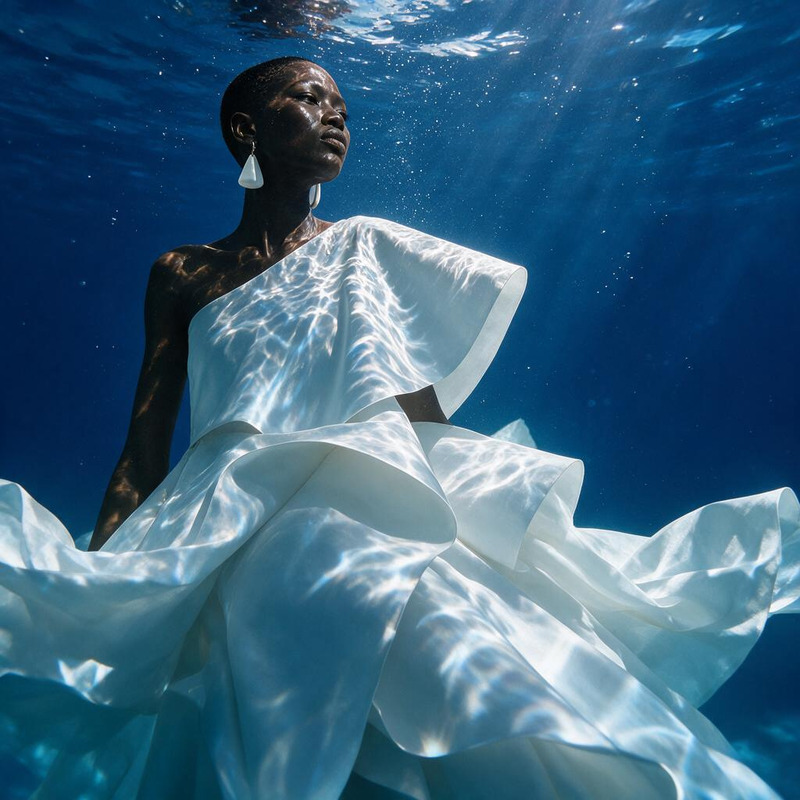
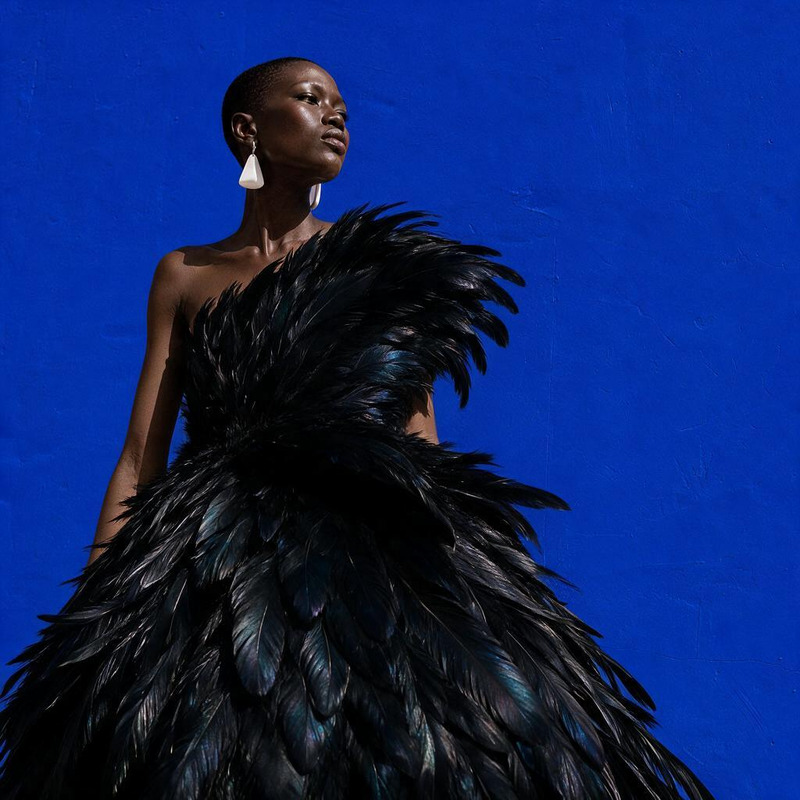
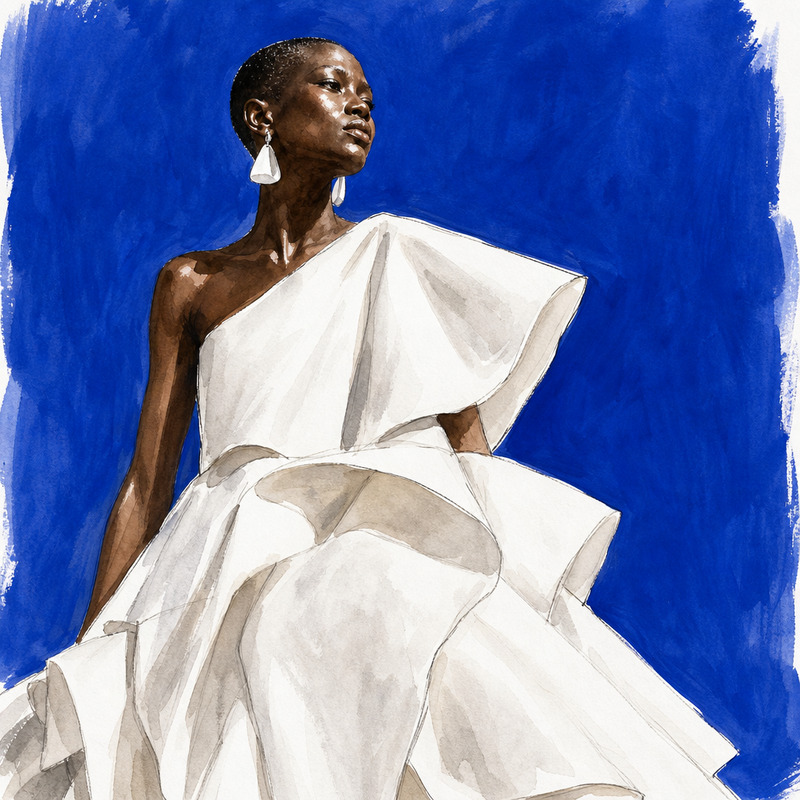
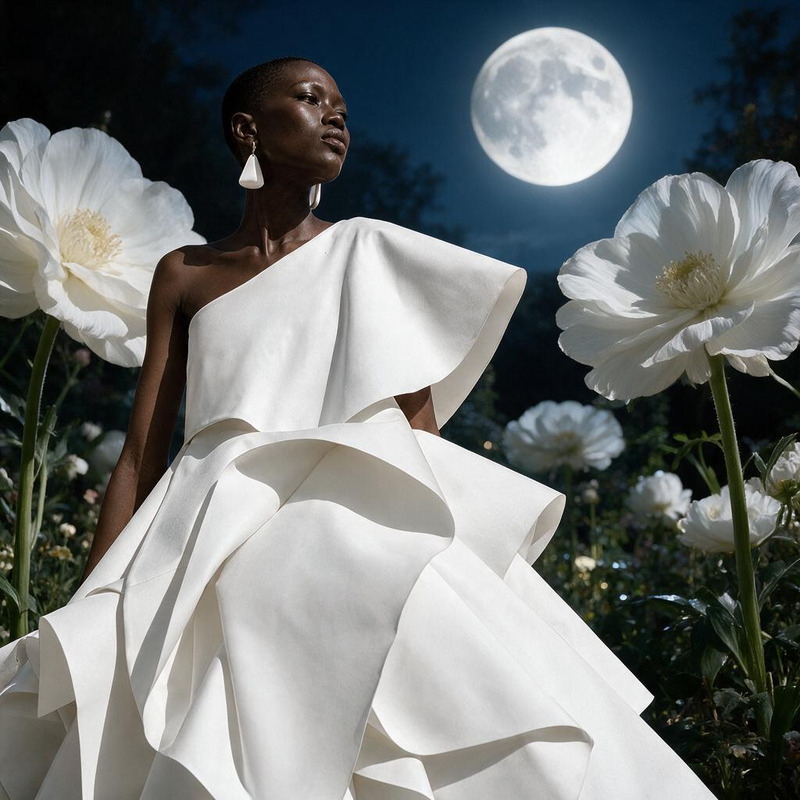
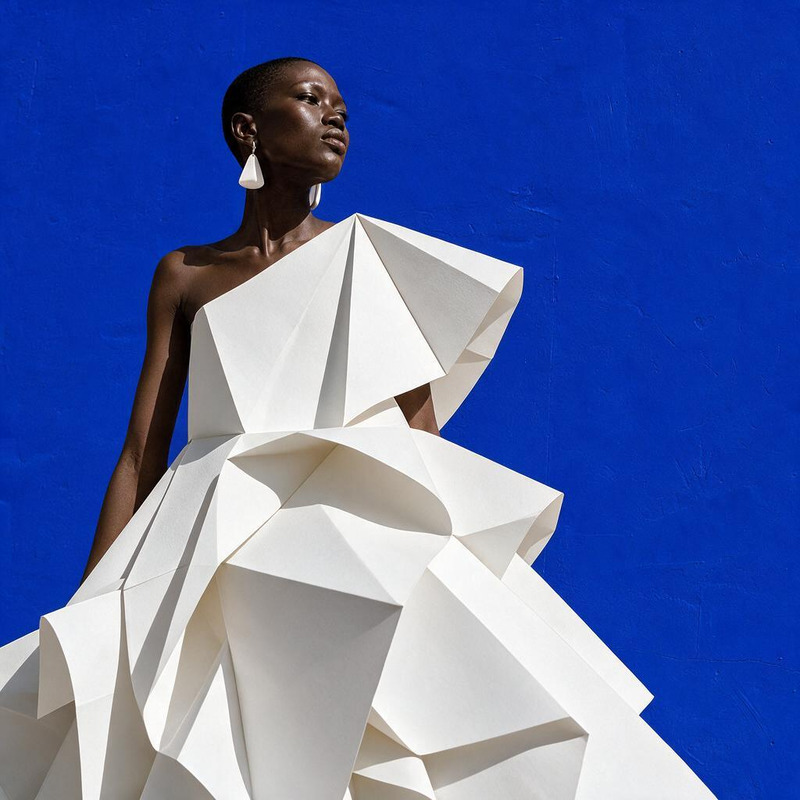
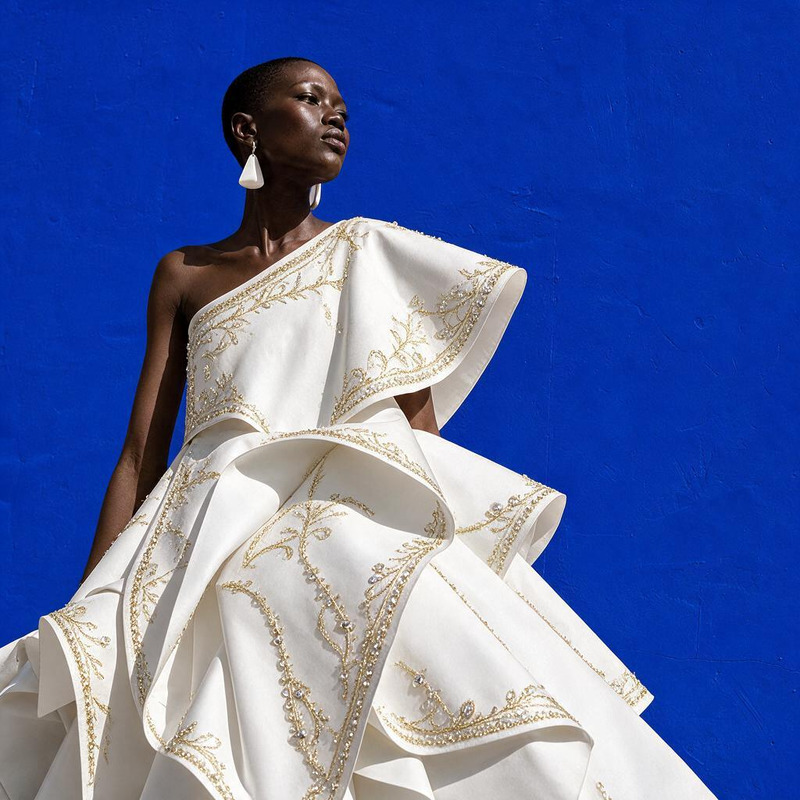
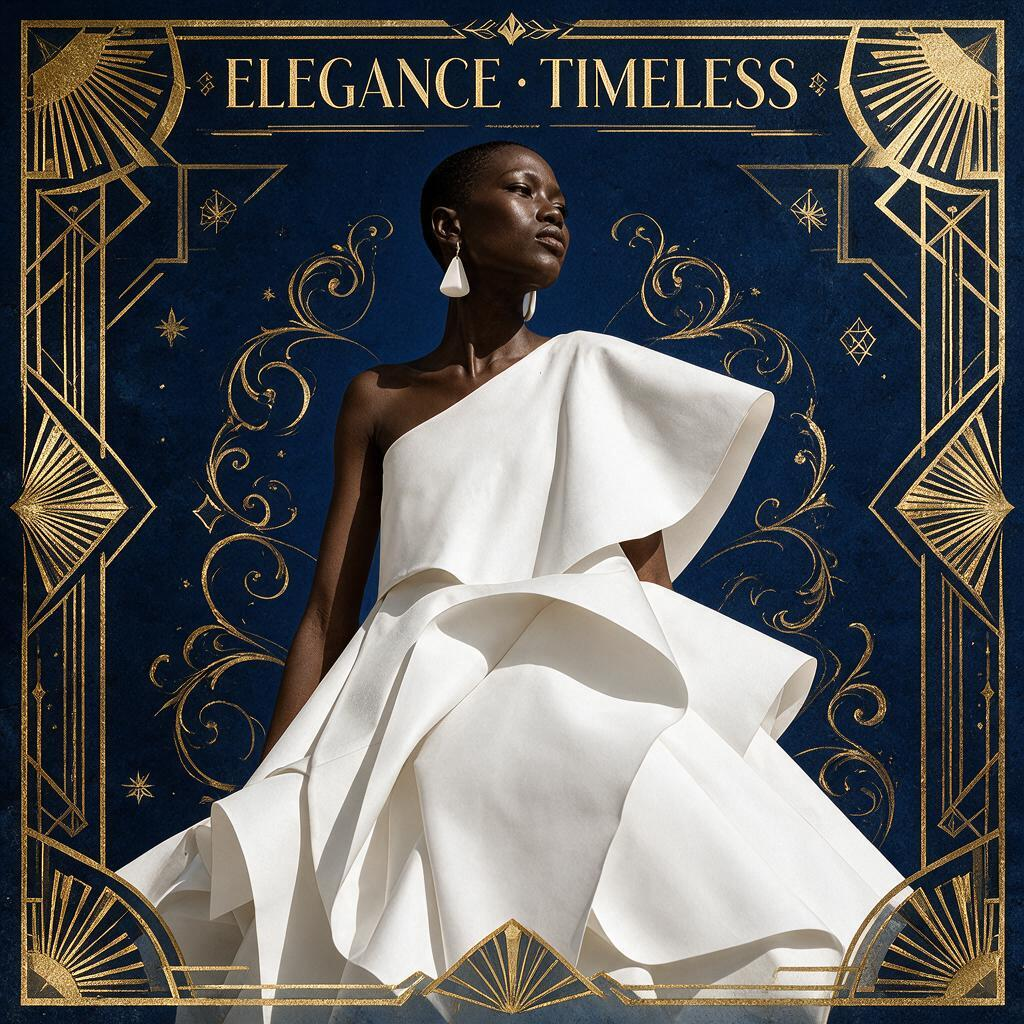
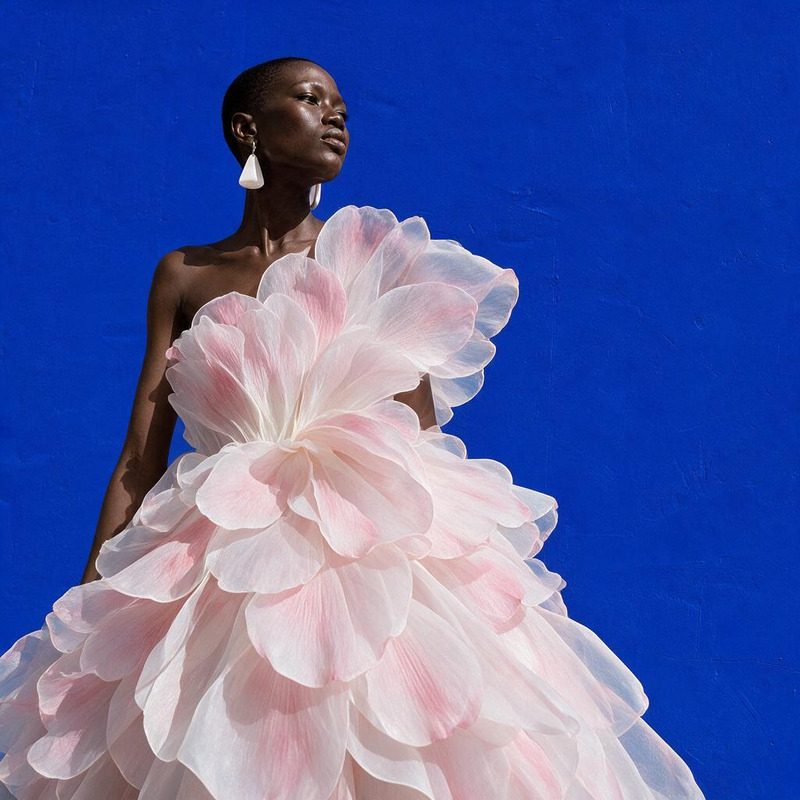
Restyle the portrait as an elegant Art Deco poster with geometric gold accents and deep navy background

Overview

Transform your portraits into stunning Art Deco-inspired imagery with our AI Image Editor. Powered by the seedream-v5-pro model, this tool elevates photo editing to an art form, converting everyday images into elegant Art Deco posters. Perfect for adding a touch of vintage sophistication to your visuals.

What It Does

The AI Image Editor allows you to restyle portraits with intricate geometric gold accents and a deep navy background, reflecting the luxury and elegance of the Art Deco era. By using advanced features, this tool ensures high-quality output that maintains the essence of the original image while introducing stylistic flair.

Explore our AI Image Editor for more creative transformation options that push the boundaries of digital art.

Who It's For

This template is ideal for graphic designers, photographers, and any creative professional looking to infuse their projects with a classic yet innovative style. Whether you're working on marketing materials, ecommerce ads, or personal art projects, this tool provides a unique aesthetic that resonates with both vintage charm and modern appeal.

Summary

With the AI Image Editor, elevating a simple portrait to a masterpiece in Art Deco style is achievable in just a few clicks. Utilizing the efficiency of the AI Image Upscaler, enhance details and ensure each image is rendered with the highest quality. Discover how you can integrate these results into broader projects with our AI Product Photography tools.

How to Use

Utilize the AI Image Editor to create sophisticated Art Deco posters in three simple steps.
    01

    Choose Your Template

    Navigate to the template gallery and select the AI Image Editor. Open the "Restyle the portrait as an elegant Art Deco poster" option.
    02

    Customize Your Inputs

    Upload the portrait you want to transform. Adjust the prompt input to suit your needs, focusing on gold geometric accents and navy backgrounds for an authentic Art Deco look.
    03

    Generate Your Image

    Click the generate button to render your Art Deco poster. Once complete, download your image in the desired format from the results screen.

Use Cases

Explore a variety of creative applications for the AI Image Editor's Art Deco style.
🛍️

Marketing Campaigns

Enhance product presentation by turning simple catalog images into stylish, iconic visuals.
  • Ecommerce branding
  • Luxury product features
🎉

Event Posters

Create captivating event invitations and posters with vintage flair to grab attention.
  • Weddings
  • Corporate events
📱

Social Media Content

Elevate your feed with unique, eye-catching visuals that capture the essence of opulence and elegance.
  • Instagram posts
  • Pinterest boards

Best Practices

Maximize the impact of your Art Deco styled images.
  • Optimize Image Quality

    Leverage the AI Image Upscaler to enhance detail clarity and resolution.
  • Consistent Style

    Maintain a consistent Art Deco theme across a campaign for cohesive branding.
  • Experiment with Accents

    Play with the arrangement and style of geometric gold accents to find the best expression of Art Deco elegance.
FAQs

The AI Image Editor supports common formats such as JPEG, PNG, and others suitable for portrait transformations.

Yes, images created with the AI Image Editor can be utilized for both personal and commercial projects.

No, this tool is designed for ease of use, making it accessible to both novice and professional designers.

Processing times may vary, but the seedream-v5-pro model is optimized for efficient rendering, offering results in a few minutes.

More Like This

AI Image Editor · Restyle the portrait as a blac
NEW
AI Image Editor · Restyle the portrait as a blac
AI Image Editor · Turn the white dress into laye
NEW
AI Image Editor · Turn the white dress into laye
AI Image Editor · Restyle the image as a cinemat
NEW
AI Image Editor · Restyle the image as a cinemat
AI Image Editor · Place the model inside a lumin
NEW
AI Image Editor · Place the model inside a lumin
AI Image Editor · Create a dramatic underwater e
NEW
AI Image Editor · Create a dramatic underwater e
AI Image Editor · Transform the dress into sculp
NEW
AI Image Editor · Transform the dress into sculp
AI Image Editor · Restyle the image as a hand-pa
NEW
AI Image Editor · Restyle the image as a hand-pa
AI Image Editor · Replace the blue background wi
NEW
AI Image Editor · Replace the blue background wi
AI Image Editor · Transform the dress into folde
NEW
AI Image Editor · Transform the dress into folde
AI Image Editor · Add delicate gold embroidery a
NEW
AI Image Editor · Add delicate gold embroidery a
AI Image Editor · Change the environment into a
NEW
AI Image Editor · Change the environment into a
AI Image Editor · Add a halo of floating translu
NEW
AI Image Editor · Add a halo of floating translu

AI Image Editor