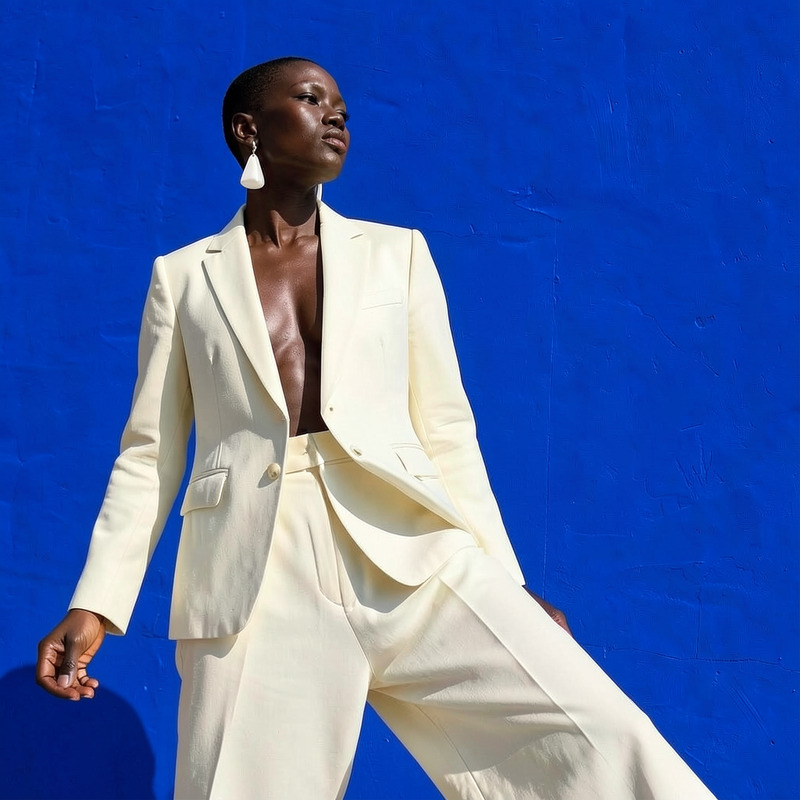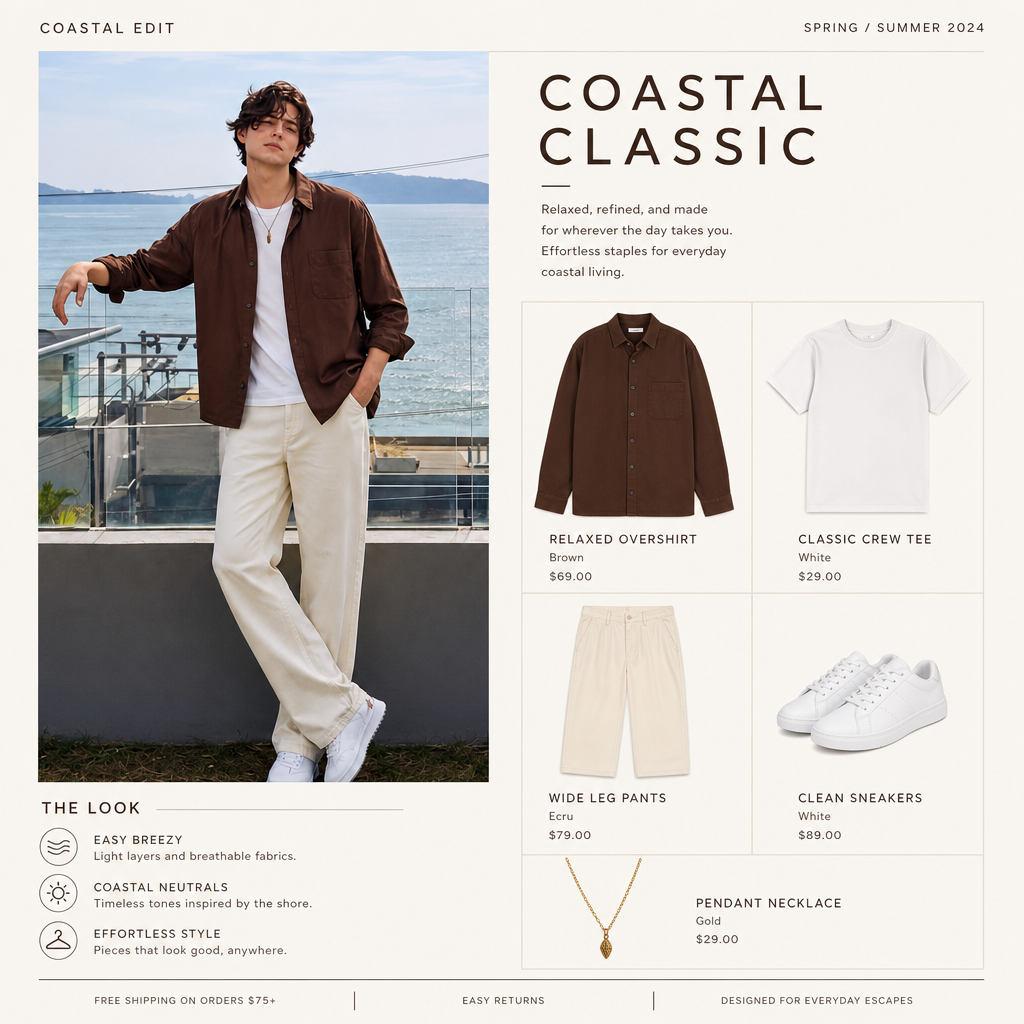
Outfit catalog

Outfit catalog

AI Image Editor
1 image
0 uses

Any aspect ratio

Prompt

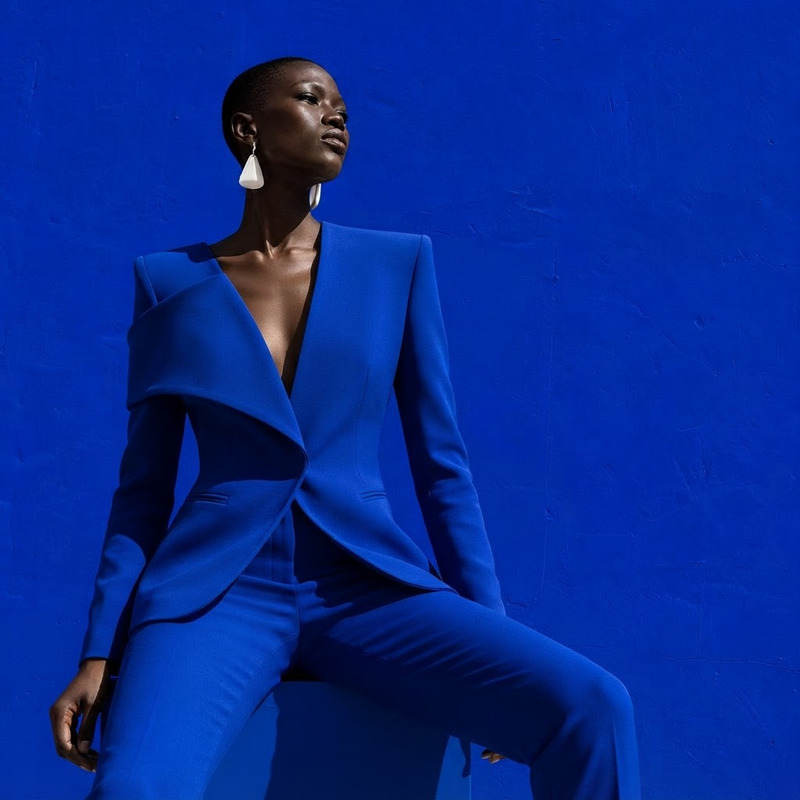
Make an online wardrobe catalog from this outfit

Overview

The Outfit Catalog template leverages the powerhouse capabilities of AI Image Editor to transform your outfit photos into a stunning online wardrobe catalog. With this tool, you can efficiently create and manage an appealing digital showcase of your clothing inventory.

What It Does

This template automates the creation of an organized outfit catalog, ensuring each piece is beautifully presented. By using the AI Image Generator model, it enhances the visual appeal of your images, providing clear, high-quality results ready for online publication.

Who It's For

This template is ideal for fashion retailers, personal stylists, and boutique owners who wish to present their clothing collections attractively online. Creators looking to streamline the production of digital catalogs for e-commerce will find this tool especially useful.

Summary

The Outfit Catalog template simplifies the task of building online clothing catalogs with precision and quality. Explore the potential of the AI Profile Picture Generator to further enhance model images, adding an edge of professionalism to your catalog.

How To

Create a wardrobe catalog in three steps.
    01

    Choose Your Template

    Navigate to the AI Image Editor tool and select the Outfit Catalog template from the list.
    02

    Customize Your Inputs

    Upload high-quality images of your outfits and fine-tune the description and categorization prompts to match your catalog's style.
    03

    Generate Your Catalog

    Click the generate button. Once your catalog is ready, download the file for online upload on your preferred platform.

Use Cases

Explore the versatile applications of the Outfit Catalog template.
🛍️

E-Commerce Storefronts

Launch captivating clothing catalogs for your online store.
  • Display new collections
  • Highlight featured items
👗

Fashion Portfolio

Create professional portfolios showcasing your styling work.
  • Attract new clients
  • Build your brand identity
📱

Social Media Marketing

Boost your social media presence with catalog visuals.
  • Engage followers
  • Promote sales events

Best Practices

Maximize the impact of your catalogs with these tips.
  • Use High-Resolution Images

    Start with high-quality photos to ensure the best output in your catalog.
  • Categorize Clearly

    Organize outfits by categories to help viewers easily navigate your catalog.
  • Leverage Cross-Platform Benefits

    Integrate with Product Demo Videos to showcase clothing in motion.
Frequently asked questions

The template utilizes advanced algorithms from the AI Image Editor to improve the clarity and aesthetic of each clothing image.

While tailored for outfits, the AI Image Editor's versatility can be adapted for various products.

The generated catalogs are typically available in common image and document file formats.

Use high-quality images, organize them clearly, and consider combining with video tools like Product Demo Videos.

More Like This

Outfit idea for spring
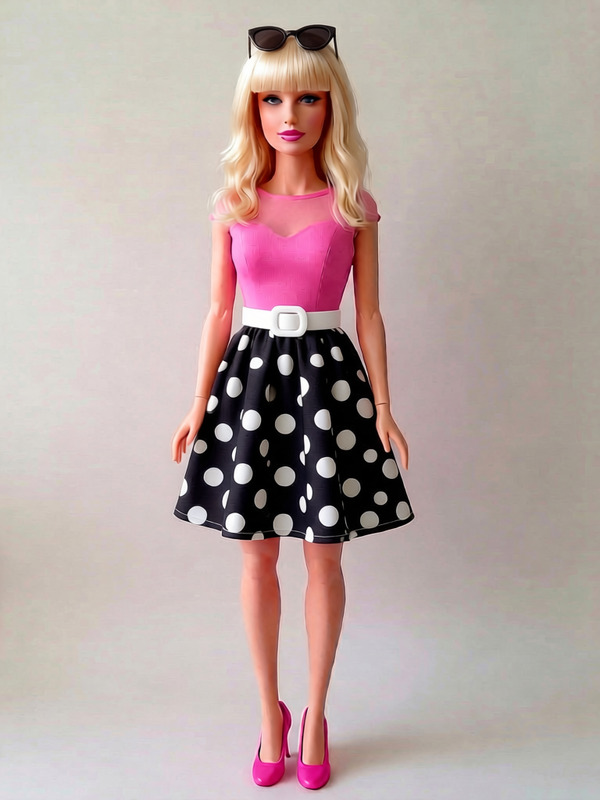
Retro Fashion Doll
Retro Fashion Doll
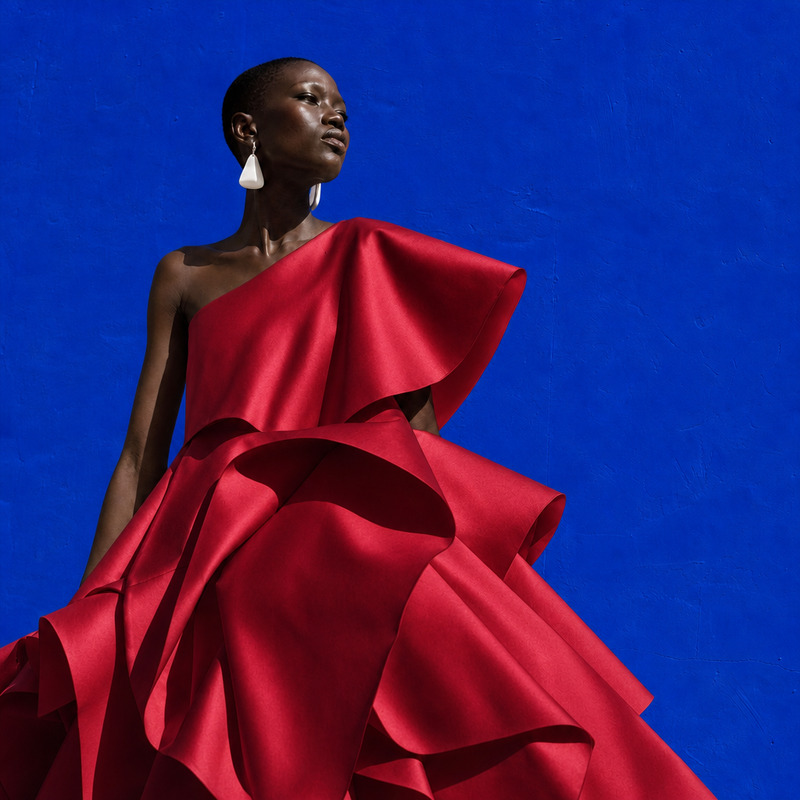
AI Image Editor · Change the dress to sculptural
NEW
AI Image Editor · Change the dress to sculptural
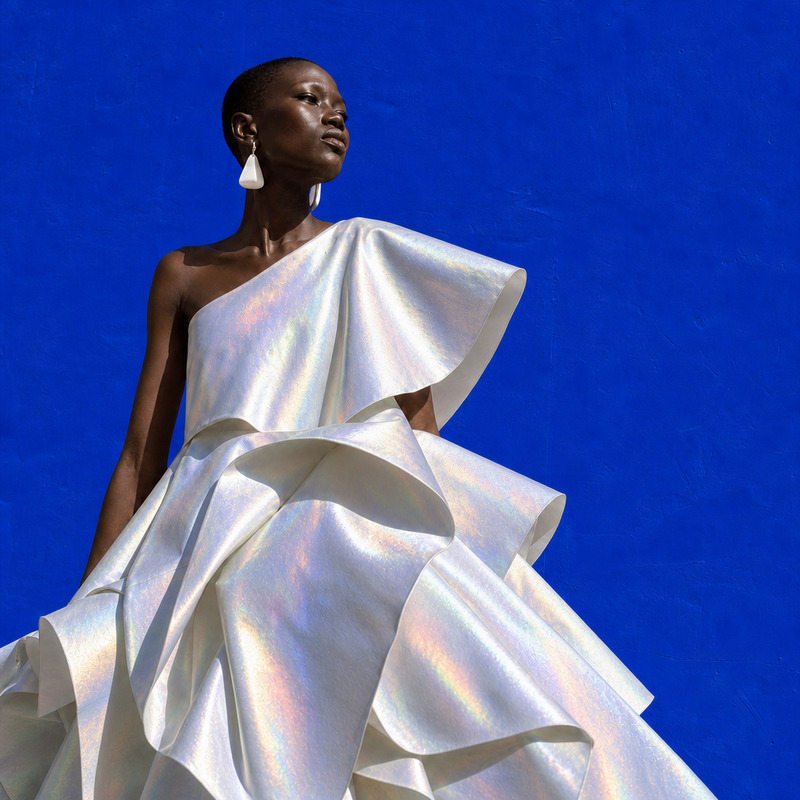
AI Image Editor · Change the dress material to i
NEW
AI Image Editor · Change the dress material to i
AI Image Editor · Change the dress to tailored b
NEW
AI Image Editor · Change the dress to tailored b
AI Image Editor · Change the outfit into minimal
NEW
AI Image Editor · Change the outfit into minimal
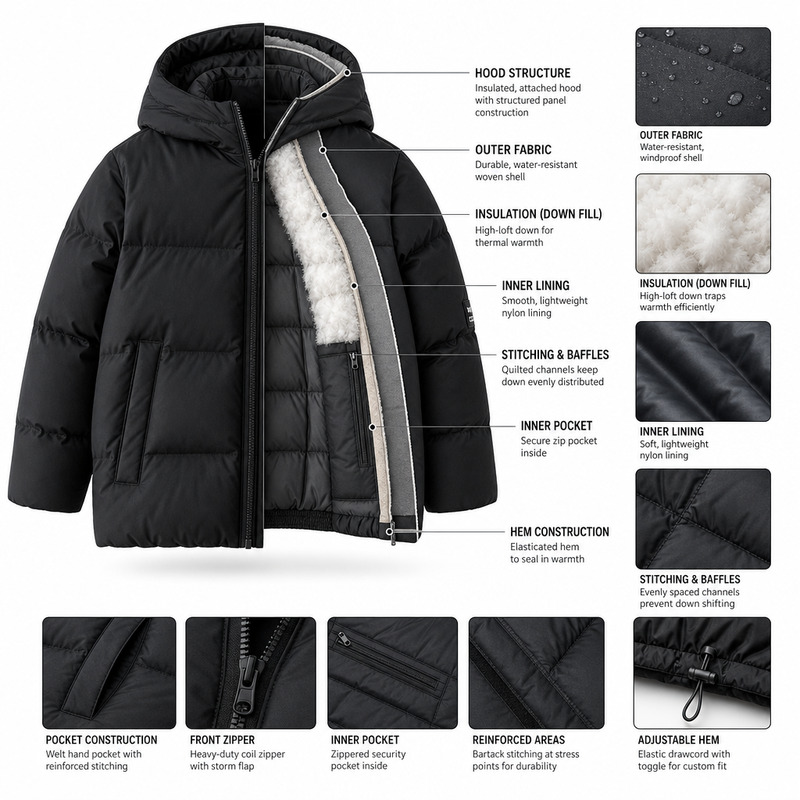
Visualization of the jacket
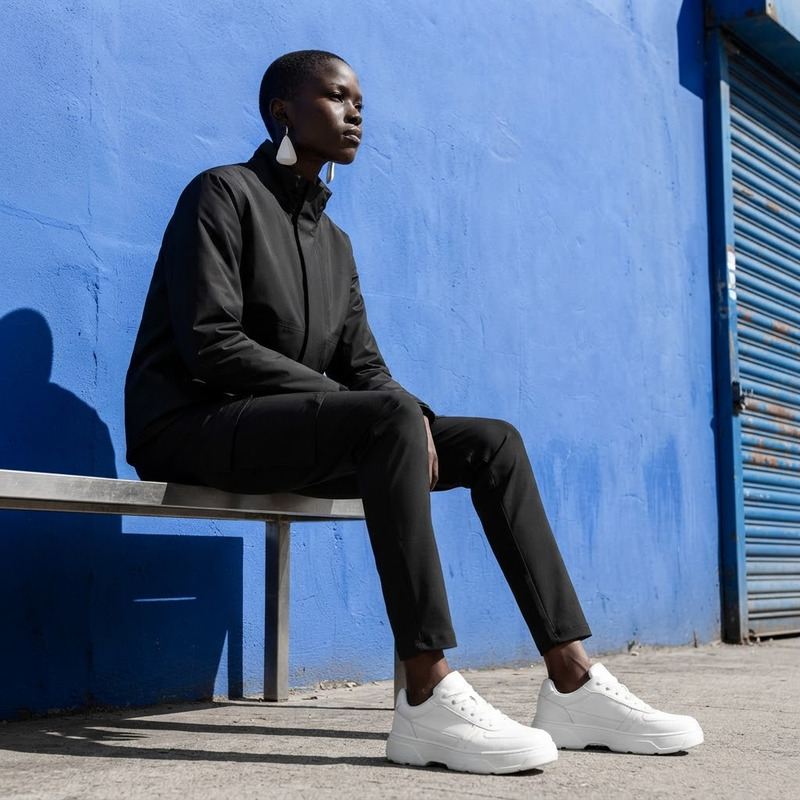
Monochrome Streetwear Look
NEW
Monochrome Streetwear Look
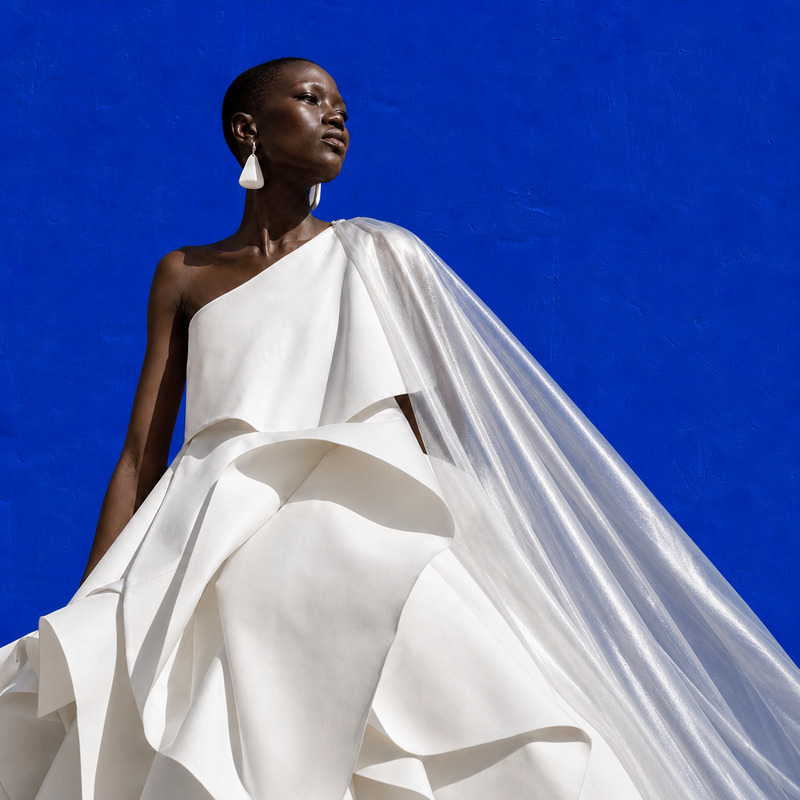
AI Image Editor · Add a translucent silver cape
NEW
AI Image Editor · Add a translucent silver cape
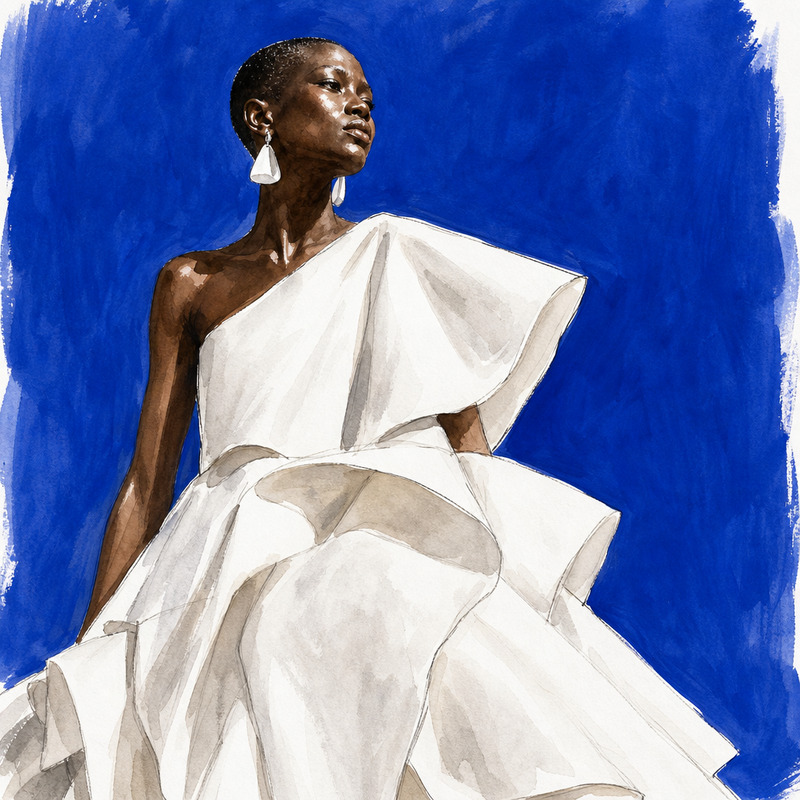
AI Image Editor · Restyle the image as a hand-pa
NEW
AI Image Editor · Restyle the image as a hand-pa
AI Image Editor · Change the dress to a tailored
NEW
1
AI Image Editor · Change the dress to a tailored
AI Image Editor · Change the outfit to a cream t
NEW
AI Image Editor · Change the outfit to a cream t

AI Image Editor