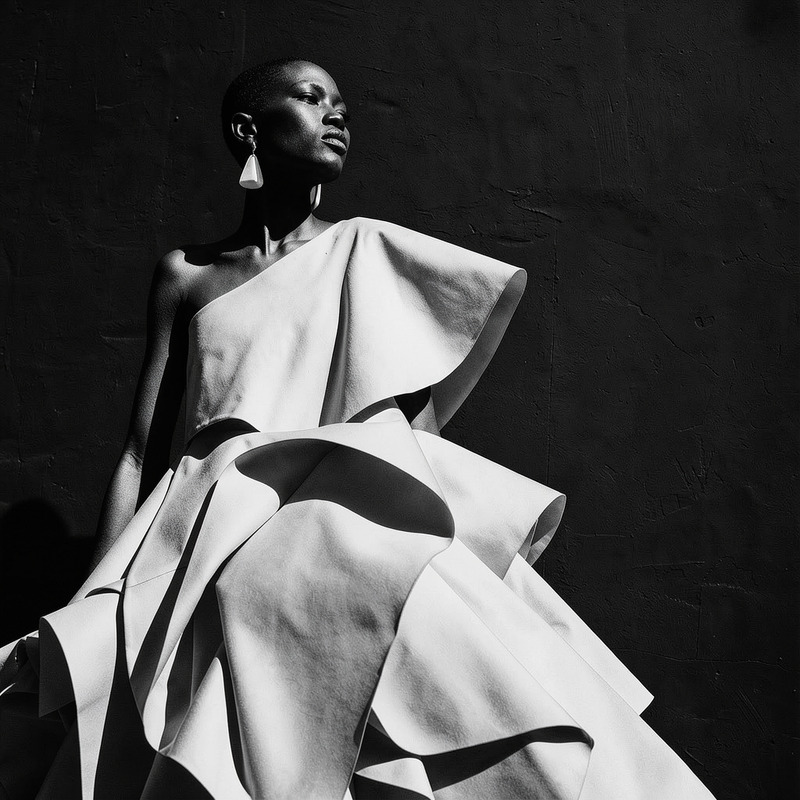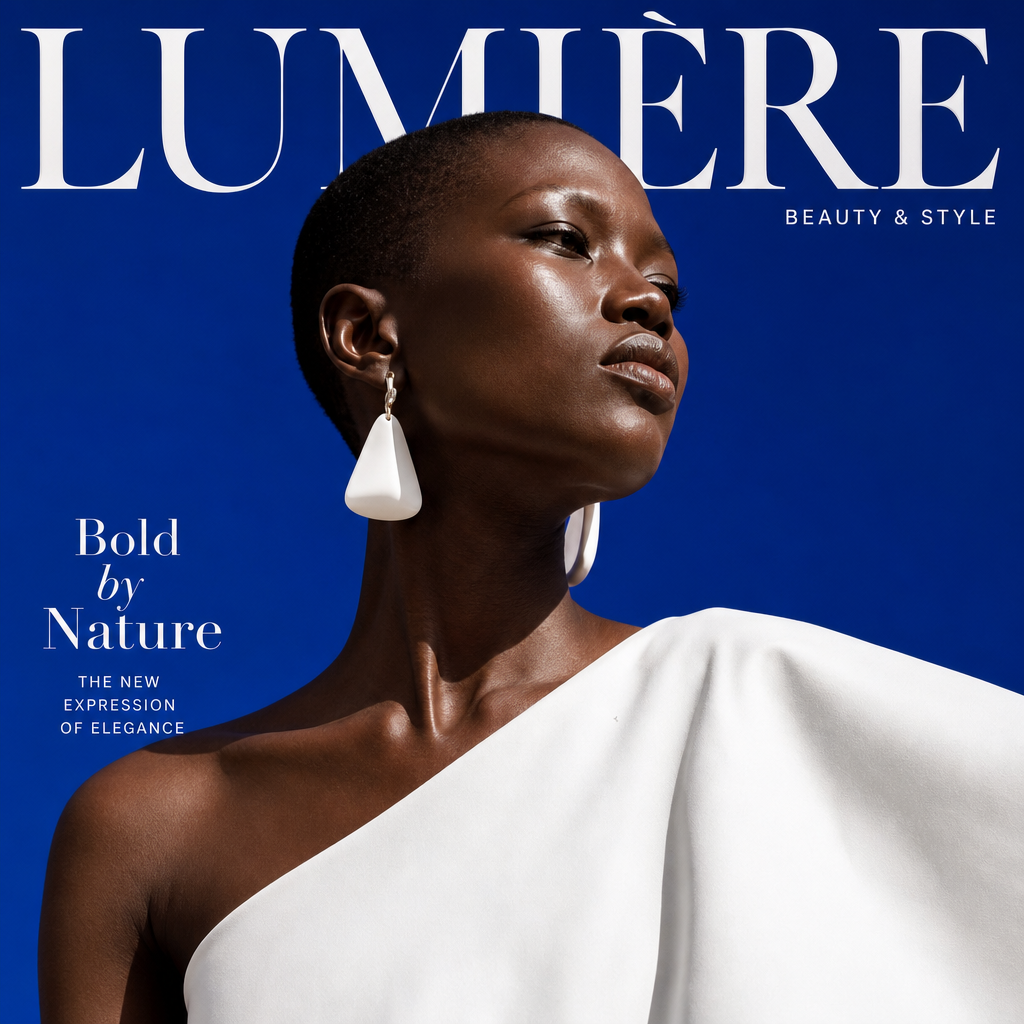
AI Image Editor · Create a magazine cover-ready
- Model
- GPT Image 2
- Image
- 1024 × 1024 px
Prompt
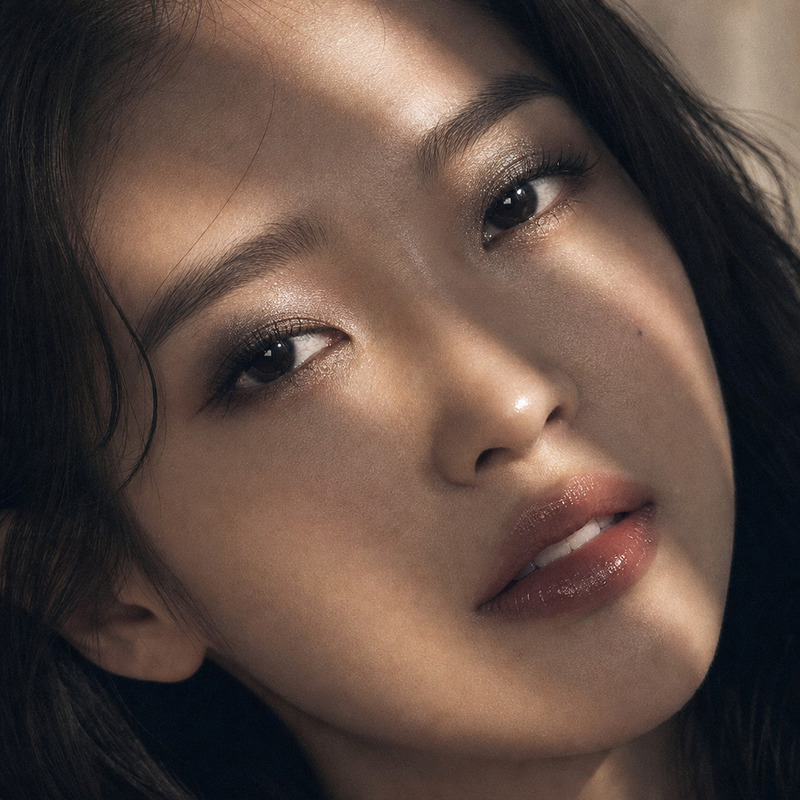
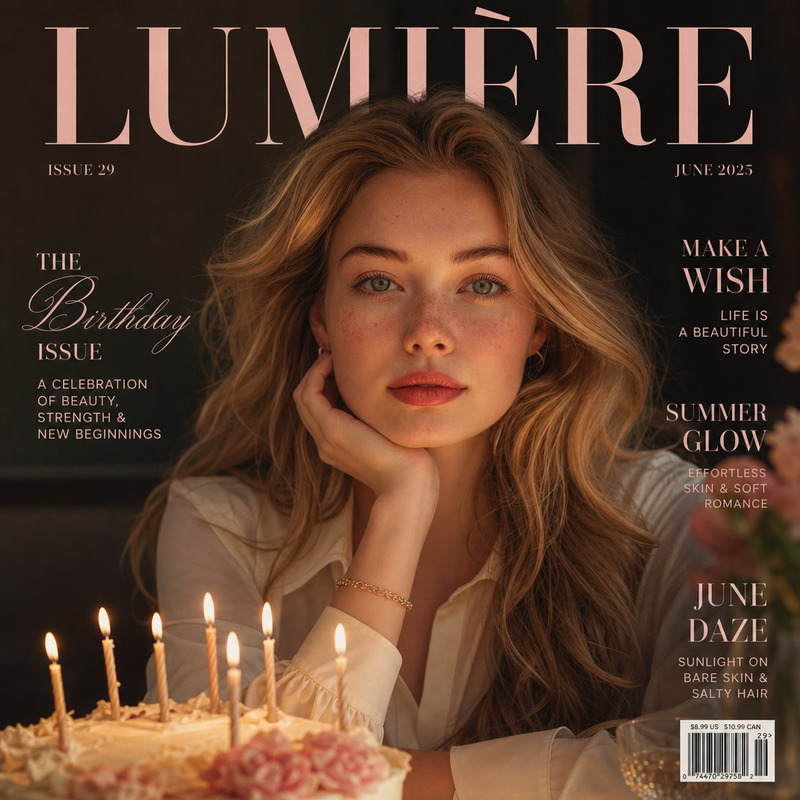
Create a magazine cover-ready beauty crop with soft skin retouching, refined studio light, and clean background
Any aspect ratio
Overview
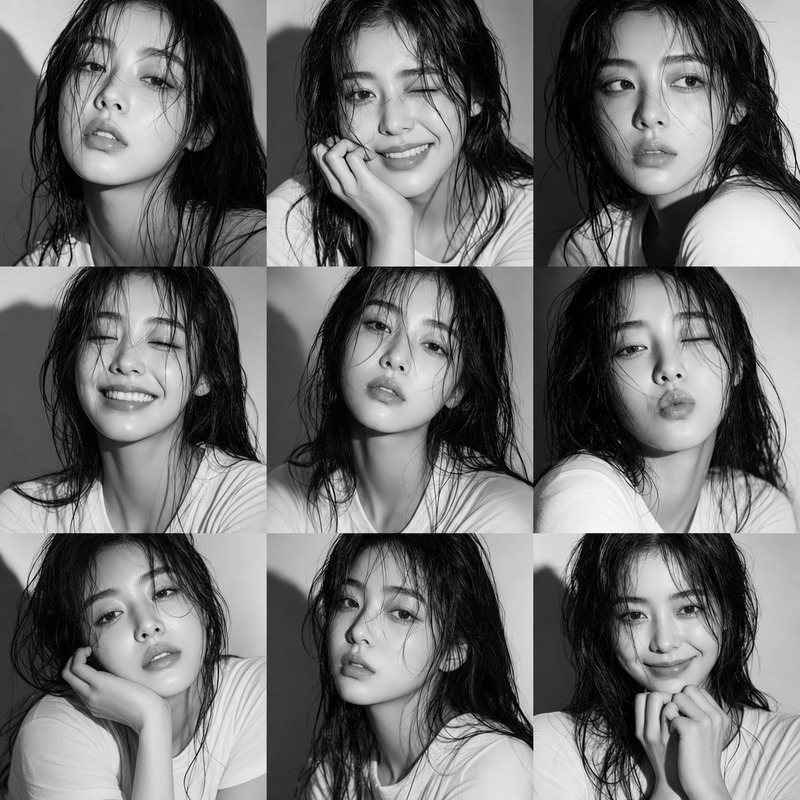
The AI Image Editor is designed to bring your photos to life, creating magazine cover-ready images with just a few tweaks. Using the advanced AI Image Editor, you can achieve a professional beauty crop with soft skin retouching, refined studio lighting, and a clean background, all from a simple interface.
What It Does
At its core, the AI Image Editor uses the powerful gpt-image-2 model to transform your photos into high-quality images suitable for magazine covers. The tool enhances skin textures, adjusts lighting to mimic studio conditions, and ensures your background remains clean and distraction-free.
Who It's For
This tool is perfect for photographers, designers, and content creators looking to elevate their visual content. Whether you're a professional working on a product video shoot or an amateur looking to enhance your social media presence, the AI Image Editor provides the tools you need for high-quality results.
Summary
In summary, the AI Image Editor is your go-to solution for producing magazine-ready images. By adjusting key visual elements with the AI Image Generator, this tool ensures every detail is polished to perfection, from lighting to skin tone adjustments.
How-To
Choose Your Template

Customize Your Inputs

Generate Your Image

Use Cases
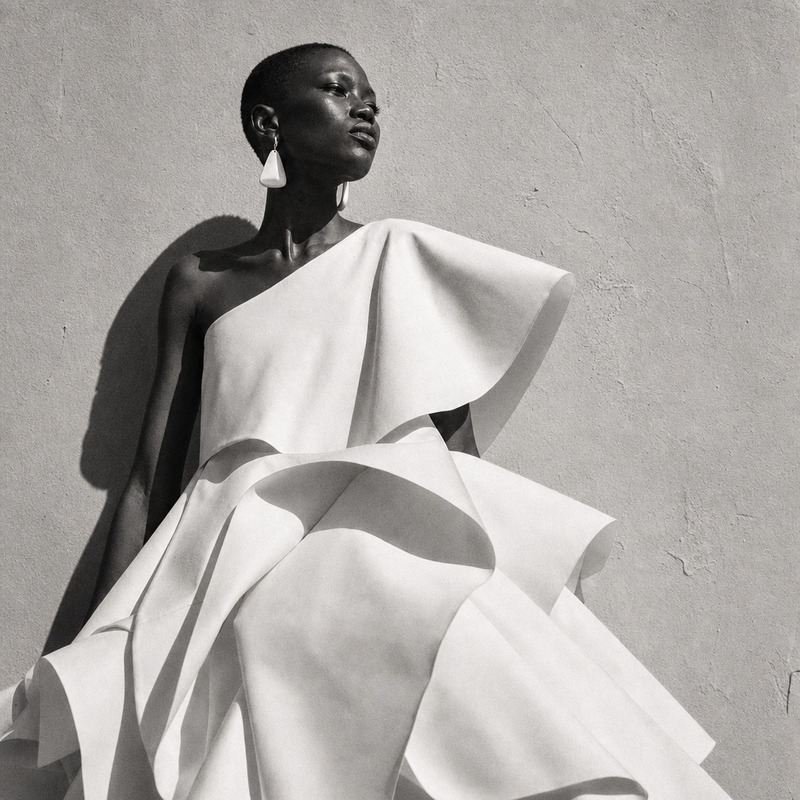
Fashion Photography
- Model portraits
- High-fashion shoots
E-commerce Product Photos
- Product detail shots
- Catalog images
Social Media Content
- Influencer posts
- Brand promotions
Best Practices
Upload High-Resolution Images
The tool performs best with high-resolution images, ensuring all enhancements are crisp and clear.Use Natural Colors
Optimize for natural color tones to maintain a realistic look after processing.Experiment with Lighting Adjustments
Utilize the editor to simulate different lighting conditions and find what works best for your image.