AI Image Editor · Add a translucent silver cape
- Model
- GPT Image 2
- Image
- 1024 × 1024 px
Prompt
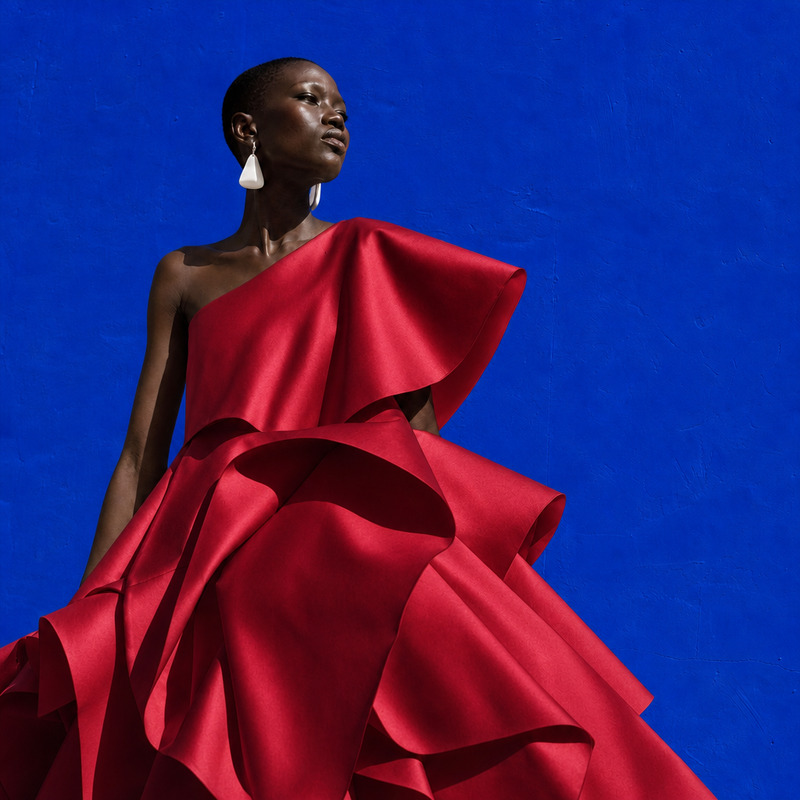
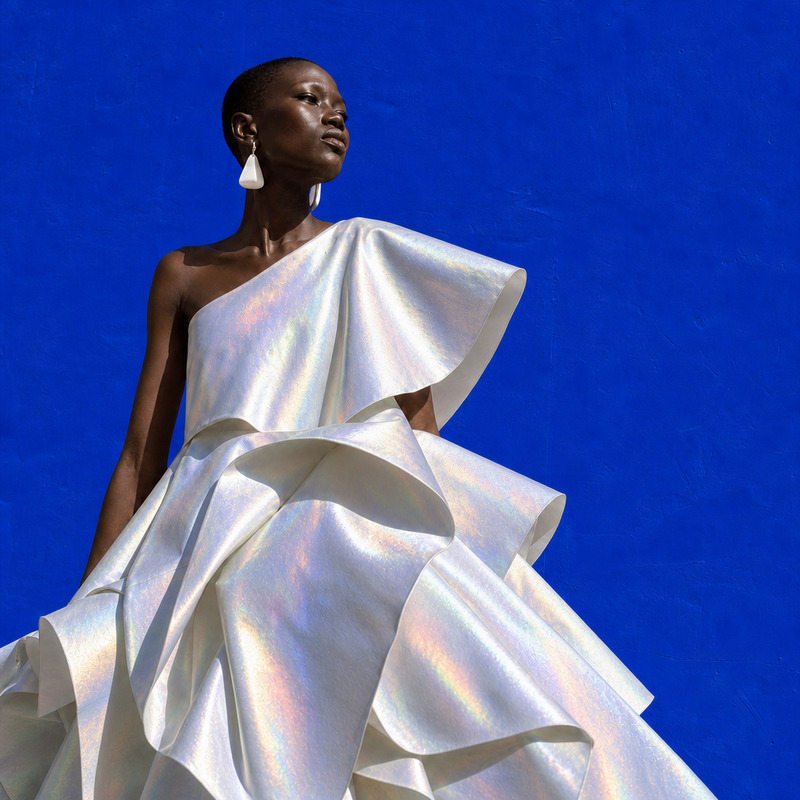
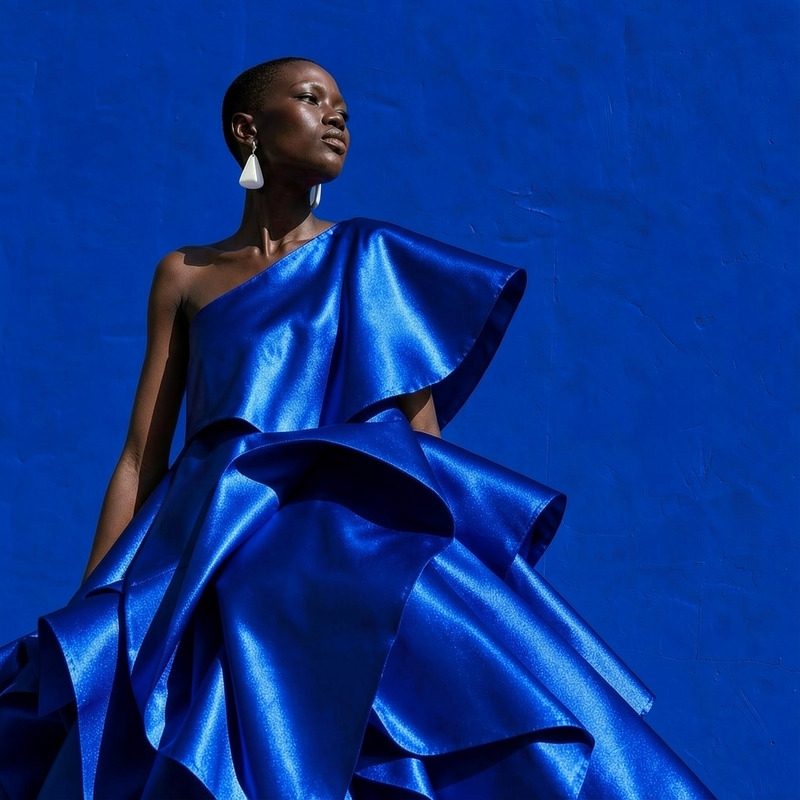
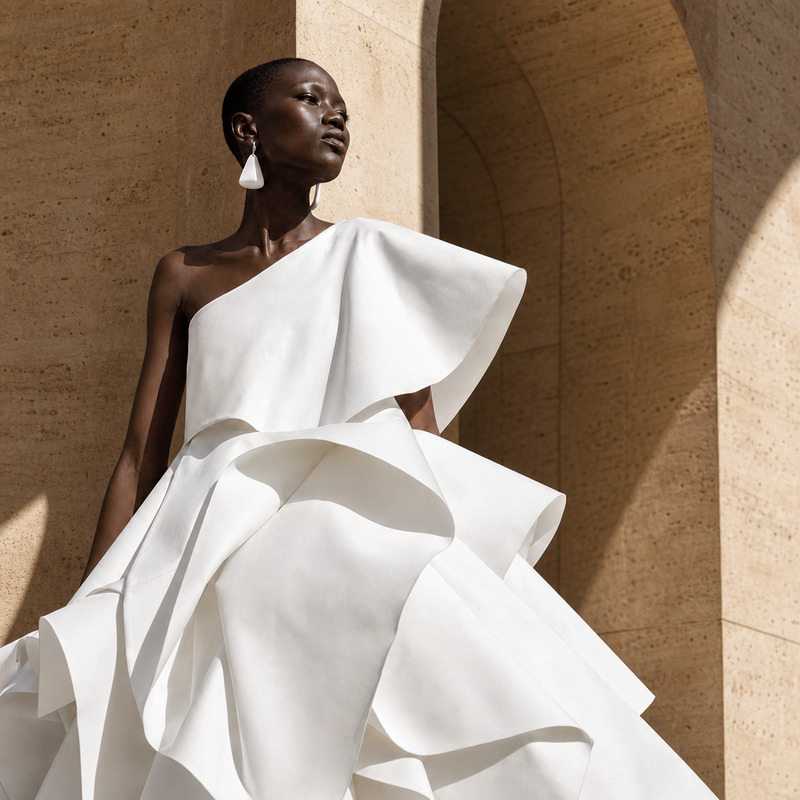
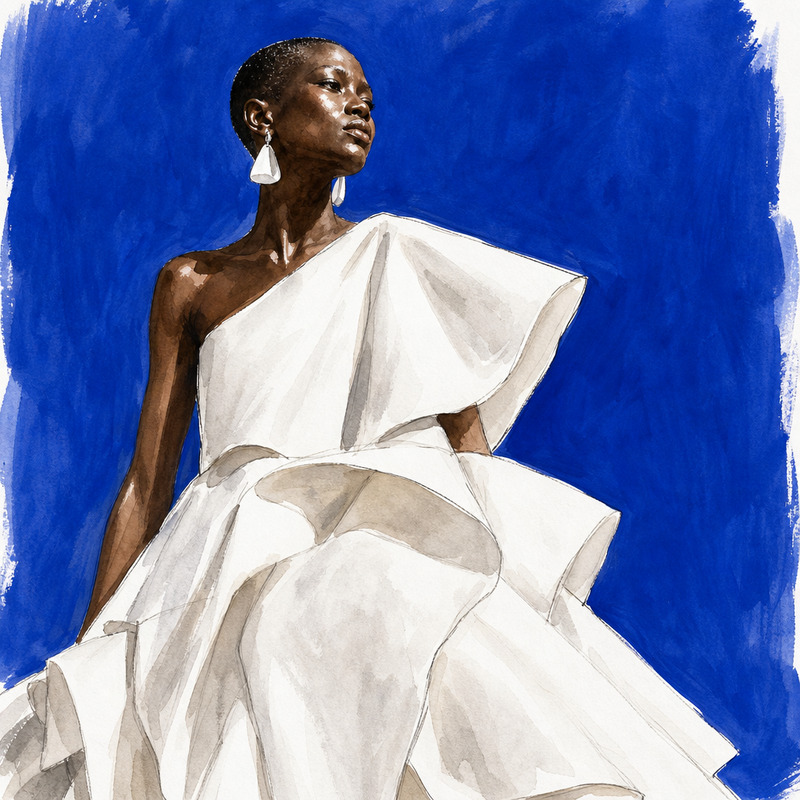
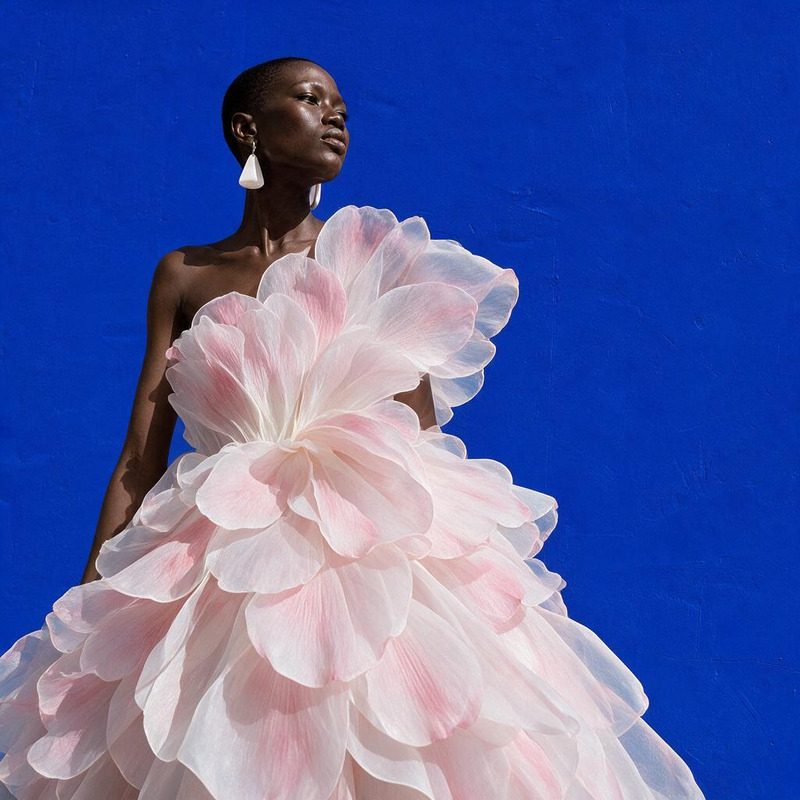
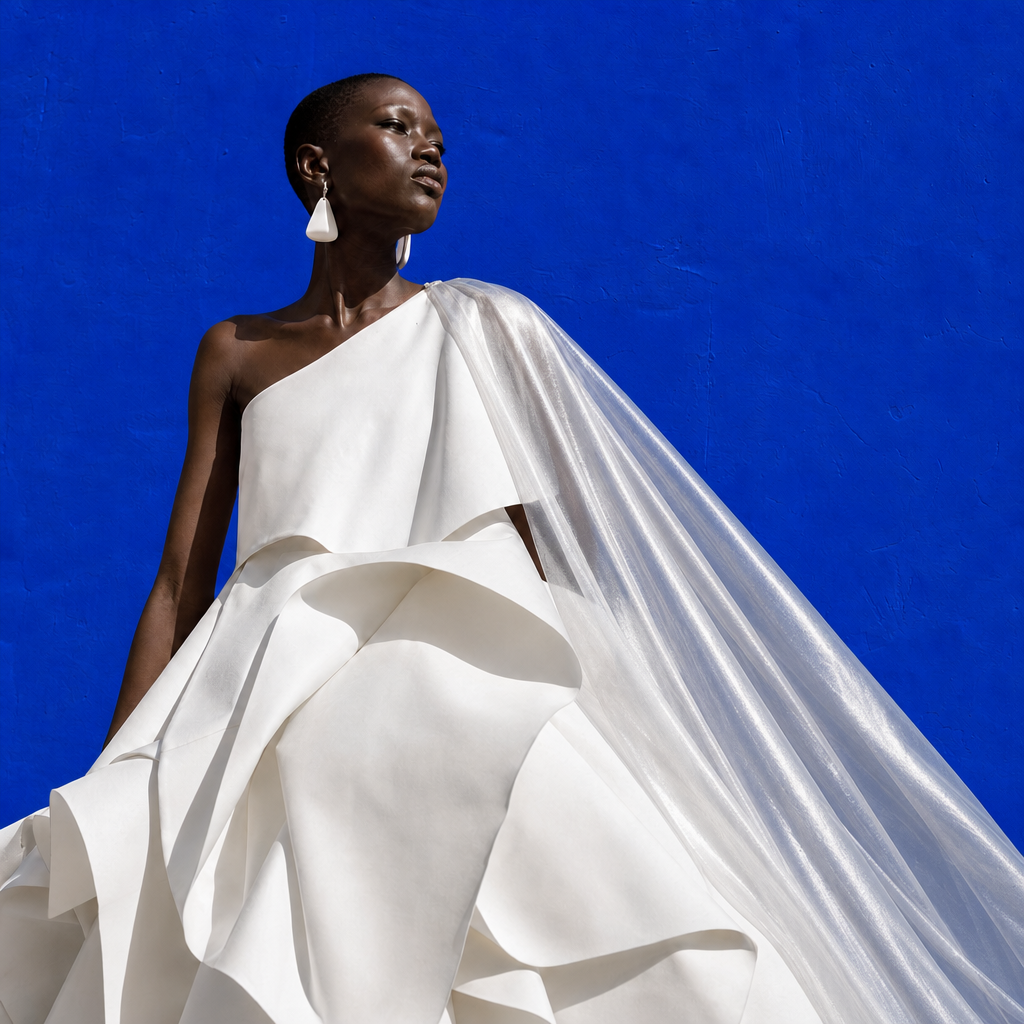
Add a translucent silver cape over the existing dress, preserving the model identity, pose, and composition
Any aspect ratio
Overview
Enhance your images with the AI Image Editor · Add a Translucent Silver Cape template. This template allows you to add a stylish translucent silver cape over any existing dress in an image. Retain the integrity of the model's pose and identity while enhancing their ensemble with shimmering elegance.
What It Does
Designed to work seamlessly as part of the AI Image Editor, this template uses the gpt-image-2 model to overlay a translucent silver cape on top of existing attire. It carefully maintains the original pose and composition, improving your image without altering its core elements.
Who It's For
Perfect for fashion designers, marketers, and content creators looking to add a touch of magic to their imagery, the template is suited for anyone involved in producing captivating visuals. Those working on sales outreach videos or e-commerce platforms will find it especially beneficial.
Summary
Transform your images and captivate your audience with a quick and easy way to apply a stylish cape. Use the AI Image Editor features to deliver stunning visuals without losing your model's original essence.
How To
Choose Your Template

Customize Your Image

Generate and Download

Use Cases
Fashion Marketing
- Showcase clothing lines with added flair
- Create standout marketing material
Social Media Content
- Upgrade your Instagram aesthetic
- Create buzzworthy TikTok content
E-commerce Displays
- Create dynamic product views
- Stand out in your e-commerce listings
Best Practices
Start with High-Resolution Images
Ensure you begin with clear, high-resolution images to achieve the best overlay results and maintain image quality.Align with Composition
When positioning the cape, make sure it complements the original pose and natural flow of the attire to keep the image cohesive.Experiment with Lighting and Shadows
Adjust the lighting and shadows for the cape within the editor to align with the original photo, enhancing realism.