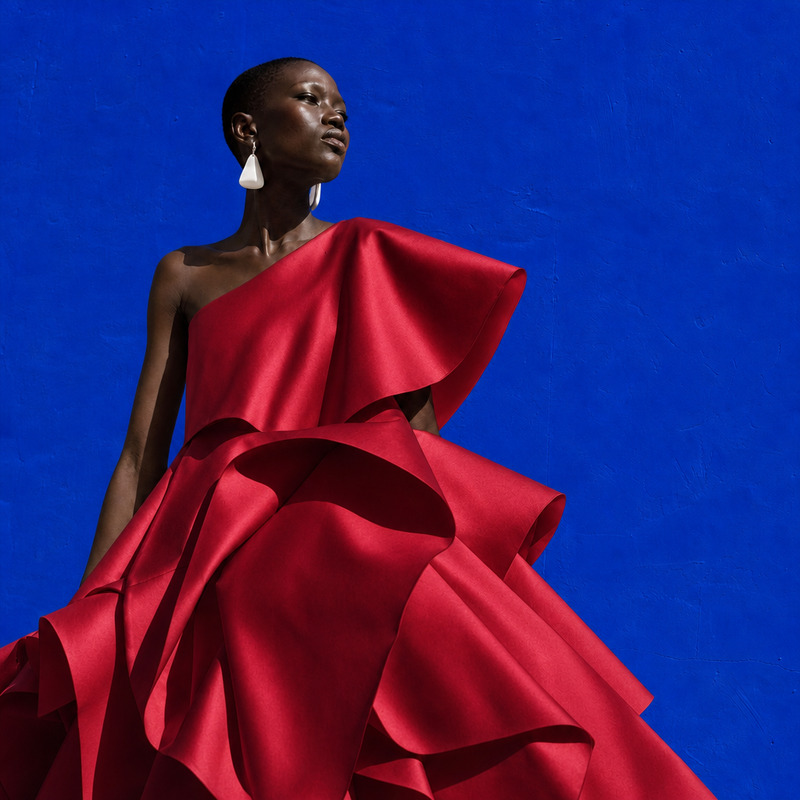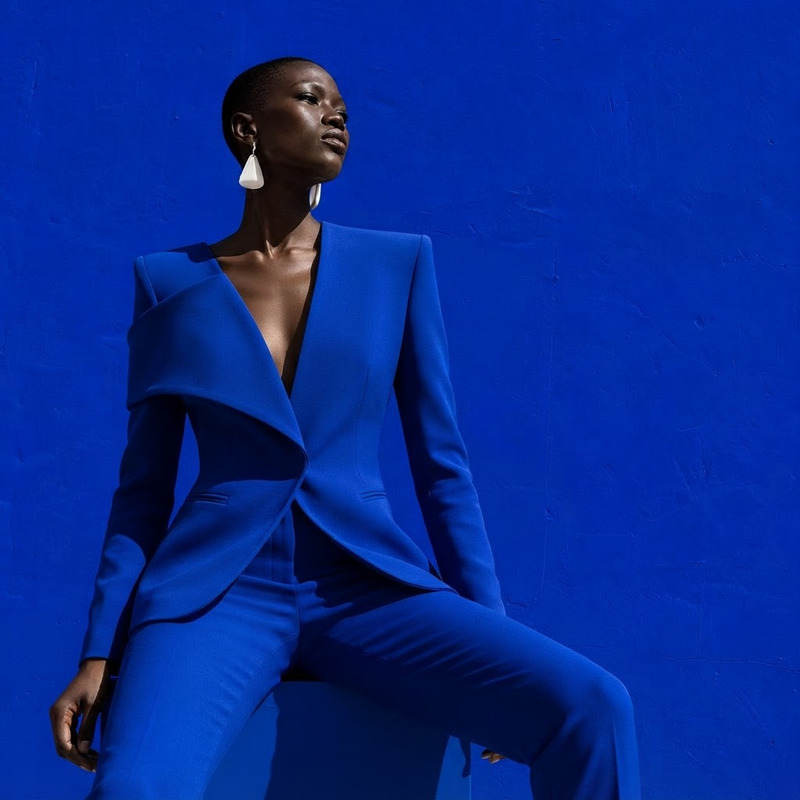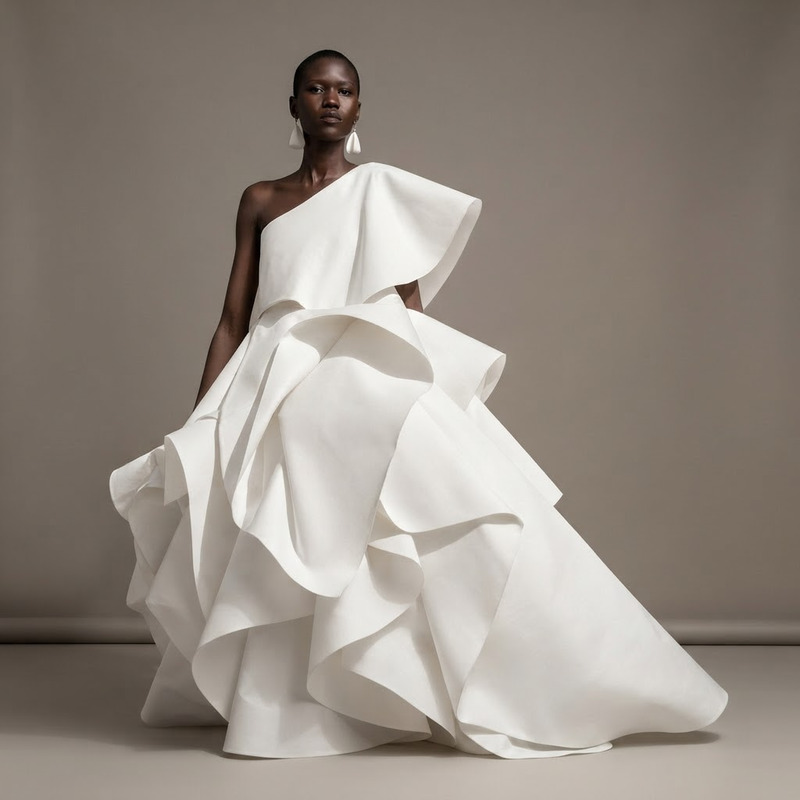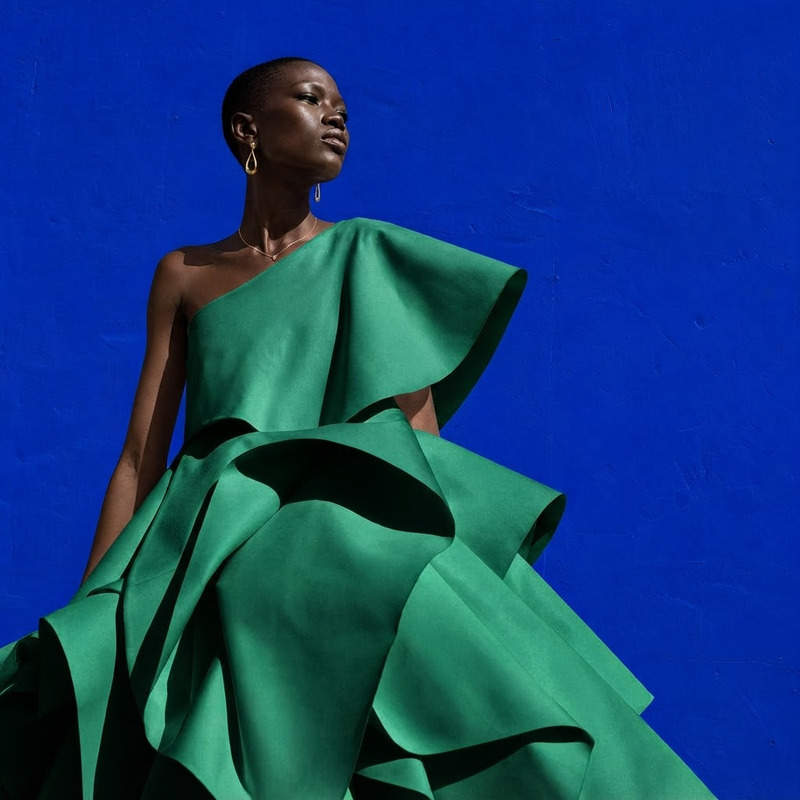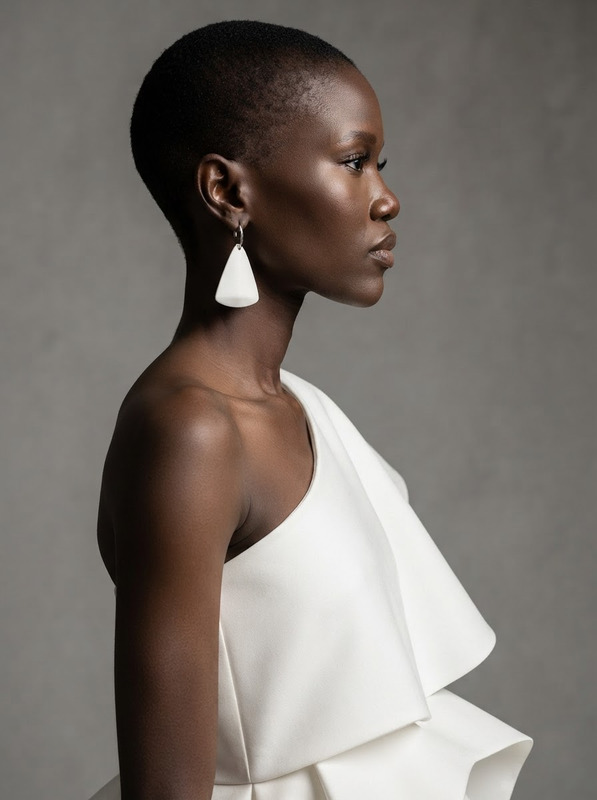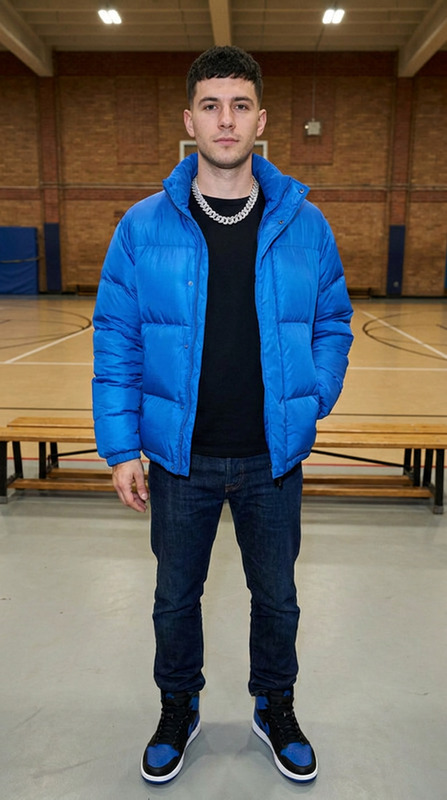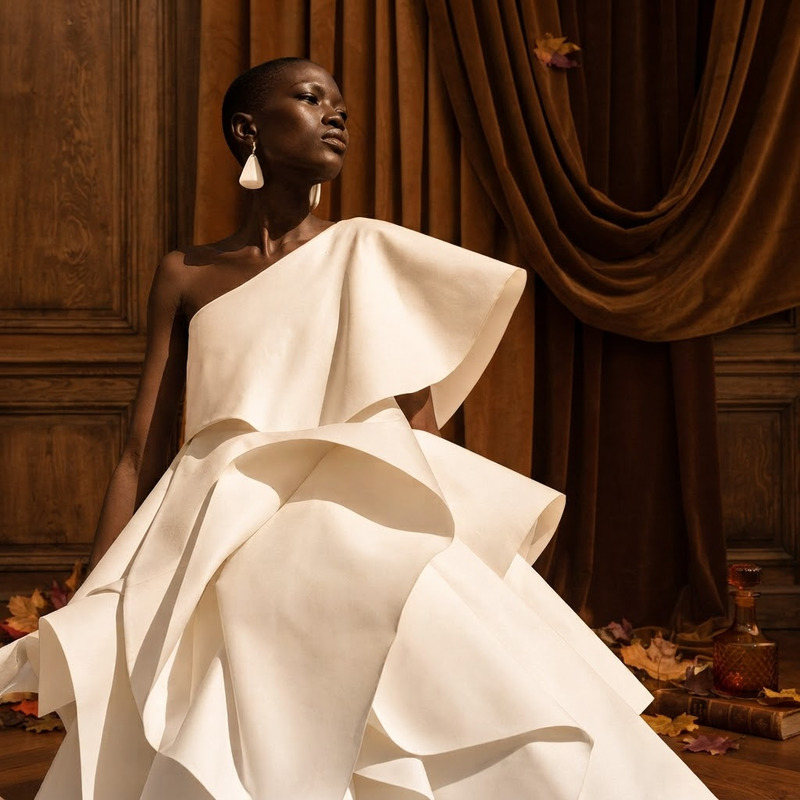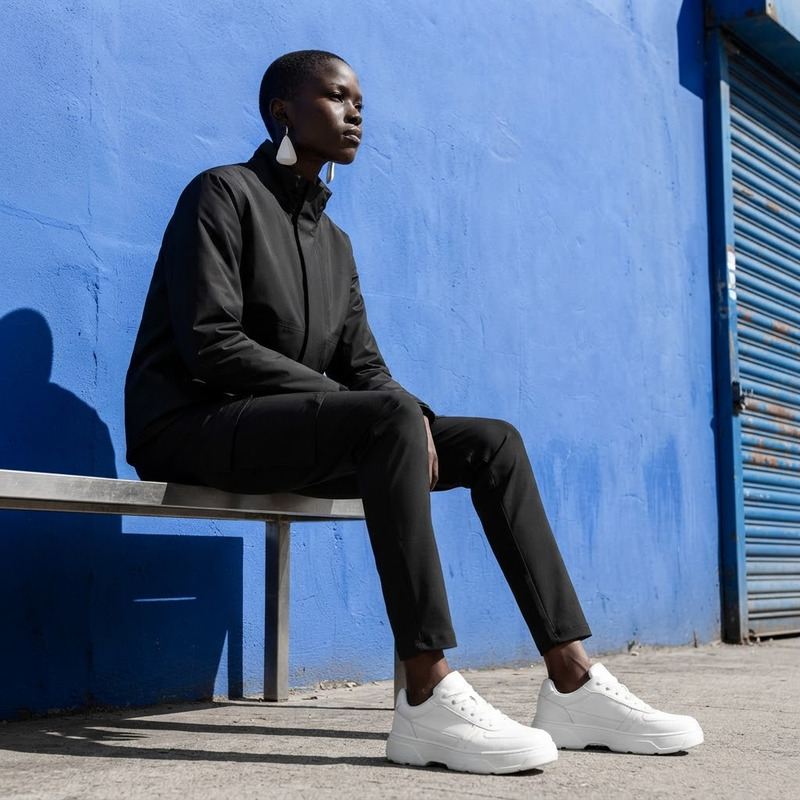
AI Image Editor · Change the white dress to a ca
- Model
- Nano Banana 2 Lite
- Image
- 1024 × 1024 px
Prompt
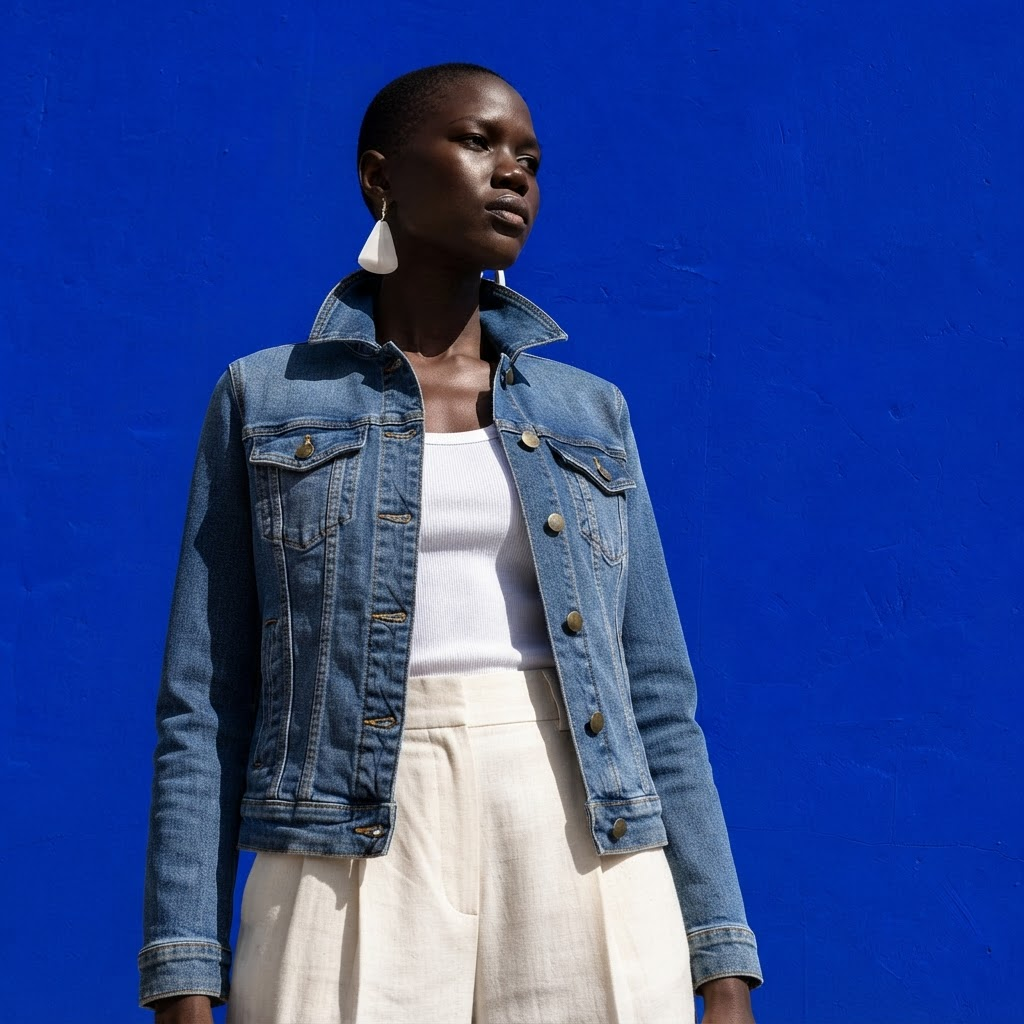
Change the white dress to a casual denim jacket and cream trousers, preserving body and identity
Any aspect ratio
Overview
The AI Image Editor template enables quick and precise outfit changes in images, transforming a white dress into a casual denim jacket paired with cream trousers. This tool uses the nano-banana-2-lite model to maintain the visual integrity and identity of the person in the image.
What It Does
The AI Image Editor allows users to change clothing in images, such as converting a white dress into a more casual attire, without compromising the person's identity or physical features. Its functionality is seamlessly integrated into the AI Image Editor environment where transformations are made simple and effective.
Who It's For
This tool is perfect for fashion designers, influencers, and marketers who need to quickly visualize clothing changes. It's also beneficial for creative professionals using AI Product Photography or AI Profile Picture Generator to enhance visual presentations and appeal.
Summary
The AI Image Editor template uses the nano-banana-2-lite model to specifically modify attire in images, allowing for rapid stylistic changes. The tool retains essential elements of body and identity, making it ideal for refined fashion updates and digital content creation.
How to Use
Choose Your Template

Customize Your Inputs

Generate Your Image

Use Cases
Fashion Design and Prototyping
- Draft looks for clients
- Experiment with fabric combinations
Marketing and Social Media
- Generate varied outfit images for campaigns
- Create diverse looks for social media posts
E-commerce Visualization
- Display multiple looks for the same product
- Enhance product pages
Best Practices
Select Clear Input Images
Always use high-quality images where the subject's attire is clearly visible for accurate editing.Adjust Prompts for Best Results
Tailor the prompt to match the precise clothing changes needed, ensuring the tool executes the transformation you envision.Review Final Output
After generation, inspect the image for any artifacts and make additional modifications if necessary to maintain quality.