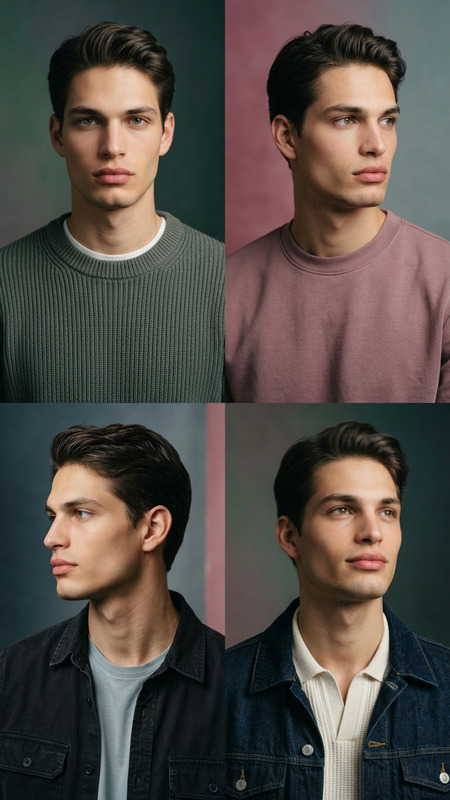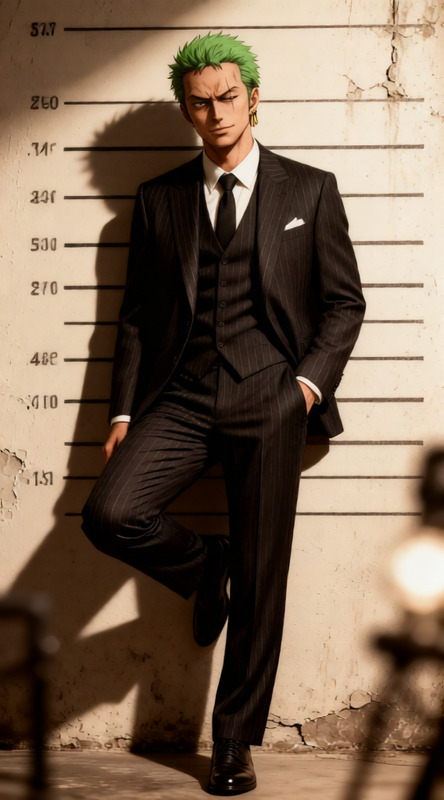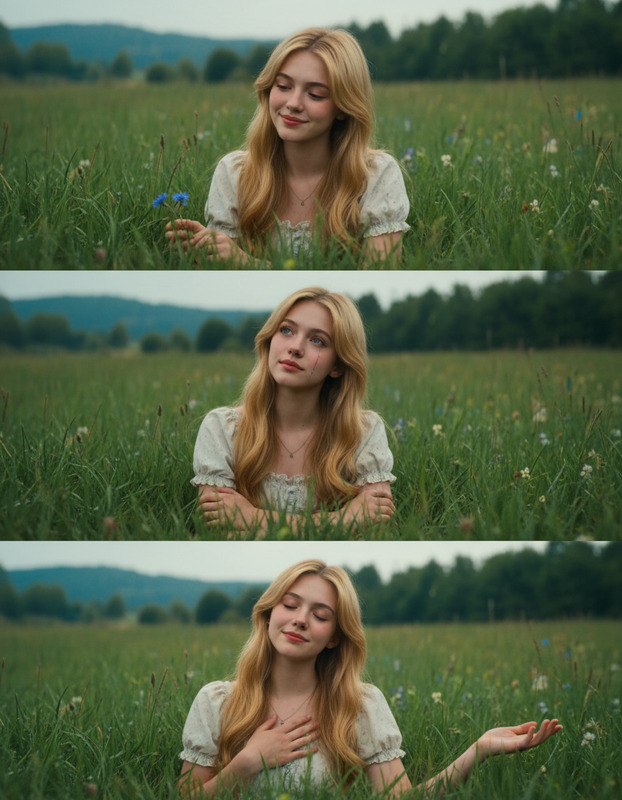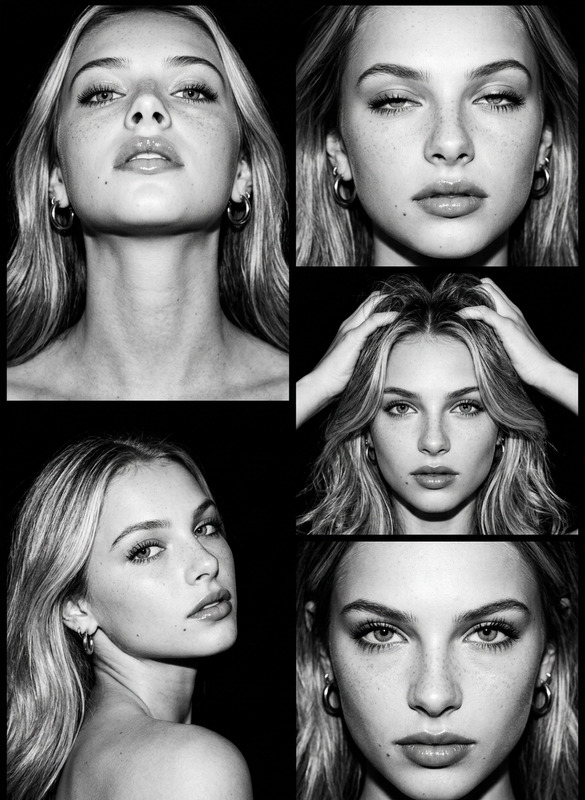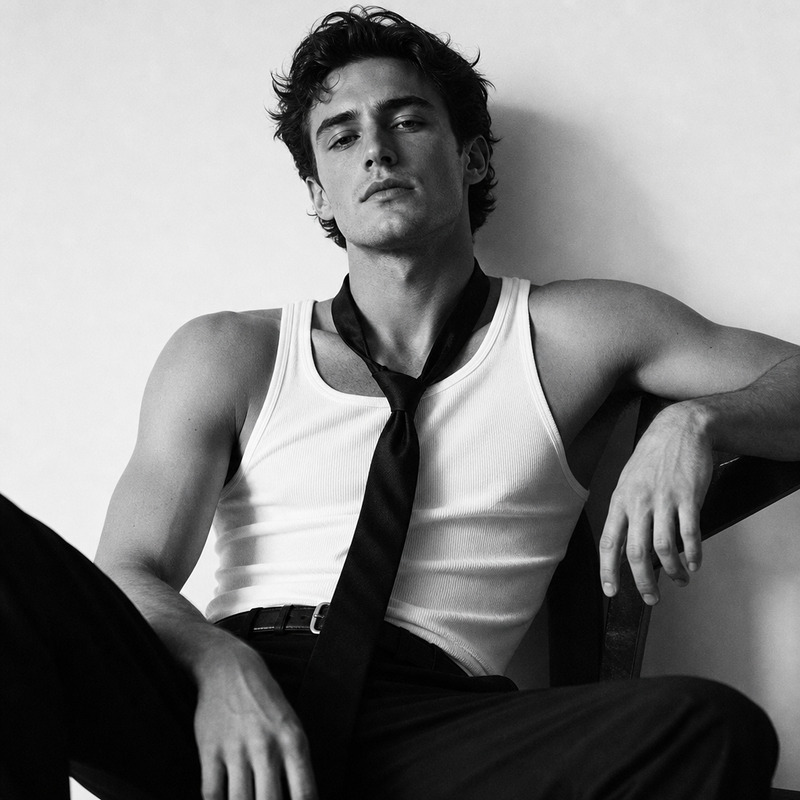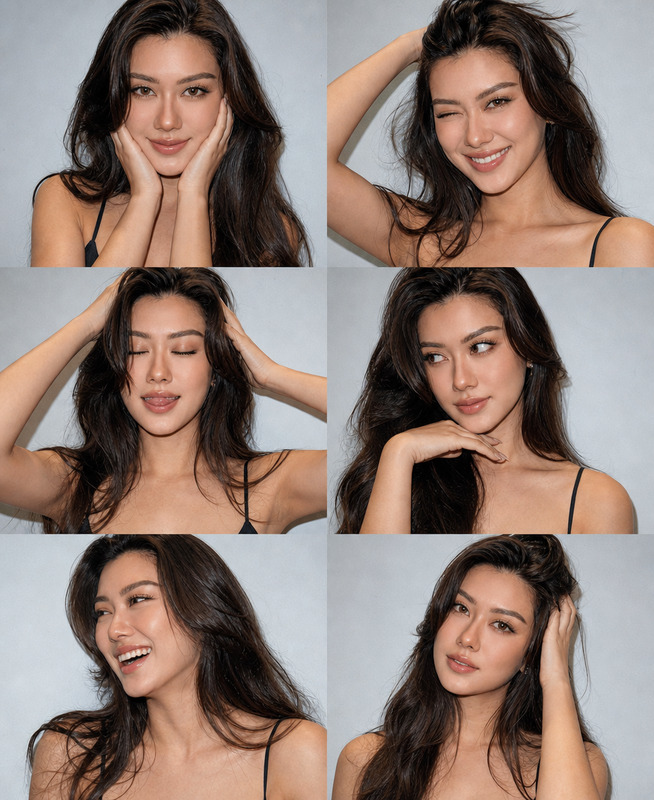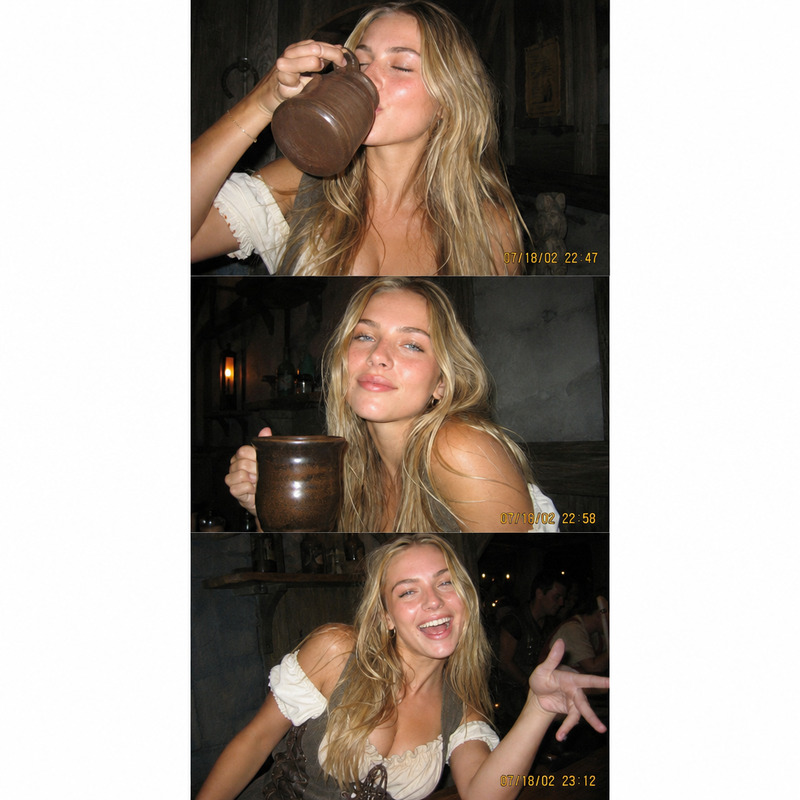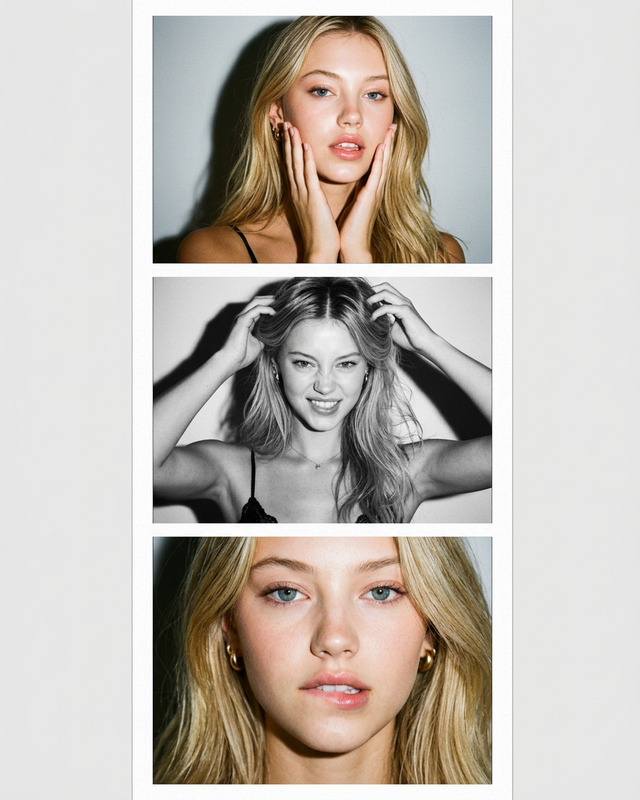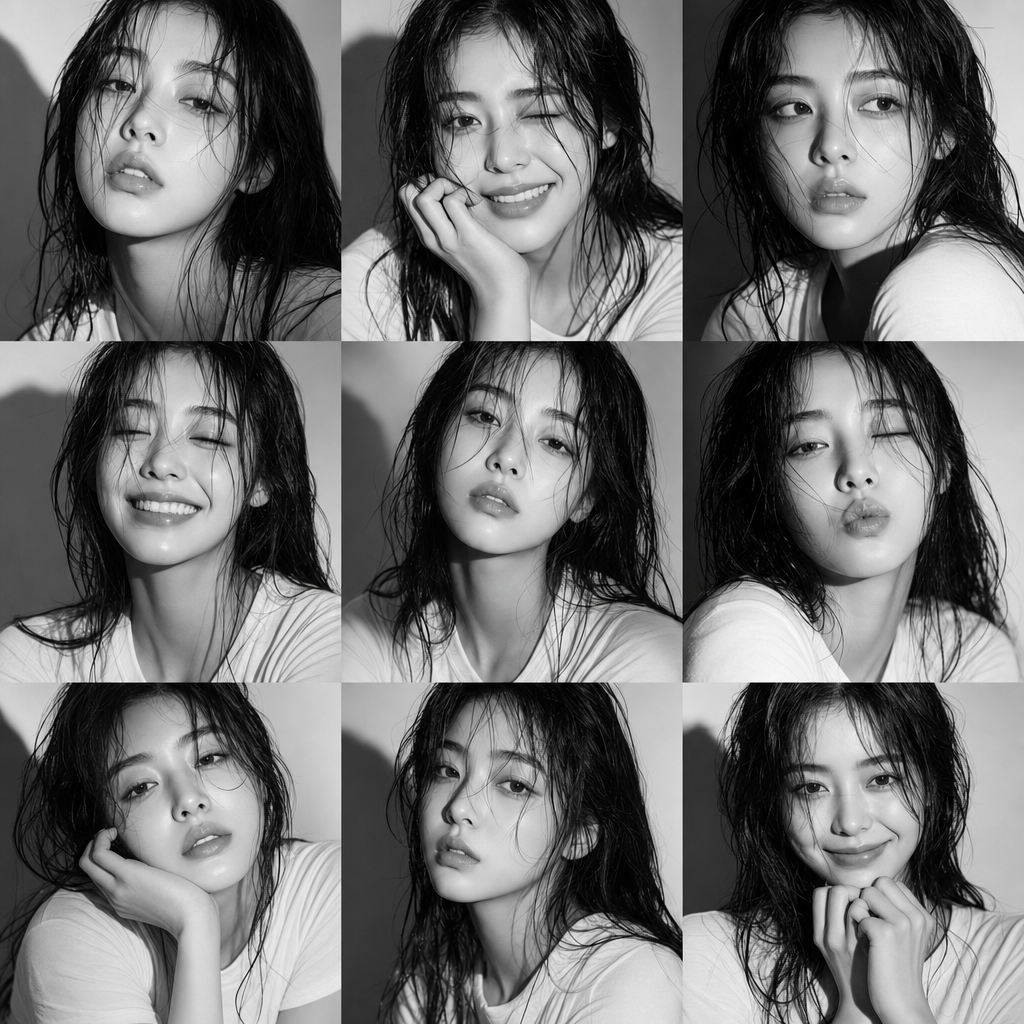
Collage Portrait 9 Frames
- Model
- GPT Image 2
- Image
- 1024 × 1024 px
Prompt
A cinematic black-and-white studio portrait series of a reference character with wet hair and a simple white T-shirt, consisting of nine 3x3 square frames, showcasing a variety of positive and playful emotions; hard lighting creates dramatic shadows, the background is light gray, focusing on facial details and expressions.
Any aspect ratio
Overview
The Collage Portrait 9 Frames template leverages the capabilities of AI Image Editor, specifically the gpt-image-2 model, to create a striking black-and-white portrait series. Each image captures your chosen reference character across nine dynamic frames, emphasizing diverse and playful emotions through a cinematic lens.
What It Does
This template generates a cohesive series of nine photographs that focus on facial details and expressions. With high-contrast, hard lighting against a light gray background, it accentuates emotions and expressions in each frame. Perfect for projects that require detailed exploration of character personas.
Explore more visual styling options with products like the AI Image Editor and expand your imagery reach with AI Video Generator.
Who It's For
The Collage Portrait 9 Frames template is ideal for photographers, graphic designers, and creative directors who are building portfolios or developing marketing materials. It's equally beneficial for advertising agencies seeking to present personal advertisements with a cinematic flair.
It's a great fit for those already using AI Face Editor to refine and perfect facial features in their projects.
Summary
With this template, turn your creative vision into a reality by producing a collection of expressive black-and-white portraits. Use it to highlight character emotions across nine frames, creating a powerful visual story. For even more creative possibilities, consider integrating with Image to Video features to bring your portraits into dynamic sequences.
How-To
Choose the Template

Customize Your Inputs

Generate Your Collage

Use Cases
Portfolio Development
- Highlight varied expressions
- Showcase artistic lighting techniques
Marketing Campaigns
- Craft intense, emotive images
- Elevate brand storytelling
Character Study
- Dive deep into emotional profiles
- Visual narrative exploration
Best Practices
Choosing the Right Reference
Select a character with distinctive facial features and expressions to maximize the impact of each portrait in the series.Lighting Adjustments
Experiment with the hard lighting settings to achieve the desired dramatic effect without losing detail in the shadows.Emotion Range
Incorporate a wide range of emotions to display the character's versatility, enhancing the narrative flow of the collage.