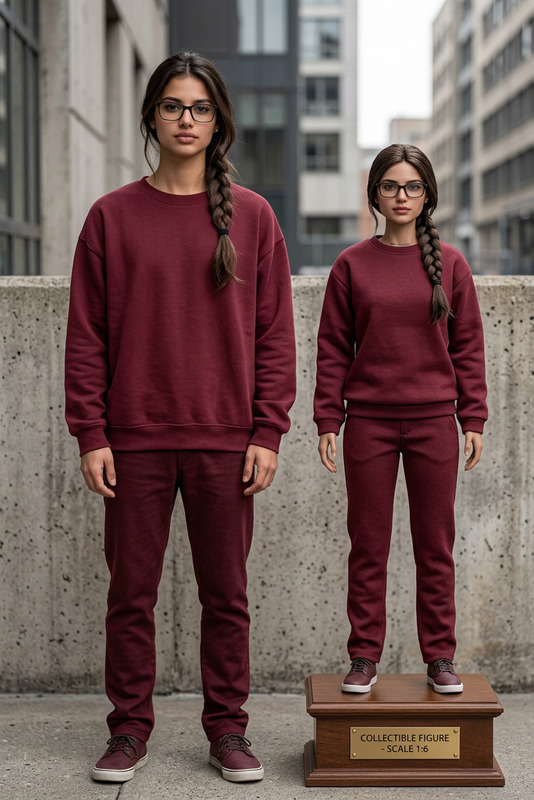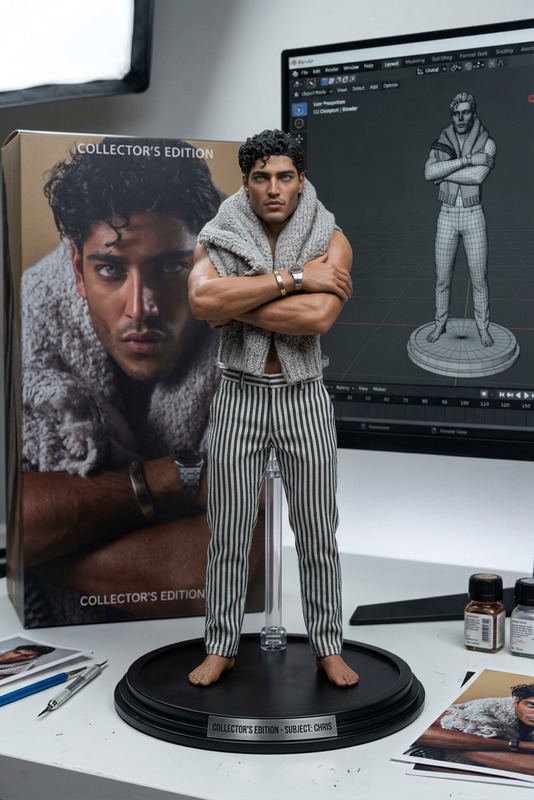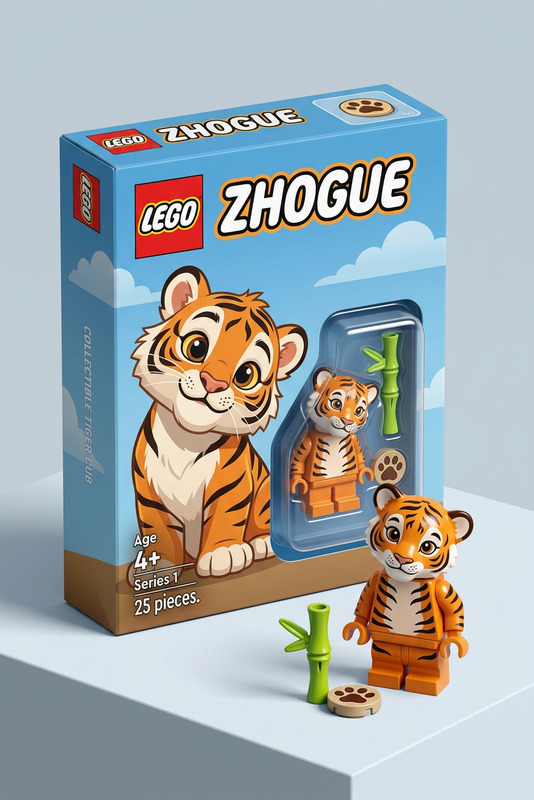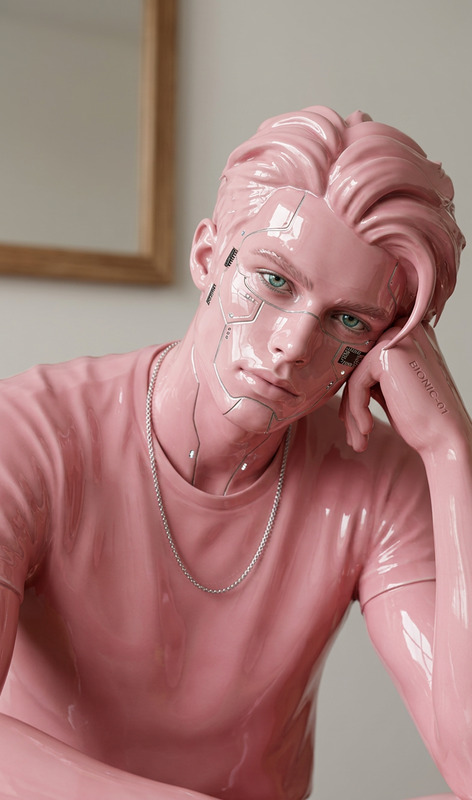
LEGO Portrait
- Model
- Nano Banana 2
- Image
- 1376 × 768 px
Prompt
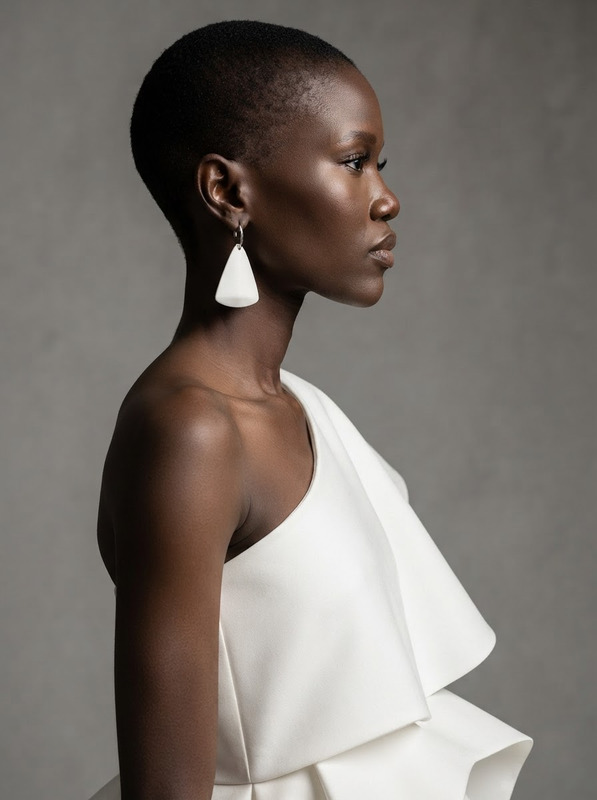
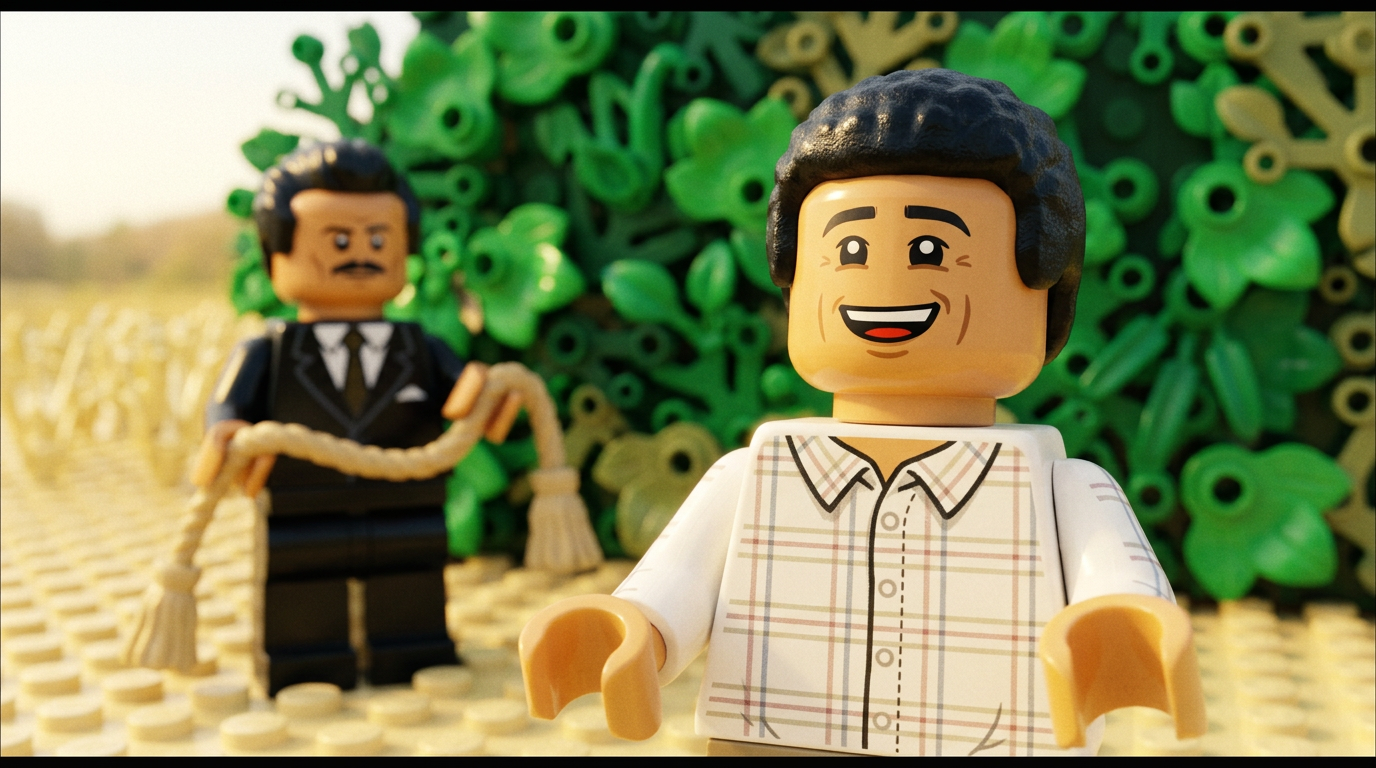
Turn the image into a LEGO Minifigure
Any aspect ratio
Overview
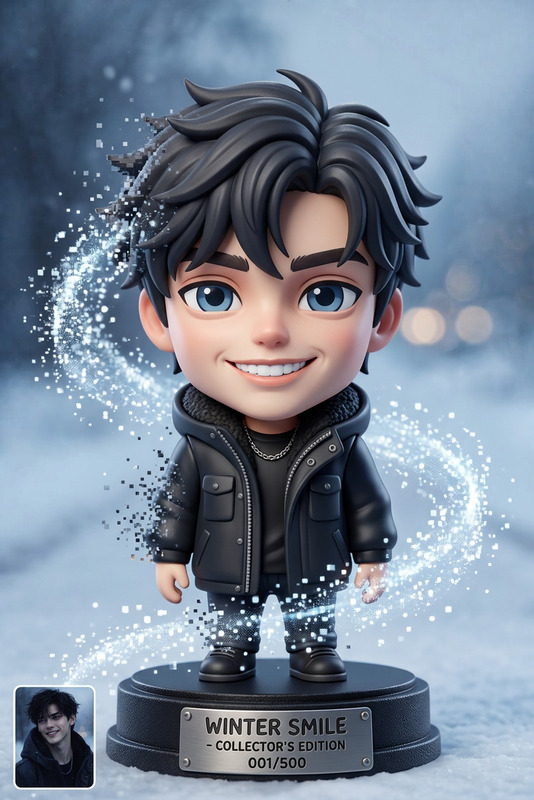
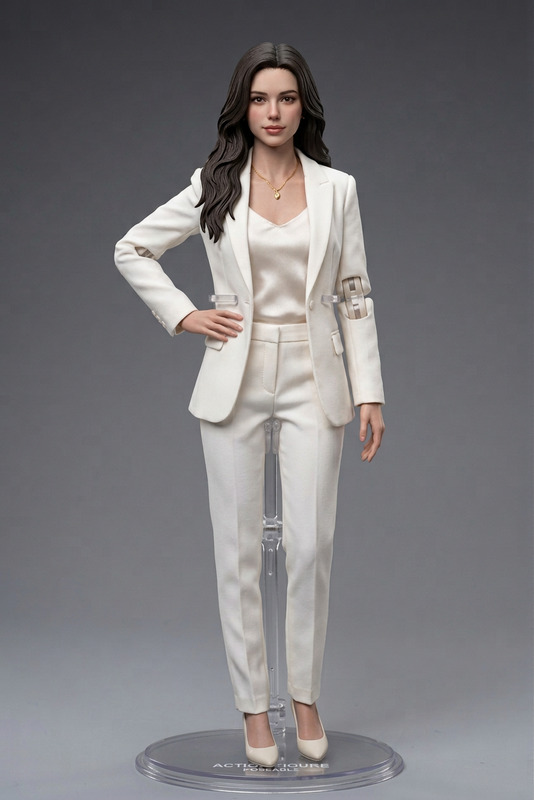
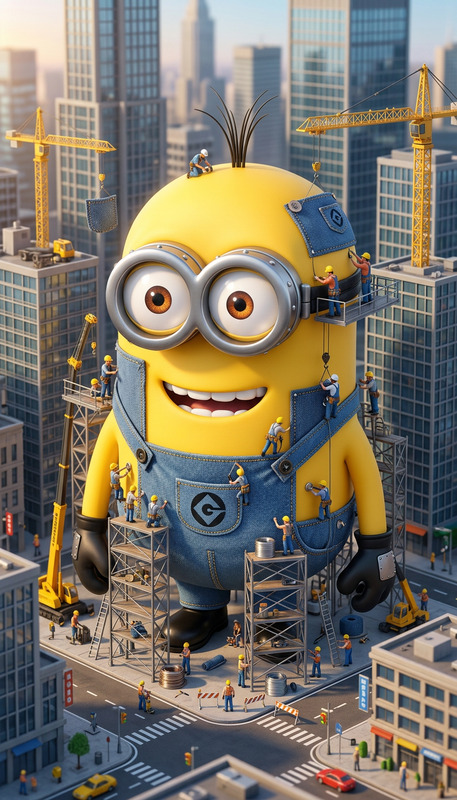
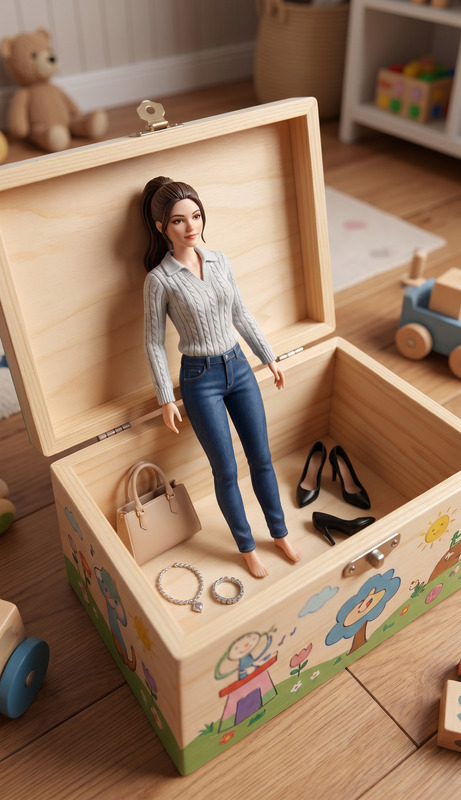
Transform your portraits into fun and imaginative LEGO Minifigure representations with the LEGO Portrait tool. Designed as an innovative feature of our AI Image Editor, this template brings a playful twist to your images by mimicking the iconic LEGO style.
What It Does
The LEGO Portrait tool utilizes the powerful nano-banana-2 model to convert standard images into LEGO-style portraits. This tool breaks down your image into the familiar blocky texture associated with LEGO designs, making your photographs both unique and engaging.
Who It's For
This tool is perfect for creative professionals, marketers, or anyone looking to add a playful element to their projects. It's also an excellent choice for creating LEGO-themed events or marketing materials, and can add a unique touch to product advertisement campaigns using our AI Product Photography tool.
Summary
With the LEGO Portrait tool, transform your images into captivating LEGO Minifigures effortlessly. This feature is part of our versatile AI Image Editor, ensuring high-quality results that will resonate with audiences across different platforms, from social media to marketing materials.
How To
Choose Your Template

Customize Your Image

Generate and Download

Use Cases
Event Promotions
- Themed parties
- Corporate events
- Workshops
Social Media Content
- Instagram posts
- Facebook ads
- LinkedIn campaigns
Custom Merchandise
- T-shirts
- Mugs
- Posters
Best Practices
Select High-Quality Images
Start with high-resolution images to ensure clear and detailed LEGO-style outcomes.Experiment with Styles
Try different images to see how various styles lend themselves to the LEGO format.Integrate with Other Tools
Combine with the AI Background Changer for dynamic backdrops that complement your LEGO portrait.