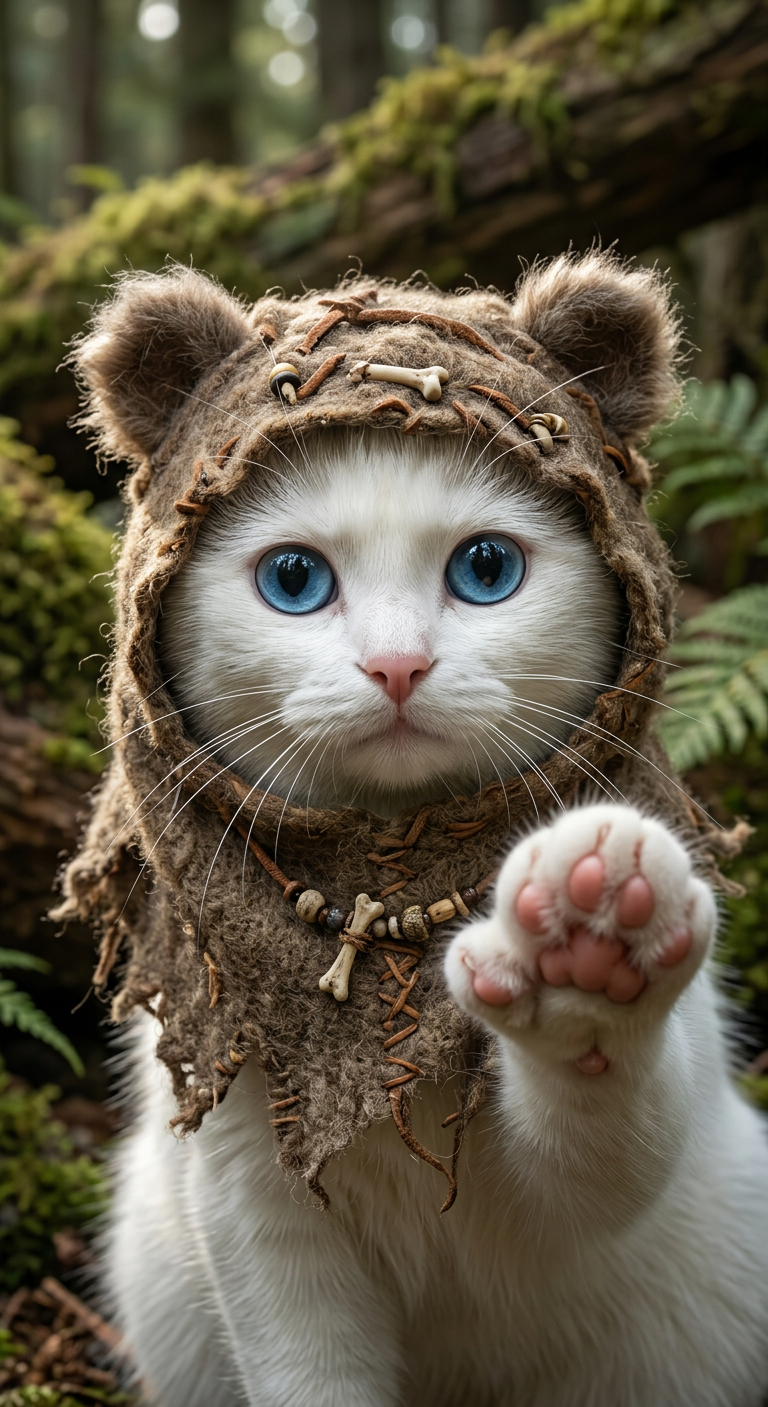
Ewok-Inspired Character
- Model
- Nano Banana 2
- Image
- 768 × 1407 px
Prompt
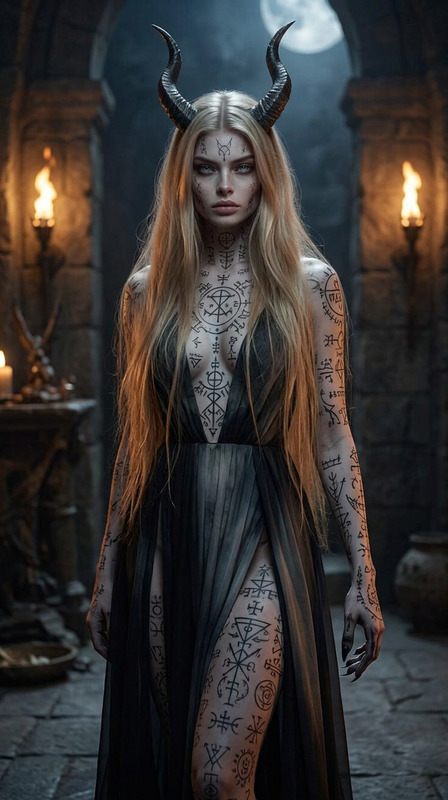
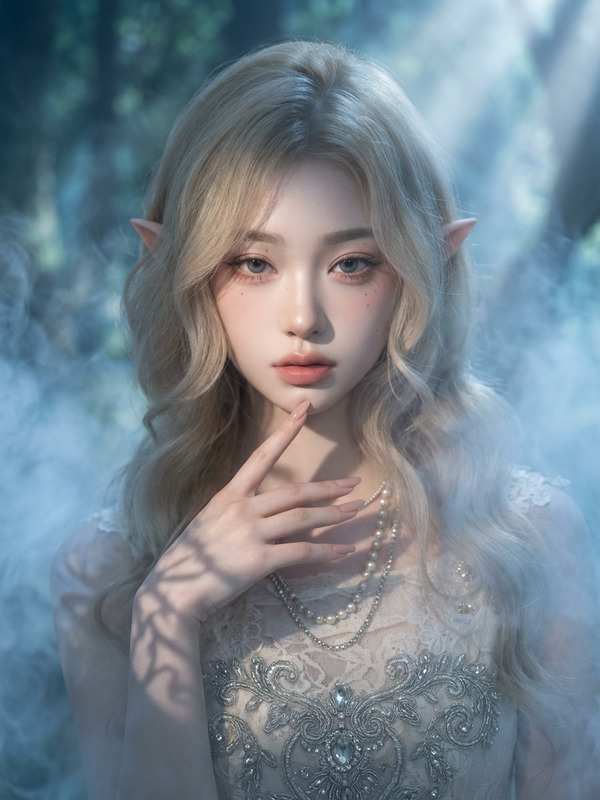
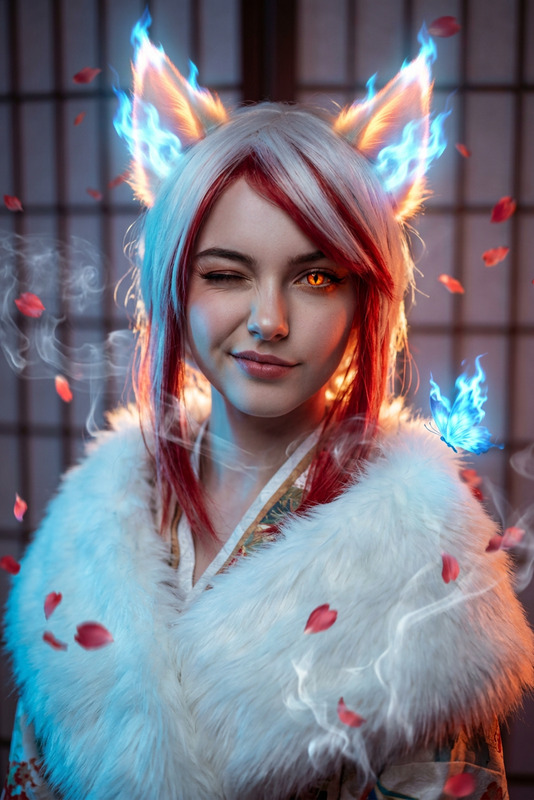
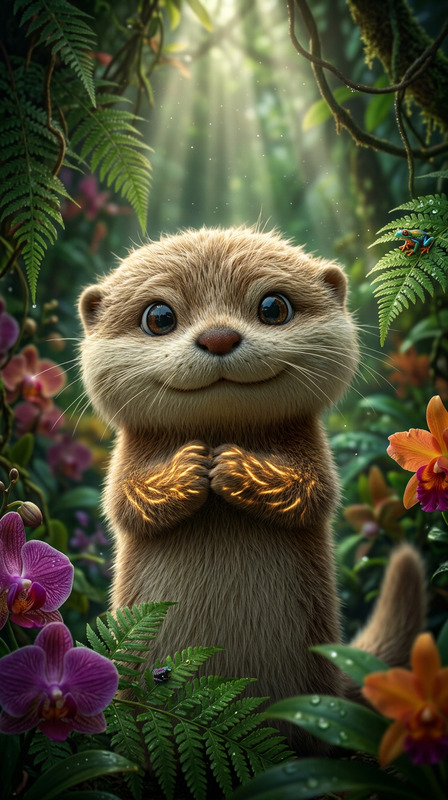
A hyper-realistic portrait of a subject wearing an Ewok-inspired costume. The subject has an adorable, expressive presence with intricate fabric and texture details in sharp focus. Natural lighting enhances depth and realism
Any aspect ratio
Overview
The Ewok-Inspired Character template within our AI Image Editor suite offers a creative way to blend realism and fantasy. Designed using the nano-banana-2 model, this template crafts detailed portraits that capture the charm and whimsy of Ewok-inspired outfits. Perfect for storytelling visuals, the template ensures each image brims with life-like textures and vivid expressions.
What It Does
Utilizing the Ewok-Inspired Character template allows you to generate hyper-realistic portraits accentuated by natural lighting and detailed textures. Its design emphasizes intricate fabric details while rendering captivating, expressive character images. Ideal for enhancing engagement in video projects, this tool brings characters to life, making them visually appealing and full of personality.
Who It's For
This template is perfect for content creators, advertisers, and filmmakers who want to add a touch of whimsy to their projects. Whether you're creating character-driven social media campaigns, promotional art, or fantasy-themed videos, utilizing our Image to Video solutions can enhance your visual storytelling toolkit with character depth and engaging imagery.
Summary
The Ewok-Inspired Character template is a versatile tool within the AI Image Editor offerings, known for its ability to produce lush and emotion-rich images. This template leverages advanced modeling to ensure your images are not just vibrant but also professionally detailed, making them suitable for a range of creative uses from ads to movies.
How To
Choose Your Template

Customize Your Image

Generate Your Image

Use Cases
Social Media Engagement
- Instagram posts
- Facebook ads
- Twitter promotions
Fantasy Storytelling
- Short films
- Web series
- Concept art
Ad Campaigns
- Billboards
- Online advertisements
- Print media
Best Practices
Focus on Lighting
Maximize the template's potential by paying close attention to natural lighting settings, which can vastly improve the realism of your portraits.Experiment with Textures
To achieve a hyper-realistic effect, closely adjust fabric and texture details so they appear life-like and tactile.Utilize Facial Expressions
The expressiveness of the subject enhances storytelling, so capture a range of emotions for the most effective visuals.