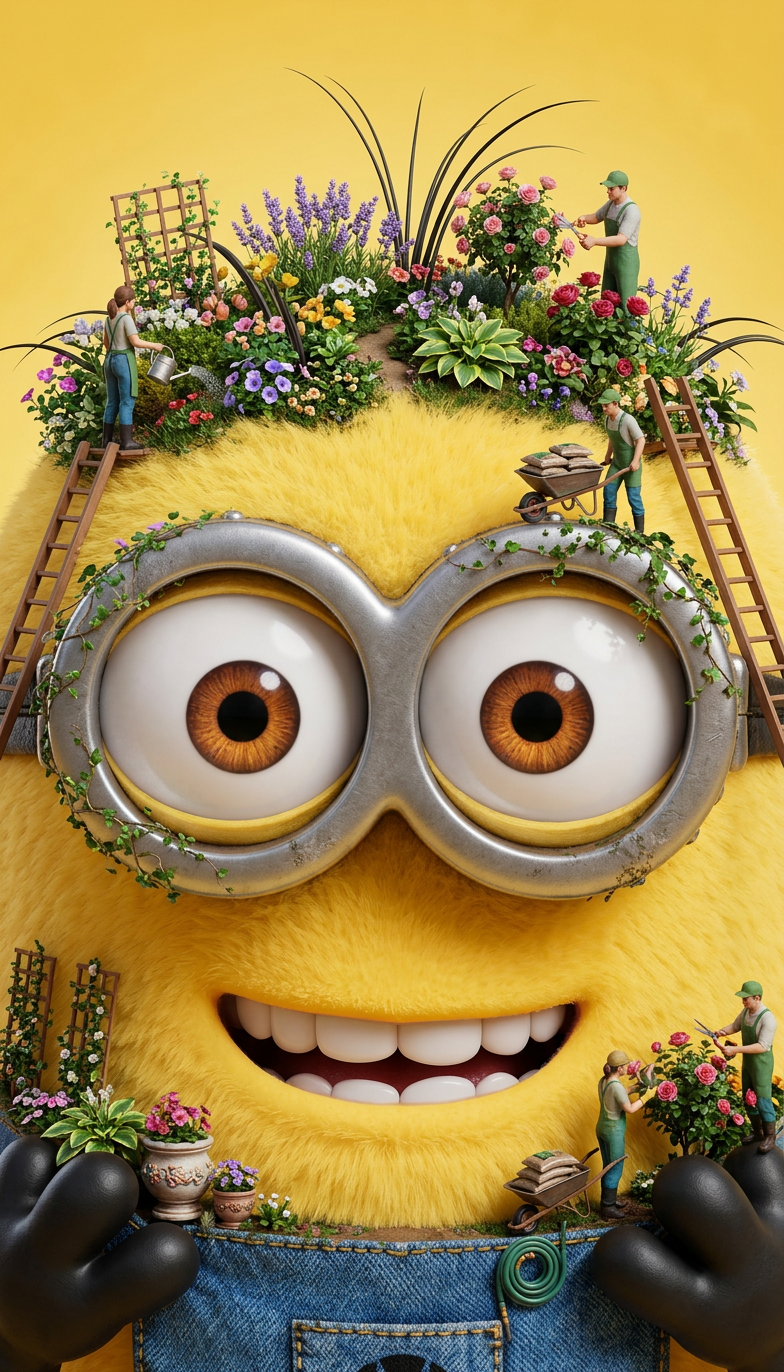
Tiny Gardeners
- Model
- Nano Banana 2
- Image
- 784 × 1372 px
Prompt
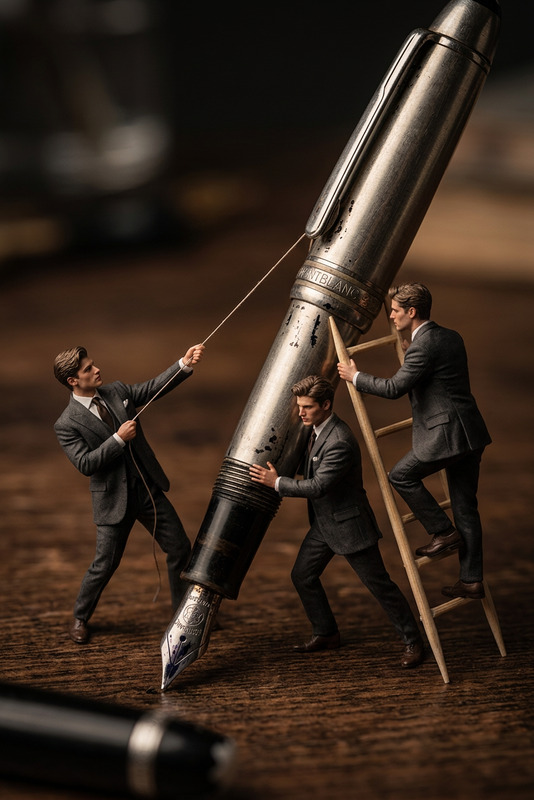
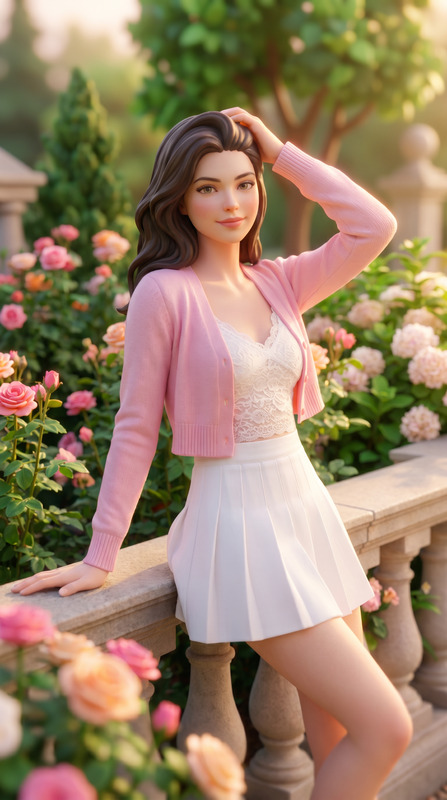
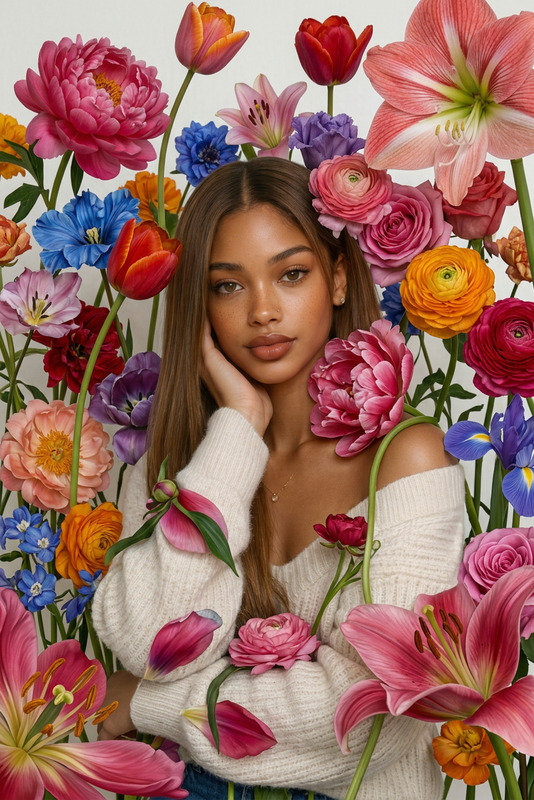
Transform the subject into a giant portrait where miniature gardeners maintain lush flower gardens growing throughout the subject's hair. Tiny ladders, watering cans, wheelbarrows, and blooming flowers create a whimsical yet realistic scene.
Any aspect ratio
Overview
Unleash your creativity with the Tiny Gardeners AI Image Editor template on Magic Hour. Transform ordinary portraits into whimsical landscapes where tiny gardeners care for lush flower gardens in your hair. With miniature tools like ladders, watering cans, and wheelbarrows, this template is perfect for producing captivating visual content.
What It Does
The Tiny Gardeners template uses the nano-banana-2 model to seamlessly integrate gardening elements into your images. This creates a delightful combination of portraits and nature, allowing you to visualize unique scenarios where your hair becomes a thriving garden. The advanced algorithms ensure a realistic yet enchanting aesthetic.
Who It's For
This template is ideal for educators looking to enhance learning courses with vivid imagery, parents and teachers creating fun kids' projects, and content creators producing engaging social media posts. Whether for gardening enthusiasts or anyone with a whimsical touch, the AI Image Editor offers versatile applications.
Summary
With Tiny Gardeners, turn ordinary photos into a magical garden scene. Tailor the elements to fit your theme and watch as your hair transforms into a vibrant ecosystem. Visit the AI Photo Relighting product page to further enhance your creations with perfect lighting.
How-To
Choose the Template

Customize Your Scene

Generate and Download

Use Cases
Gardening Tutorials
Children’s Book Illustrations
Social Media Content
Best Practices
Choose High-Quality Photos
Ensure the source image is of high resolution for best results when applying the AI Image Editor effects.Play with Element Placement
Experiment with different positions for the miniature gardeners and tools to create a balanced and harmonious composition.Mix and Match Tools
Incorporate various gardening tools and flowers to add depth and interest to each scene. Consider using the AI Meme Generator for humorous captions.