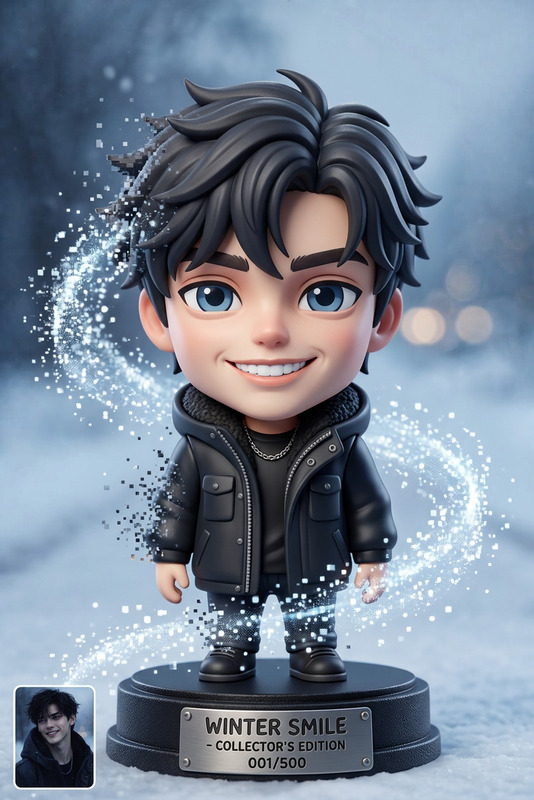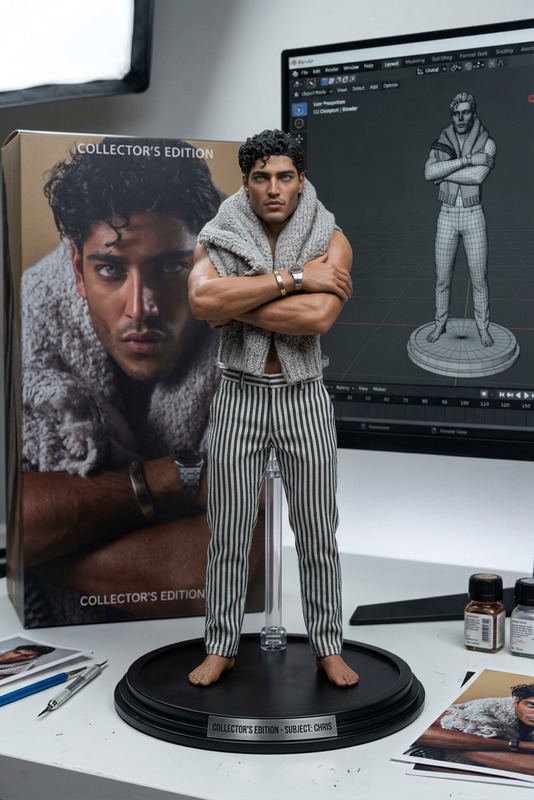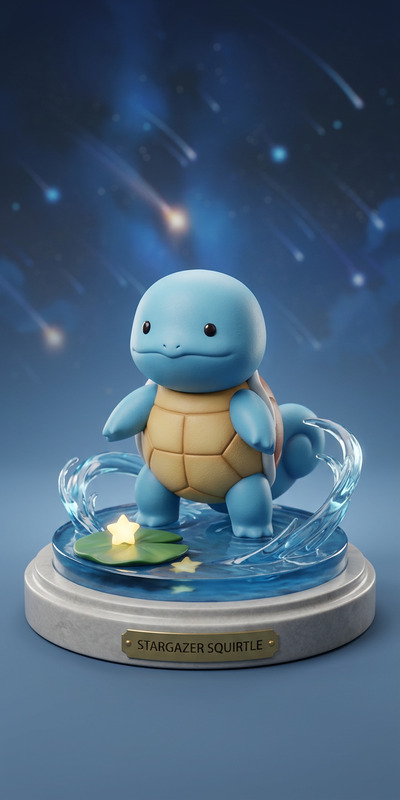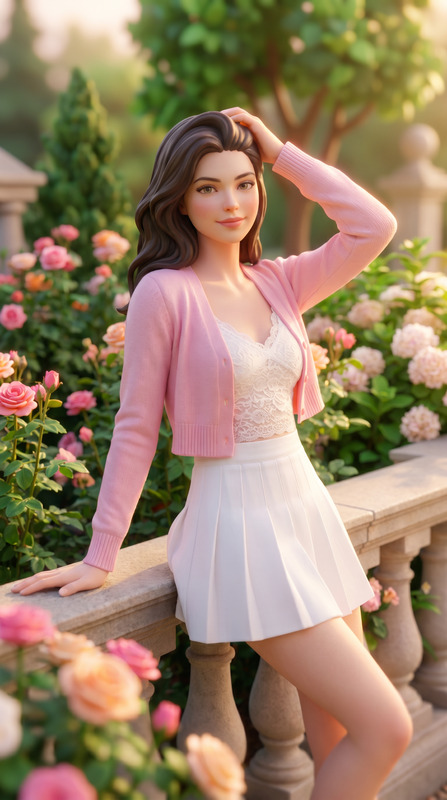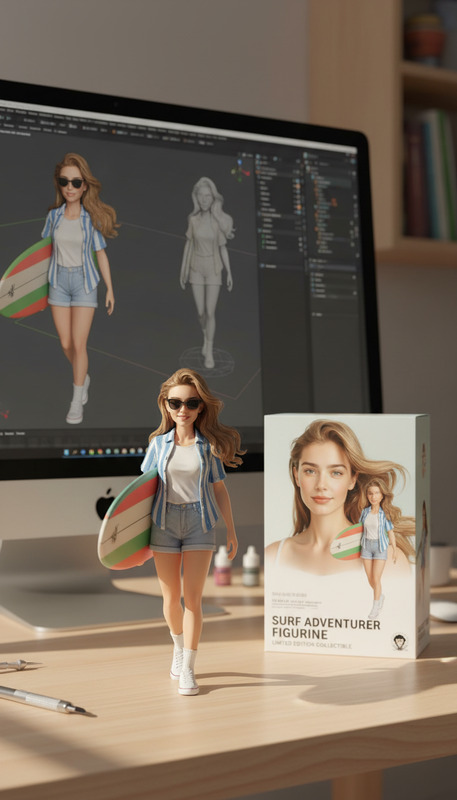
Fantasy Character
- Model
- Nano Banana Pro
- Image
- 1568 × 2720 px
Prompt
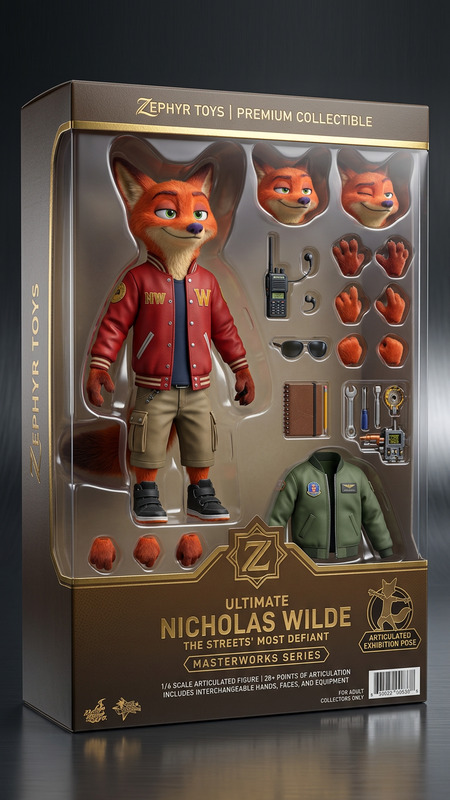
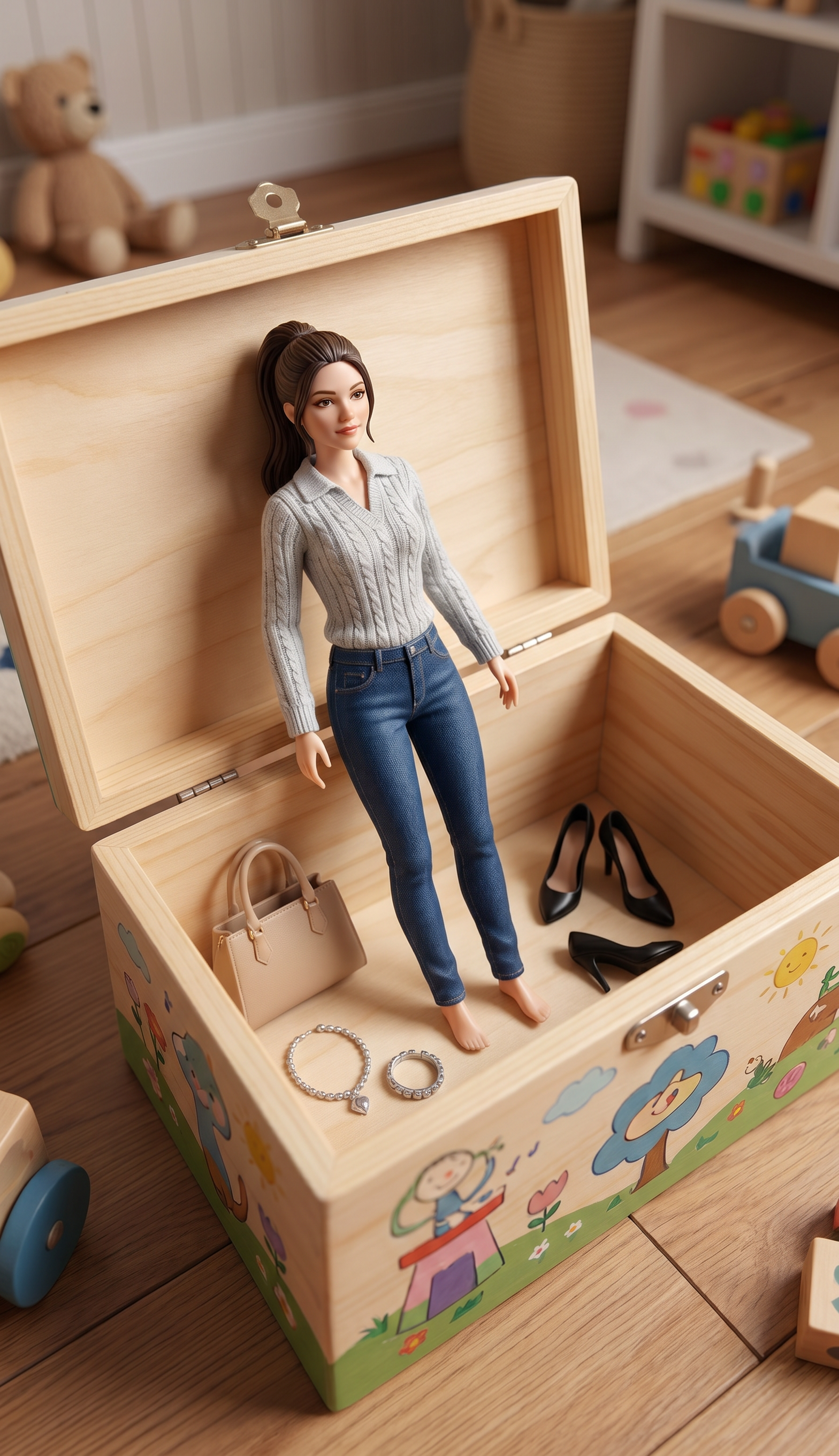
Create an image of a toy box featuring an action figure with a slimmer outfit. Next to the action figure, include mini figurines of a handbag, stilettos, and jewelry.
Any aspect ratio
Overview
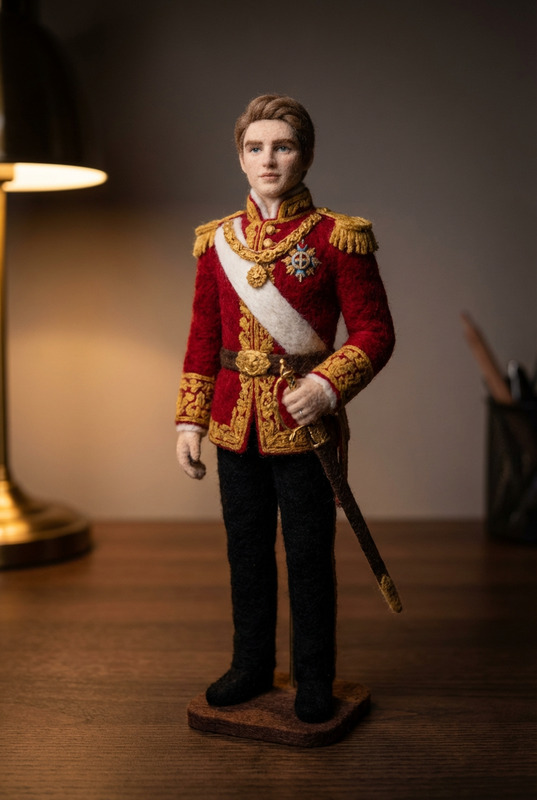
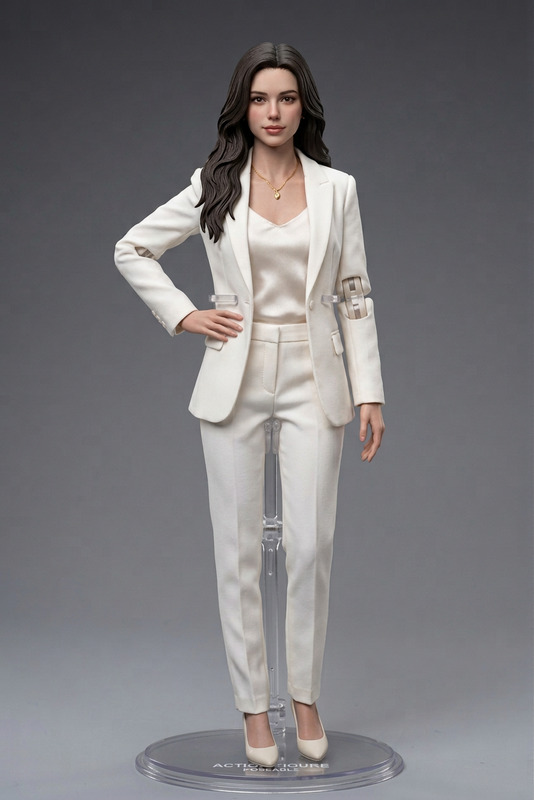
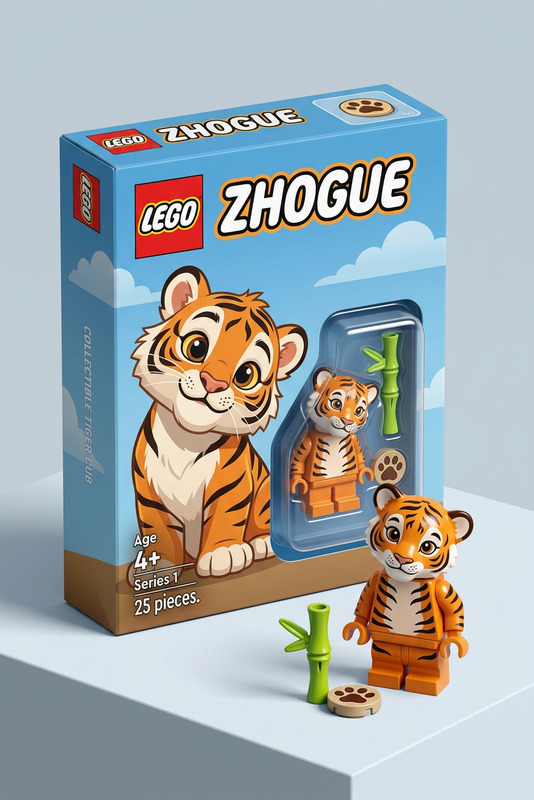
Magic Hour's Fantasy Character template is where imagination meets technology. This AI Image Editor template lets you craft stunning toy box images featuring unique action figures and accessories. Whether you're designing collectibles, game pieces, or custom characters, your creativity is unbound.
What It Does
This template refines character imagery by allowing you to adjust outfits and augment scenes with accessories. Using the nano-banana-pro model, create detailed visuals by specifying elements like a slimmer outfit for the action figure, complemented by mini figurines such as a handbag, stilettos, and jewelry.
Who It's For
Ideal for creators and designers in the toy and gaming industries. This template serves those looking to produce compelling images for promotional materials or product development. It also benefits marketers aiming to enhance their ecommerce ads with visually captivating content.
Summary
With the Fantasy Character template, you can transform concept art into realistic images, ensuring your creative vision is realized. It's a perfect blend for professionals seeking to innovate their visual presentations. Explore more about AI-enhanced graphic tools such as our AI Product Photography solution to complement your workflow.
How-To
Choose Your Template

Customize Your Inputs

Generate Your Image

Use Cases
Toy Box Design
- Create designs for new toy lines
- Enhance the appeal of collectible figures
Promotional Material
- Visuals for ecommerce platforms
- Eye-catching ads for social media
Game Character Concept Art
- Enhance board game aesthetics
- Prototype new game ideas
Best Practices
Refine Character Proportions
Balance the proportions of the action figure to fit your brand's aesthetic.Complementary Accessories
Choose accessories that enhance the main character to create a cohesive theme.Texture and Detail
Ensure high-resolution textures for all elements to achieve a polished look. Utilize tools like the AI Image Upscaler for the best results.