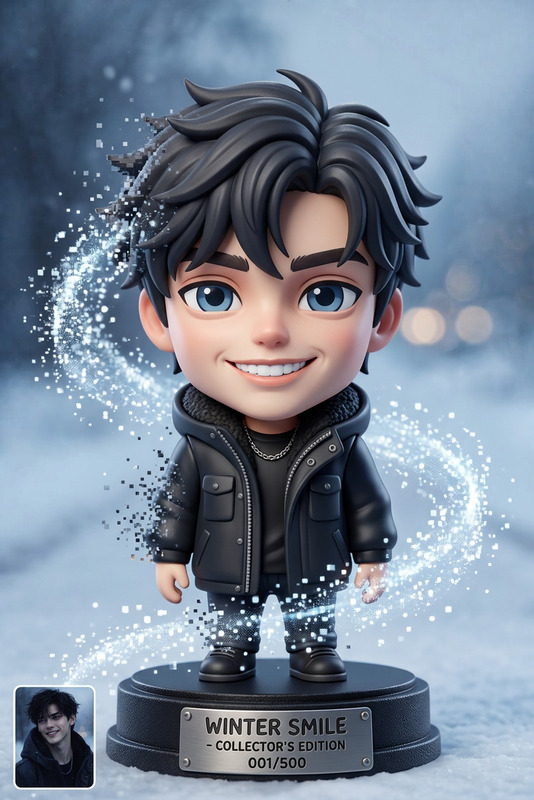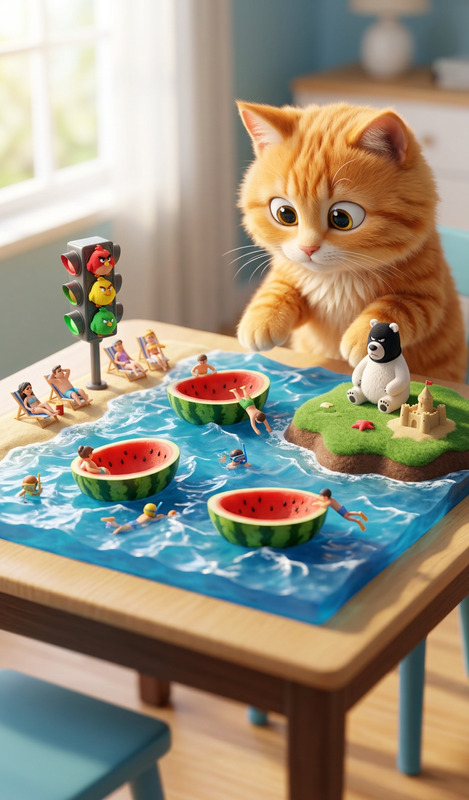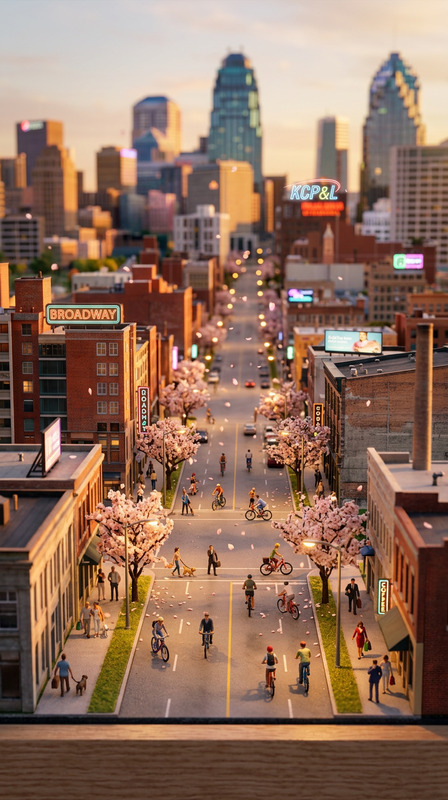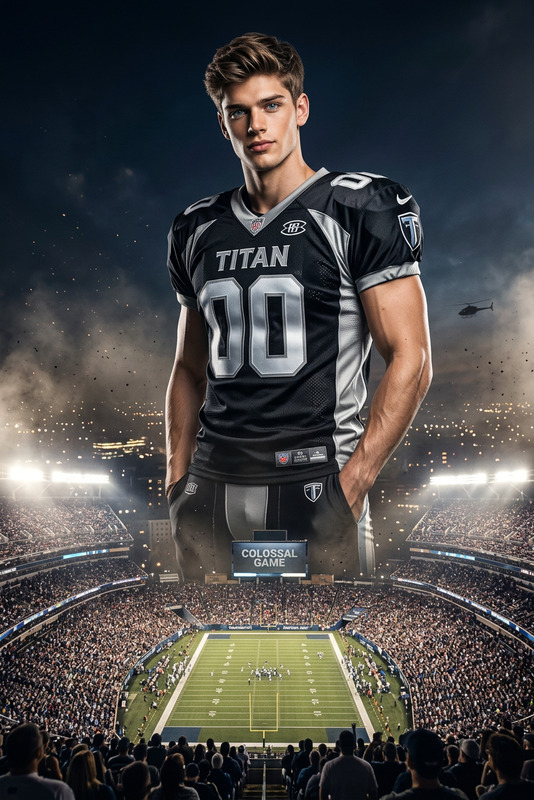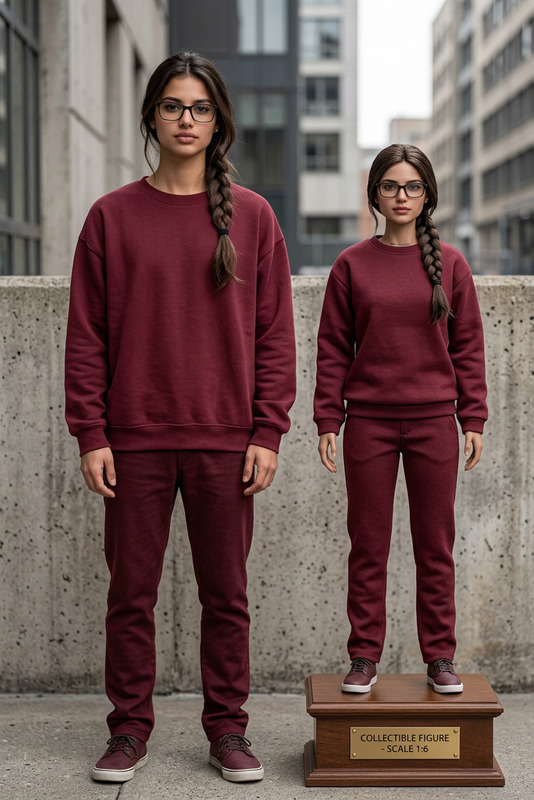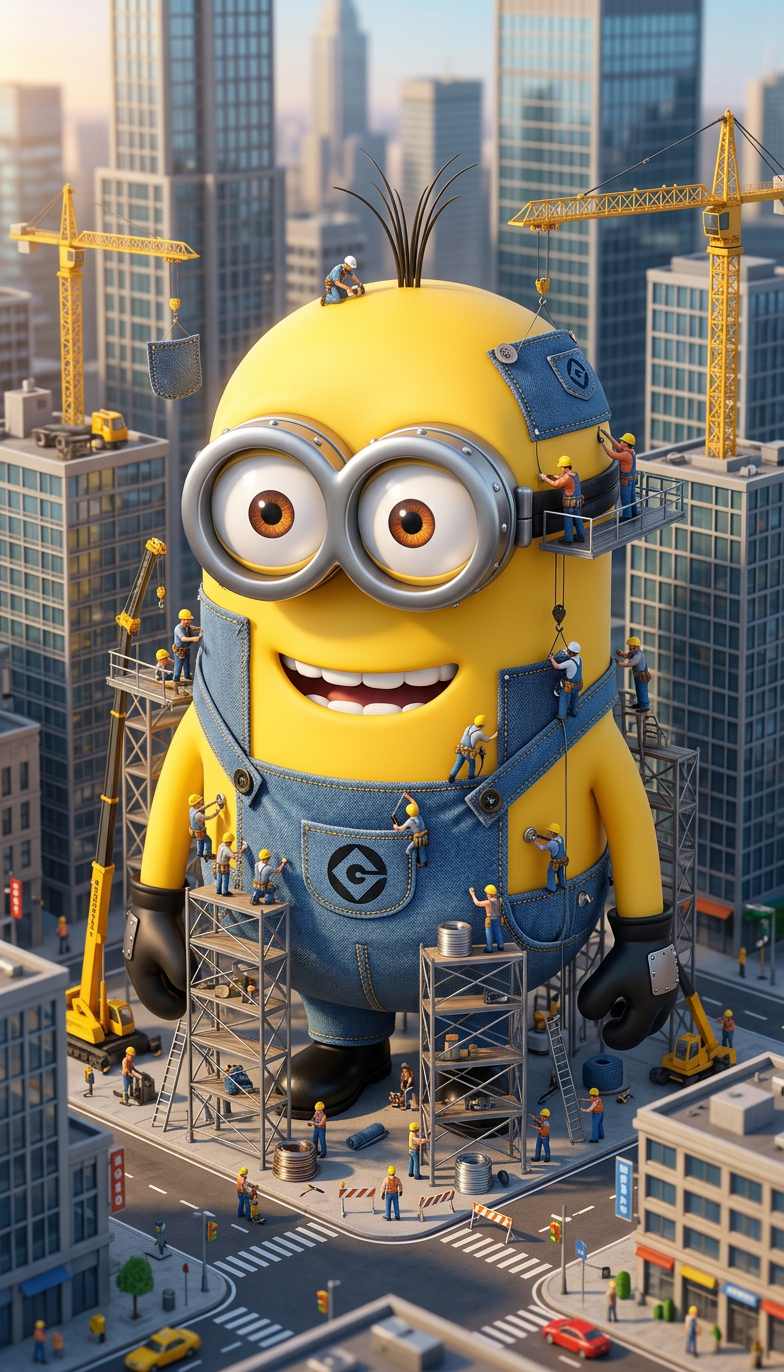
Tiny Construction Crew
- Model
- Nano Banana 2
- Image
- 784 × 1372 px
Prompt
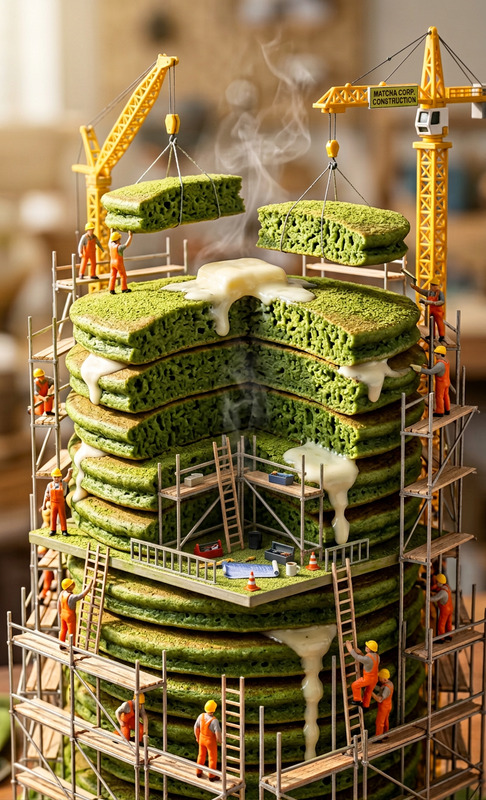
Transform the subject into a giant standing in a modern city while hundreds of tiny construction workers build a custom suit directly on the subject's body. Miniature cranes, scaffolding, tool belts, and construction materials surround the scene, ultra-detailed tilt-shift photography.
Any aspect ratio
Overview
Welcome to the Tiny Construction Crew template, a creative powerhouse in the world of AI Image Editors. This template allows you to transform individuals into giants within a bustling cityscape, surrounded by a hive of tiny construction workers going about their detailed craft. Whether it's for personal amusement or professional projects, this tool adds a touch of whimsy and sophistication.
What It Does
The Tiny Construction Crew template employs advanced AI technology to morph an individual into a towering figure in an ultra-detailed, tilt-shift world. The template embeds hundreds of miniature construction workers, cranes, and materials around the subject, making it appear as if they are building a suit directly onto the person. It crafts an intricate scene that captivates viewers, making it suitable for creative storytelling and engaging presentations.
Who It's For
This template is ideal for content creators, marketers, and urban fantasy enthusiasts looking to infuse their projects with unique and eye-catching visuals. It's also a perfect fit for those in the DIY or building project space who want to showcase their creativity in a fun and engaging way. Additionally, educators and storytellers can utilize this template to illustrate concepts in a memorable manner.
Summary
Whether you're looking to spice up social media content, create captivating advertisements, or craft engaging educational materials, the Tiny Construction Crew template offers an innovative solution. It combines detailed imagery and whimsical concepts to elevate your visual content. Explore more possibilities with AI Video Generators and AI Talking Photos to enhance your creative projects.
How To
Choose Your Template

Customize Your Scene

Generate Your Image

Use Cases
Social Media Content
- Unique personal images
- Engaging advertisements
Marketing Materials
- Creative ads
- Memorable branding
Storytelling & Education
- Illustrative storytelling
- Educational diagrams
DIY Projects Display
- Before and after visuals
- Building process illustration
Urban Fantasy Art
- Fantasy photo albums
- Themed decor prints
Best Practices
High-Quality Image Selection
Choose high-resolution images for the subject to ensure detail in the final product.Prompt Precision
Adjust the prompt settings carefully to control the level of detail and elements in the scene.Iterative Adjustments
Experiment with different configurations and scene details to find the best look for your project.
Frequently asked questions
More Like This