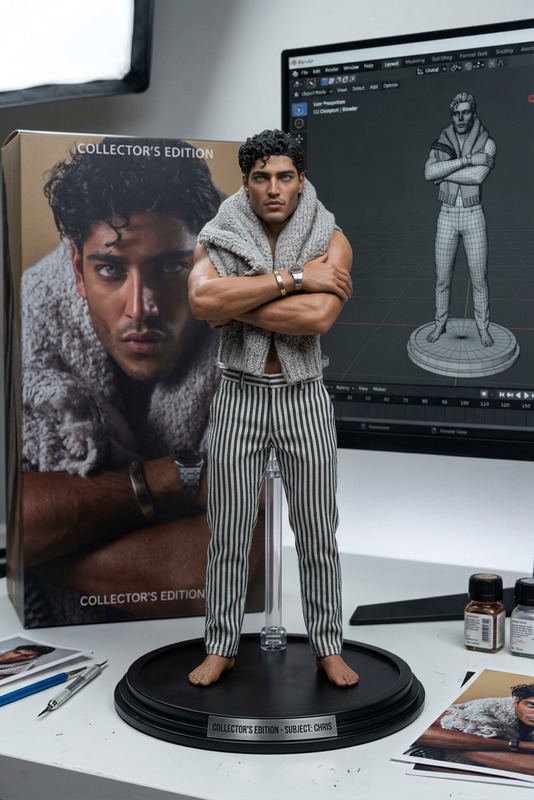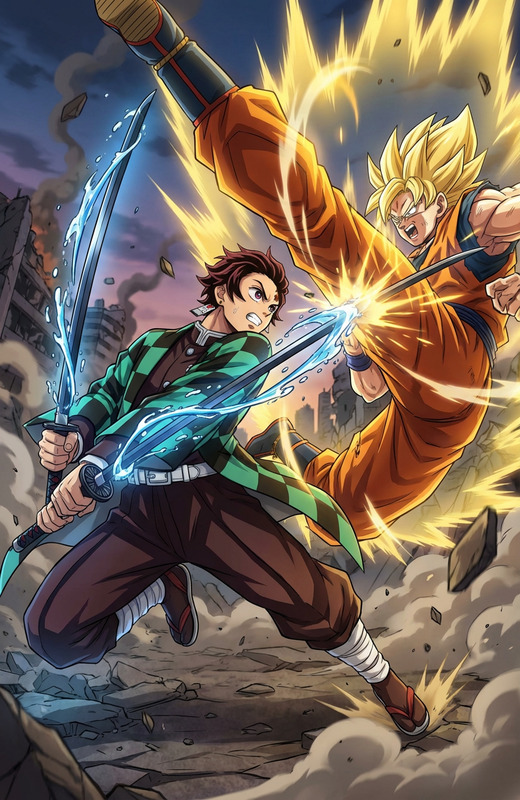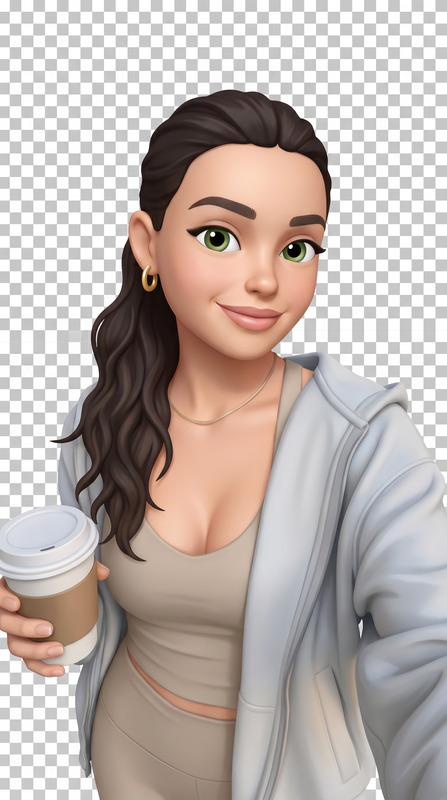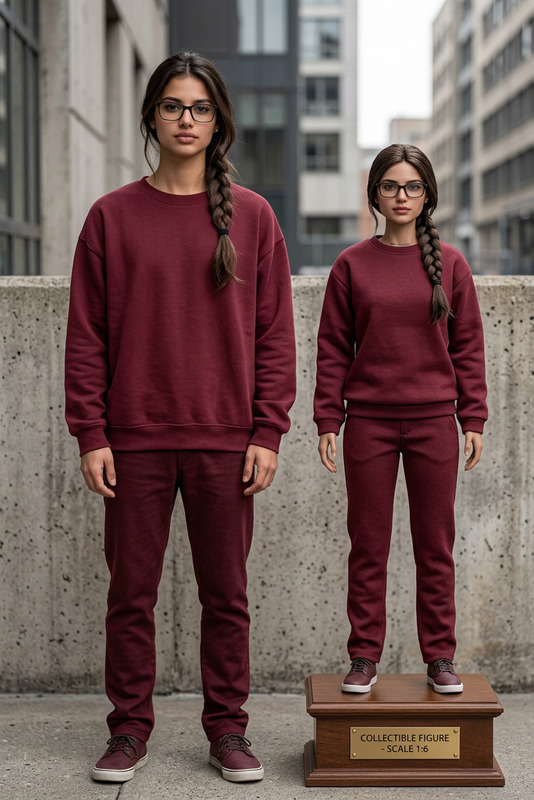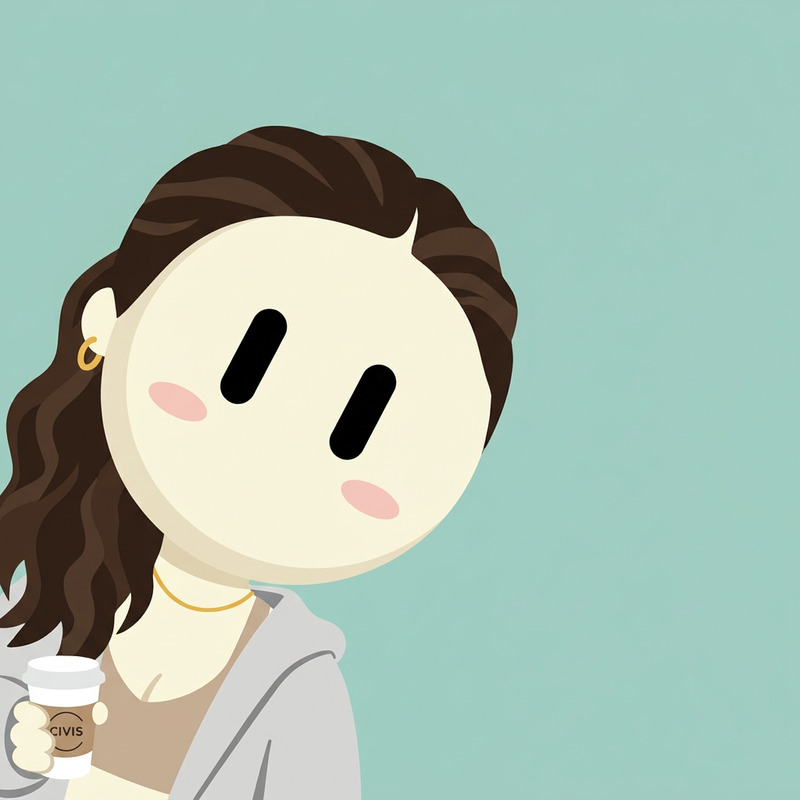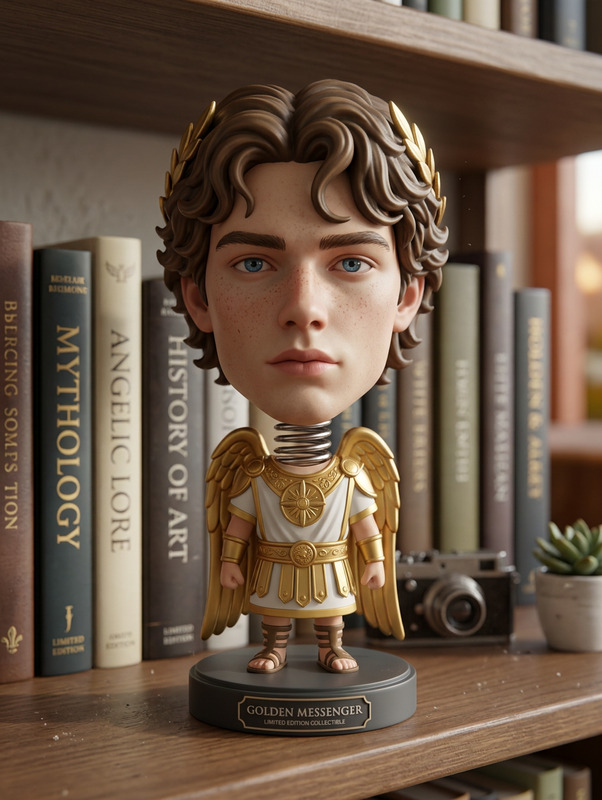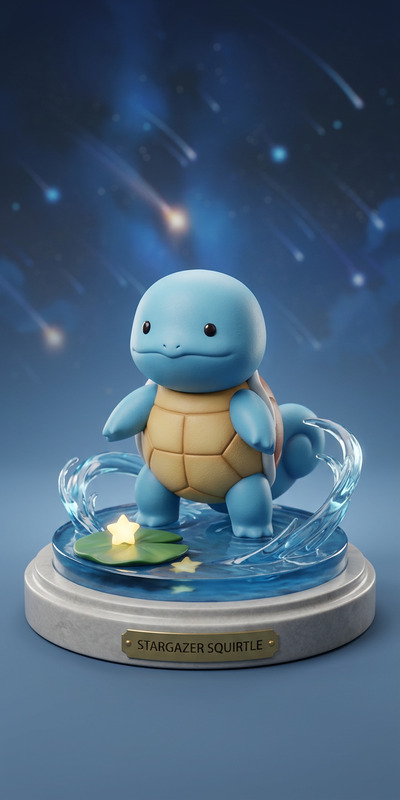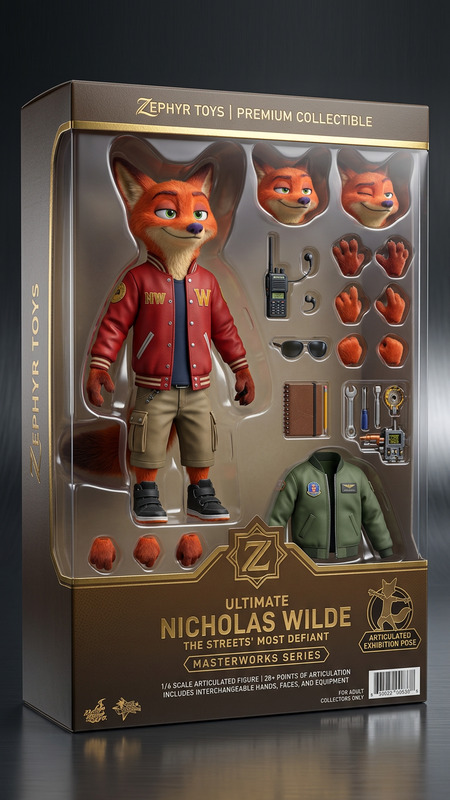
Action Figure Pose Match
- Model
- Nano Banana 2
- Image
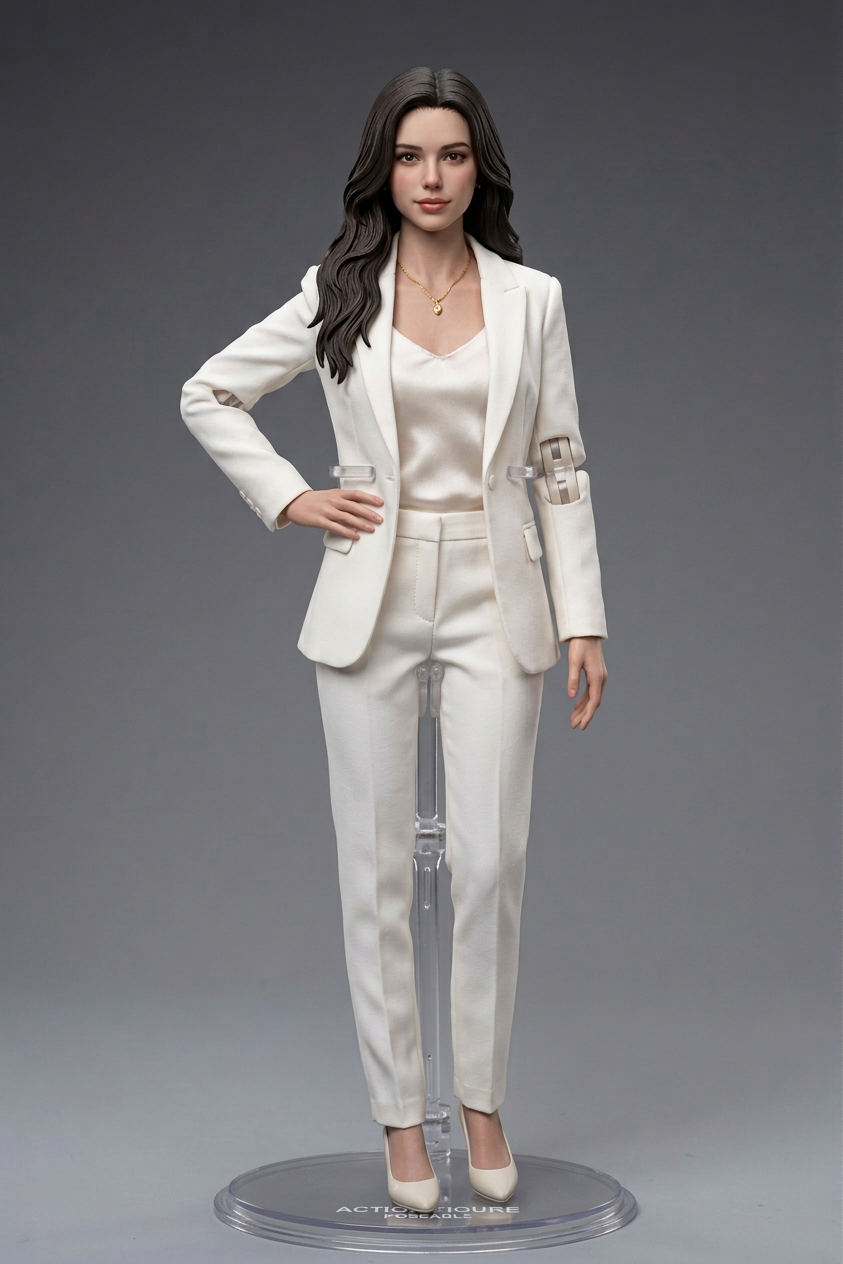
- 843 × 1264 px
Prompt
Create a detailed action figure based on the character, matching the exact poses from the sketch. Preserve proportions and key design features while adapting joints and articulation to support the poses. Ensure realistic plastic material, clean sculpting, and balanced structure. Present the figure clearly with accurate stance and pose alignment.
Any aspect ratio
Overview
Delve into the creative world of action figures with the Action Figure Pose Match template in our AI Image Editor. This template allows you to create highly detailed action figures that perfectly mirror the poses from your sketches. With a focus on realistic materials and articulation, your designs will come to life with professional precision.
What It Does
The Action Figure Pose Match template effectively bridges the gap between 2D sketches and 3D representations. It adapts the intricate design details from your sketches, ensuring each pose is accurate and lifelike. By utilizing advanced modeling through the AI Clothes Changer, it respects proportions and enhances the articulation needed for dynamic and realistic poses.
Who It's For
This template is ideal for toy designers, animators, and hobbyists who want to bring precision to their action figure designs. Whether you're developing a new toy line or creating visual content for marketing, the Image to Video product can help animate your figure's transformation from concept to completion.
Summary
Create accurate and visually compelling action figures with ease. The Action Figure Pose Match template offers detailed rendering that balances design intricacy with practical articulation, providing perfect pose matches for any project.
How To
Choose Your Template

Customize Your Inputs

Generate and Download

Use Cases
Toy Prototyping
- Visualize toy designs
- Test articulation and pose stability
Marketing Visuals
- Create dynamic ads
- Engage audiences with lifelike images
Animation References
- Ensure consistent poses
- Facilitate smooth animation workflows
Best Practices
Focus on Key Details
Ensure your input sketch highlights essential features like costume details and character proportions for more accurate results.Check Articulation Points
Adjust joints in the prompt to support the dynamic poses and enhance figure balance.Use High-Resolution Inputs
Upload high-quality sketches to capture finer details and improve the model's accuracy.