Mini Me
- Model
- Nano Banana 2
- Image
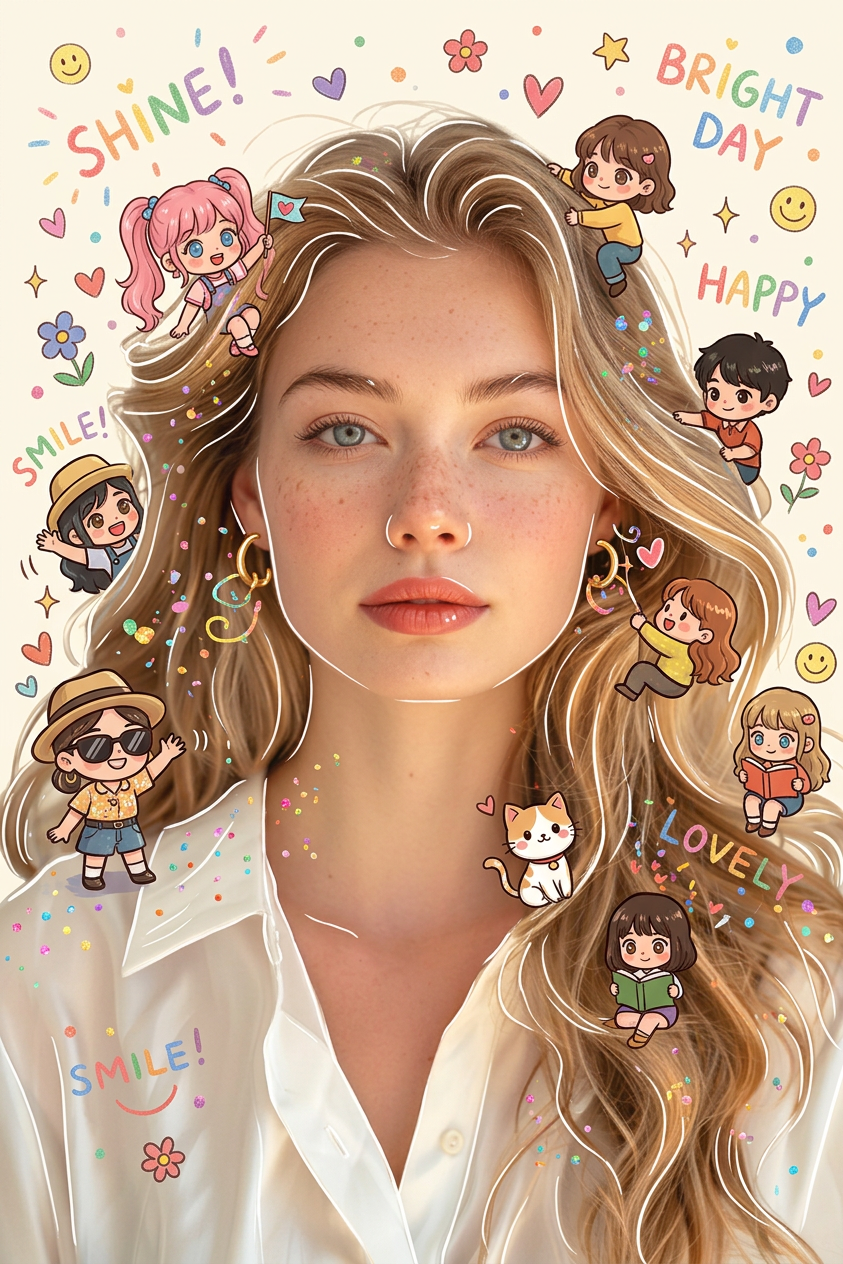
- 843 × 1264 px
Prompt
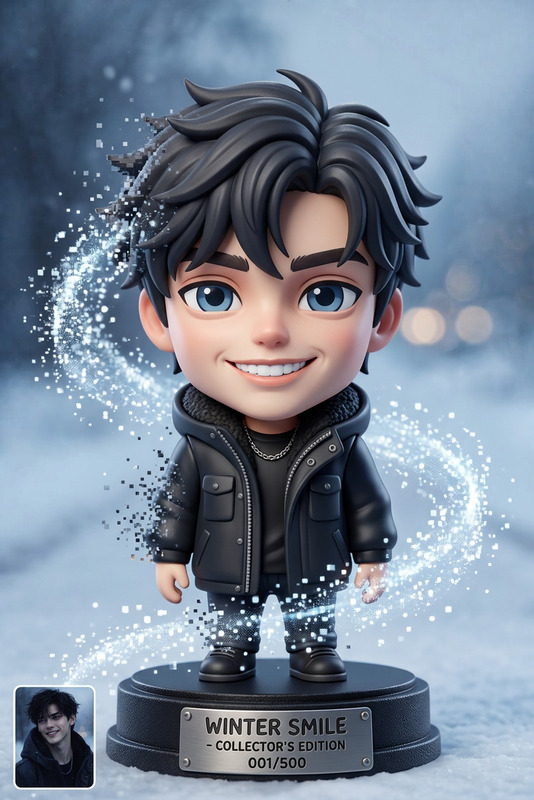
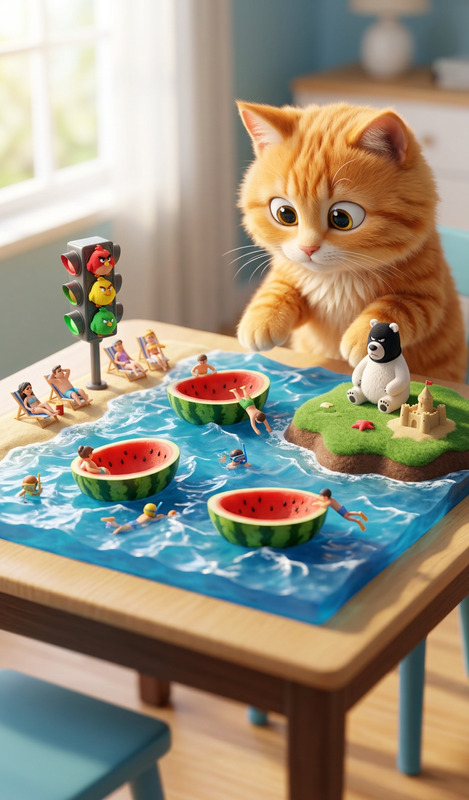
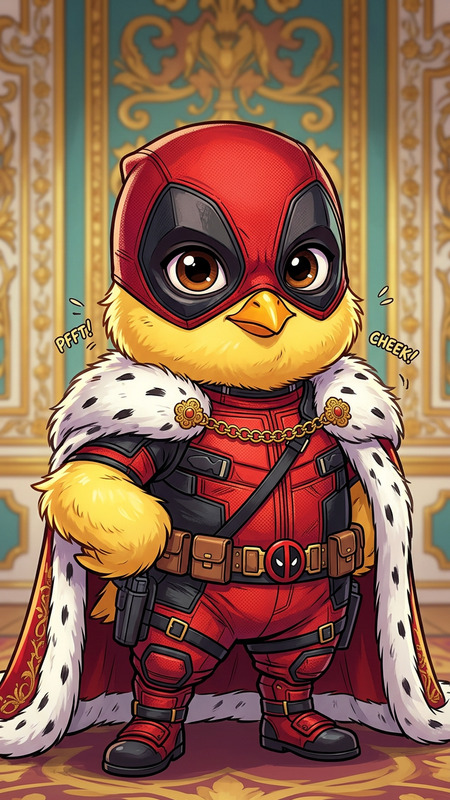
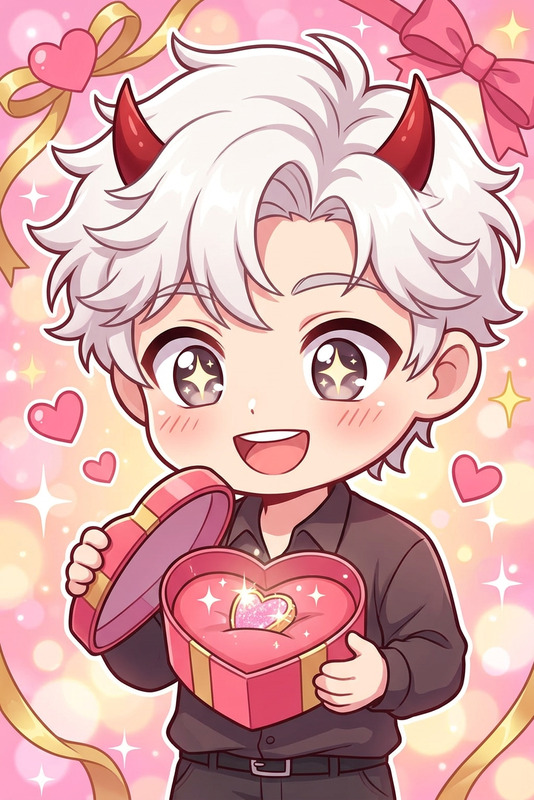
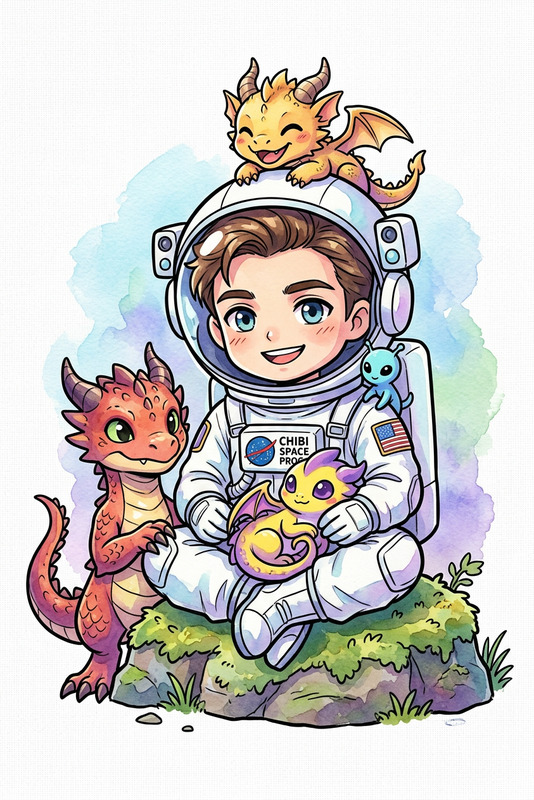
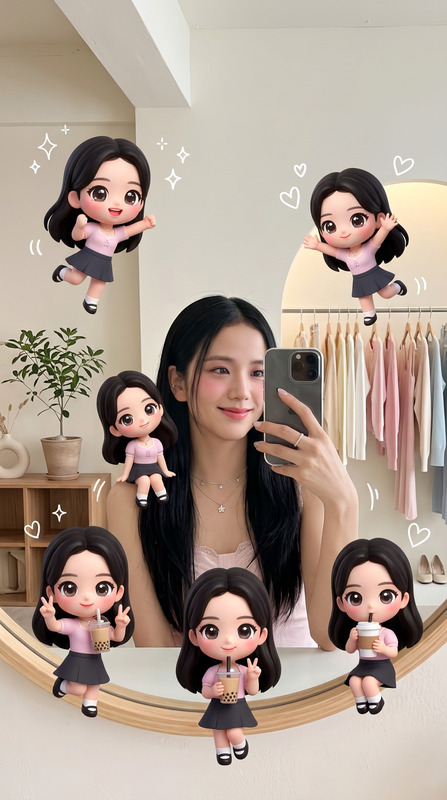
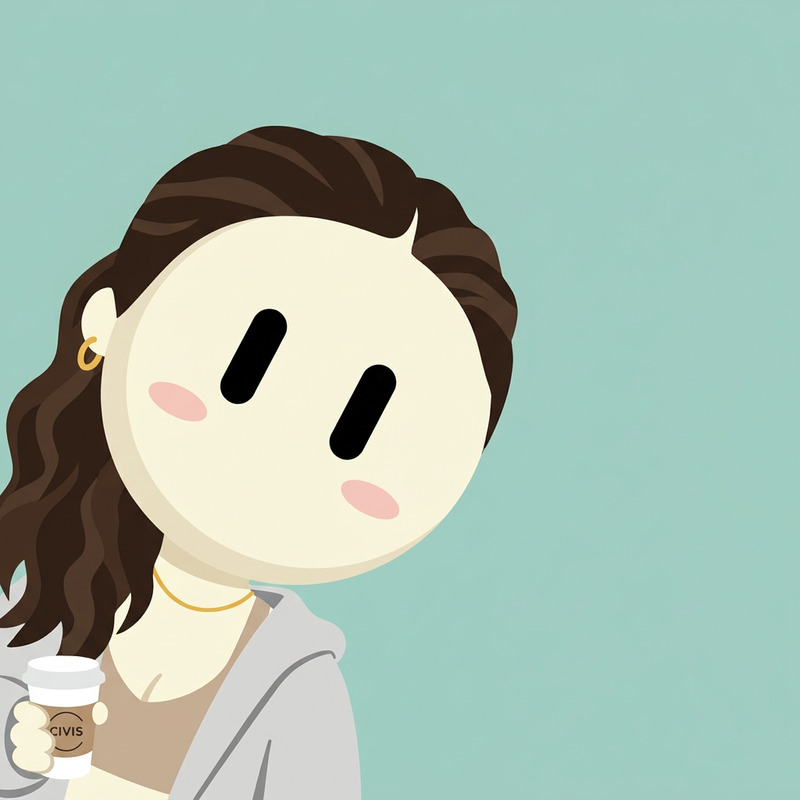
Chibi figures are naturally distributed around the subject, playfully interacting with it or surrounding elements in a charming, unobtrusive manner. The image is overlaid with vibrant hand-drawn effects—soft white outlines around the subject, playful glitter, hearts, tiny flowers, smiley faces, and floating white handwritten phrases like "shine," "bright day," and "happy." The style seamlessly blends hyperrealistic photography with colorful, soft cartoon illustrations.
Any aspect ratio
Overview
Enhance your images by adding playful, miniature chibi figures that interact with your subjects and their surroundings using the Mini Me template. This AI-powered editor uses the nano-banana-2 model to seamlessly integrate vibrant, cartoon-like aesthetics with hyperrealistic photography, creating charming compositions with whimsical overlays.
What It Does
The Mini Me template allows you to transform your photos by embedding chibi figures and vibrant hand-drawn effects. It adds whimsical elements such as glitter, hearts, and smiley faces, complemented by handwritten phrases that convey positivity like "shine," "bright day," and "happy." This is perfect for adding a touch of joyful creativity to any photo.
Who It's For
Whether you're a social media influencer, content creator, or just someone who loves creative photo editing, the AI Image Editor capabilities of the Mini Me template are designed for you. It's ideal for creating engaging visuals for promotions, personal projects, or just for fun.
Summary
The Mini Me template is your go-to tool for infusing photos with a playful and artistic flair. By combining photographic realism with cartoon aesthetics, this template creates images that captivate and charm. Tap into its unique style for content that stands out and resonates with audiences on platforms like TikTok and Instagram.
How-To
Choose Your Template

Customize Your Image

Generate Your Creation

Use Cases
Social Media Content
- Add playful elements to selfies
- Craft unique visuals for announcements
- Enhance engagement with charming effects
Marketing Materials
- Design eye-catching ads with personality
- Create engaging marketing campaigns
- Highlight products in a fun way
Personal Projects
- Enhance family albums
- Create custom greeting cards
- Design unique gifts
Best Practices
Balance Elements
Ensure the chibi figures and elements don't overpower the main subject. Keep them as highlights that add to the composition.Use Complementary Colors
Match the colors of the hand-drawn effects with the overall palette of the photo for a cohesive look.Experiment with Placement
Try varying the position of chibi figures around the subject to see what arrangement adds the most charm and balance.