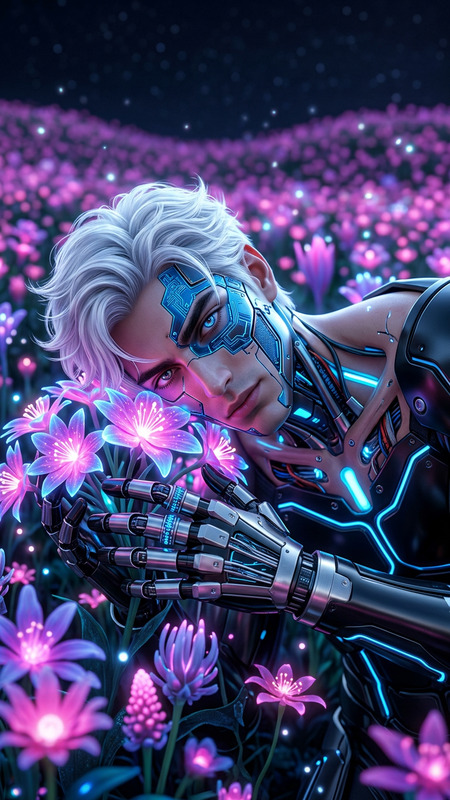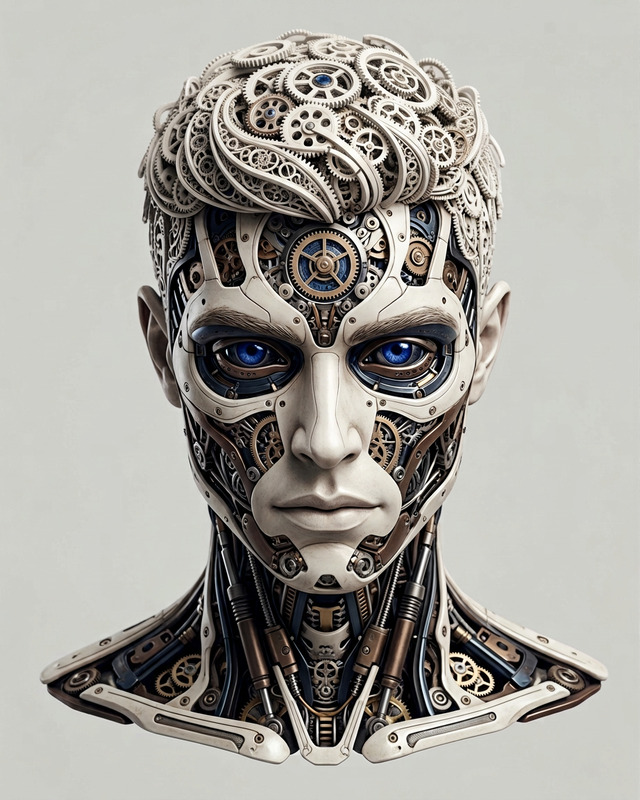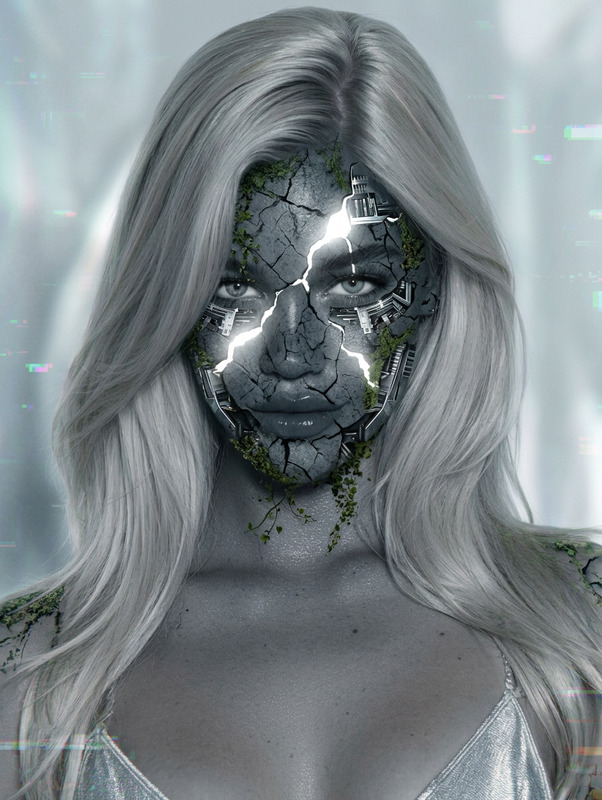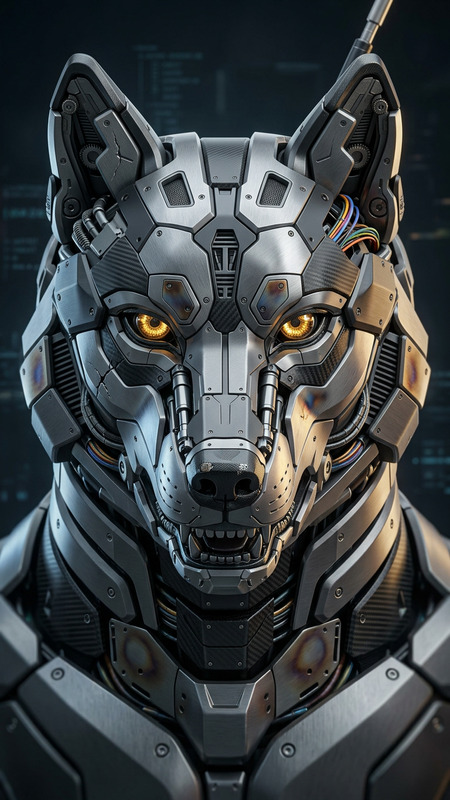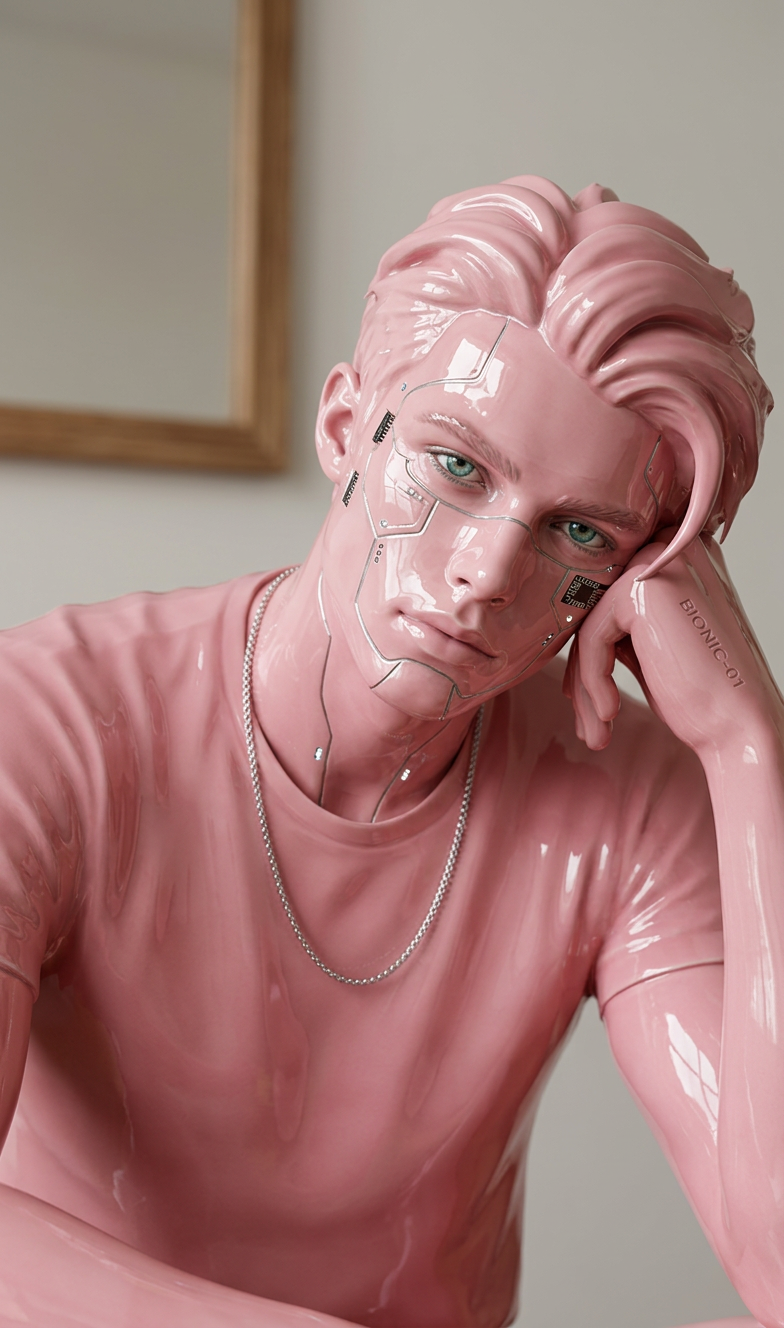
Pink Bionic Sculpture
- Model
- Nano Banana 2
- Image
- 784 × 1328 px
Prompt
A futuristic sculpture of a subject with a bionic design. The subject’s face is crafted in glossy pink ceramic, standing out against a minimal backdrop. Bright, clean lighting highlights ultra-realistic details, smooth contours, and reflective surfaces. The composition is front-facing, emphasizing modern minimalism with subtle futuristic elements. Sleek, refined, and highly polished aesthetic, ultra-detailed, high resolution.
Any aspect ratio
Overview
The Pink Bionic Sculpture template leverages the power of AI to transform mundane visuals into high-resolution, ultra-detailed imagery. Perfect for creators looking to add a futuristic touch to their projects, this template highlights sleek design elements with glossy pink ceramics against a minimalist backdrop.
What It Does
This AI Image Editor tool allows you to create a stunning visual representation of futuristic sculptures. By manipulating images to incorporate bionic designs and glossy pink hues, the final output reflects a modern and polished aesthetic. With the integration of the AI Image Editor, expect refined contours and bright, clean lighting that emphasize ultra-realistic details and reflective surfaces.
Who It's For
Artists and designers who are passionate about tech and art will find the Pink Bionic Sculpture template especially appealing. It's ideal for digital creators, creative agencies, and anyone looking to incorporate a futuristic, polished look into their visual content. Those exploring AI Product Photography will discover unique ways to differentiate their digital assets.
Summary
Whether you're aiming to enhance product photos or craft compelling digital stories, the Pink Bionic Sculpture template provides the tools to achieve a visionary outcome. Tap into AI Profile Picture Generator features to boost portfolio presentations or marketing materials. Enjoy the fusion of technology and art with this high-resolution, aesthetically superior template.
How To Use
Choose the Template

Customize Your Design

Generate Your Image

Use Cases
Art Exhibitions
- Create futuristic sculptures
- Highlight tech-art themes
Marketing Campaigns
- Innovative product demos
- Tech-savvy brand creation
Social Media Content
- Engage audiences with unique visuals
- Enhance profile aesthetics
Best Practices
Focus on Lighting
Pay close attention to lighting details to ensure reflective surfaces appear realistic and polished.Optimize for Resolution
Use high-resolution images as input to capitalize on the template’s capabilities.Experiment with Angles
Try different angles and compositions to discover unique perspectives for your subject.