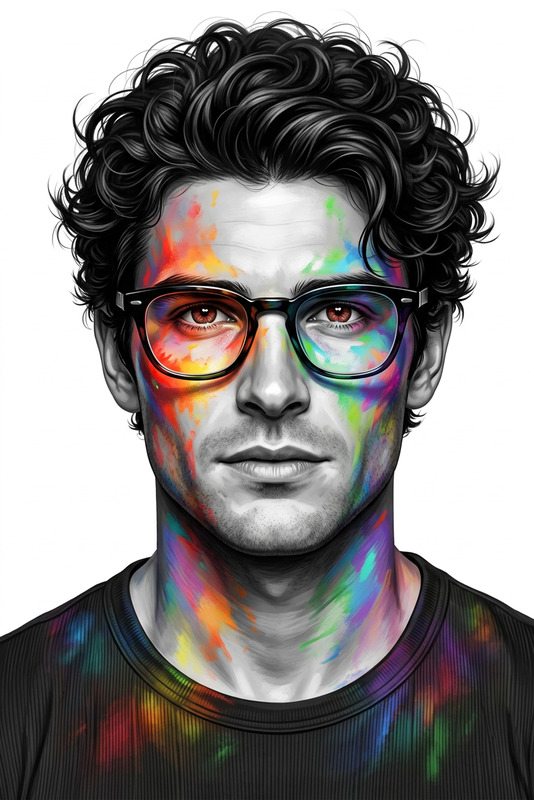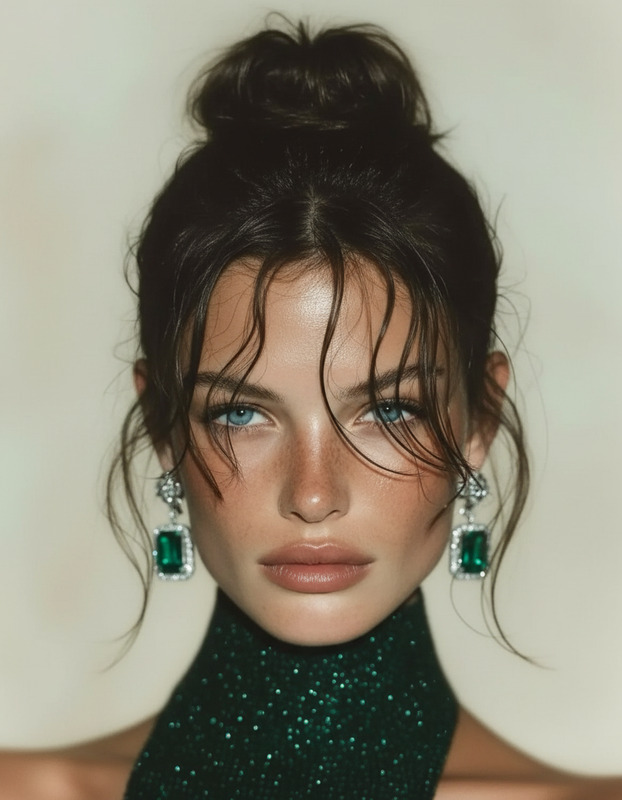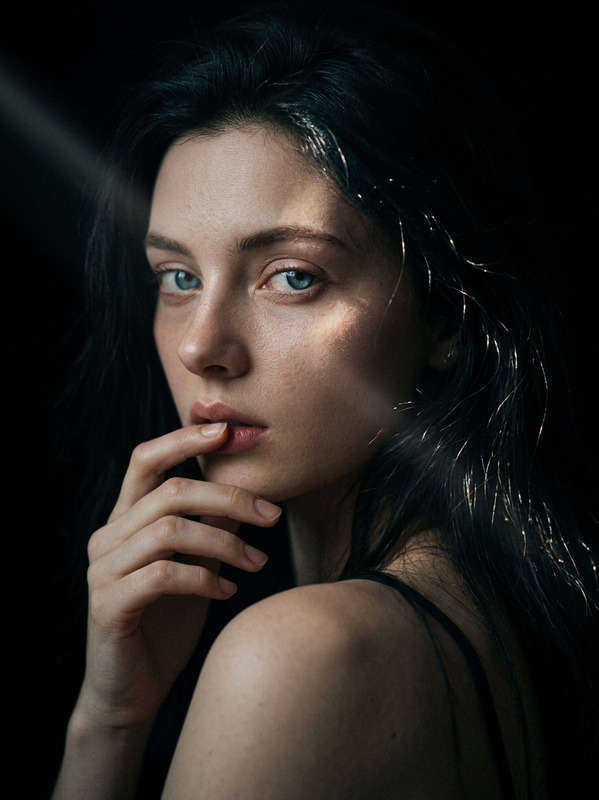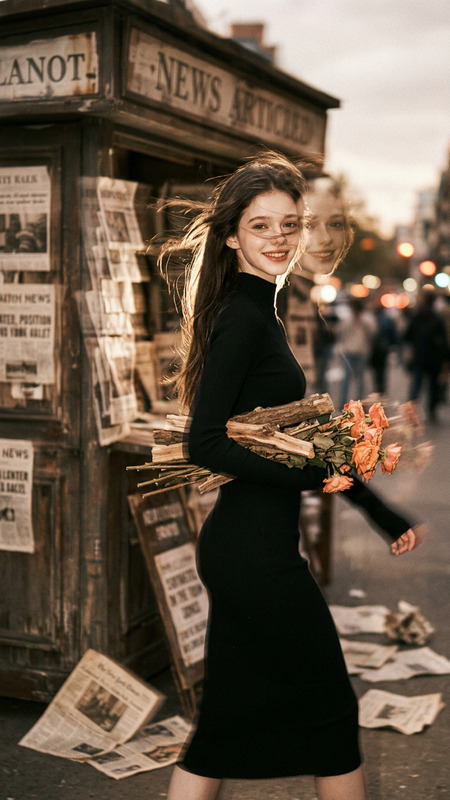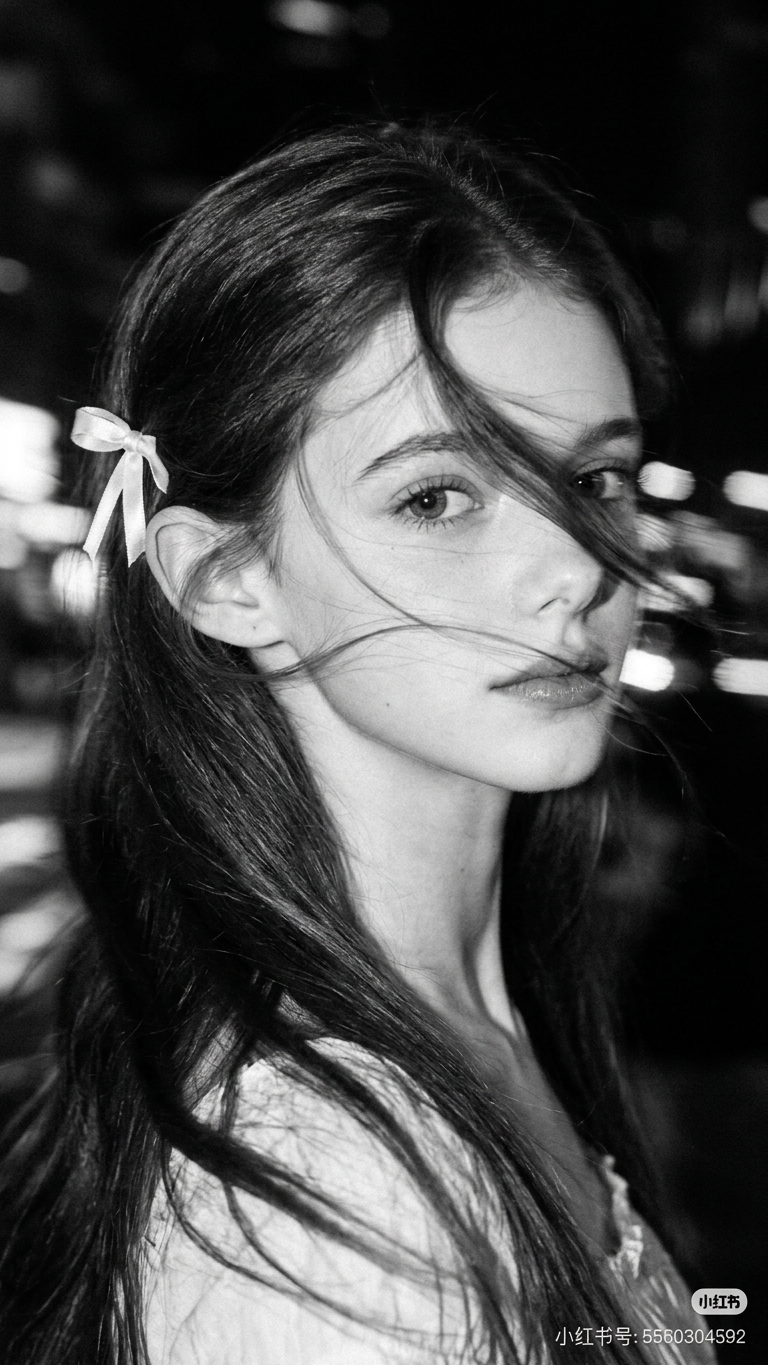
BW Motion Blur Hair
- Model
- Nano Banana 2
- Image
- 768 × 1365 px
Prompt
A hyper-realistic, cinematic black-and-white portrait of a woman caught in mid-motion, her face partially obscured by sweeping hair strands and intentional motion blur. The subject is framed from the shoulders up, slightly off-center, with her head turning laterally as if pulled by momentum. Long exposure creates luminous horizontal light streaks behind her, suggesting an urban night environment dissolving into abstraction.
Any aspect ratio
Overview
The BW Motion Blur Hair template offers a sophisticated approach to creating striking black-and-white portraits with a dramatic cinematic flair. This template uses the highly efficient AI Image Editor to transform static images into dynamic masterpieces with sweeping hair motion and captivating light streaks.
What It Does
This template captures the essence of movement within a still frame by applying motion blur effects to hair and background, simulating an artistic long-exposure photograph. It's perfect for photographers and digital artists seeking to evoke a sense of urban dynamism and elegance. The process is powered by the nano-banana-2 model, ensuring high-quality output that stays true to the aesthetic vision.
Who It's For
The BW Motion Blur Hair template is ideal for creators focusing on editorial portraiture, fashion photography, and artistic projects where emotion and motion are key. It serves photographers looking to add a contemporary twist to classic black-and-white imagery and designers aiming to enhance storytelling through dynamic visual cues.
Summary
Master the art of movement and emotion in portraiture with the BW Motion Blur Hair template. By leveraging the capabilities of the nano-banana-2 engine within our AI Image Editor, you can effortlessly transform static images into vivid storytelling pieces that resonate with dramatic flair.
How To
Choose the Template

Customize Your Inputs

Generate the Image

Use Cases
Editorial Portraits
- Adds a dynamic twist
- Ideal for magazine spreads
Fashion Photography
- Highlights garment flow
- Evokes a modern aesthetic
Artistic Projects
- Transforms static into kinetic art
- Perfect for exhibitions
Best Practices
Select the Right Photo
Choose an image where the subject's hair is already in motion to amplify the motion blur effect.Fine-Tune Motion Blur
Adjust the motion blur settings to match the intended speed and direction of the subject's movement.Experiment with Light Streaks
Manipulate the light streak intensity for varied background contrasts and dramatic effects.