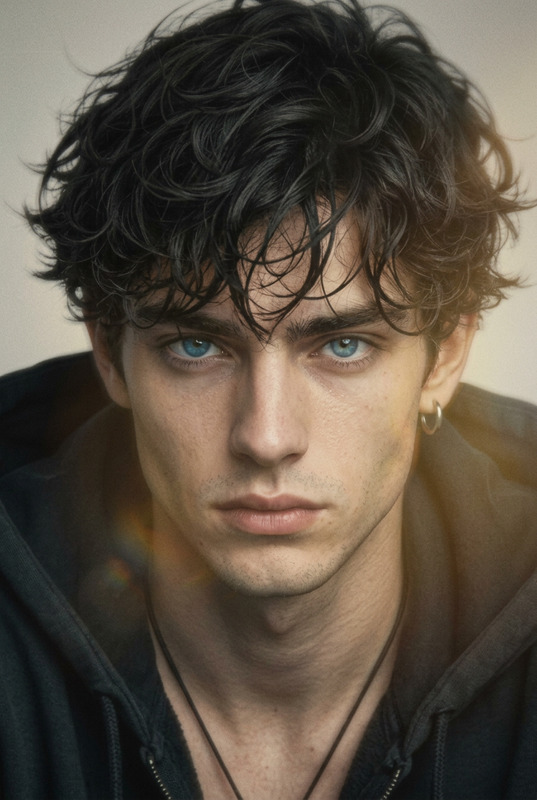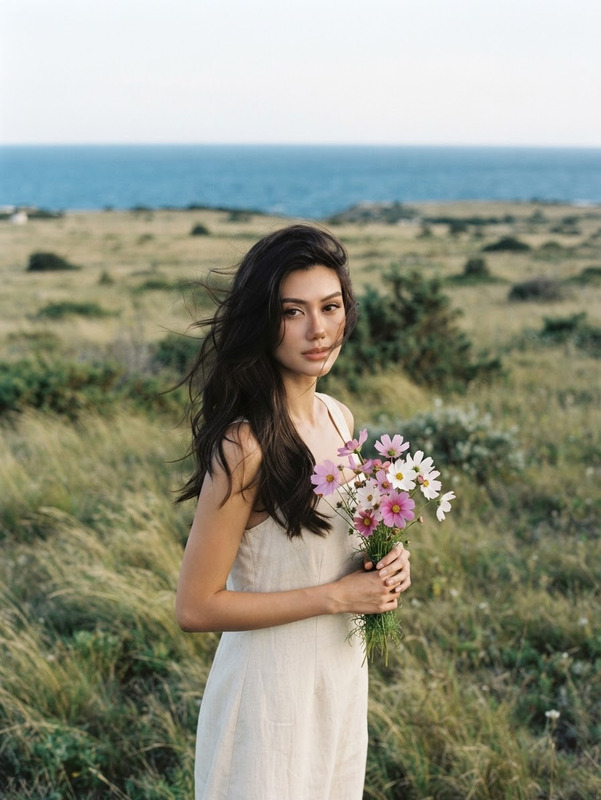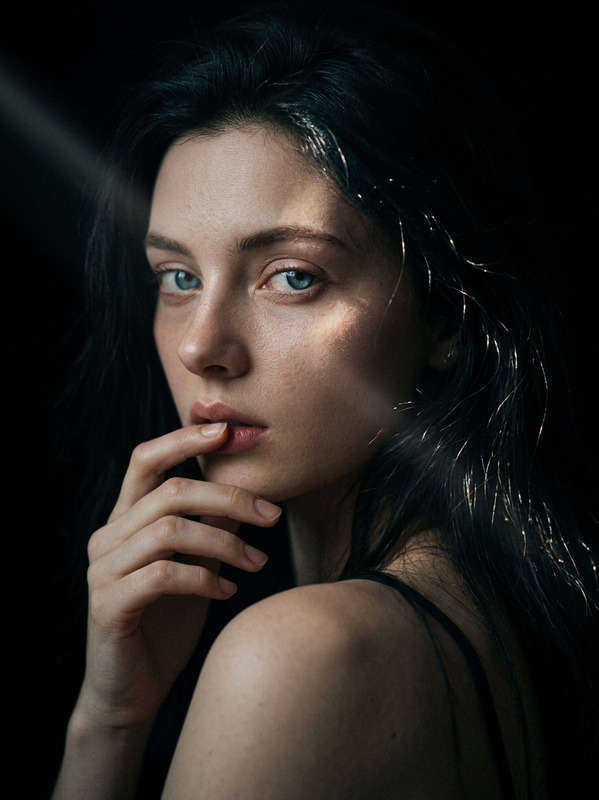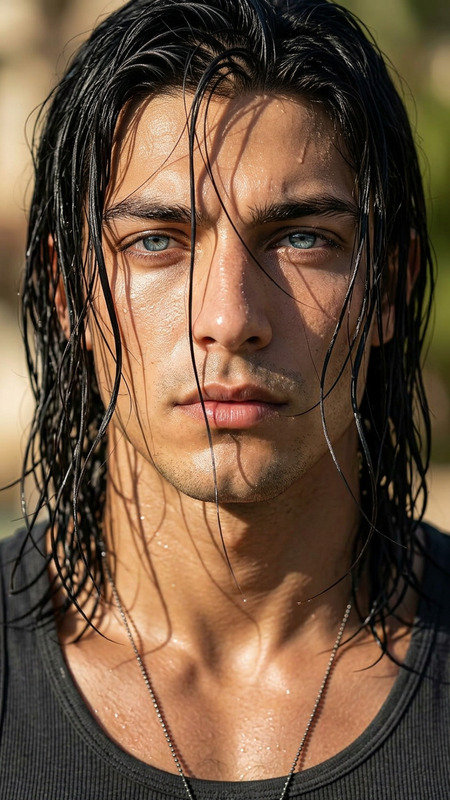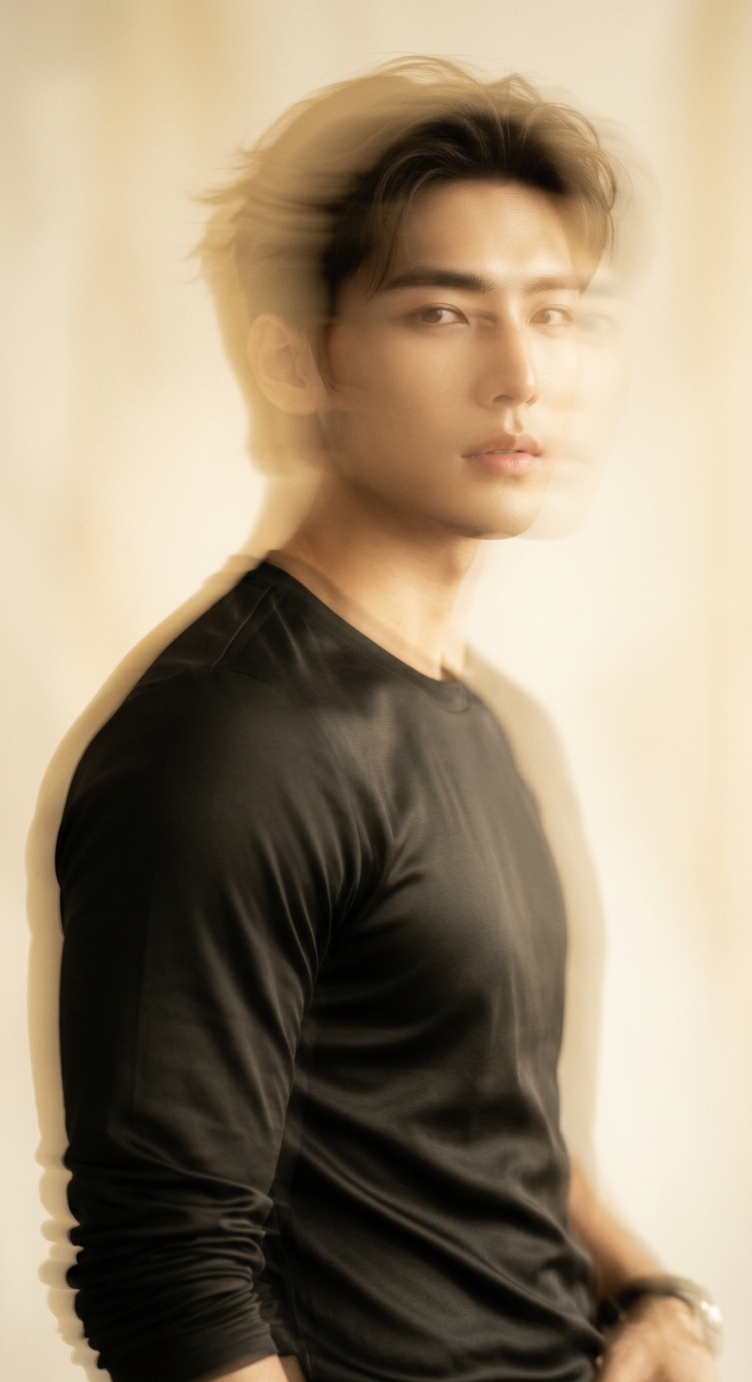
Ethereal Golden Motion Portrait
- Model
- Nano Banana 2
- Image
- 752 × 1382 px
Prompt
Photorealistic soft-focus portrait of a subject @corn delicate facial features and light golden hair, captured mid-motion with intentional slow-shutter blur and subtle ghosting across the face and flowing hair. The subject has a serene, distant expression with softly open eyes and slightly parted lips, illuminated by warm diffused window light that creates a gentle glow across the skin and hair. Use a shallow depth of field with a pale creamy background, golden-beige and sepia color grading, soft amber shadows, creamy highlights, smooth tonal transitions, subtle fine film grain, reduced clarity, and refined motion streaks. Maintain an elegant fine-art vintage editorial aesthetic with a dreamy, nostalgic, poetic atmosphere, avoiding harsh contrast or overly sharp details.
Any aspect ratio
Overview
The Ethereal Golden Motion Portrait template transforms still images into captivating portraits with an ethereal golden aura. It employs the AI Image Editor, leveraging the refined capabilities of the nano-banana-2 model to create soft-focus, vintage-style portraits with motion effects.
What It Does
This template enhances facial features and hair with light golden hues, creating a soft, dreamlike quality in the portrait. By applying intentional slow-shutter blur and subtle ghosting, it adds a sense of motion, giving your portraits a serene yet dynamic style, perfect for creating a fine-art vintage aesthetic.
To achieve an elegant, poetic feel, the template uses techniques like sepia color grading and smooth tonal transitions, contributing to the overall soft and nostalgic atmosphere.
Who It's For
This template is ideal for photographers and designers seeking to add a unique vintage touch to their portraiture work. Whether you're creating imagery for fashion editorials, personal artwork, or social media content, this tool helps enhance your photos with artistic flair and elegance.
It is particularly beneficial for those who appreciate the nuances of vintage aesthetics and wish to integrate them into contemporary photography projects.
Summary
The Ethereal Golden Motion Portrait template is a powerful option for photographers looking to create artistic portraits with motion and soft-focus effects. It employs AI Image Editor capabilities along with advanced image processing from the nano-banana-2 model. Embrace the vintage style with a dreamy, soft-focused, and motion-enriched aesthetic perfect for your creative projects.
How To
Choose Your Template

Customize Inputs

Generate Your Portrait

Use Cases
Fashion Editorials
- Enhance visual storytelling with motion effects
- Add a fine-art touch to fashion spreads
Social Media Content
- Capture attention with vintage aesthetics
- Create visually striking posts and stories
Personal Art Projects
- Experiment with soft-focus techniques
- Blend modern photography with vintage elements
Best Practices
Select Appropriate Lighting
Choose images with diffused lighting to maintain the soft glow and warmth needed for the vintage aesthetic.Customize Motion Blur
Adjust the motion blur settings to complement the subject's features for a balanced effect that highlights movement without overpowering.Experiment with Color Grading
Utilize the golden-beige and sepia tones creatively to enhance the nostalgic feel of your portraits.