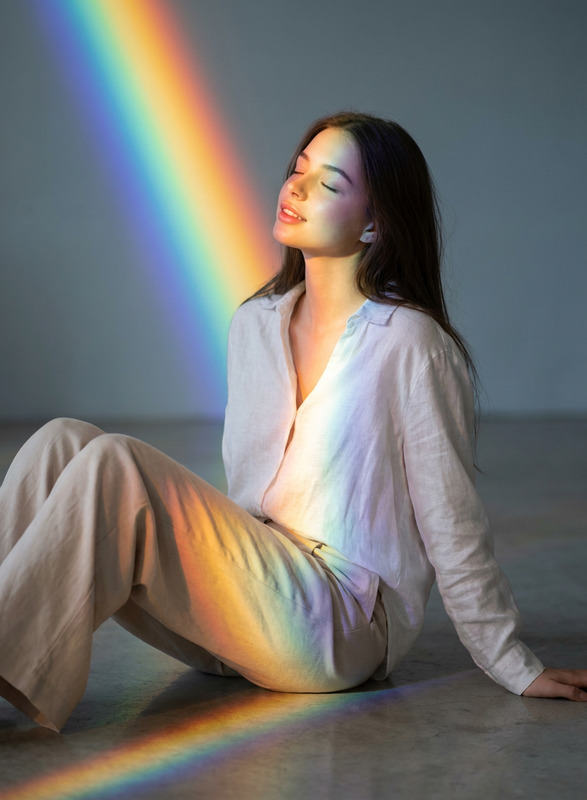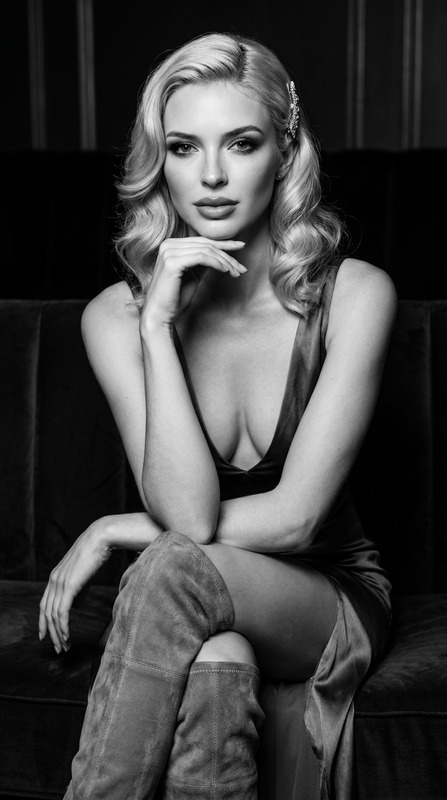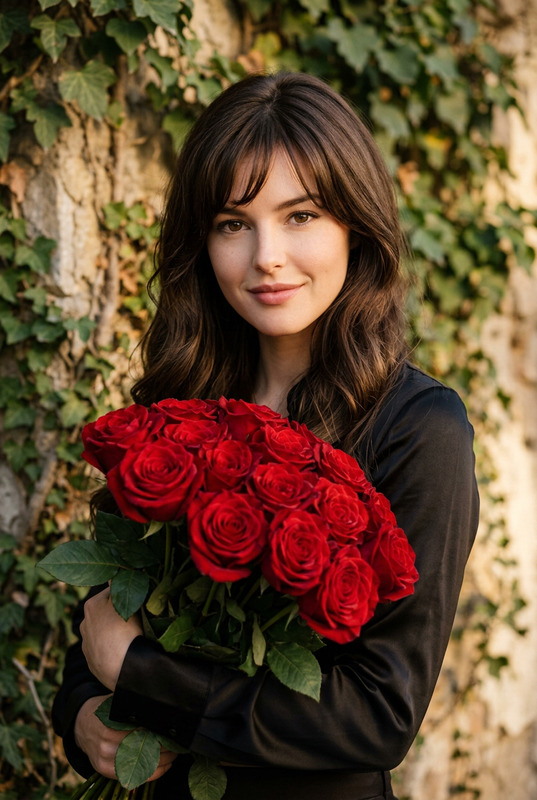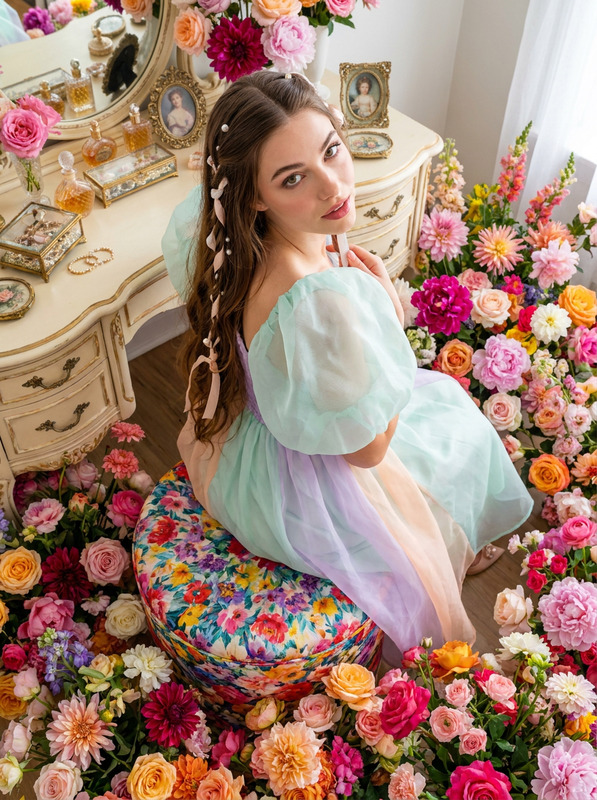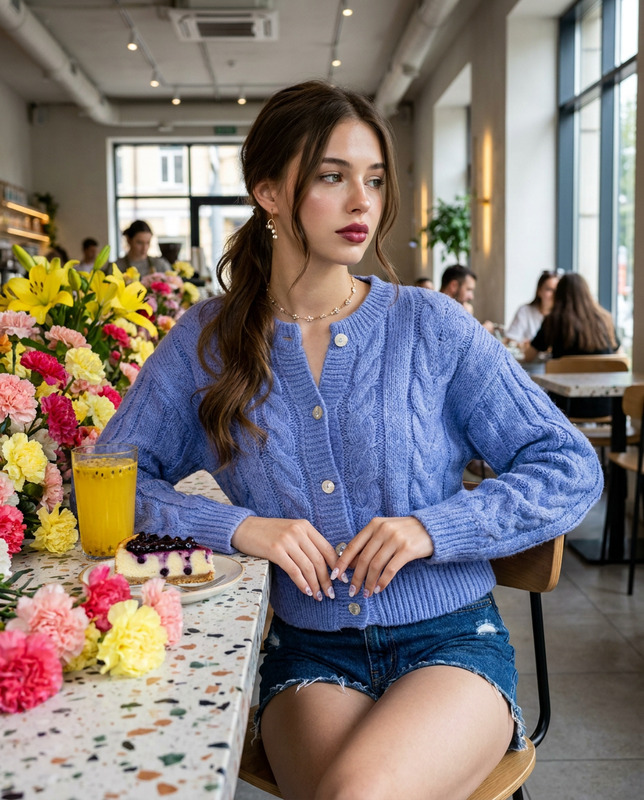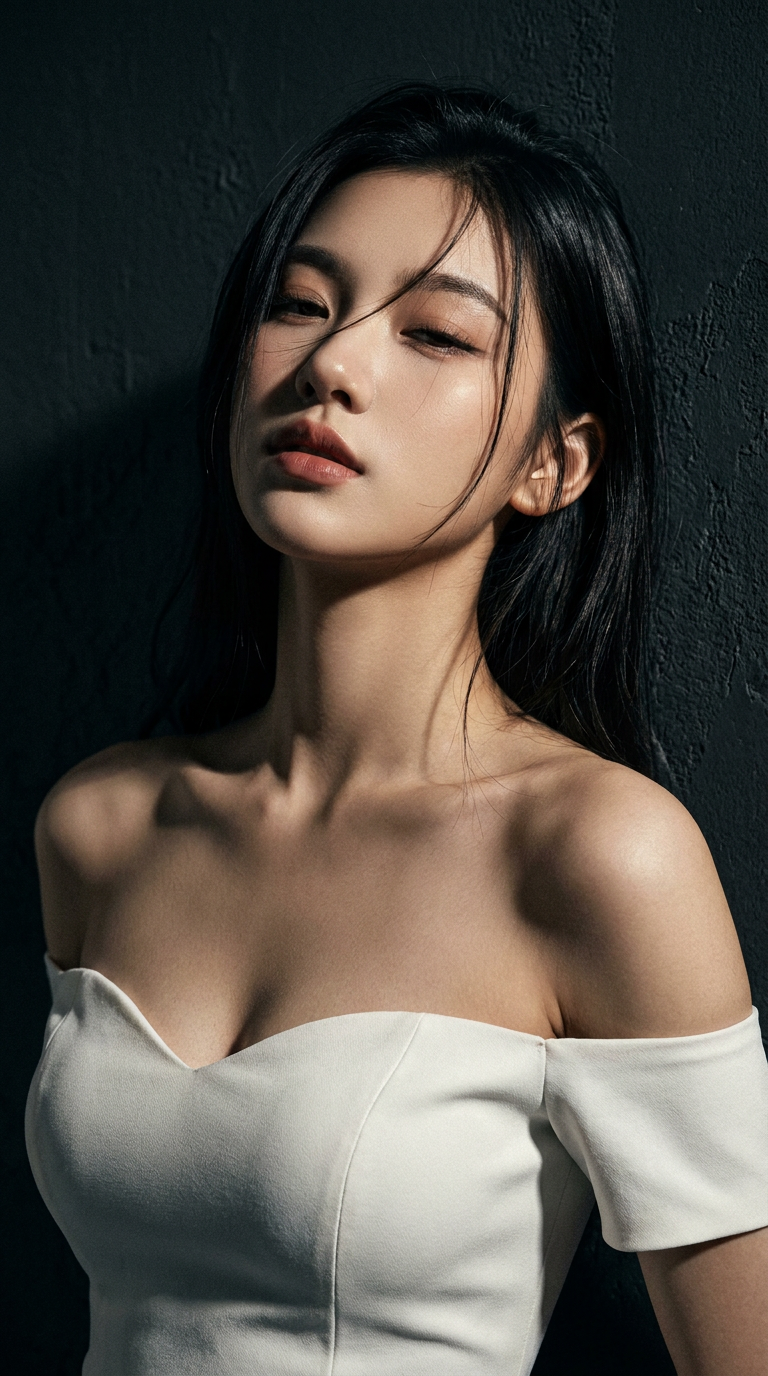
Noir Muse
- Model
- Nano Banana Pro
- Image
- 768 × 1376 px
Prompt
ultra high-resolution dramatic close-up portrait, 100% preserve exact facial features, face shape, eye shape, nose shape, lip shape, and hair texture of the young woman in the reference image, front-facing, leaning against a textured dark charcoal wall,wearing a form-fitting white sweetheart neckline off-shoulder bodycon mini dress, head tilted back, eyes half-closed, sensual expression,loose strands of dark hair falling across her face, strong dramatic split lighting, sharp defined shadows and crisp highlights sculpting her face and neck, deep moody dark noir atmosphere, cinematic film noir grading, high contrast, hyper-detailed skin texture, subtle skin pores, natural hair shine, deep depth of field, professional editorial photography, film grain, 9:16 aspect ratio.Negative Prompt: distorted face, altered facial features, blurry, soft focus, overexposed, underexposed, cartoon, anime, illustration, CGI, 3d render, extra limbs, bad anatomy, messy background, bright colors, flash photography, flat lighting, wrinkles, blemishes, text, watermark
Any aspect ratio
Overview
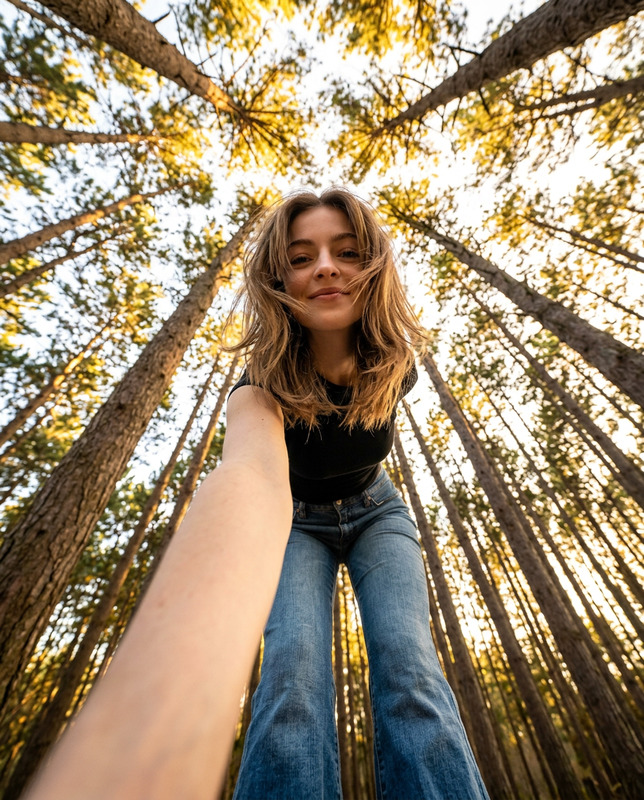
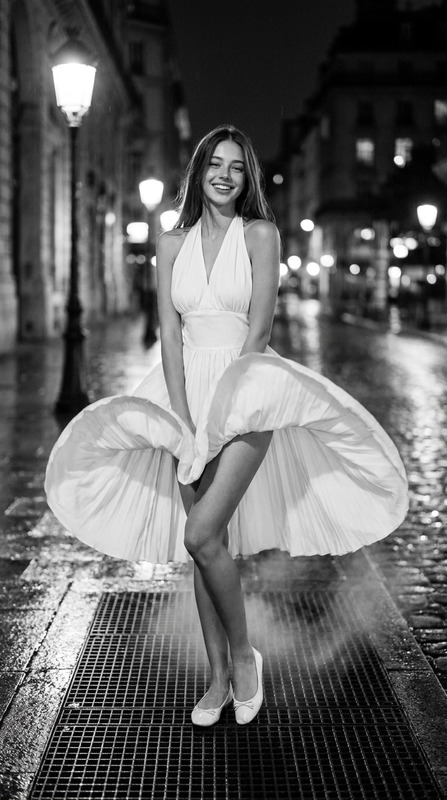
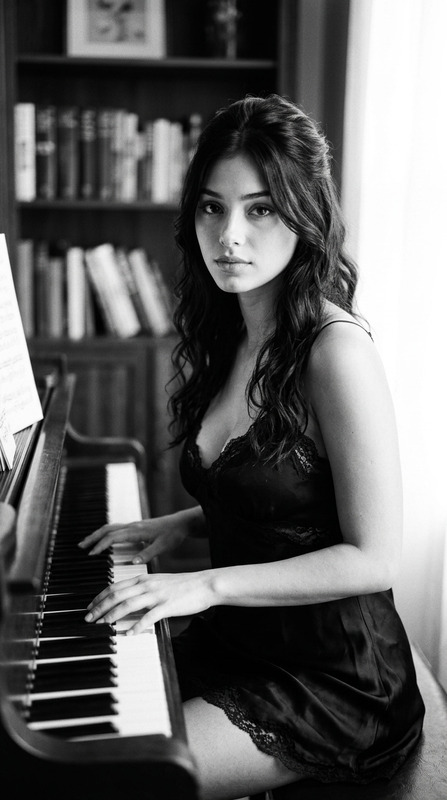
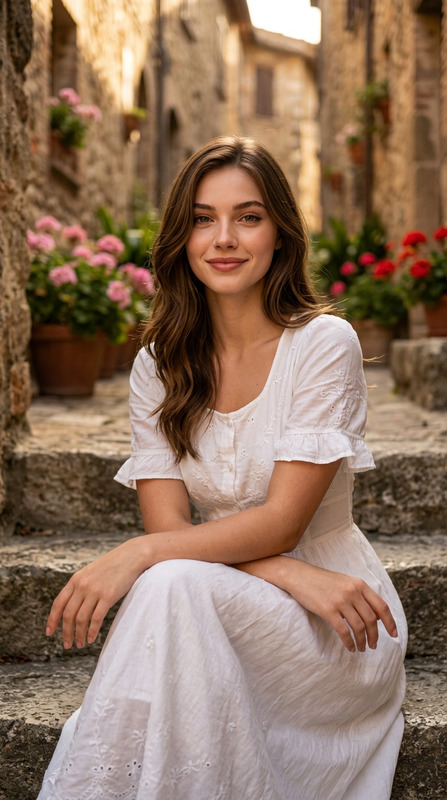
The Noir Muse template combines the power of AI with the evocative style of film noir photography. Using the advanced capabilities of the nano-banana-pro model, this template is part of our AI Image Editor series, designed for crafting ultra high-resolution, high-contrast portraits. Expect dramatic lighting and cinematic grading that together enhance every contour of the subject's face.
What It Does
Noir Muse enhances your portraits by emulating the rich textures and moody atmospheres characteristic of classic noir film photography. The template emphasizes sharp contrasts with defined shadows and highlights, producing a deeply dramatic and cinematic effect. It preserves the precise features of your subject, ensuring natural appearances while applying high-contrast, editorial-grade retouching.
Who It's For
This template is ideal for photographers and graphic artists looking to create dramatic film noir images with minimal effort. It serves professionals aiming to enhance portrait portfolios with a sharp, editorial look or social media influencers desiring a gritty, dramatic aesthetic. Beginners can also explore cinematic portrait styling without complex setups.
Summary
Bring the allure of classic film noir into your photography effortlessly with the Noir Muse template. It pairs perfectly with the AI Image Generator to elevate your imagery, offering a rich, atmospheric result that highlights the subject's natural features distinctively. Experiment with editorial photographs and create an impactful statement with each image.
How to Use
Choose Your Template

Customize Your Image

Generate Your Image

Use Cases
Editorial Portraiture
- Sharp, high-contrast imagery
- Preserve specific facial features
- Editorial-grade finish
Social Media Aesthetics
- Tells a story with lighting and contrast
- Stands out in social media feeds
Portfolio Enhancement
- Instant style boost
- Cinematic atmosphere
Best Practices
Focus on Details
Ensure that input images are of high quality to capture intricate facial details.Adjust Lighting
Use the prompt effectively to emphasize or soften lighting depending on the desired level of contrast.Preserve Authenticity
Maintain the natural features of the subject by carefully setting the prompt parameters to avoid distortions.