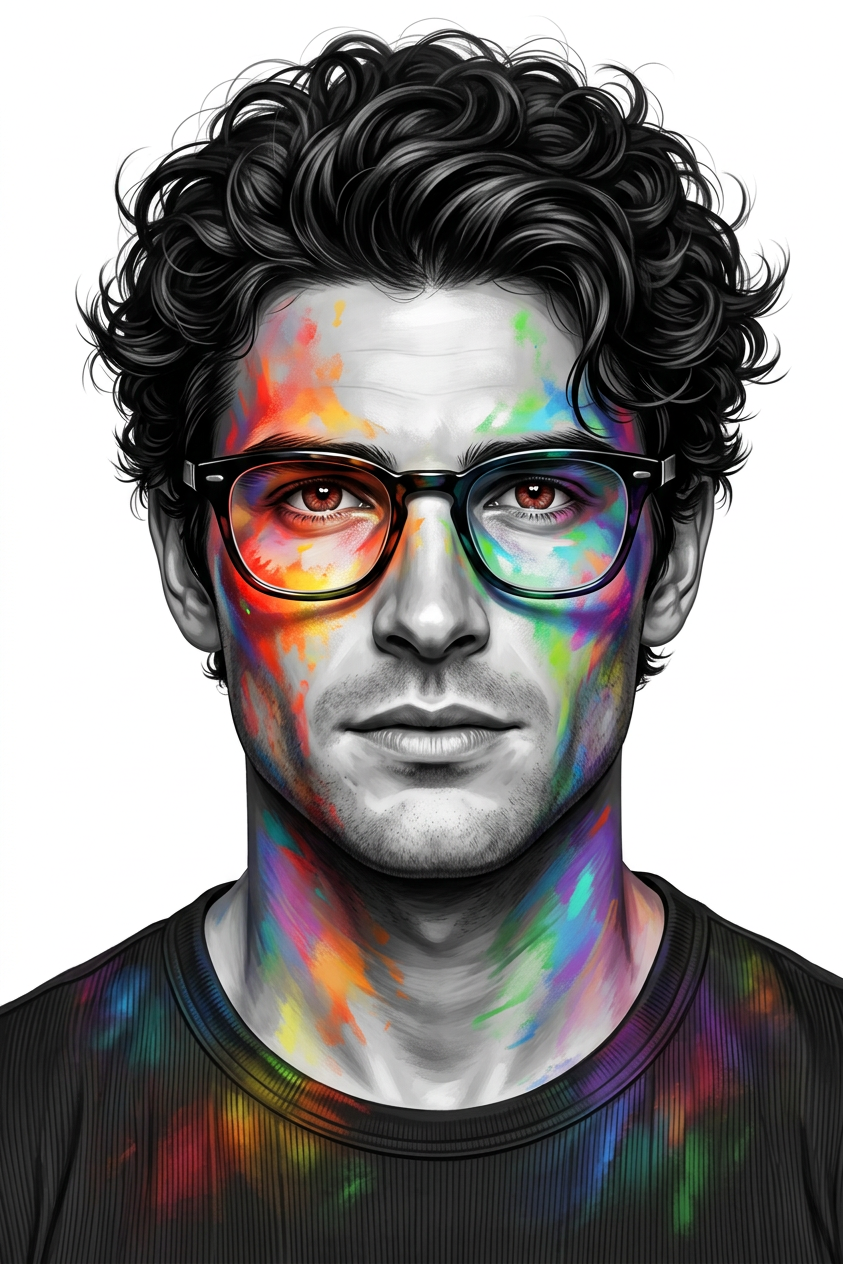
Chromatic Projection Portrait
ai-image-editor
Any aspect ratio
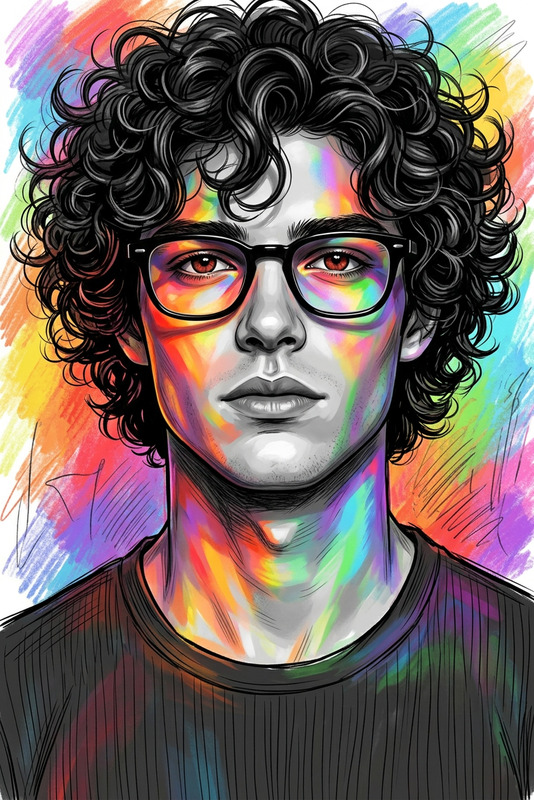
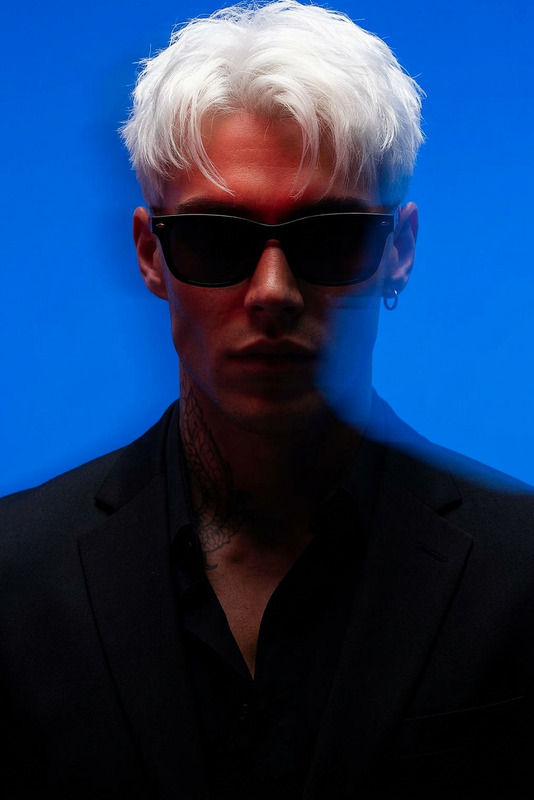
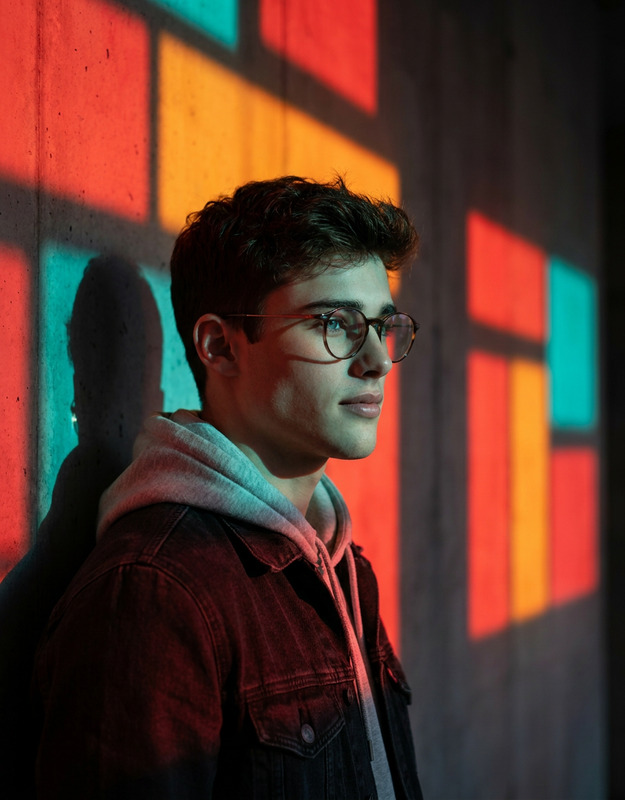
A highly detailed 8K digital illustration of a subject, presented as a close-up, eye-level headshot, facing directly forward against a clean white background. The composition is centered, capturing the subject’s face, neck, and shoulders with sharp clarity. The subject has voluminous, dark, curly hair with defined strands and a stylishly messy texture. The subject wears distinct black-framed glasses that appear as if painted or projected onto the face, neck, and shoulders, blending art and reality. The subject’s eyes have a reddish-brown hue, adding depth and intensity to the gaze. The overall aesthetic combines a grayscale base for the subject’s skin and a dark, ribbed t-shirt, contrasted by dynamic, vibrant splashes of multi-colored light—including reds, oranges, yellows, greens, blues, and purples—creating a striking, high-fashion, futuristic visual style.
Tags
stylesAI Image Editor Template: Remixable Image-to-Image Workflow for Fast Visual Experiments
This template is built with the AI Image Editor and is designed as a modular image-to-image pipeline you can quickly remix inside Magic Hour. It’s ideal for creators and teams who need repeatable, consistent edits across many images—without touching Photoshop or writing code.
Use it as a starting point to:
- Clean up and retouch photos
- Change backgrounds and environments
- Alter style (realistic → stylized, cinematic, anime, comic, etc.)
- Swap outfits, adjust faces, or generate variants for A/B testing
- Prepare assets for video, animation, or campaigns
What This Template Does
This AI Image Editor template gives you a ready-made flow to:
- Import an existing image (product shot, portrait, concept art, UI mock, etc.)
- Apply structured AI edits in a single pass:
- Object or background removal
- Style transfer (e.g., “studio lighting,” “cyberpunk,” “watercolor”)
- Face or outfit tweaks
- Composition cleanup and upscaling
- Export or reuse the result as an asset in other Magic Hour tools and templates.
It’s especially useful if you want to:
- Maintain a visual style across a product line or brand
- Rapidly iterate creative directions for stakeholders or clients
- Prepare clean assets for video workflows (talking photos, lip-sync, animation, etc.)
How to Remix This Template in Magic Hour
You can’t break anything—remixing simply clones the workflow so you can adapt it to your brand and use case.
Remix workflow (high level):
- Open the template in Magic Hour.
- Swap in your own input images (product photos, portraits, illustrations).
- Edit the instructions/prompts in each step to match your goal (e.g., “remove background and place product on white,” “convert to anime style,” “make corporate headshot”).
- Add or remove steps using other Magic Hour tools (e.g., upscale, remove objects, colorize, generate variants).
- Save as your own template to reuse across campaigns, clients, or product lines.
Once you’ve cloned it, this becomes your personal image editing pipeline that your team can run in seconds.
Common Use Cases (and How to Adapt the Template)
1. Product & Ecommerce Imagery
Turn raw product photos into polished, on-brand assets:
- Remove cluttered backgrounds with Image Background Remover or Remove Object from Photo.
- Place products on clean backdrops or stylized environments with AI Background Generator.
- Upscale for marketplaces or ads using AI Image Upscaler.
Remix tip: Replace the default prompt with your brand’s art direction (e.g., “soft daylight, minimalistic, neutral palette, ecommerce hero shot”).
2. Portraits, Avatars & Headshots
Quickly create consistent profile images for teams, communities, or campaigns:
- Generate on-brand headshots from casual photos using AI Headshot Generator.
- Refine lighting, background, and minor face details with AI Face Editor.
- Create stylized avatars or character versions with Avatar Generator or AI Face Generator.
Remix tip: Duplicate the template and save versions for “corporate,” “creator,” “founder,” or “casual” styles so your team can pick a look and reuse it.
3. Social, Content & Campaign Creatives
For marketers and startup teams shipping campaigns fast:
- Build reusable layouts for thumbnails using Thumbnail Maker.
- Turn static ideas into memes using AI Meme Generator.
- Generate background art or cover visuals via AI Art Generator or Album Cover Generator.
Remix tip: Keep one template per channel (YouTube, LinkedIn, X, TikTok) and lock in brand colors, fonts, and composition style in your prompts so anyone on your team can produce “on-brand” creatives.
4. Stylization & Concept Art
Developers, game designers, and illustrators can use this as a fast concept pipeline:
- Turn sketches into clean line art with Photo to Sketch.
- Experiment with visual directions via AI Manga Generator, Dark Fantasy AI, AI Anime Generator, or Comic Book Generator.
- Generate worldbuilding assets using tools like Fantasy Map Generator and DND AI Art Generator.
Remix tip: Create separate variants of this template for “line-art cleanup,” “mood exploration,” and “final render,” so your pipeline mirrors a traditional art workflow.
5. Creative Experiments & Character Work
For character-driven content, IP, and storytelling:
- Build character sheets using AI Character Generator, Animated Characters Generator, and Full Body Generator.
- Swap gender, experiment with age or style via Gender Swap and AI Face Editor.
- Generate outfits and costumes using AI Outfit Generator or AI Fashion Generator.
Remix tip: Lock in a character’s core traits in your prompts (“same character, same face, different outfits/poses”) and reuse the template to ensure continuity across scenes and marketing assets.
Connect This Template to Video and Motion
Once your edited images look right, you can extend them into motion inside Magic Hour:
- Turn edited portraits into talking videos with AI Talking Photo or Text-to-Video.
- Convert your stylized images into animated loops with AI GIF Generator.
- Bring characters to life using the Animation Template.
- Map faces into existing clips via Face Swap Video Template or Face Swap.
- Sync your edited character with audio using the Lip Sync Template.
- Transform static scenes into dynamic footage with Image to Video or Video-to-Video Template.
Remix tip: Save one version of this image-editing template specifically for “video-ready portraits” (neutral background, clean lighting, frontal pose), then pipe those results into video tools.
Advanced: Building a Systematic Visual Workflow
For teams that care about consistency, speed, and reproducibility:
- Standardize prompts and style language inside the template so designers, marketers, and developers all use the same “visual spec.”
- Chain tools together: AI Image Editor → Background/cleanup → Upscale → Export to talking photo or lip-sync.
- Create branded sub-templates:
- “Product page images”
- “Paid social creatives”
- “Founders & team headshots”
- “Investor deck visuals”
- “App store screenshots / mockups”
Over time, this becomes your internal “visual automation stack” powered by Magic Hour.
Related Magic Hour Tools Worth Remixing Into Your Own Version
Depending on your workflow, consider integrating:
- AI Image Editor – the core editing engine behind this template.
- AI Photo Generator – generate base photos to then refine with this template.
- AI Image Generator – create concept visuals before editing.
- AI Remover and Watermark Remover – clean up assets (only use on content you’re allowed to edit).
- Unblur Image and Old Photo Restoration – restore and enhance legacy or low-res images.
- Photo Colorizer – modernize black-and-white archives.
- Video Upscaler and AI Image Upscaler – finalize high-resolution outputs.
Best Practices for Strong Results
To get reliable, high-quality outputs when you remix this AI Image Editor template:
- Feed it clean input: Higher-resolution, well-lit source images will produce more consistent edits and better upscaling.
- Be explicit in your prompts: Reference lighting, camera feel, style, and use case (e.g., “for ecommerce,” “for investor deck,” “for comic panel”).
- Iterate with small changes: Duplicate your template and adjust one variable at a time (background style, color palette, or level of realism).
- Think pipeline, not one-off: Assume you’ll need to re-run the same look on dozens of images; design your template so others on your team can reuse it without guesswork.
Use this template as your backbone for image-to-image workflows in Magic Hour. Remix it, chain it with other tools, and gradually evolve it into a customized visual system that matches your brand, product, and creative process.