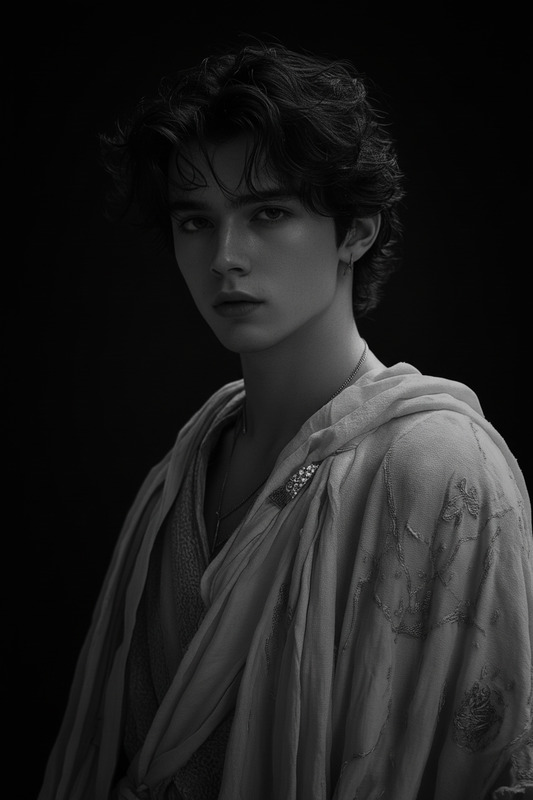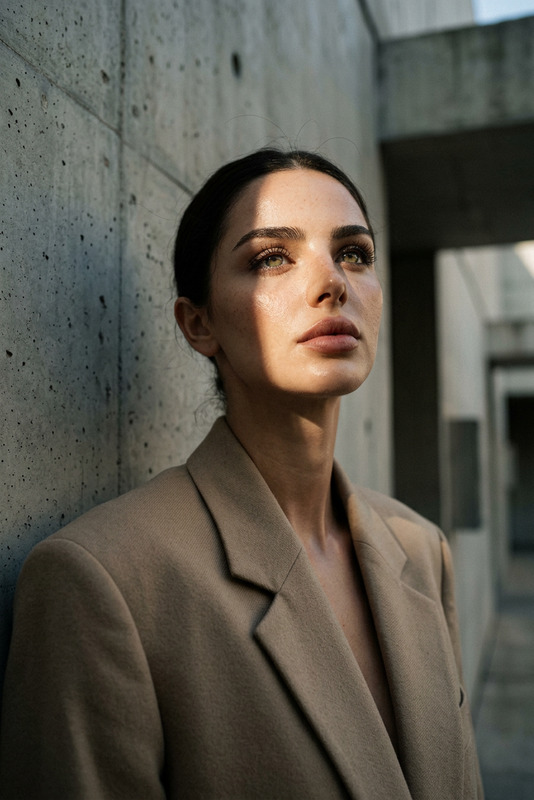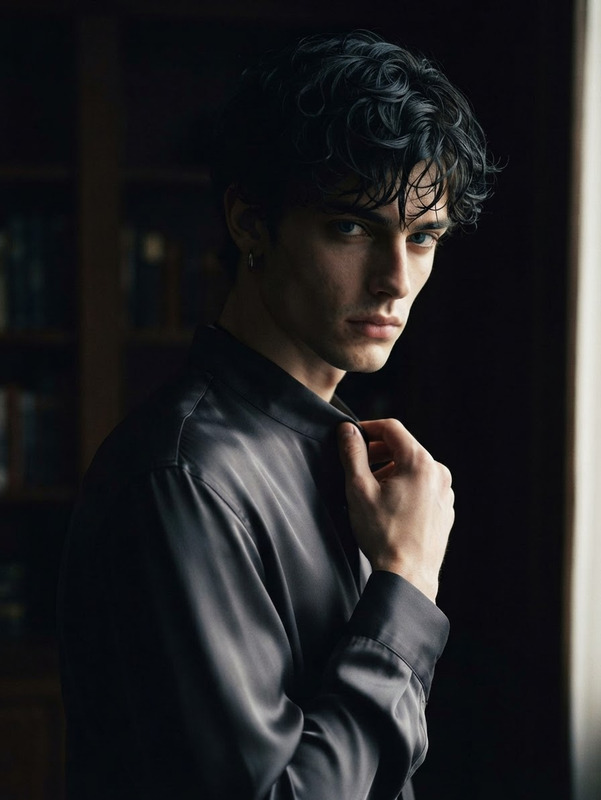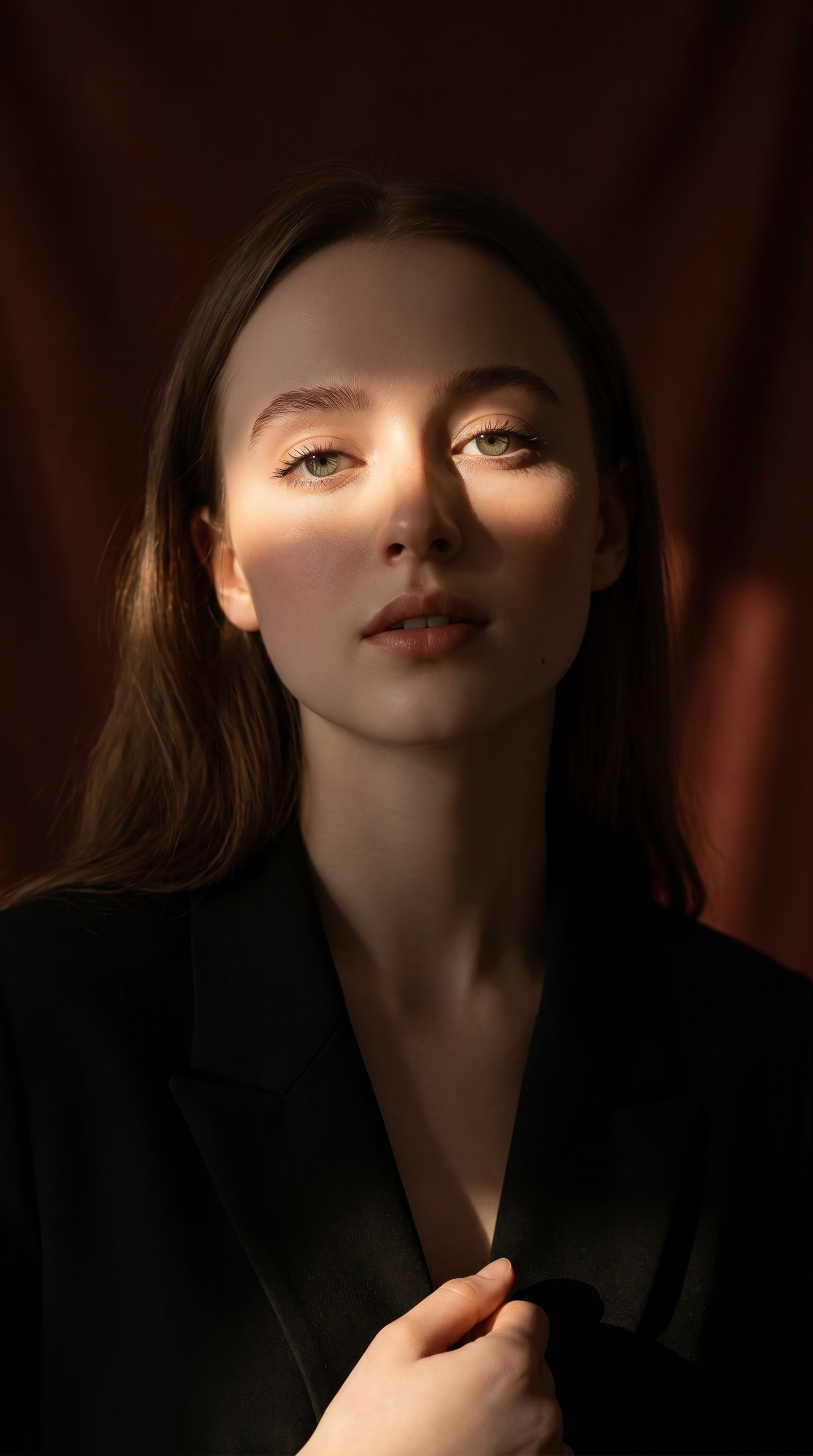
Cinematic Chiaroscuro Portrait
- Model
- Nano Banana Pro
- Image
- 1536 × 2752 px
Prompt
Vertical portrait, 1080x1920. The facial features are preserved. The subject is wearing a black blazer. Dramatic cinematic lighting – a narrow, warm ray of sunlight filtering through a window or curtain, casting a horizontal band of light across the subject's face while the rest remains in shadow. Approximately one-third of the face and upper body are illuminated, the rest fading into darkness, creating a mysterious and elegant chiaroscuro effect. Background: a deep, rich, soft-textured reddish-brown, with gently falling light. Angle of view: slightly low and central, highlighting the jawline and neck for quiet dominance and sculptural elegance. Mood is full of mood and subtlety, evoking a timeless cinematic portrait – the interplay of sunlight and shadow forms a natural frame on the face. Surreal skin texture, a smooth transition between light and shadow, no harsh reflections, no text.
Any aspect ratio
Overview
The Cinematic Chiaroscuro Portrait template takes your portrait images to a new level with a classic cinematic flair. Utilizing the power of the nano-banana-pro model, this template crafts images with controlled contrasts between light and shadow for an elegant chiaroscuro effect.
What It Does
This AI Image Editor template is designed to create portraits featuring dramatic, cinematic lighting. By emphasizing the contrast between illuminated and shadowed areas, it highlights facial features and creates a mysterious, yet elegant mood. The template is perfect for achieving a refined, timeless quality in your images.
Who It's For
The Cinematic Chiaroscuro Portrait template is ideal for photographers, artists, and creatives who desire to infuse their work with a timeless cinematic quality. Whether you're creating portfolio pieces, social media content, or digital artworks, this template provides a distinctive style that draws on classic photographic and artistic traditions.
Summary
Capture the essence of dramatic lighting and timeless elegance with the Cinematic Chiaroscuro Portrait template. By harnessing the capabilities of nano-banana-pro, this tool offers a nuanced approach to light and shadow, perfect for those looking to create sophisticated and stylish images. Pair this tool with others like the AI Image Upscaler to enhance resolution without losing detail.
How To
Choose Your Template

Customize Your Portrait

Generate Your Image

Use Cases
Artistic Photography
Social Media Content
Poster and Album Art
Best Practices
Select High-Quality Images
For best results, use images with good resolution to fully exploit the template's detail-oriented capabilities.Focus on Composition
Ensure that the subject's face is well-framed and that light and shadow areas are placed as desired.Experiment with Angles
Try different angles to capture the subject's personality and mood, enhancing the chiaroscuro effect.