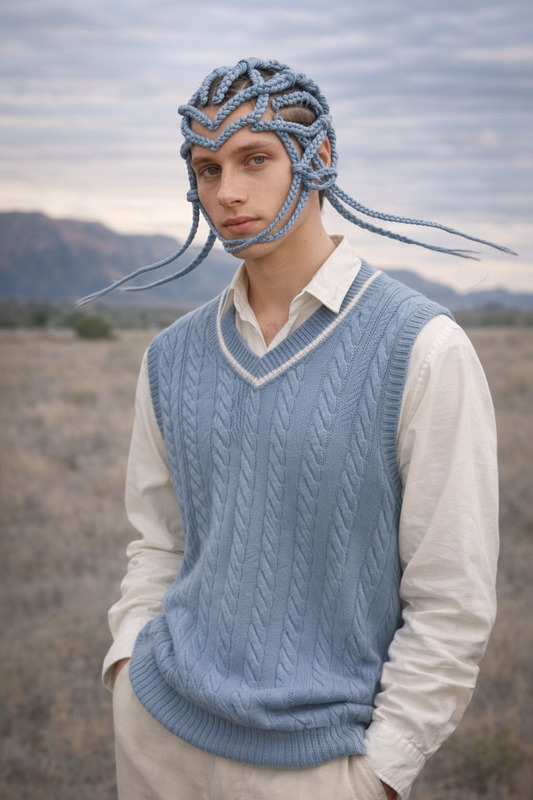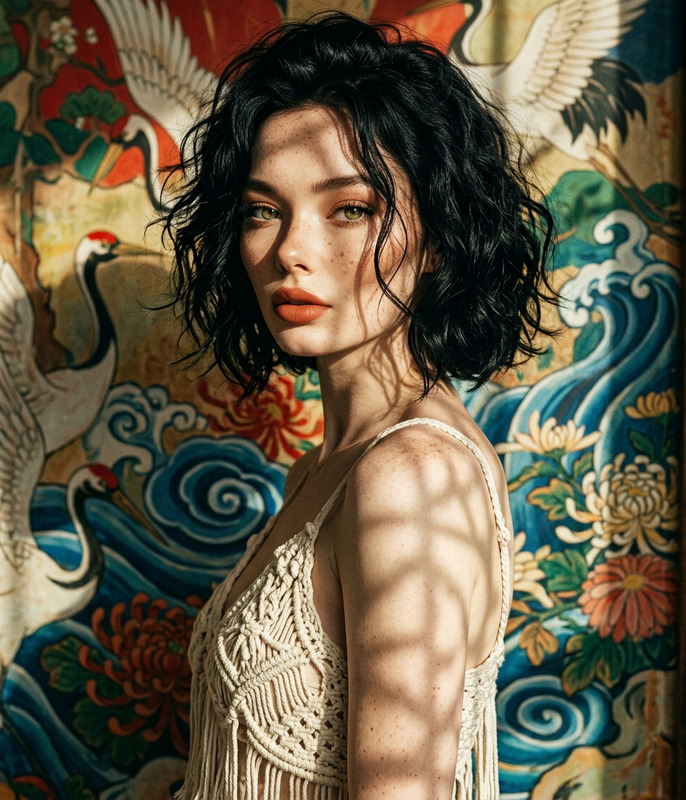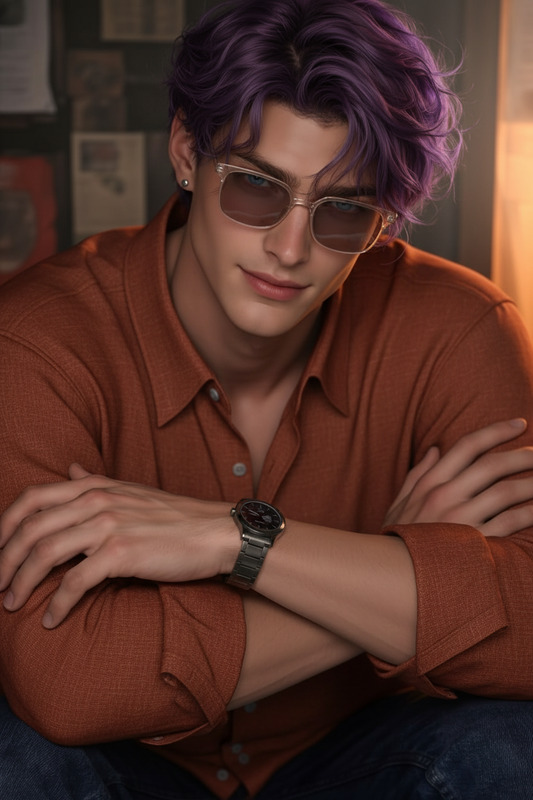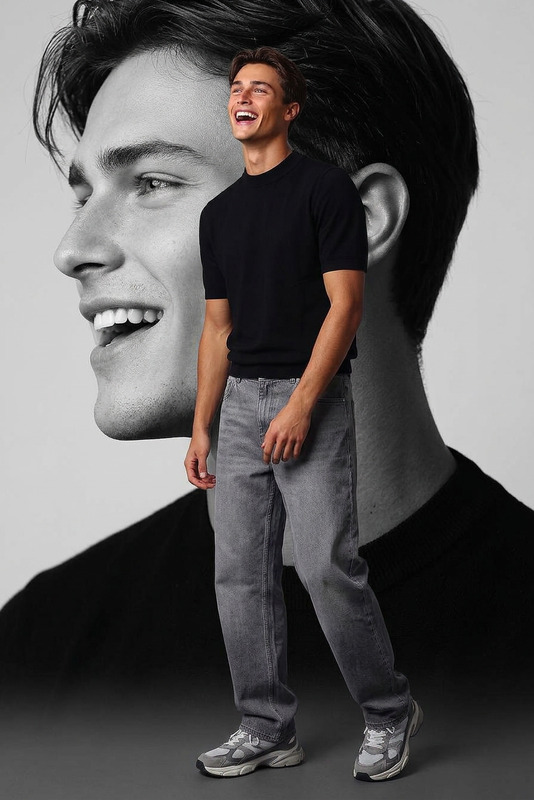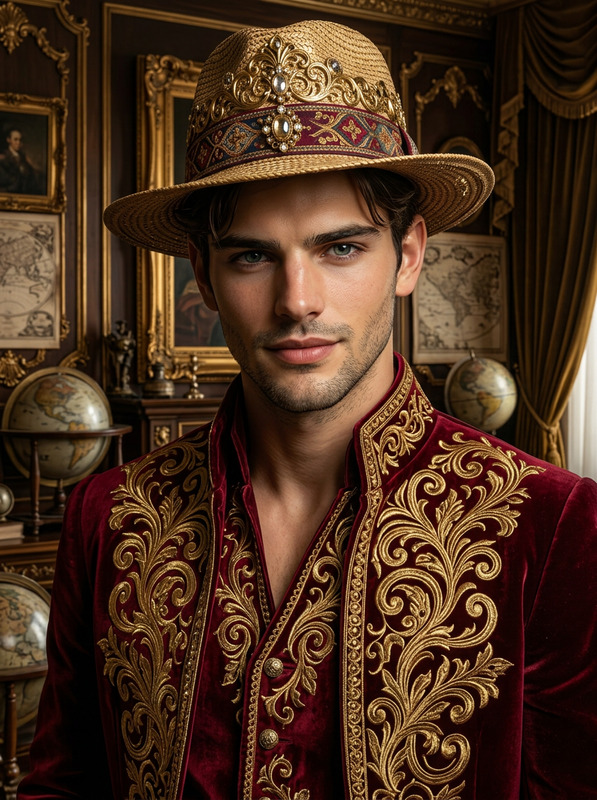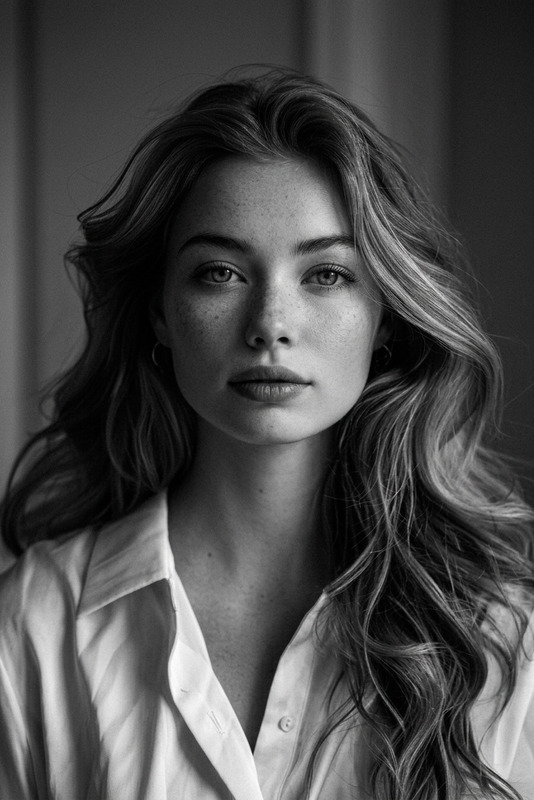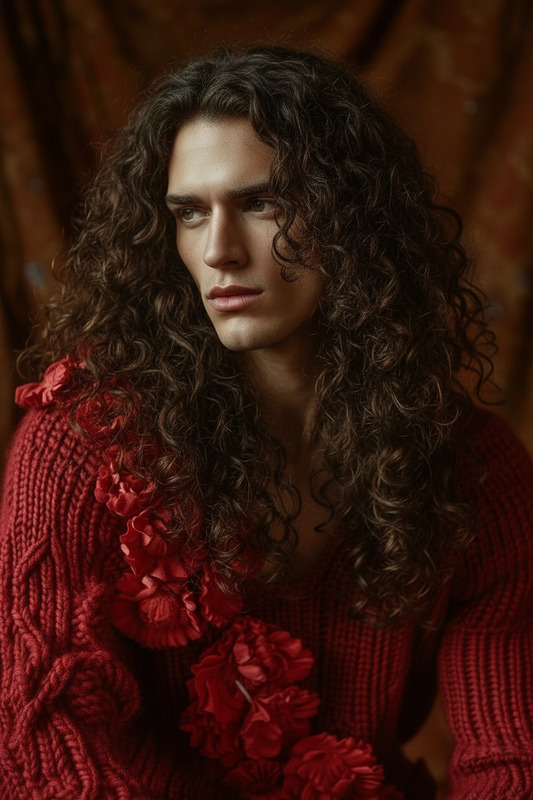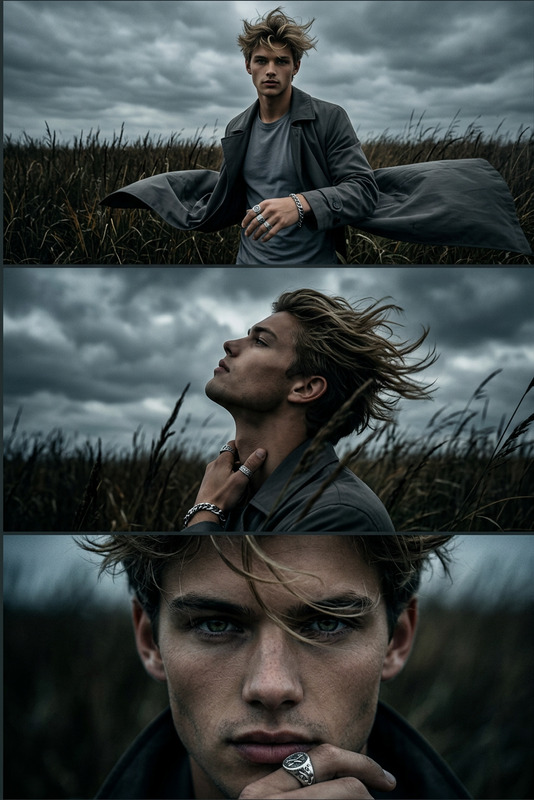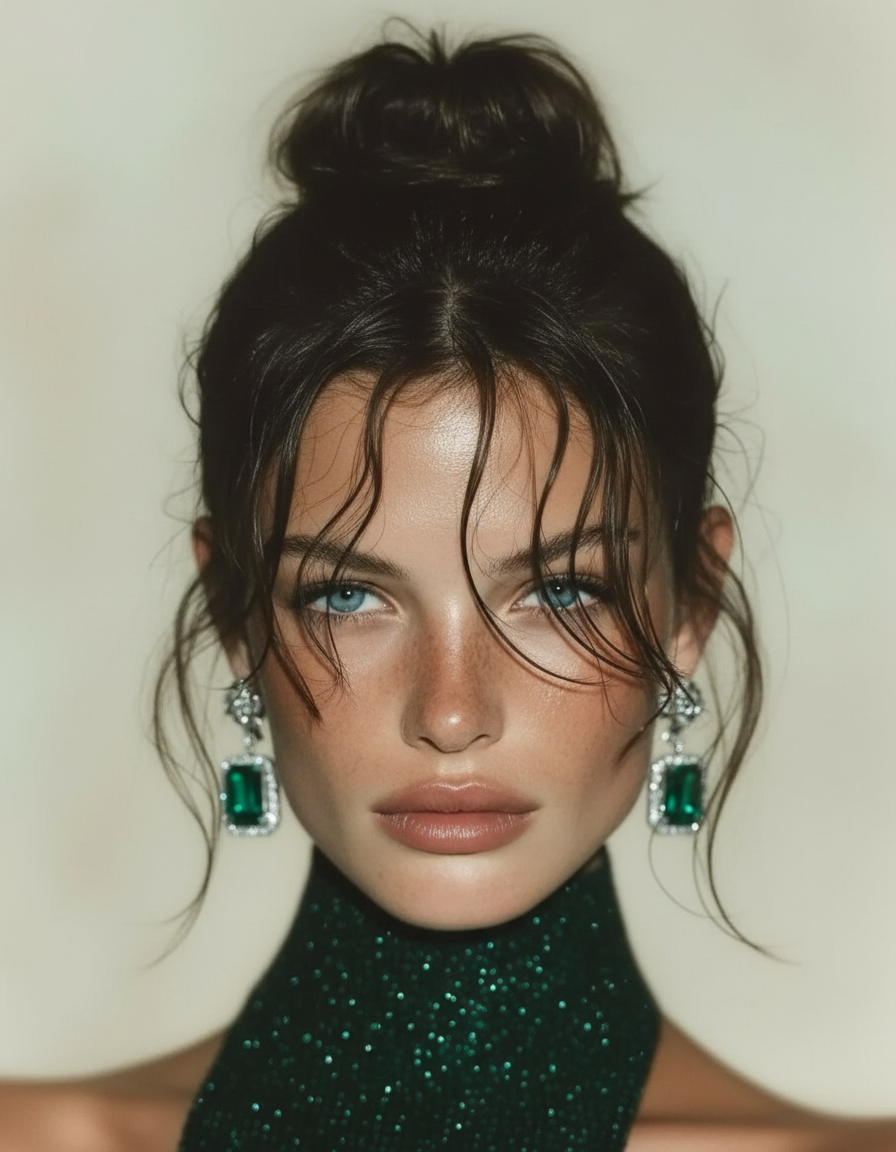
Wet Messy Bun Portrait

Wet Messy Bun Portrait

ai-image-editor

1 clip
7 uses

Any aspect ratio

Prompt

Dark brown hair styled in a natural loose messy bun on top of the head, with a few wet-look strands falling across the forehead in a softly random, aesthetically balanced pattern. Slightly undone yet elegant hairstyle, natural texture, cinematic portrait lighting, clean focus on hair detail, realistic styling, high detail, soft artistic mood.

AI Image Editor Template: Precision Photo Editing in Your Browser

Use this template to turn any image into a polished, on-brand visual in a few clicks with Magic Hour’s AI Image Editor. It’s designed for creators, marketers, founders, and technical teams who need fast, repeatable edits without sacrificing quality.

This page explains what the template does, how to remix it for your own workflow, and how it fits into a broader AI content pipeline using other Magic Hour tools.


What This Template Is Best For

This AI Image Editor–based template is ideal when you need to:

  • Clean up or restyle product photos for landing pages, ads, or marketplaces
  • Create multiple visual variations from a single base image (A/B testing, multichannel campaigns)
  • Remove unwanted objects or distractions from photos
  • Change backgrounds to match brand guidelines or campaign concepts
  • Upgrade social, newsletter, and blog imagery without a designer on call

Because it’s built on the AI Image Editor, you can quickly adapt it to:

  • Marketing and growth experiments
  • Startup pitch decks and investor updates
  • Product UI mockups and feature launch assets
  • Personal branding, headshots, and profile images

How to Use This Template in Magic Hour

  1. Open the template in Magic Hour
    Start from the template page in your Magic Hour workspace. The flow is already wired to use the AI Image Editor so you can focus on your inputs, not the setup.

  2. Upload or select your base image

    • Product shot
    • Portrait or headshot
    • Scene or lifestyle photo
    • App / SaaS screenshot
  3. Describe your desired transformation
    Use a clear, outcome-focused prompt. Examples:

    • “Remove the background and replace it with a light gray studio backdrop.”
    • “Turn this into a clean, minimal ecommerce product shot suitable for Amazon.”
    • “Convert this selfie into a professional LinkedIn-style headshot.”
    • “Make the lighting softer and more cinematic for a brand hero image.”
  4. Generate and review variations

    • Compare several edited versions for quality, style, and brand fit
    • Download your favorite or continue editing it with the same template
  5. Save and reuse your flow
    Once you like the results, save your version as a reusable workflow. You can then:

    • Run the same edits across new images
    • Share the template with your team
    • Use it as a building block inside larger content pipelines

How to Remix This Template for Your Own Use Case

You can treat this AI Image Editor template as a starting point and remix it into specialized tools for your team.

1. Product Photo Cleanup Template

Use this when you want consistent, marketplace-ready product photos.

Ideas for your remix:

  • Start from this template and focus your prompt on:
    “Clean up dust and reflections, sharpen edges, and place the product on a neutral, high-conversion background suitable for ecommerce.”
  • Pair it with the AI Image Upscaler to increase resolution for print or large hero sections.
  • Use the Image Background Remover as a pre-step if you need completely transparent or solid-color backgrounds.

2. Social & Creator Content Template

Turn raw photos into social-ready content bundles.

Remix suggestions:

  • Keep AI Image Editor at the core and tailor prompts for:
    • Platform-specific ratios and aesthetics
    • Brand color palettes and tone
    • Thumbnail-style contrast and clarity
  • For YouTube/TikTok assets, combine this with the Thumbnail Maker.
  • For GIFs and short loops, follow up with the AI GIF Generator.

3. Professional Headshot & Profile Template

If you’re building a scalable “profile photo” or “team headshots” workflow:

  • Use this template to retouch lighting, background, and overall style.
  • For more stylized or generated portraits, feed your images into:
  • If you ever need to change features or expressions, the AI Face Editor and AI Face Generator can extend the pipeline.

4. Branded Illustration & Art Template

You can also use this template as a post-processing step for generated artwork:


Combine with Other Magic Hour Tools for End-to-End Workflows

This template is strongest when it’s part of a larger AI workflow. Here are battle-tested combinations that work well for startups, agencies, and creators.

Image → Video Campaigns

  1. Refine your hero image or key visual with this AI Image Editor template.
  2. Turn that image into motion using:
  3. Use templated video transformations with:

You can then add faces or voices with:

Brand & Campaign Systems

Use this template as your “image quality and style control” step in a broader system:


Practical Tips for High-Quality Results

  • Be explicit in your prompt
    Instead of “make it better,” specify: background style, lighting, sharpness, and use case (e.g., “DTC homepage hero,” “LinkedIn headshot,” “TikTok thumbnail”).

  • Work from the highest quality source you have
    Higher-resolution inputs pair well with the AI Image Upscaler and lead to more consistent results downstream.

  • Use this template as your “final polish” stage
    For complex pipelines (generation → editing → export), run this template near the end to enforce visual consistency before assets go live.

  • Handle cleanup and removal efficiently
    When you mainly need to remove elements or distractions, you can combine this template with:


Example Remix Ideas for Teams

  • Growth / Performance Marketing

    • Duplicate this template as “Ad Creative Editor.”
    • Standardize style across all creative variants.
    • Use with AI Meme Generator for social-native experiments.
  • Product & UX Teams

    • Apply this template to polish UI mockups and in-app screenshots.
    • Use Thumbnail Maker to quickly generate store listing images and demo thumbnails.
  • Founders & Solo Builders

    • Maintain one “Brand Image Editor” template that you reuse for: website, deck, social, and press kit assets.
    • Plug it into pipelines that also include AI QR Code Generator or AI Fashion Generator for more experimental campaigns.

When to Use Other Magic Hour Tools Instead

This AI Image Editor template is best for editing existing images. For different needs, consider:

In many real workflows, you’ll generate or restore first, then hand off to this AI Image Editor template for final tuning.


Getting the Most Value from This Template

For teams and power users, think of this template as:

  • A standardized editing layer that makes your visuals look like they came from the same design team
  • A reusable module inside larger image → video → audio workflows
  • A guardrail for quality before anything reaches customers, investors, or partners

Remix it, duplicate it, and connect it with other Magic Hour tools as your content system grows. The more you treat it as a repeatable step rather than a one-off tool, the more leverage you’ll get from the AI Image Editor across your stack.

More Like This

Insufficient credits