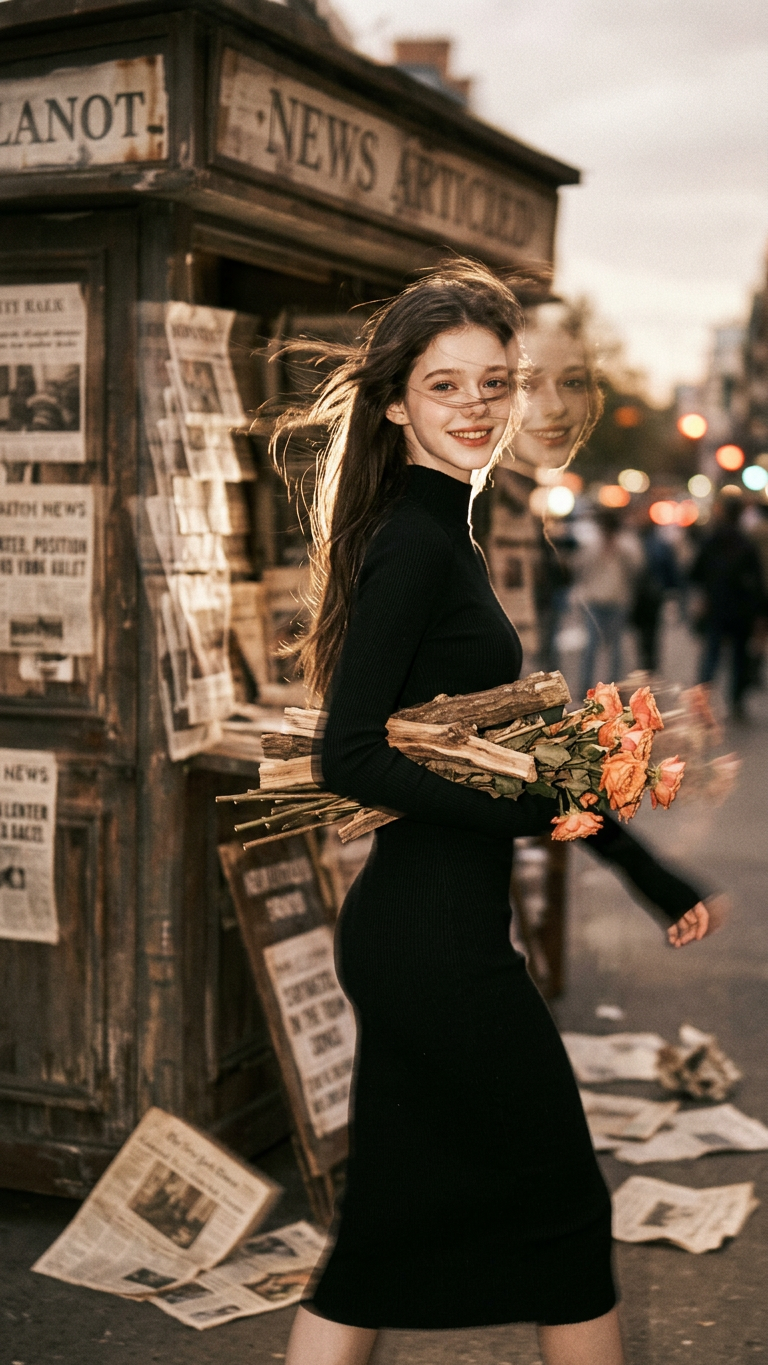
Vintage Film Motion Blur
- Model
- Nano Banana 2
- Image
- 768 × 1365 px
Prompt
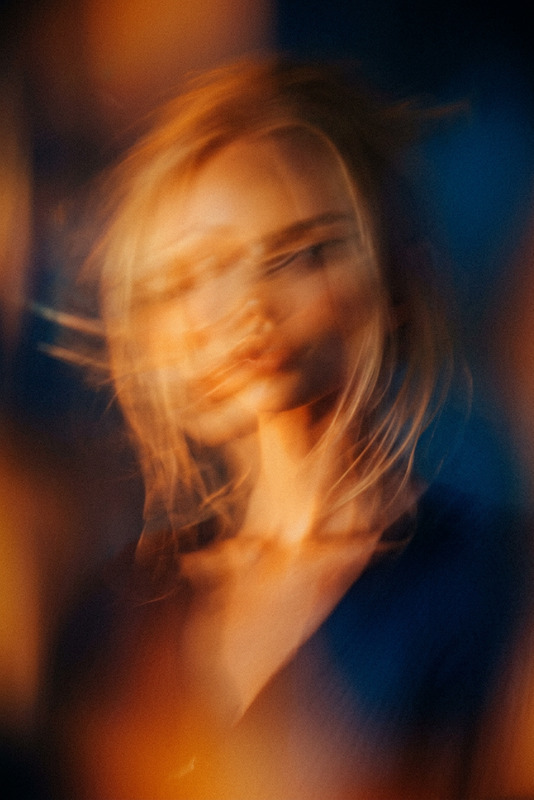
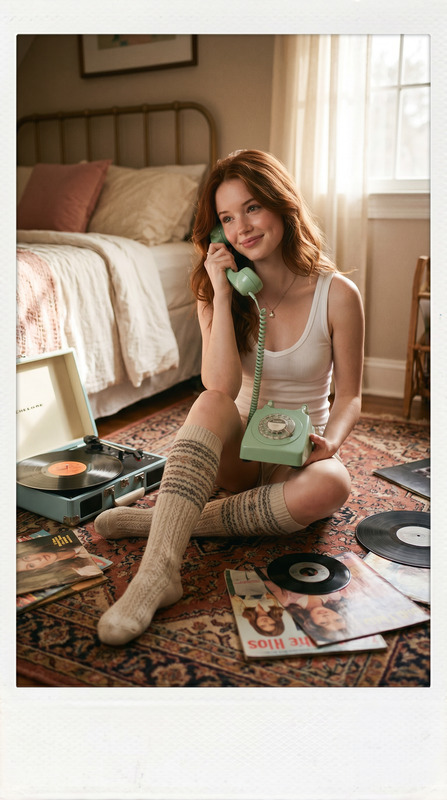
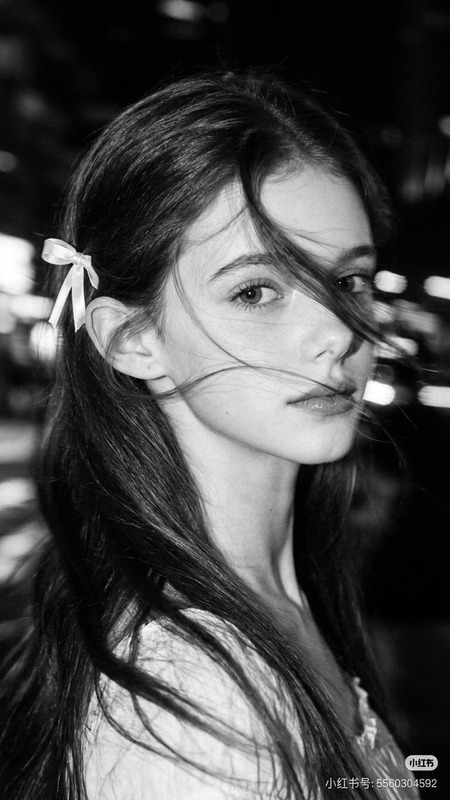
The generated image uses the uploaded image as a reference for the character, wearing a high-necked, tight-fitting black long-sleeved dress. A cluster of withered wood and orange-pink flowers lies beside an old newsstand, the grainy texture of vintage film interwoven, the blurred background with noticeable trailing shadows, and the double-image effect creating a fantastical atmosphere. A bewitchingly beautiful girl, carrying flowers, is shown in profile, her fair skin delicate and translucent. Her exquisite face is blurred with motion, the outline of her figure slightly swaying with the panning camera, the soft focus making the image even more hazy and languid. A warm-toned, low-saturation filter enhances the effect, her long, backlit hair glowing with a soft glow, the messy strands sweeping wildly across her jawline, the details concealing a captivating yet dangerous allure. Cute movements add dynamism, the motion blur blending with the film grain, creating a trendy, Instagram-worthy image while the blurred image outlines a dynamic scene full of story, cleverly balancing bewitching and sweetness.
Any aspect ratio
Overview
The Vintage Film Motion Blur template in our AI Image Editor suite brings the nostalgic charm of old-school cinematography to your images. Utilizing the capabilities of the nano-banana-2 model, this template is designed to infuse your photographs with the dreamy aesthetics of vintage film, complete with motion blur for added dynamism.
What It Does
This template transforms your images by introducing a vintage film grain texture intertwined with motion blur for a languid, dreamy effect. It captures the essence of a bygone era, adding depth and a narrative dimension to still frames. By emphasizing character profiles and subtle movements, it creates a pictorial story that's both captivating and alluring.
Who It's For
Ideal for photographers and digital creators aiming to add a retro touch to their visual storytelling, this template suits projects that lean into nostalgia and artistry. It's also perfect for influencers and marketers looking to create unique, Instagram-worthy imagery that captures attention and tells a story. Explore its potential along with our AI Talking Photo tool to enhance narrative creativity.
Summary
The Vintage Film Motion Blur template utilizes the AI Image Editor to blend film grain with motion blur effects, delivering a sophisticated, retro aesthetic. It enhances your photographs with warm tones and low-saturation filters, making it both timeless and trendy, engaging users seeking both sophistication and a nostalgic appeal.
How To
Choose the Template

Customize Your Inputs

Generate Your Image

Use Cases
Social Media Content
- Vintage aesthetic enhances storytelling
- Attracts viewers with unique visual style
Photography Portfolios
- Establishes a distinct photography style
- Enhances depth and mood
Marketing Campaigns
- Engages audiences with emotion-driven visuals
- Perfect for lifestyle and fashion brands
Best Practices
Choose High-Contrast Images
Opt for images with clear contrast to make the vintage effects pop. The interplay between light and shadow can amplify the template’s impact.Experiment with Blur Intensity
Adjust the motion blur settings to match the mood of your project. Softer blurs can create a dreamlike quality, while sharper blurs add dynamic movement.Blend with Other Filters
Combine this effect with other color filters available in the AI Image Editor for a composite look, adding layers to your storytelling.