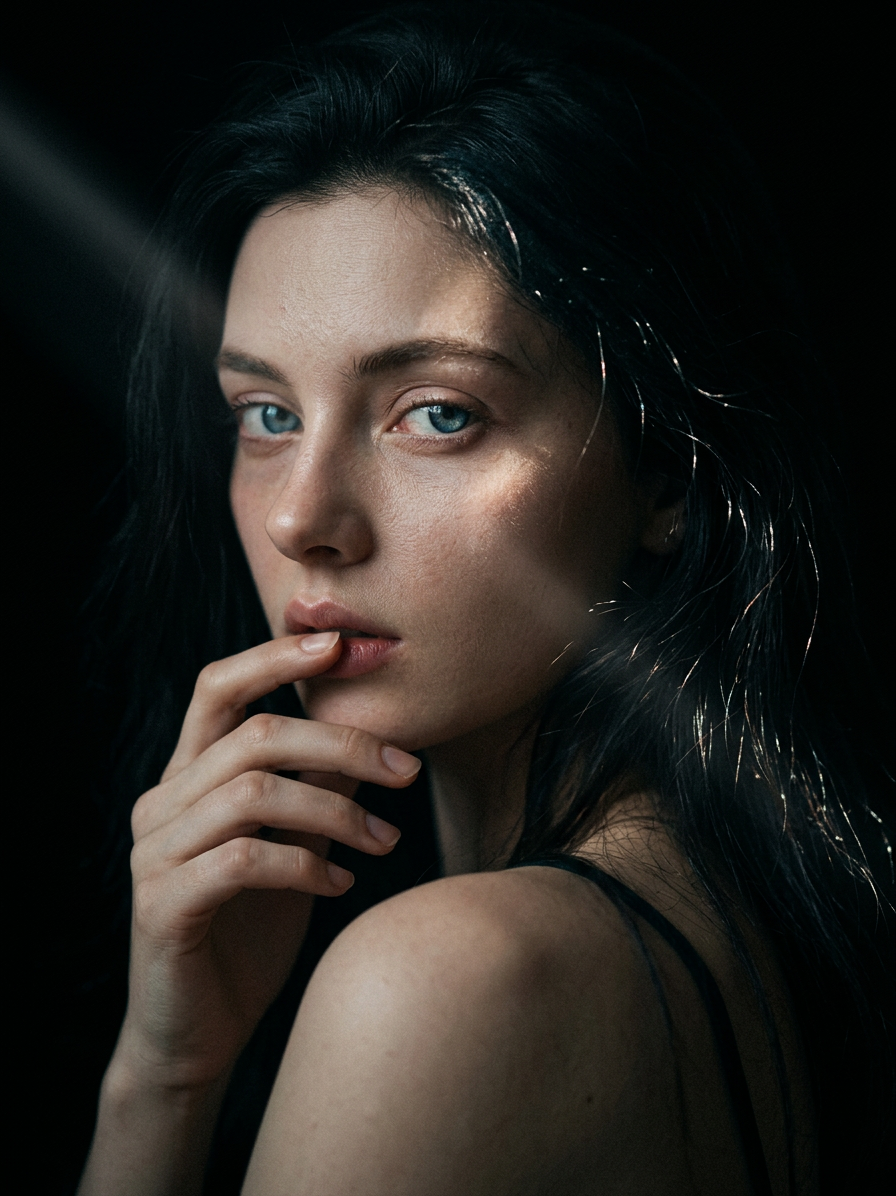
Shadow Whisper
- Model
- Nano Banana 2
- Image
- 896 × 1196 px
Prompt
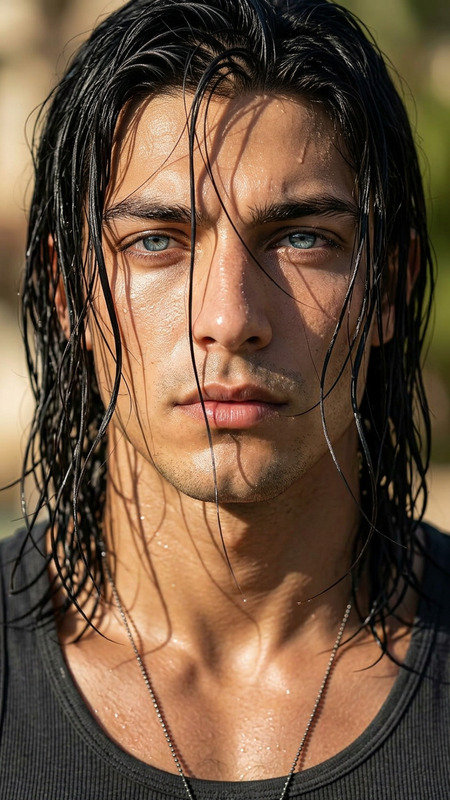
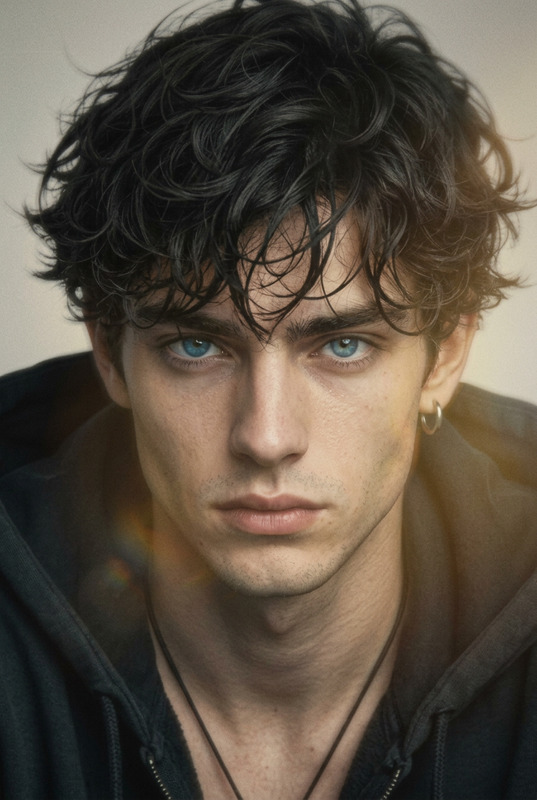
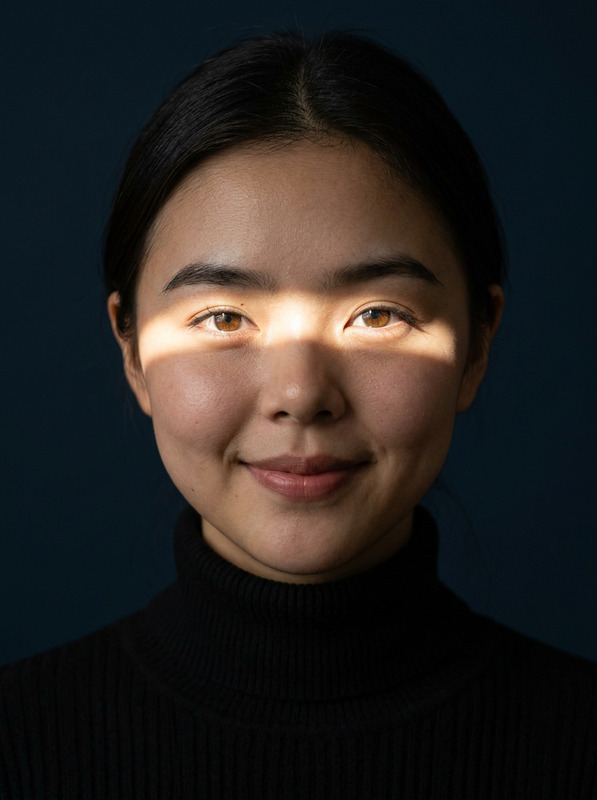
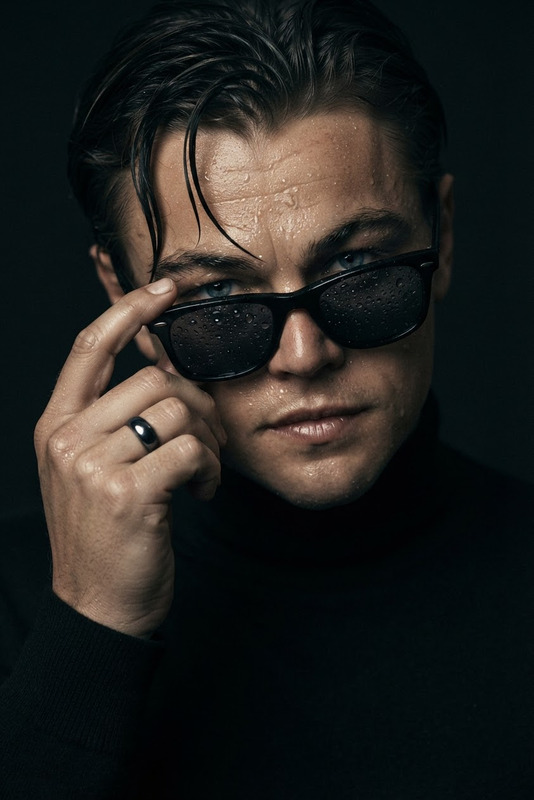
Subject: Hyperrealistic portrait against a completely black background, natural human skin with visible pores, micro-details, fine lines, soft imperfections, realistic subsurface scattering and true-to-life shading. One hand gently touches the lips with relaxed fingers, eyes looking directly at the camera with a quiet, mysterious gaze. Long dark hair catches a diagonal beam of light from top-left to lower-right, illuminating individual strands and creating scattered highlights across the face. Dark, dramatic, and moody atmosphere. Shot with shallow depth of field, soft lens bokeh fading into black, subtle film grain, photorealistic rendering, high detail.
Any aspect ratio
Overview
Shadow Whisper is an AI Image Editor that focuses on creating hyperrealistic portraits with a dramatic and moody atmosphere. Leveraging the nano-banana-2 model, this template allows you to produce stunning images featuring detailed skin, natural imperfections, and dynamic lighting effects.
What It Does
Shadow Whisper offers a high-detail portrait rendering capability, with a focus on realistic skin textures and dramatic lighting. This tool captures hyperrealistic details, such as visible pores and subtle imperfections, while maintaining a soft, immersive feel through the use of lens bokeh and light scattering.
Whether you're looking to create artful portraits or need photo-realistic renderings for commercial use, Shadow Whisper enhances your images with precision and style.
Who It's For
Shadow Whisper is ideal for photographers, digital artists, and content creators who strive for perfection in realistic portraiture. It's particularly useful for those involved in digital marketing or promotional content creation, seeking to produce images with a high level of detail and dramatic flair.
Incorporate Shadow Whisper with tools like the AI Image Editor or the AI Image Upscaler for enhanced workflows in portrait enhancement and scaling.
Summary
Summarizing the capabilities of Shadow Whisper, this AI Image Editor provides an exceptional platform for generating hyperrealistic portrait images. Its seamless integration into editing workflows, along with high-quality renderings, positions it as an essential tool for any professional requiring detailed and evocative portraiture.
For deeper integration into video creation, explore our Image to Video tool, which pairs well with hyperrealistic imagery.
How to Use
Choose

Customize

Generate

Use Cases
Digital Art
Marketing Materials
Content Creation
Best Practices
Lighting Adjustments
Ensure that the direction and intensity of lighting are set accurately to achieve the desired dramatic effect.Experiment with Depth
Use shallow depth of field sensibly to focus on specific facial features and enhance moodiness.High-Resolution Inputs
Start with high-resolution images for best results, ensuring maximum detail retention in final output.