Golden Serenity
- Model
- Flux 2 Klein
- Image
- 576 × 1024 px
Prompt
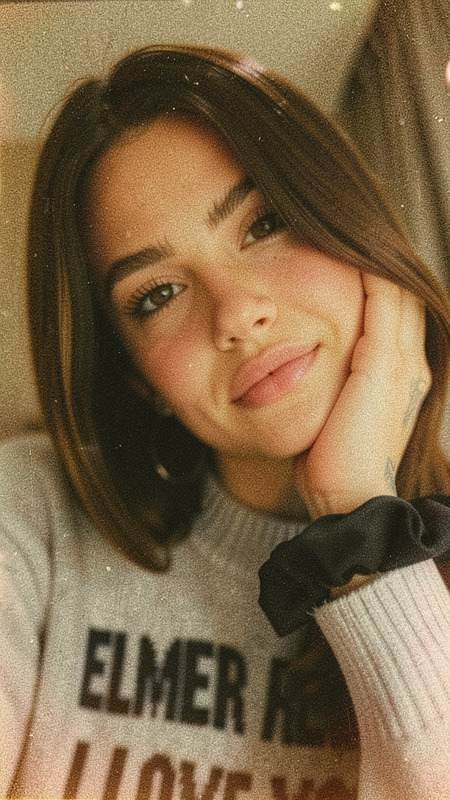
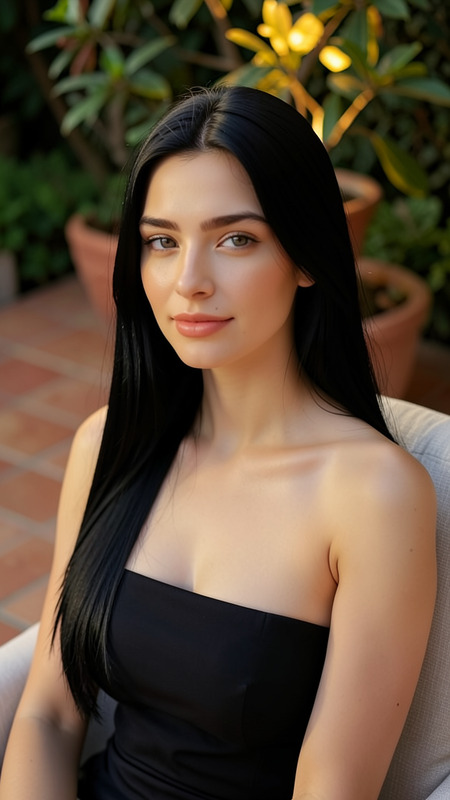
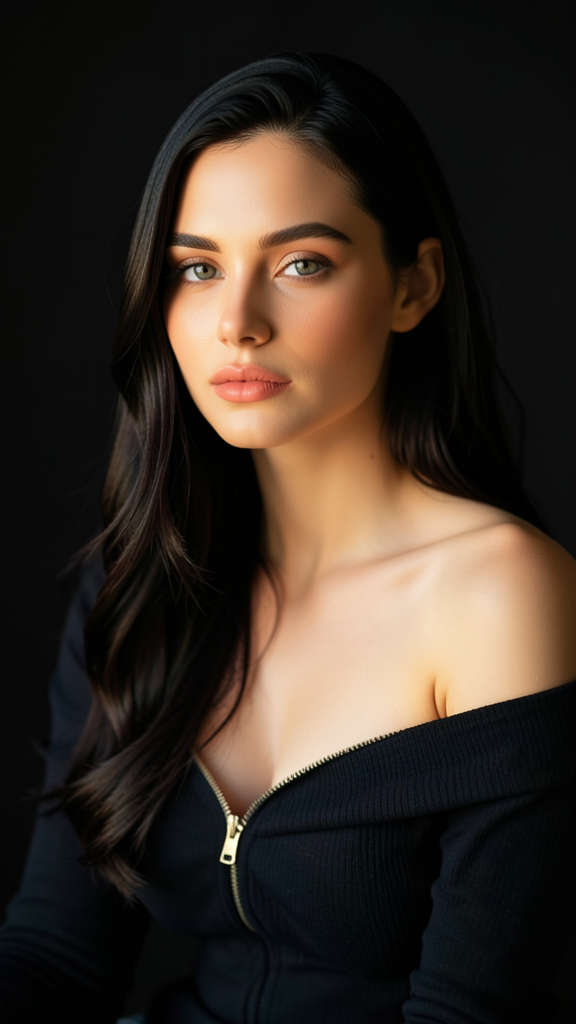
A portrait of the subject with long dark hair and smooth skin illuminated by a soft warm glow. Preserve exact facial features and identity from the reference image. The subject wears a dark off-the-shoulder top with a zipper while sitting in a relaxed pose. The background is dark and uncluttered, allowing attention to remain on the face and upper body. Natural colors, soft lighting, and an elegant serene atmosphere.
Any aspect ratio
Overview
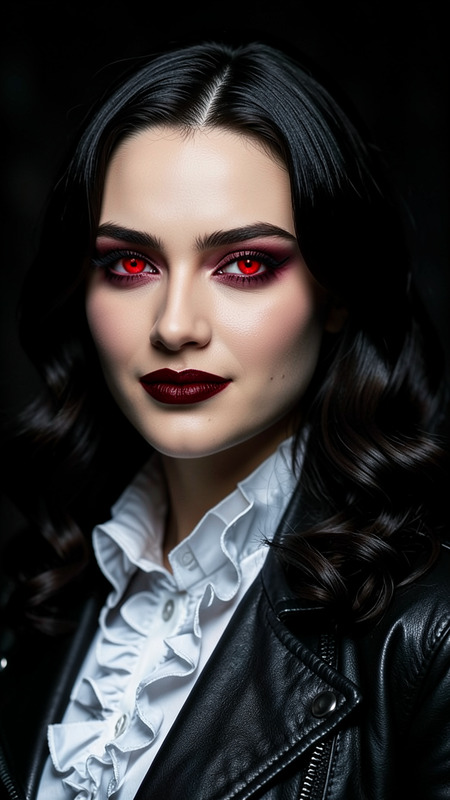
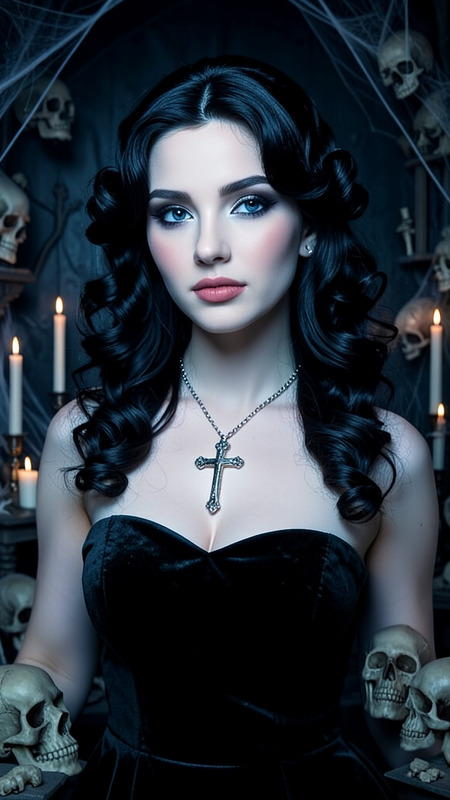
Golden Serenity is an AI Image Editor template designed for creators who seek to highlight nuanced facial expressions with warm, inviting aesthetics. Using the flux-2-klein model, it captures authentic portraits with a soft glow and natural coloring.
What It Does
The Golden Serenity template processes images to emphasize facial details and natural beauty. It applies gentle, warm lighting effects and ensures the subject's distinct features remain intact, along with attire, like a dark off-the-shoulder top. The edited photo will boast both elegance and serenity, focusing attention on the face while providing an understated backdrop.
Who It's For
This template is perfect for photographers, digital artists, and social media influencers who want to create captivating and serene portrait images. Those aiming to produce high-quality, naturally lit photos with minimal distractions will find the AI Image Editor capabilities invaluable. It's particularly beneficial for professionals in the fashion and beauty industries seeking consistency in photographic style.
Summary
Leverage Golden Serenity to craft images with a unique aesthetic that highlights natural beauty and serene warmth. By preserving facial identity and enhancing soft lighting, it ensures a sophisticated and cohesive visual appeal. Learn more about how this template works alongside other tools like the AI Face Editor.
How To
Choose the Template

Customize Your Inputs

Generate the Output

Use Cases
Fashion Photography
Social Media Content
Professional Portraits
Best Practices
Select High-Resolution Images
To maximize the potential of image detail preservation, use high-resolution reference images.Adjust Lighting Mindfully
Fine-tune lighting settings to ensure they complement the subject's skin tone and overall portrait mood.Utilize Clean Backgrounds
A clutter-free background enhances the subject's prominence and contributes to a serene atmosphere.