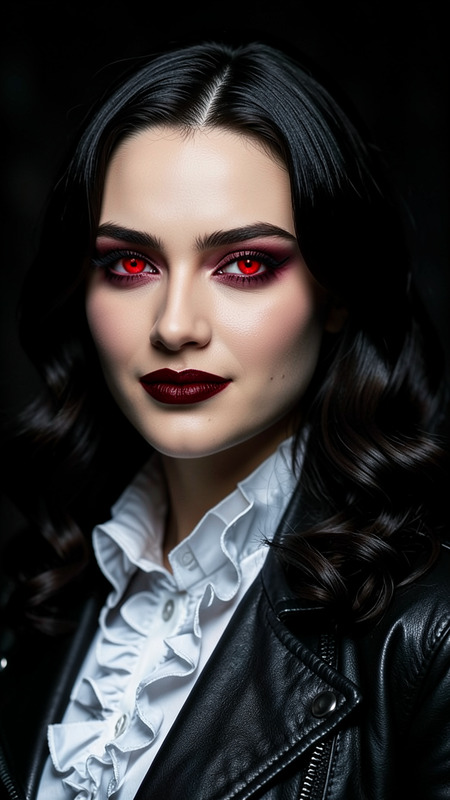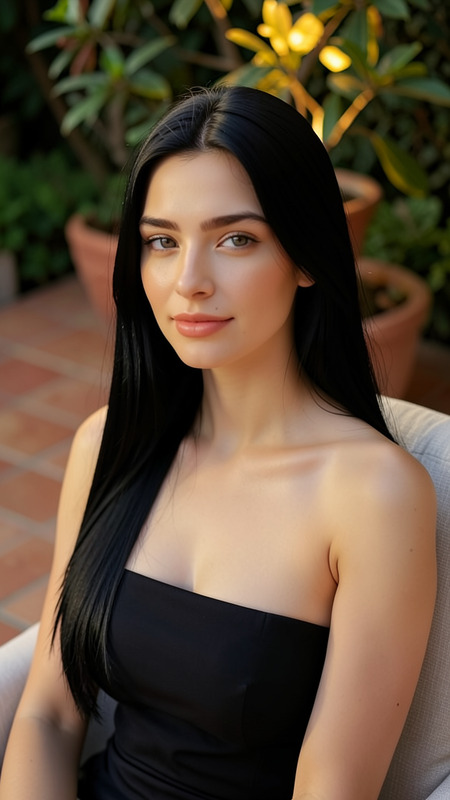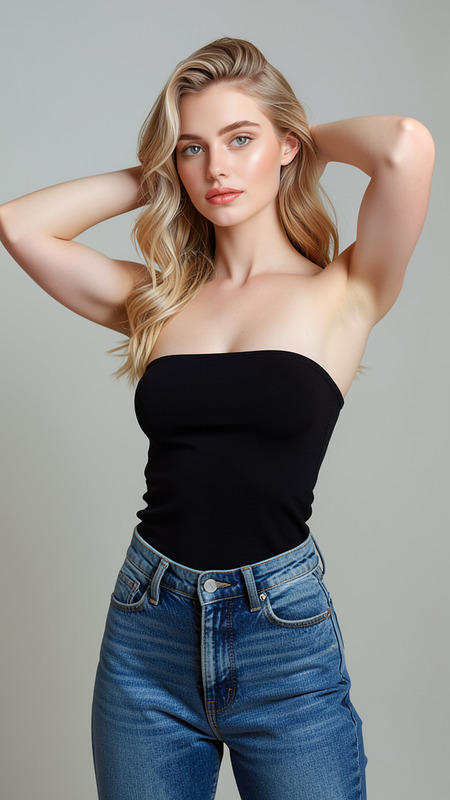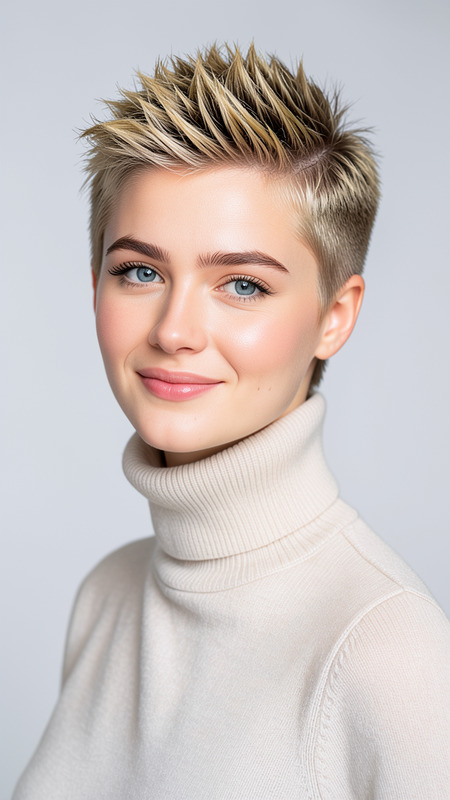
Shinobi
- Model
- Flux 2 Klein
- Image
- 576 × 1024 px
Prompt
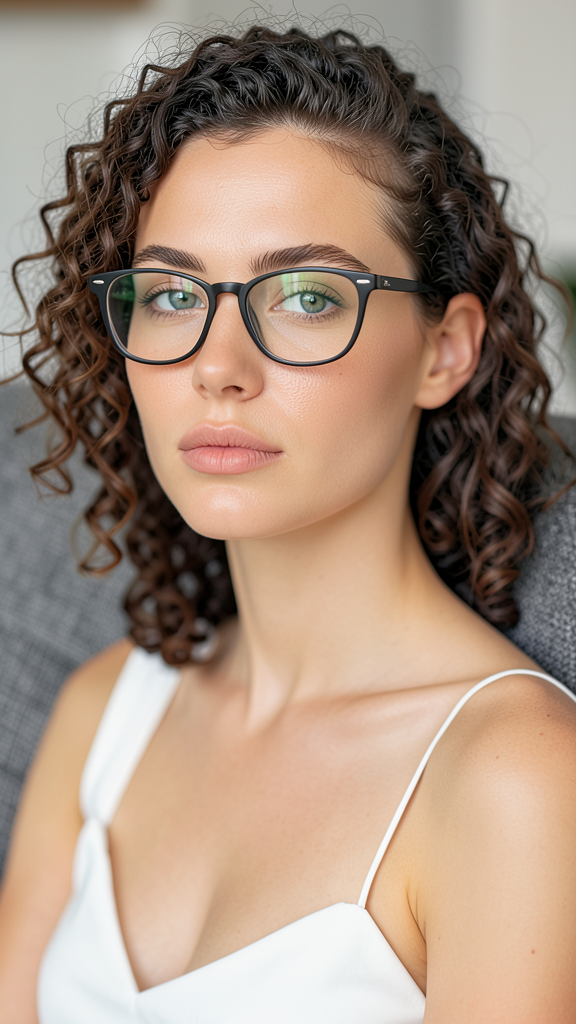
A close-up portrait of the subject with curly hair and glasses, sitting on a textured gray couch indoors. Preserve exact facial features and identity from the reference image. The subject wears a white sleeveless top and displays a calm neutral expression. Natural lighting reveals realistic skin texture while the softly blurred background remains clean and uncluttered. Relaxed lifestyle portrait aesthetic.
Any aspect ratio
Overview
Dive into the world of digital portrait editing with the Shinobi template, powered by the AI Image Editor utilizing the flux-2-klein model. This template transforms your image into a serene lifestyle portrait while maintaining the original facial features and expression.
What It Does
The Shinobi template focuses on creating a detailed and realistic close-up portrait. The subject is depicted with curly hair and glasses on a textured gray couch, enhancing natural lighting to reveal skin texture. The background is soft and blurred, keeping the focus on the subject's calm, neutral expression.
Who It's For
This template is perfect for photographers, digital artists, and social media influencers who want to create professional-grade portraits without a studio. It serves those who aim to maintain the subject's authenticity while enhancing their aesthetic appeal.
Summary
Leverage the Shinobi template for your next project if you seek a blend of authenticity and digital finesse in portraits. Seamless integration with our powerful AI Image Editor ensures your creative vision becomes reality, with optimized performance through the flux-2-klein model.
How To

Customize Your Inputs

Generate the Image

Use Cases
Digital Portraiture
Social Media Content
Marketing and Branding
Best Practices
Use High-Quality Images
Ensure the reference image is of high quality to achieve the best results. Clear images produce more accurate facial detail preservation.Experiment with Lighting
Natural lighting settings enhance the realistic aesthetic of the portrait. Experiment by adjusting light filters to suit your needs.Maintain Original Expression
Preserving the subject's expression is key to maintaining authenticity. Adjust settings accordingly to capture the intended mood.