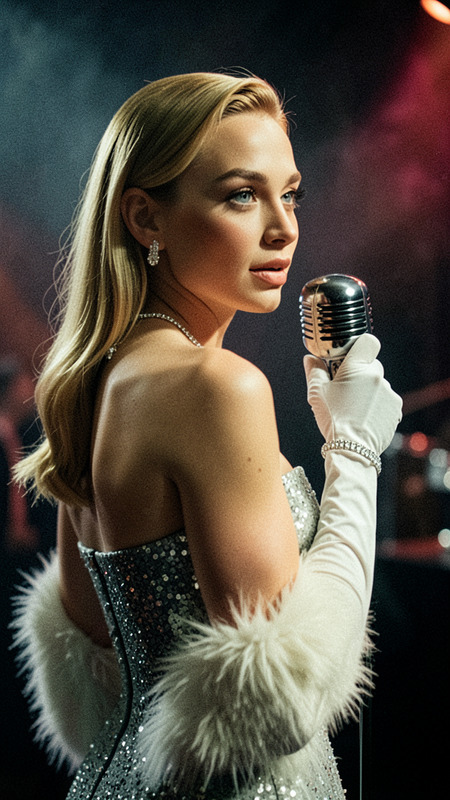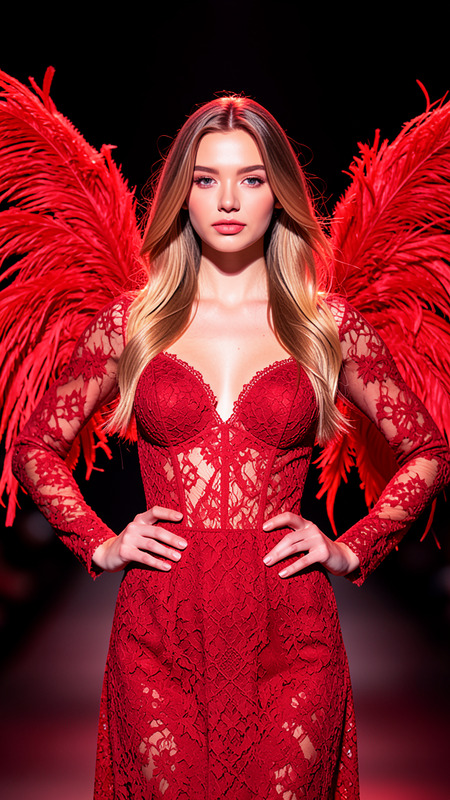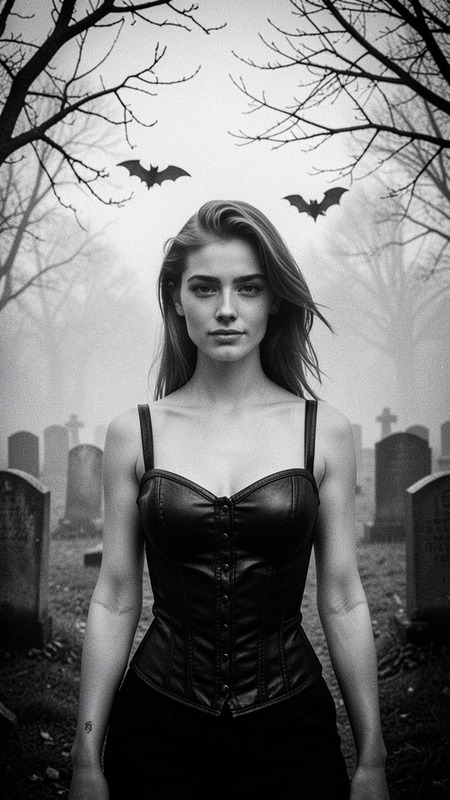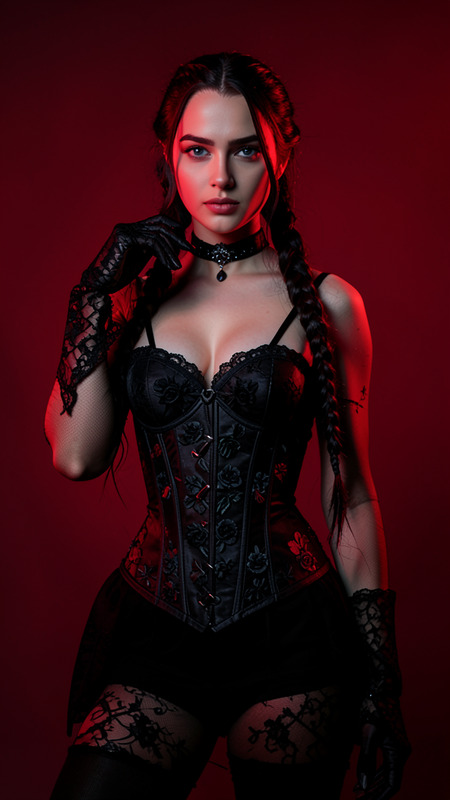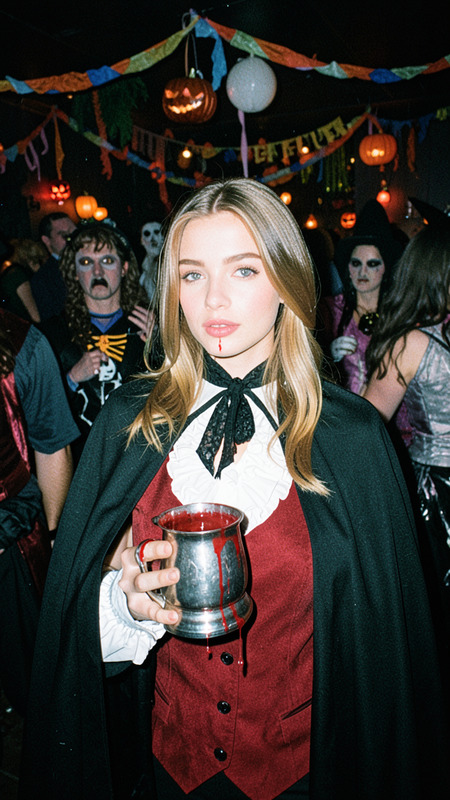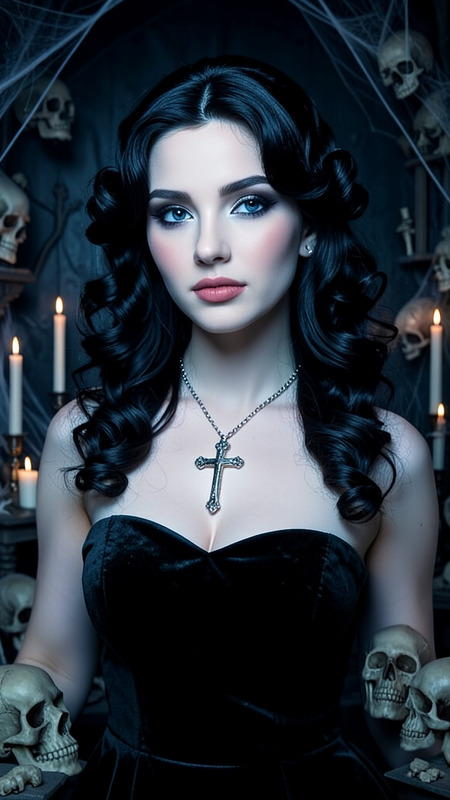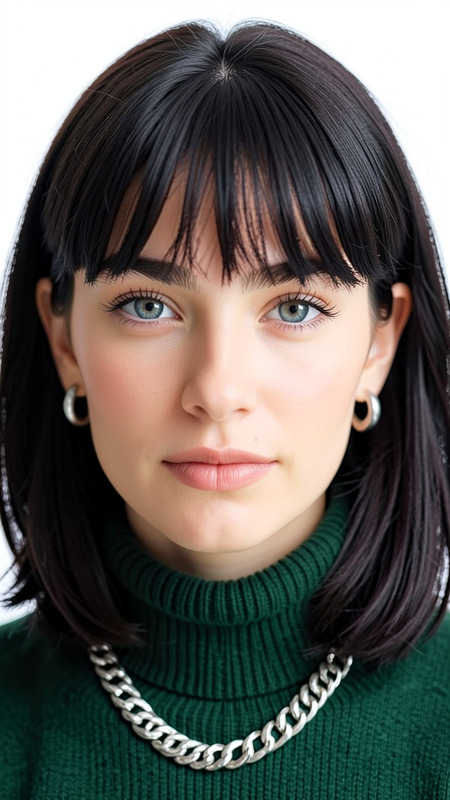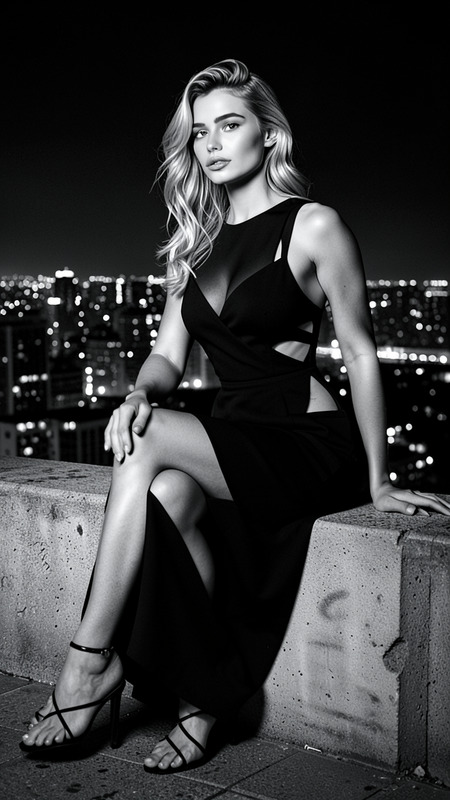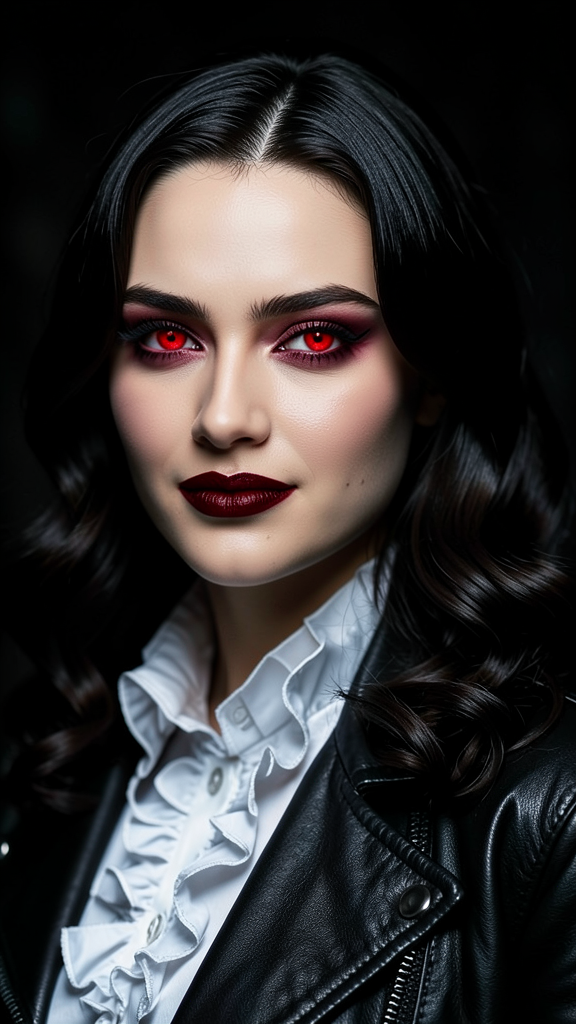
Vampire Diva
- Model
- Flux 2 Klein
- Image
- 576 × 1024 px
Prompt
A close-up portrait of the subject with elegant vampire-inspired features, including glowing red eyes and subtle fangs. Preserve exact facial features and identity from the reference image. The subject has glossy dark hair styled in loose curls, deep red lipstick, a black leather jacket, and a white ruffled collar. Dramatic cinematic lighting highlights smooth skin and creates an intense gothic atmosphere. The background remains dark and softly blurred.
Any aspect ratio
Overview
The "Vampire Diva" template is part of our AI Image Editor collection, offering an artistic twist on standard image edits. This template is powered by the flux-2-klein model, designed to transform your subject into a gothic icon with precision and style.
What It Does
This template captures the essence of a vampire-inspired aesthetic. It applies dramatic lighting, glowing red eyes, and elegant attire while preserving the subject's unique facial features. The template maintains a dark, atmospheric background, enhancing the overall gothic mood.
Who It's For
The "Vampire Diva" template is ideal for creators and artists involved in gothic photography, as well as brands looking for unique promotional material. It suits anyone wanting to add a dramatic, cinematic flair to their images while ensuring individuality stands out.
For more transformative edits, consider exploring our Face Swap and AI Clothes Changer tools, which complement this style effectively.
Summary
Achieve a striking gothic portrait with the "Vampire Diva" template. Offering intricate vampire-inspired transformations, it remains easy to use while delivering professional results. Elevate your creative projects with this specialized image editor designed for dramatic effects.
How to Use

Customize

Generate

Use Cases
Gothic Photography
- Perfect for portrait photographers
- Adds a unique, moody touch to portfolios
Themed Promotions
- Ideal for fashion and beauty brands
- Great for seasonal campaigns like Halloween
Digital Art
- Blend art with technology
- Perfect for depicting fantasy themes
Best Practices
Use High-Resolution Images
Start with a high-quality reference image to achieve the best results. Maintaining facial detail is crucial for the final transformation.Consider Lighting
Natural or studio lighting can impact the final look, so consider these elements when selecting your initial image.Experiment with Variations
Don’t hesitate to tweak the prompt or settings to suit specific project needs, giving each image a unique flair.