Modern Muse
- Model
- Flux 2 Klein
- Image
- 576 × 1024 px
Prompt
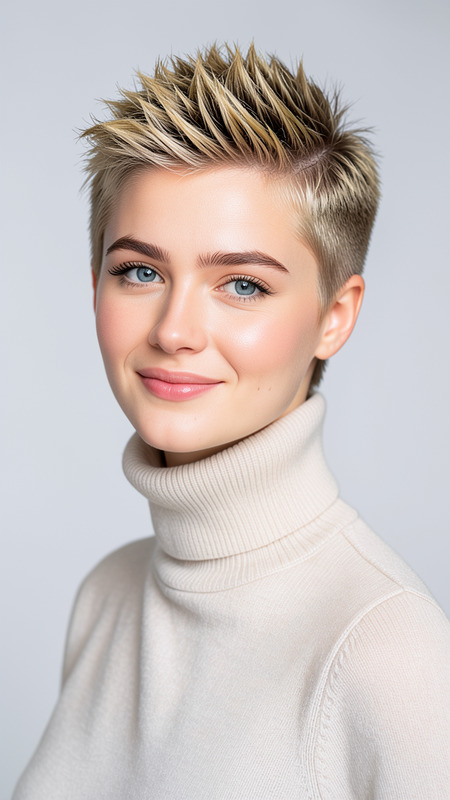
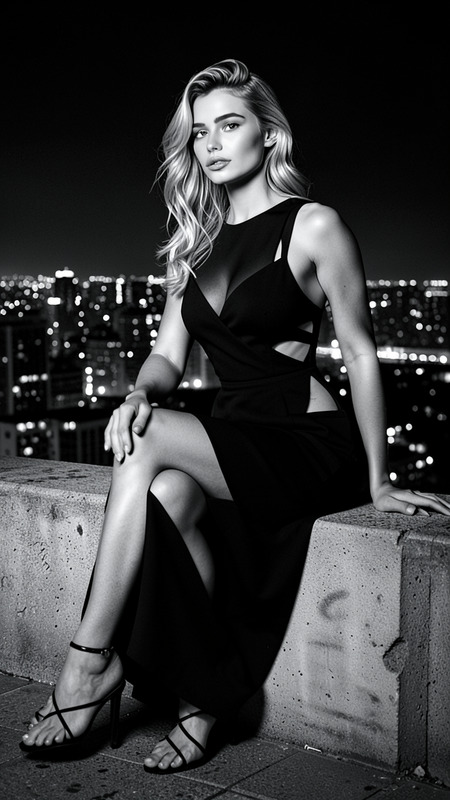
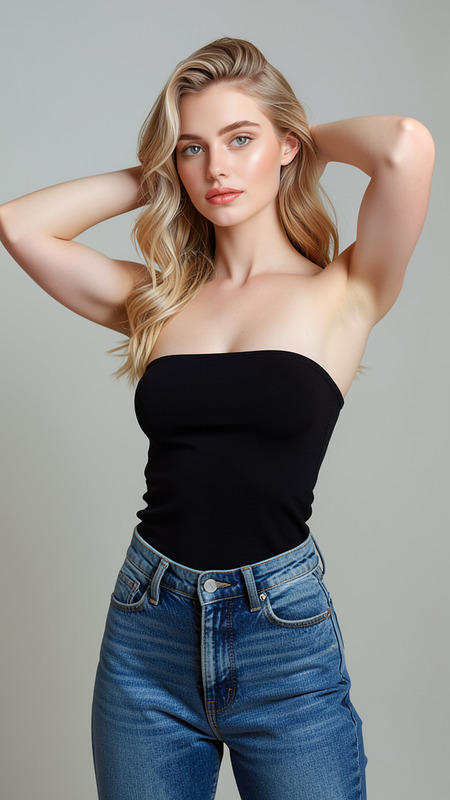
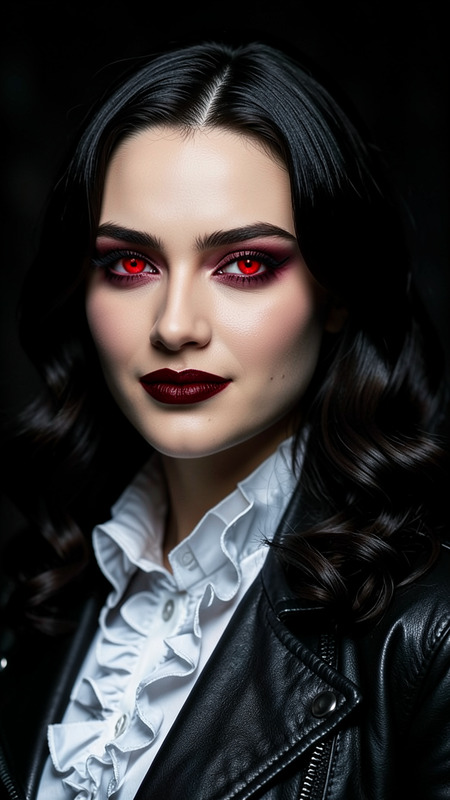
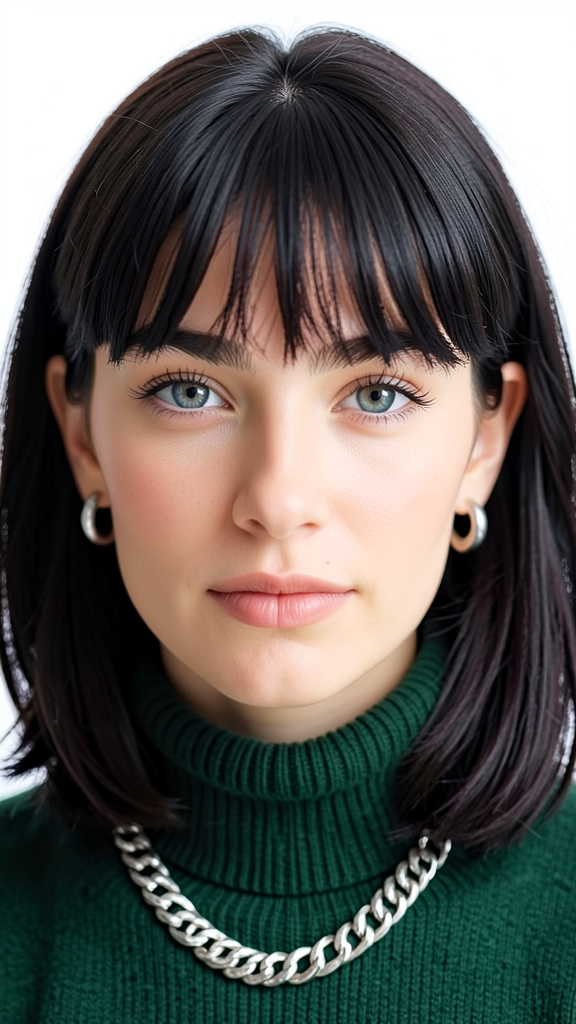
A close-up portrait of the subject with medium-length dark hair and bangs. Preserve exact facial features and identity from the reference image. The subject wears a dark green turtleneck sweater, a chunky silver chain necklace, and small hoop earrings. Soft natural lighting highlights facial features against a simple white background, creating a clean editorial portrait.
Any aspect ratio
Overview
The Modern Muse template is a powerful tool within the AI Image Editor. Crafted with the flux-2-klein model, it allows users to create striking editorial portraits while preserving the precise facial features and identity of the subject from the reference image. Take advantage of this template to produce clean, sophisticated imagery ideal for editorial or personal use.
What It Does
This template leverages advanced AI capabilities to enhance your images with a modern, editorial style. It maintains original facial features and identity while adding stylish elements such as medium-length dark hair with bangs, and specific attire like a dark green turtleneck and silver accessories, all under soft natural lighting. With AI Image Generator capabilities, you can easily transform your photo collection into professional-grade visuals.
Who It's For
The Modern Muse template is ideal for photographers, content creators, and marketers looking to add an editorial feel to their imagery. Whether you're crafting content for social media or enhancing your personal brand, this tool offers a streamlined solution. The simplicity of use also makes it accessible for beginners keen on using the Full Body Generator to expand their creative projects.
Summary
Transform your standard photos into compelling editorial portraits with the Modern Muse template. This template suits anyone seeking a modern look in their images, from fashion bloggers to professional content marketers. For more creative options, explore our Face Swap feature to stylize your projects with ease.
How To
Choose the Template

Customize Your Image

Generate Your Portrait

Use Cases
Social Media Content
- Influencer posts
- Brand campaigns
Editorial Photography
- Fashion magazines
- Online editorials
Marketing Materials
- Product launches
- Ad creatives
Best Practices
Use High-Quality Images
Ensure the reference image is of high resolution to get the best output.Consistent Lighting
Aim for photos with uniform lighting to match the soft natural lighting in the prompt.Focus on Details
Make sure the key facial details are clear in the reference image for better identity preservation.