Mystic Shots
- Model
- Flux 2 Klein
- Image
- 576 × 1024 px
Prompt
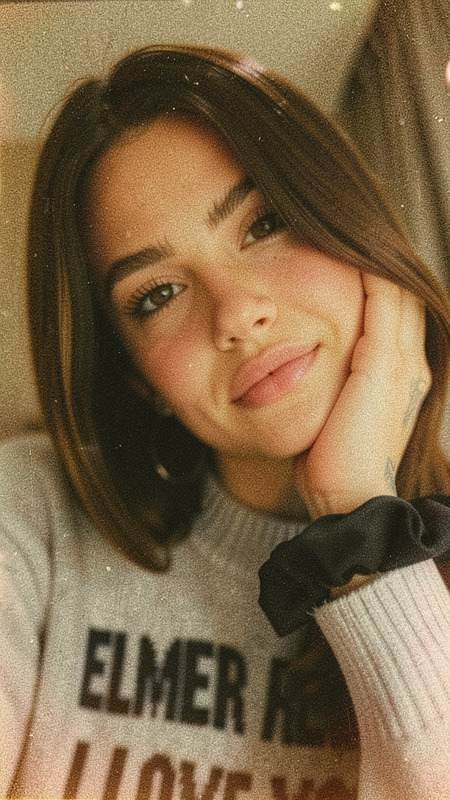
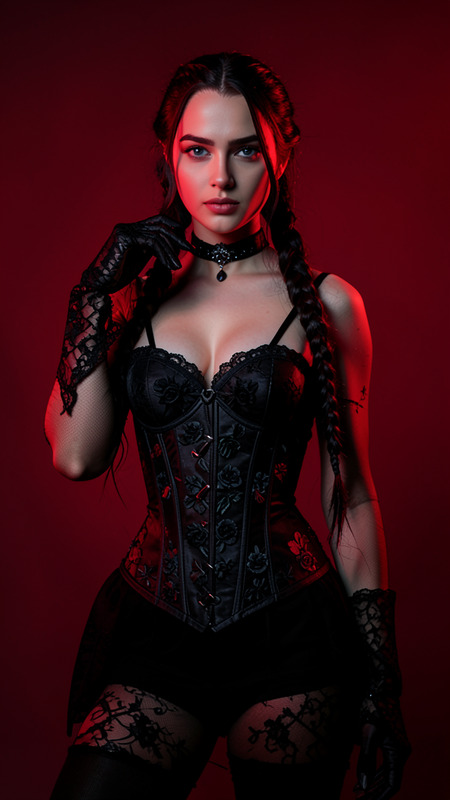
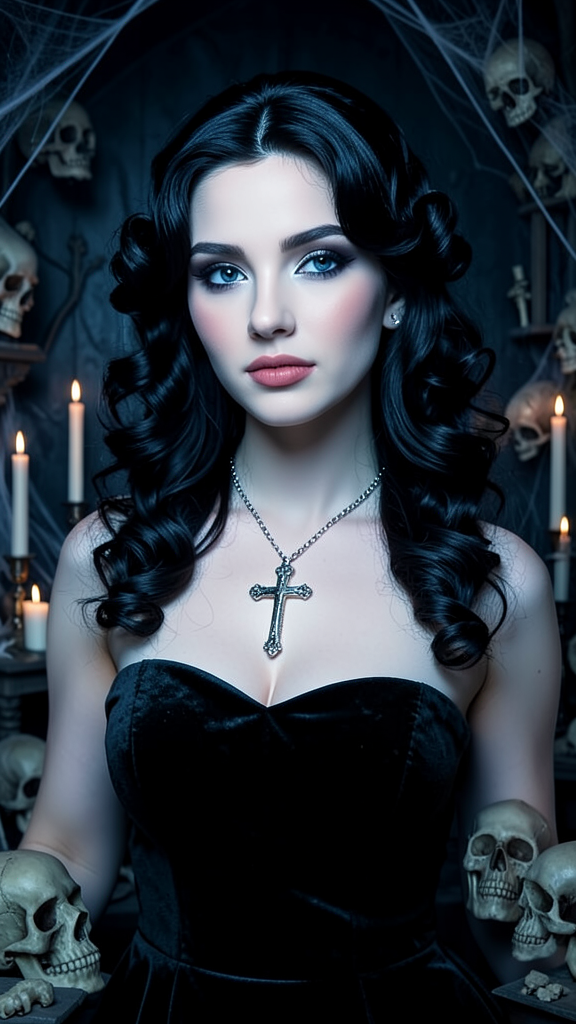
A glamorous gothic portrait of the subject with vintage black hair styled in voluminous waves. The subject wears a strapless black velvet dress and a large cross necklace. Preserve exact facial features and identity from the reference image. The background features skulls, candles, cobwebs, and haunted-house details. Soft cool lighting highlights pale skin and dramatic makeup, creating an elegant gothic atmosphere.
Any aspect ratio
Overview
Welcome to Mystic Shots, a creatively empowering AI Image Editor template powered by the flux-2-klein model. This template is designed to transform your photos into stunning gothic portraits, featuring intricate backgrounds and precise facial preservation. Ideal for artists and enthusiasts alike, it ensures each element is stylized to evoke a glamorous gothic ambience.
What It Does
Mystic Shots takes your reference image and transforms it into a gothic masterpiece. It retains the subject's facial features while adding stylistic elements like voluminous vintage black hair, a black velvet dress, and a dramatic haunted setting. The AI Image Generator technology emphasizes elegance with soft, cool lighting, enhancing pale skin and dramatic makeup features for a complete gothic portrait.
Who It's For
This template is perfect for anyone looking to explore or express a gothic aesthetic. Whether you're a photographer seeking new editing dimensions, a social media influencer seeking unique content, or an artist craving inspiration, Mystic Shots delivers. It's also suitable for brands in fashion or film industries needing to create mystical visuals. Complement your project with tools like the AI Video Generator for immersive storytelling experiences.
Summary
Mystic Shots bridges the gap between photography and art by offering detailed gothic transformations. Retaining the identity and expression of the subject while enriching the scene with thematic elements, it provides a practical tool for creating bespoke gothic imagery. The template harmonizes with our AI Face Editor to ensure ideal facial reproduction, meeting artistic and personal project needs.
How To
Choose Your Template

Customize Your Image

Generate Your Image

Use Cases
Personal Branding
- Social media profiles
- Personal blogs
- Portfolio presentations
Marketing Materials
- Fashion lookbooks
- Film and theatre promotions
- Event marketing materials
Creative Projects
- Art exhibitions
- Poster designs
- Storyboards
Best Practices
Select a High-Quality Reference Image
For the best results, use a clear and high-resolution reference image. This ensures the template can accurately preserve facial features.Fine-Tune the Prompt
Adjust the provided prompt to suit specific needs or themes. Experiment with different lighting or background elements to achieve the desired look.Combine Tools for Diversity
Consider leveraging other templates, like the AI Image Upscaler, to enhance and expand the quality of your final outputs.