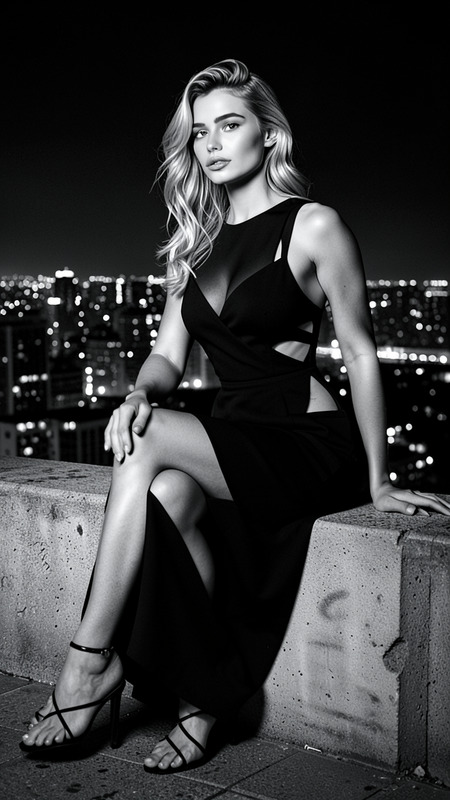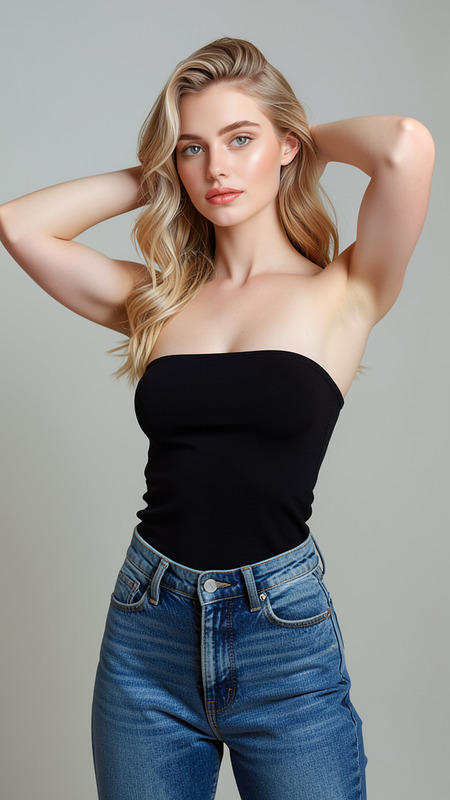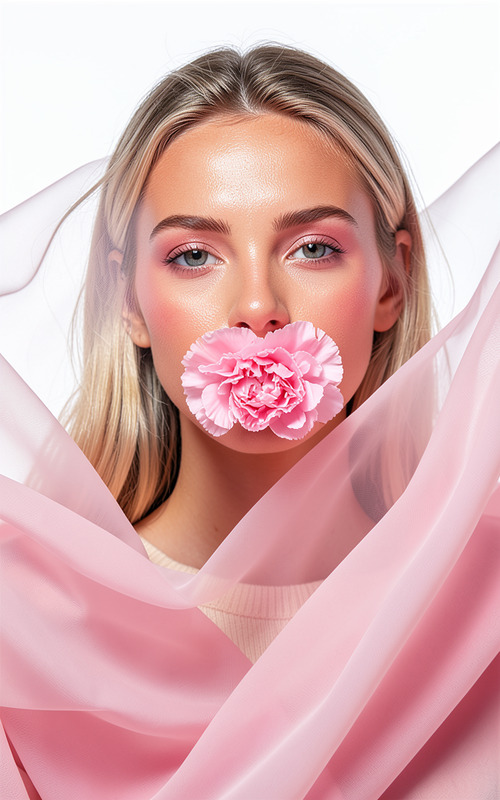
Corsetique
- Model
- Flux 2 Klein
- Image
- 576 × 1024 px
Prompt
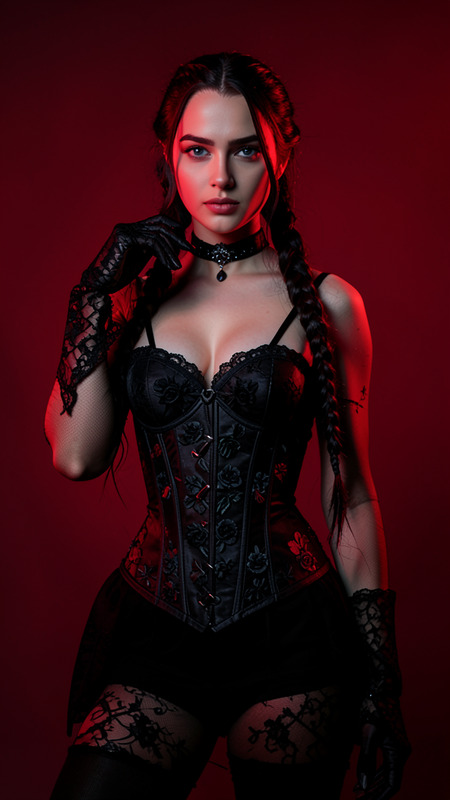
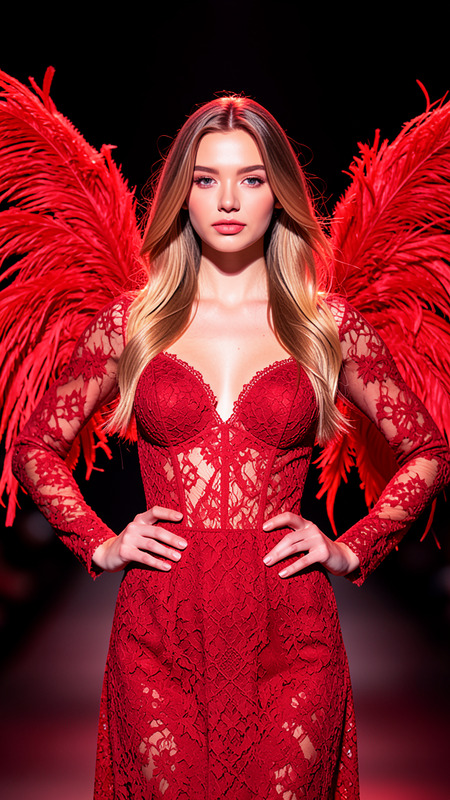
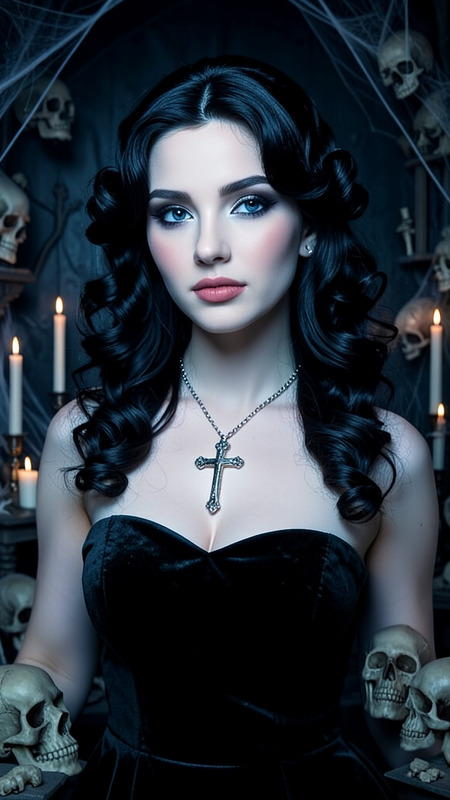
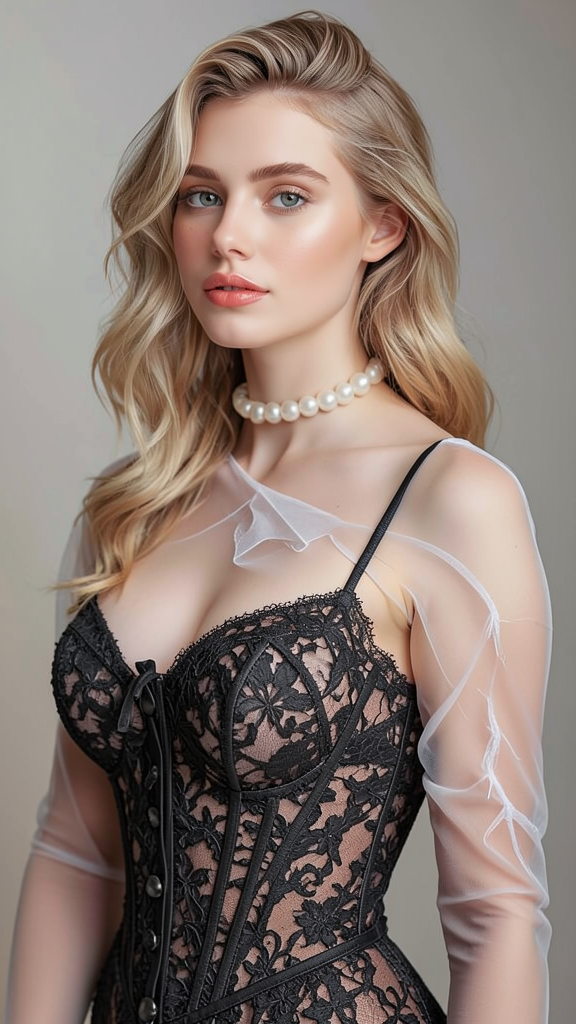
A glamorous portrait of the subject wearing an elegant lace corset dress and sheer long gloves. Preserve exact facial features and identity from the reference image. The subject has beautifully styled blonde hair and wears a pearl choker necklace. Soft studio lighting highlights luxurious fabric textures, refined facial features, and graceful posing. Sophisticated fashion photography against a simple softly lit background.
Any aspect ratio
Overview
The Corsetique template captures the essence of high fashion through image editing, specifically designed to transform subjects into glamorous portraits. Leveraging the power of flux-2-klein, it preserves facial features while enhancing the attire with a lace corset dress and sheer gloves.
What It Does
This AI Image Editor template meticulously edits the given image to present the subject in elegant attire, complete with details like a pearl choker and styled blonde hair. The template ensures that textures and lighting are rendered to high fashion standards.
Who It's For
*Corsetique* is ideal for professional photographers, fashion designers, and marketing teams who strive for sophistication in their imagery, particularly in fashion editorials or high-quality social media content.
Summary
This template combines fashion photography with advanced AI image generation techniques to create compelling portraits. It is a great fit for showcasing high-end apparel and elegant fashion concepts.
How-to
Choose Corsetique

Customize Details

Generate Image

Use Cases
Fashion Editorials
Marketing Campaigns
Social Media Content
Best Practices
Quality Image References
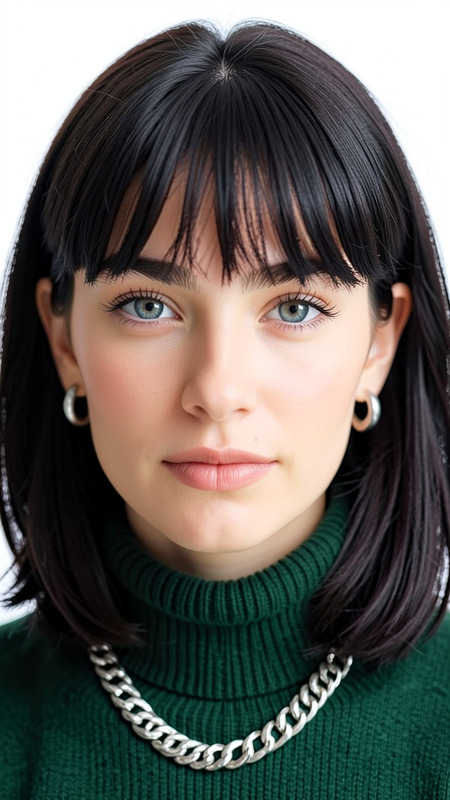
Ensure the reference image you upload is of high resolution to see the best results with precise feature detailing.Facial Details
Review the output to make sure the subject’s facial characteristics are preserved as required.Lighting Adjustments
Consider fine-tuning lighting settings if available, to complement the luxurious textures.