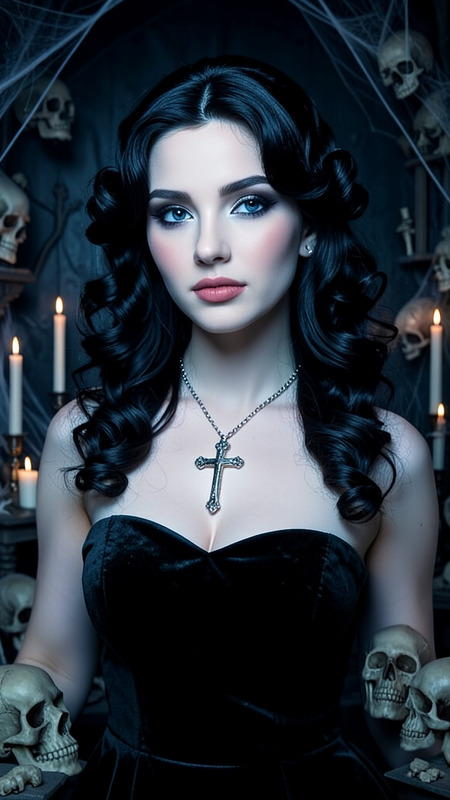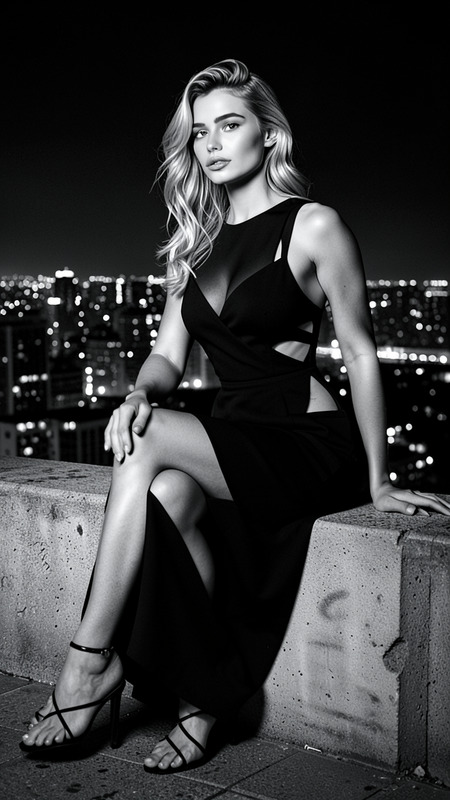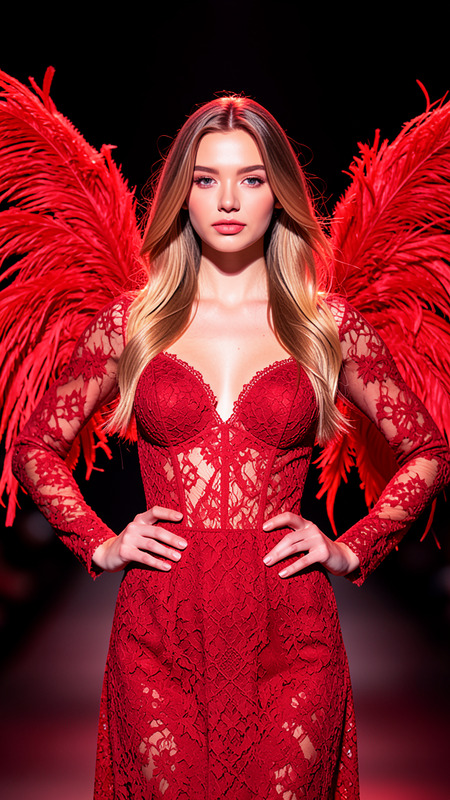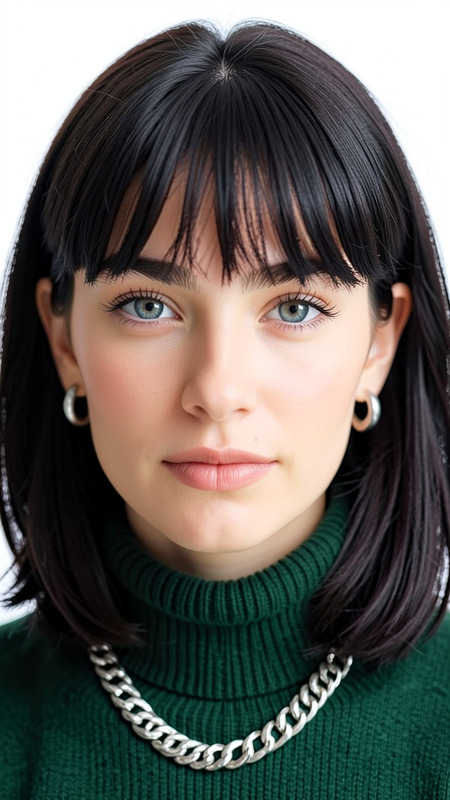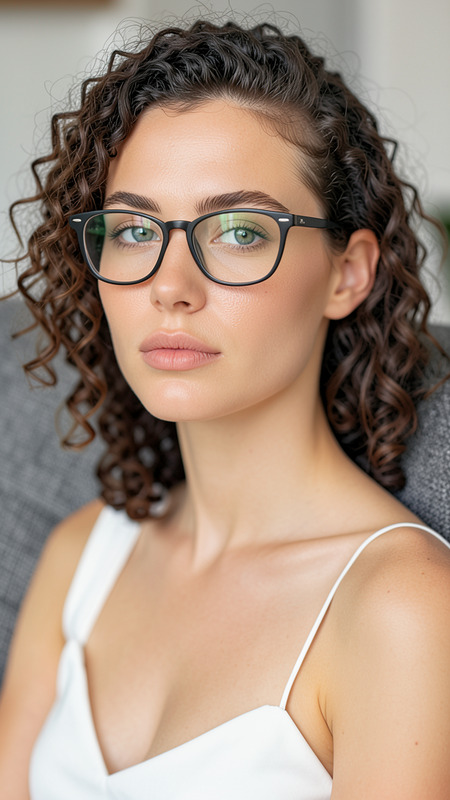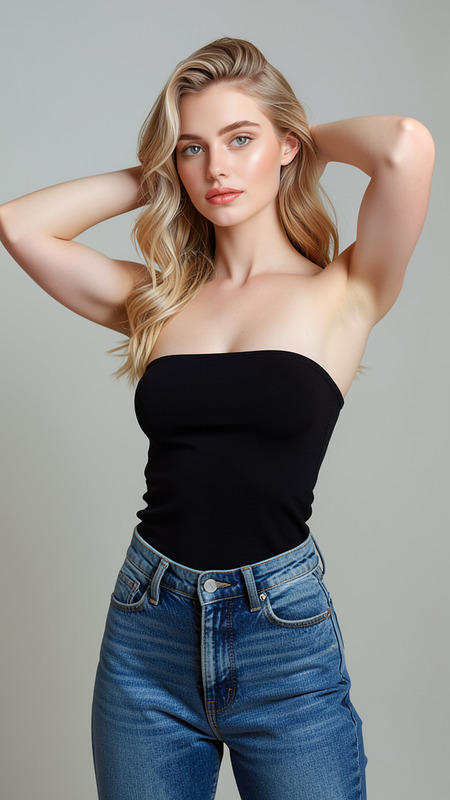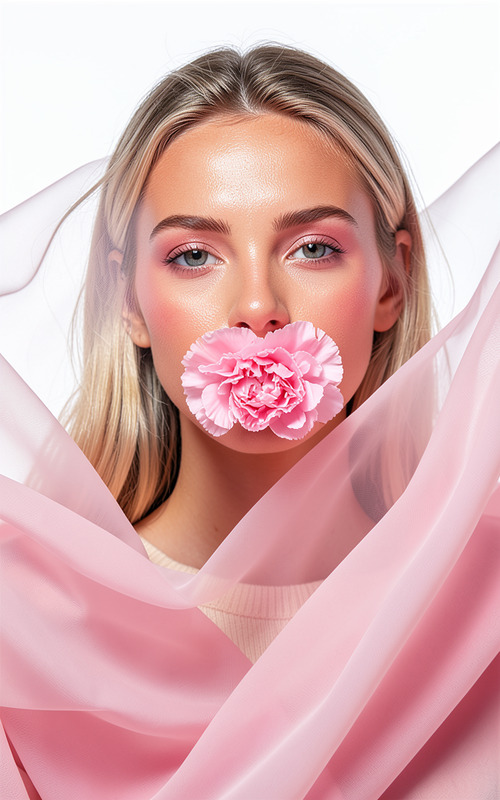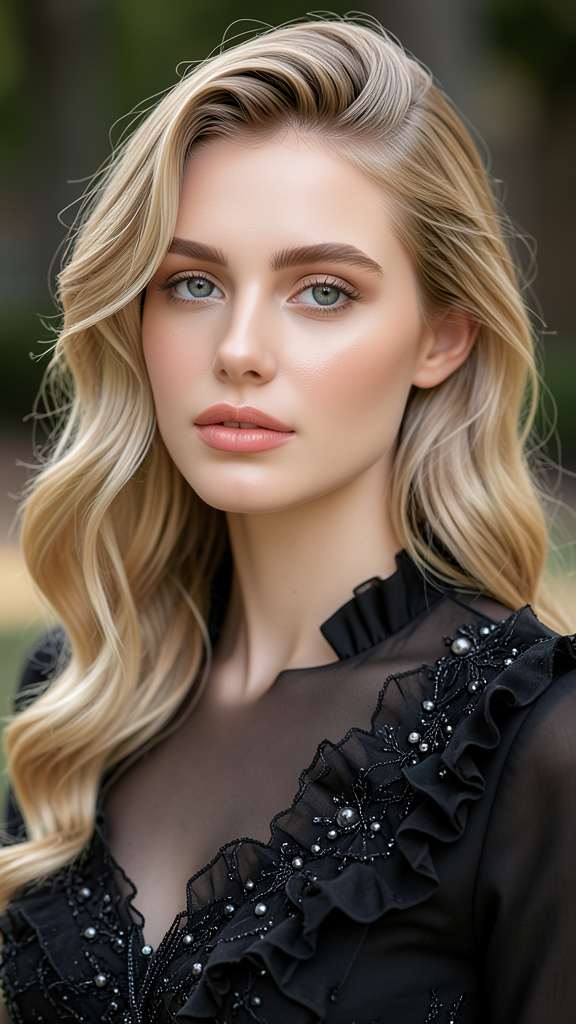
Сorset
- Model
- Flux 2 Klein
- Image
- 576 × 1024 px
Prompt
A high-quality, sharply focused portrait of the subject with flawless features and smooth skin. Preserve exact facial features, hairstyle, skin tone, and identity from the reference image. The subject wears an elegant black dress adorned with intricate ruffles and beadwork. Soft waves frame the face while a confident and serene expression enhances the composition. The background is softly blurred, with balanced natural lighting creating flattering highlights and shadows. Luxury fashion portrait photography, ultra-realistic details.
Any aspect ratio
Overview
The Corset template in the AI Image Editor offers a specialized method to enhance and stylize portrait photography. It draws upon the capabilities of the flux-2-klein model to maintain the authenticity of the subject while enriching the image with luxurious fashion details.
What It Does
This AI Image Editor template enhances portrait images by preserving core facial characteristics and skin tones while overlaying an elegant black dress with intricate ruffles and beadwork. It refines facial features and adds soft waves in the hairstyle to create a serene and confident appearance. The background is artistically blurred to draw focus to the subject, simulating luxury fashion portrait photography with precision.
Who It's For
Ideal for photographers, fashion influencers, and social media creators who wish to elevate their portrait photography with high-end fashion aesthetics. It’s also beneficial for digital artists looking to experiment with ultra-realistic details without compromising the natural beauty of the subject.
For a broader range of editing capabilities, explore the Photo Colorizer for vibrant color adjustments and the AI Image Generator for creating entirely new visuals.
Summary
The Corset template is a versatile tool within the AI Image Editor suite, designed to enhance portrait photography with detailed luxury elements. It balances natural subject representation with artistic enhancement through sophisticated fashion overlays and lighting effects. Utilizing the flux-2-klein model, this template is tailored for users aiming for high-quality visual output.
How to Use the Corset Template
Choose the Corset Template

Customize Your Image

Generate and Download

Use Cases
Fashion Lookbooks
- Consistent luxury aesthetic
- High-quality, detailed output
Social Media Campaigns
- Eye-catching portraits
- Sophisticated styling
Artistic Portfolios
- Showcase artistic versatility
- Attract potential clients with unique styles
Best Practices
Select Clear Reference Images
For optimal results, choose well-lit, high-resolution portrait images as your base.Precision in Details
Ensure the subject's facial features are prominent to allow for accurate preservation and enhancement by the model.Adjust Lighting
Use balanced lighting in your images to facilitate the template’s ability to create realistic highlights and shadows.