Magazine
- Model
- Nano Banana 2
- Image
- 768 × 1365 px
Prompt
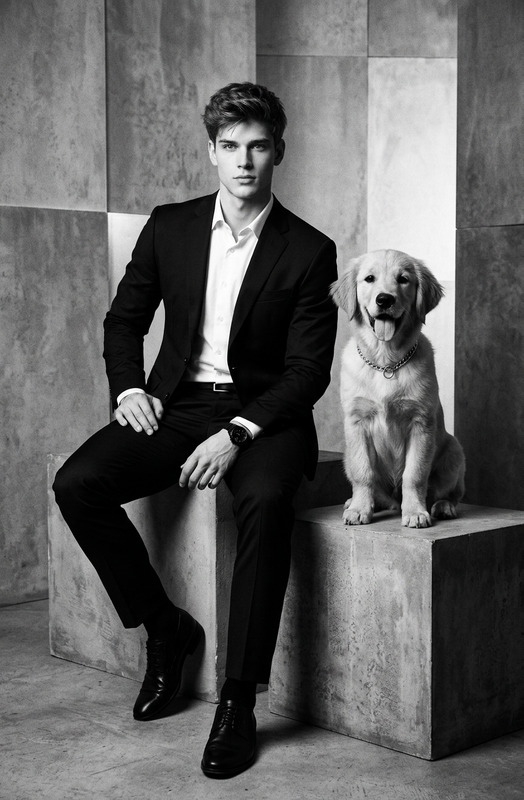
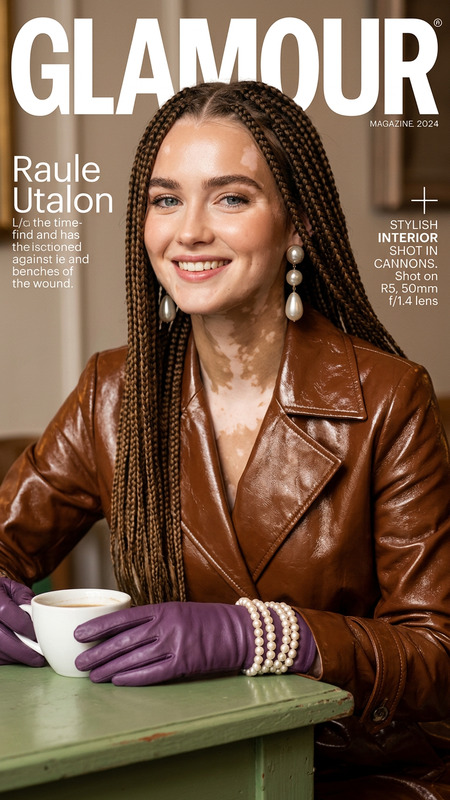
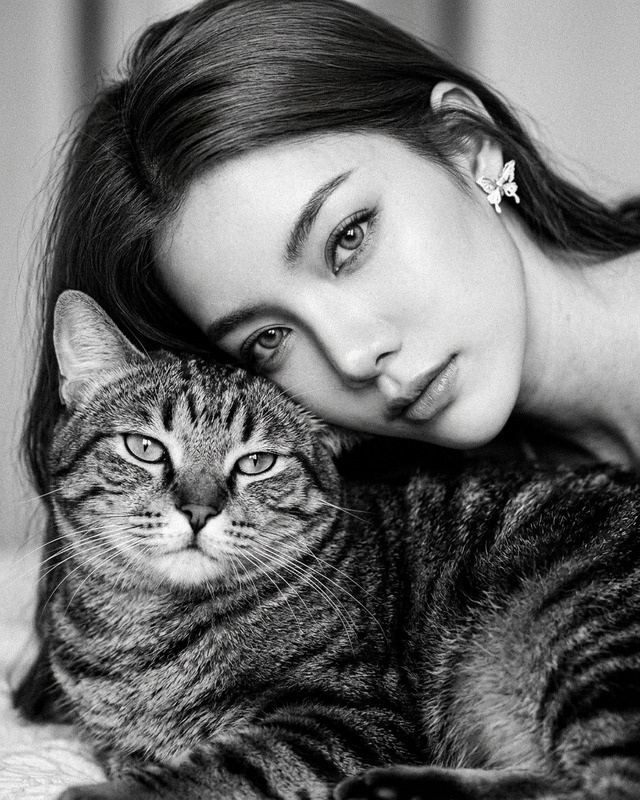
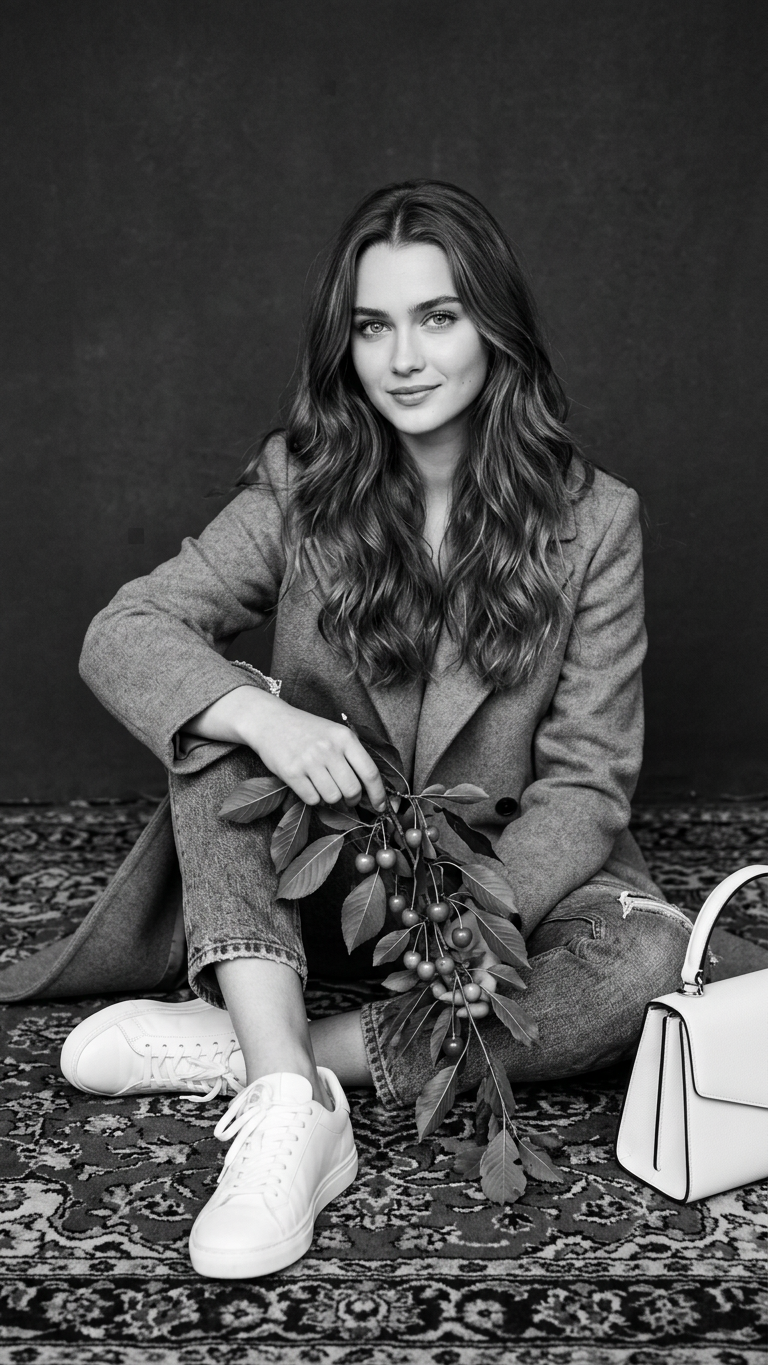
A high-quality black-and-white portrait of the subject sitting on a patterned carpet against a solid dark background. The subject has long wavy hair and wears a stylish coat and sneakers while holding a branch with leaves and cherries. A white handbag is placed beside them. Sharp focus, balanced composition, clean studio lighting, detailed textures, and a timeless monochrome aesthetic.
Any aspect ratio
Overview
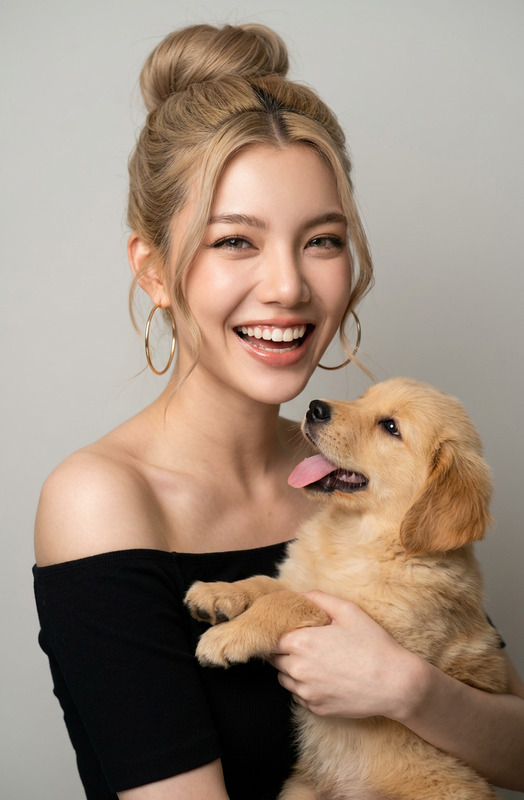
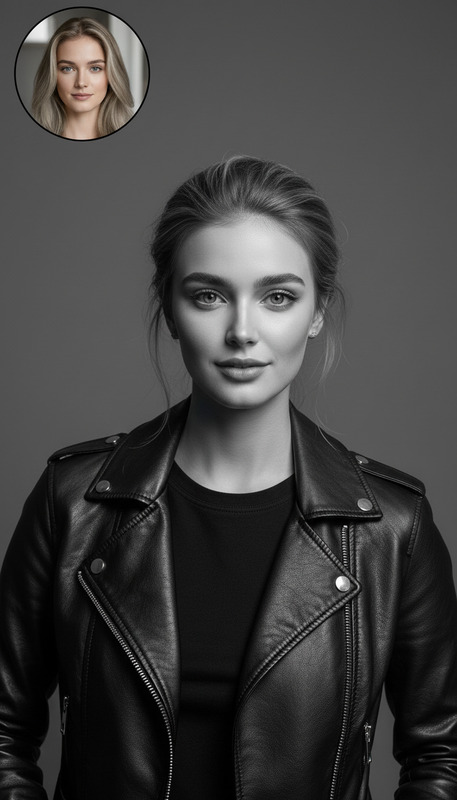
The Magazine template transforms images into high-quality black-and-white portraits with detailed textures and a monochrome aesthetic. Leveraging the capabilities of the AI Image Editor, this template ensures a balanced composition and sharp focus, perfect for creating timeless portraits. Use it to give your photos a classic magazine feel.
What It Does
This template uses the Nano Banana model to apply a stunning monochrome effect to portraits. It enhances textures and lighting to create a studio-quality image, with attention to every detail from the subject's attire to the background elements. Perfect for emphasizing clean lines and strong contrasts.
Who It's For
Ideal for photographers, designers, and editors looking to create striking black-and-white portraits. If you're involved in fashion, print media, or digital content creation, this template will be a valuable addition to your toolkit. It's especially useful for those who want to achieve a high-end magazine-style look without extensive post-production work.
Summary
The Magazine template is designed to elevate your portrait photography with minimal effort. By using the AI Image Editor, you can produce images that are not only visually appealing but also timeless in their presentation. This approach opens new possibilities for anyone working on editorial and creative projects.
How-To
Choose the Template

Customize Your Inputs

Generate Your Image

Use Cases
Fashion Photography
- Highlight wardrobe details
- Emphasize model's features
- Create mood pieces for editorials
Editorial Projects
- Enhance article visuals
- Complement storytelling
- Set a sophisticated tone
Social Media Content
- Engage followers with stylish shots
- Promote personal or brand aesthetics
- Fit seamlessly into monochrome feeds
Best Practices
Select High-Resolution Images
Start with high-resolution images to ensure that textures and details are accurately captured and enhanced.Focus on Lighting
Good lighting in your original image will enhance the final output, so aim for balanced studio lighting during the shoot.Plan Composition
Pay attention to the composition of your photo. This template works best with portraits that have a clear subject and background separation.