Near You
- Model
- Nano Banana 2
- Image
- 922 × 1152 px
Prompt
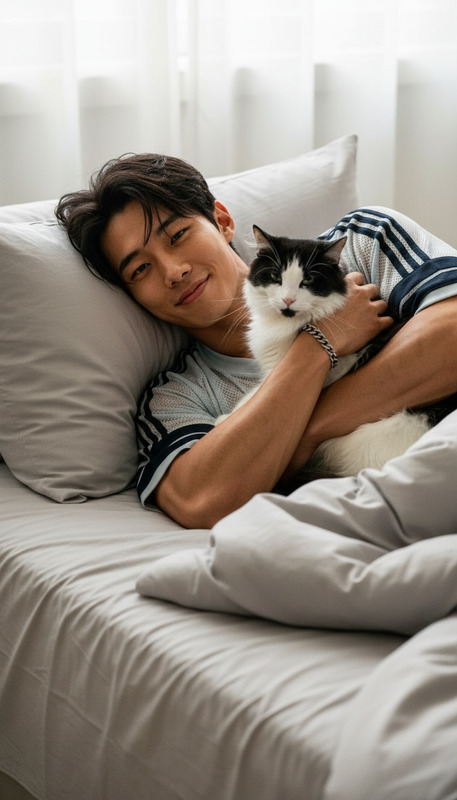
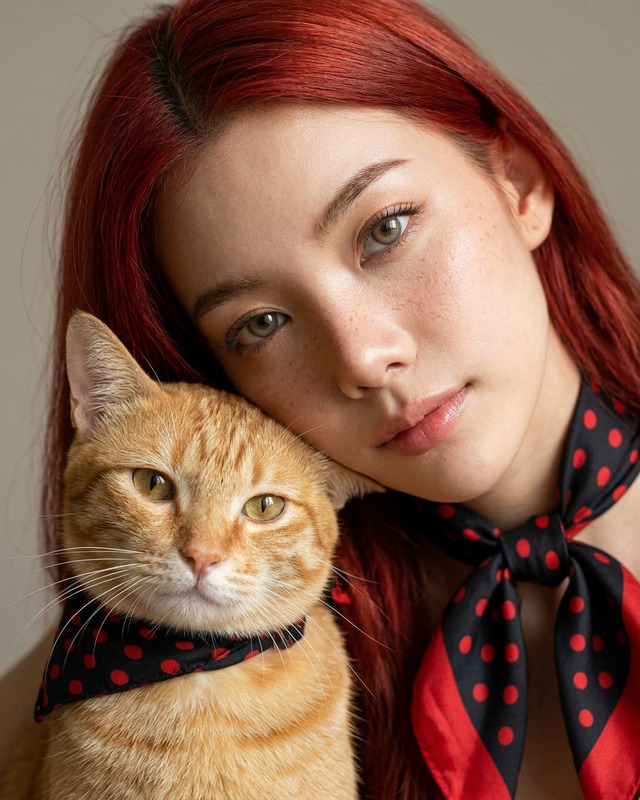
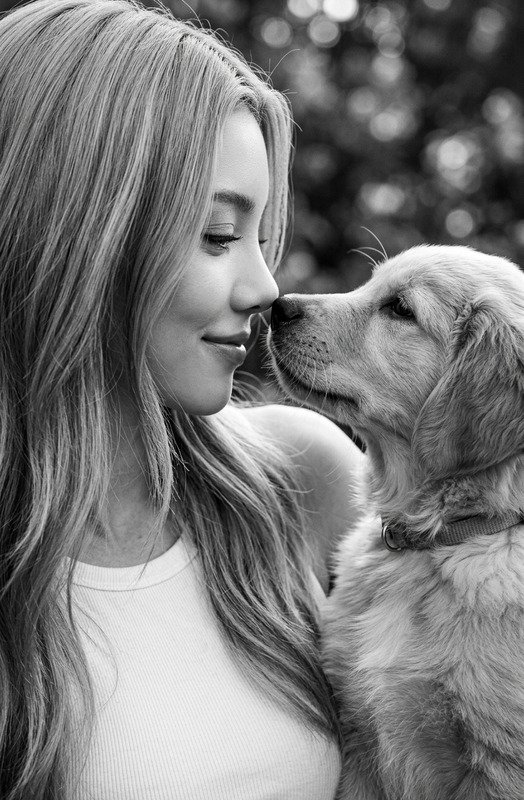
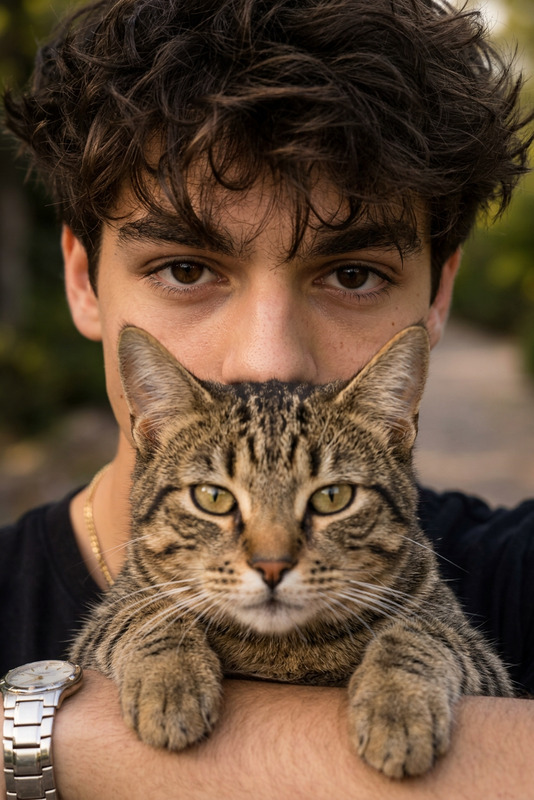
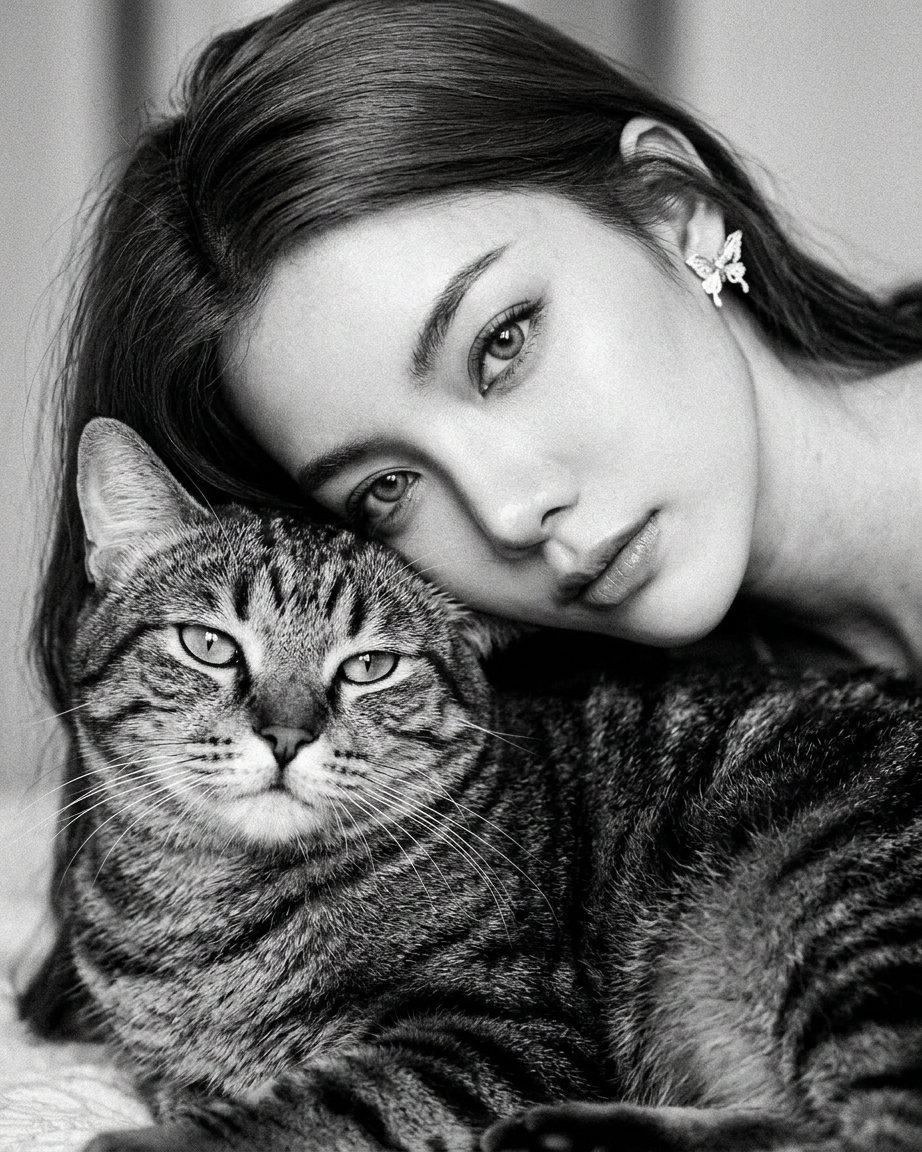
A highly detailed black and white portrait of a subejct with long dark hair resting her head gently against a large, fluffy tabby cat. Both looking directly at the camera with calm, piercing eyes. Soft lighting, cinematic contrast, sharp focus on faces, realistic textures, elegant and intimate mood, high resolution.
Any aspect ratio
Overview
The "Near You" template combines the advanced capabilities of the AI Image Editor using the powerful nano-banana-2 model. Ideal for crafting high-resolution black and white portraits that emphasize realism and intimacy, this template is designed for projects needing fine detail and cinematic contrast.
What It Does
This AI Image Editor template is poised to transform your images into high-resolution masterpieces. By focusing on the cinematic contrast and realistic textures, it brings out the best in portraits—perfect for showcasing a subject in an elegant and intimate setting. The nano-banana-2 model ensures that every detail stands out sharply, capturing the essence of the subject and surrounding environment with precision.
Who It's For
This template is perfect for photographers, creative professionals, and businesses that require top-tier portraits. It's particularly useful for those in fashion, publishing, and advertising industries looking to produce images that captivate and tell a story. Additionally, it's a valuable tool for digital artists aiming to bring cinematic qualities into their work without extensive post-production.
Summary
The "Near You" AI Image Editor template offers unparalleled image enhancement capabilities. Whether you're creating content for social media or print, this tool guarantees high-quality results that stand out. Integrate this with other features like the AI Image Upscaler for even more refined output. Explore more advanced options in the AI Photo Relighting tool to further customize your images.
How-To Steps
Choose the Template

Customize Your Inputs

Generate Your Image

Use Cases
Black and White Photography
- Fine art photography
- Editorial shoots
- Social media content
Fashion & Editorial
- High fashion editorials
- Model portfolios
- Brand lookbooks
Advertising
- Billboards
- Digital ads
- Print media campaigns
Best Practices
Optimize Lighting
Ensure that the photo's initial lighting complements the template's soft lighting and cinematic contrast for the best results.Focus on Composition
Adjust the composition of your image to ensure that both the subject and any secondary elements are prominently displayed for impact.Enhance with Additional Features
Consider using the AI Image Upscaler to improve image resolution even further, and check out the AI Photo Relighting tool for lighting adjustments.