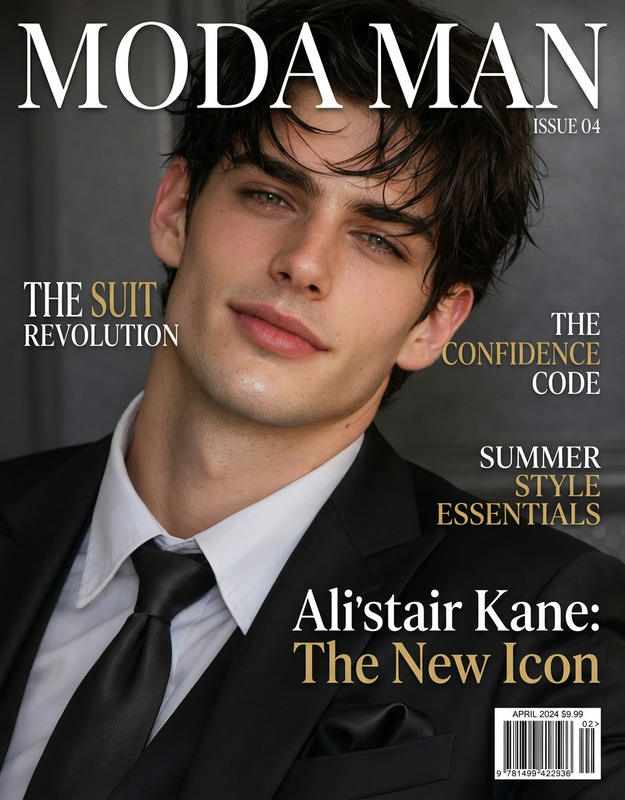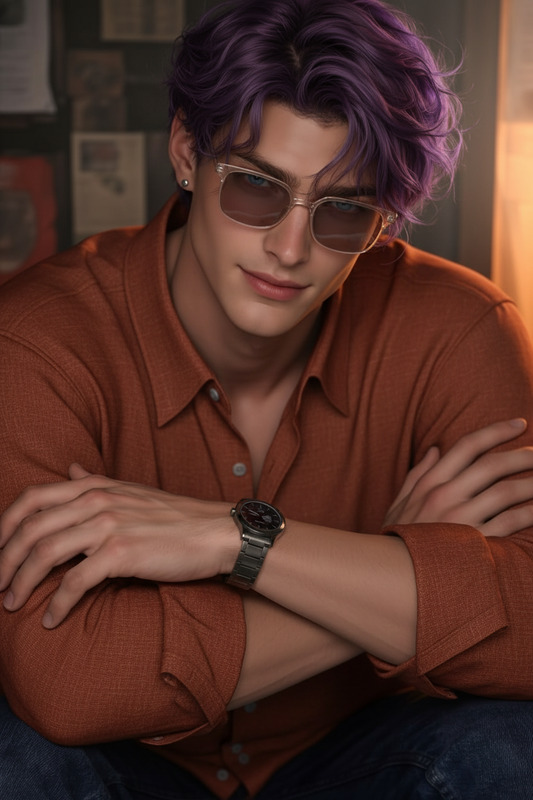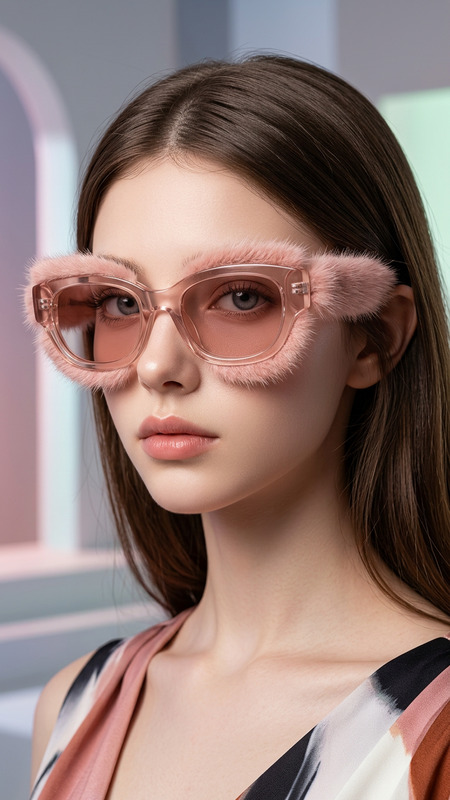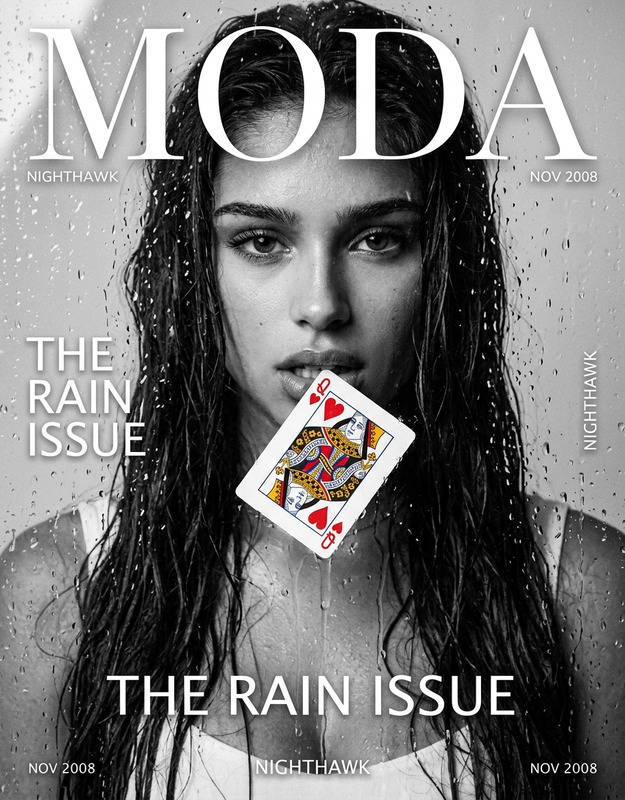
Gloss Edition
- Model
- Nano Banana 2
- Image
- 768 × 1365 px
Prompt
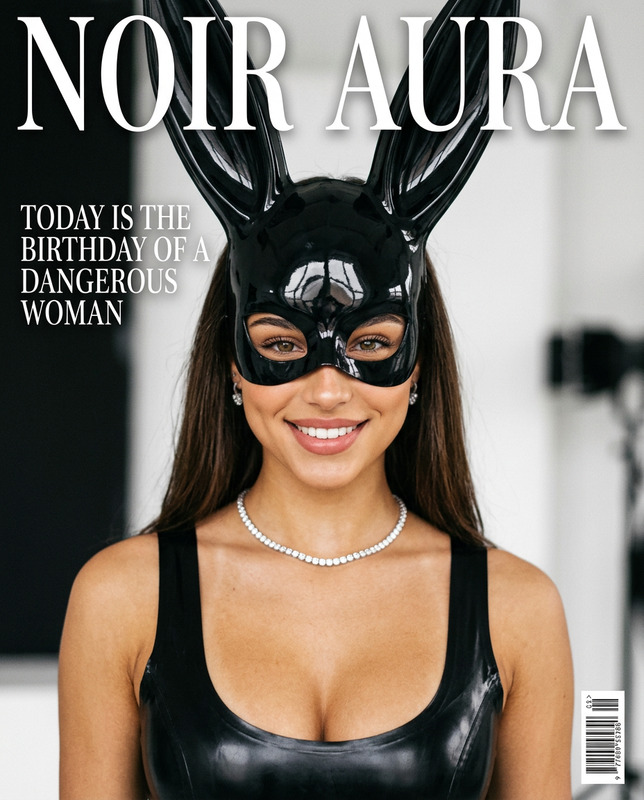
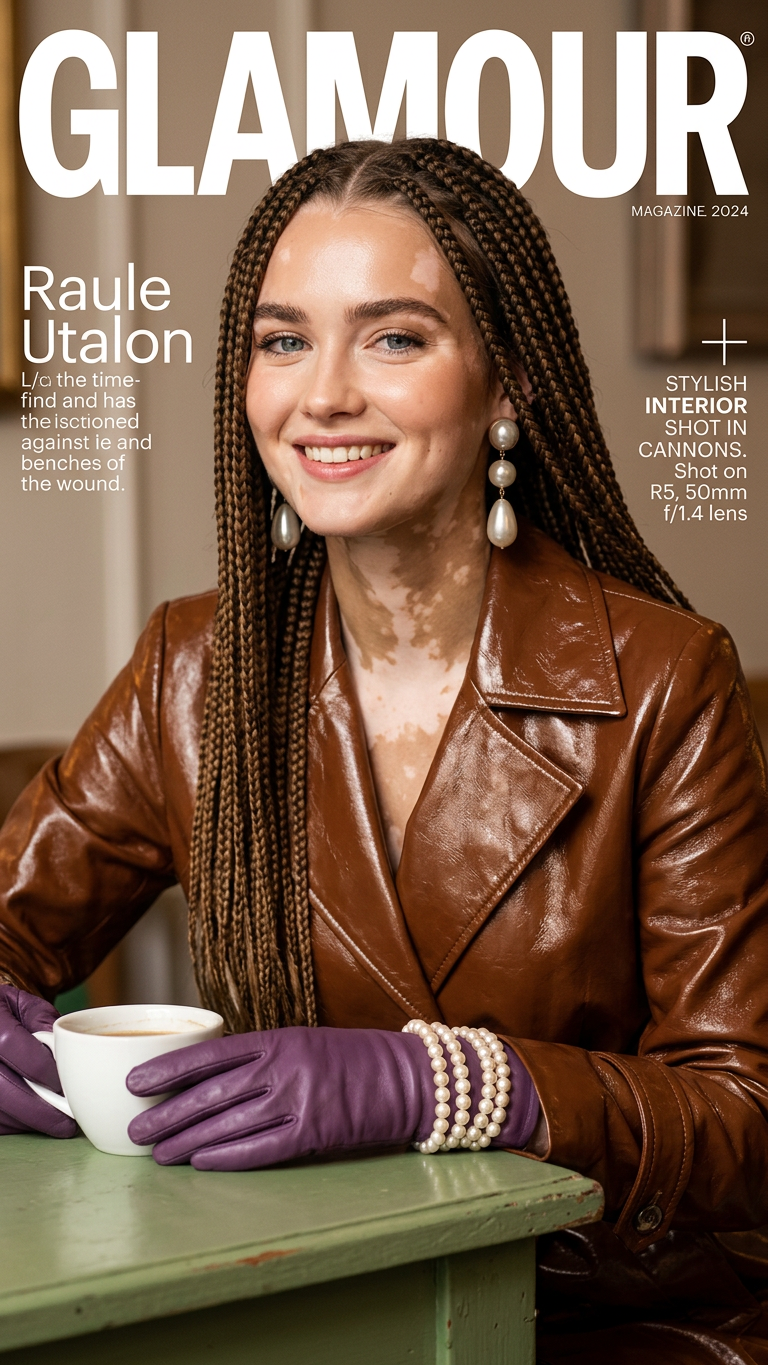
A high-fashion magazine cover featuring the subject with vitiligo and long braids. The subject wears a glossy brown leather jacket, large pearl earrings, and purple gloves decorated with pearl bracelets. A green table and a coffee cup appear in the scene. Warm flattering lighting highlights the makeup, jewelry, and facial features. The background is softly blurred, creating a sophisticated editorial fashion aesthetic.
Any aspect ratio
Overview
Explore the Gloss Edition template, a tool designed for creating high-fashion magazine covers with an editorial touch. Utilizing our AI Image Editor, this template integrates the unique features of vitiligo and captures the elegance of long braids and exquisite accessories on a magazine cover setting.
What It Does
The Gloss Edition template is perfect for transforming ordinary photos into stunning fashion magazine covers. It emphasizes warm lighting to accentuate makeup, jewelry, and facial features, while also applying a glossy finish to highlight style elements like leather jackets and pearl earrings. The blurred background adds a professional editorial look to your images.
Who It's For
This template is ideal for fashion designers, photographers, and magazine editors looking to create visually compelling cover imagery. It's also perfect for models and stylists aiming to build captivating portfolios that highlight fashionable aesthetics using the latest in AI technology.
Summary
The Gloss Edition template is your go-to tool to craft sophisticated, high-fashion magazine covers. By leveraging the AI Clothes Changer and AI Image Upscaler, users can enhance clothing textures and overall image quality, providing a seamless blend of style and technology.
How To
Choose Template

Customize Elements

Generate Image

Use Cases
Fashion Magazine Covers
Model Portfolio Enhancement
Editorial Content Creation
Best Practices
Focus on Lighting
Ensure the lighting settings highlight facial features and accessories to enhance overall aesthetics.Balance Background Blur
Keep background blur moderate for a professional look without losing context.Emphasize Textures
Use the template's settings to accentuate textures in clothing and accessories for a more realistic depiction.