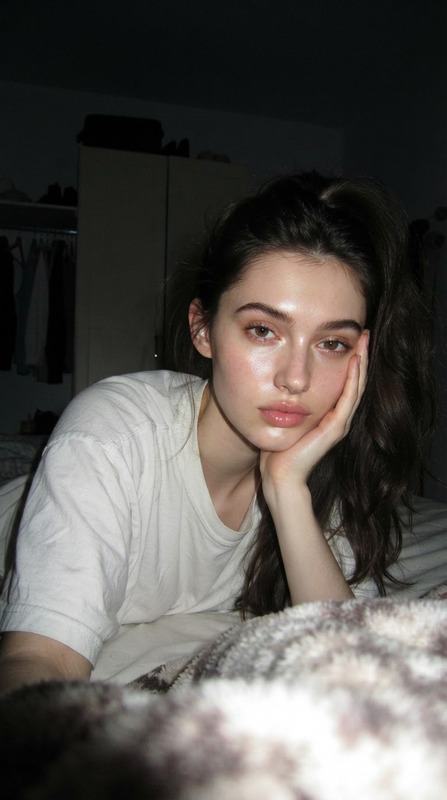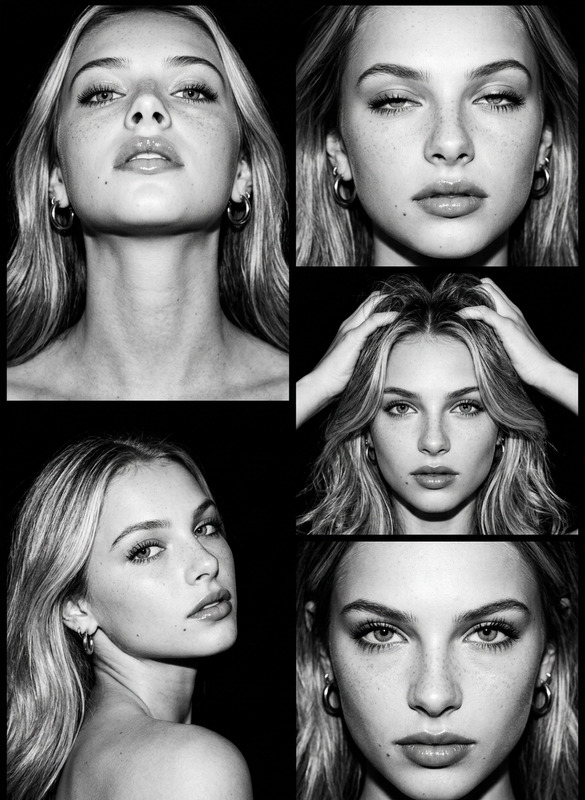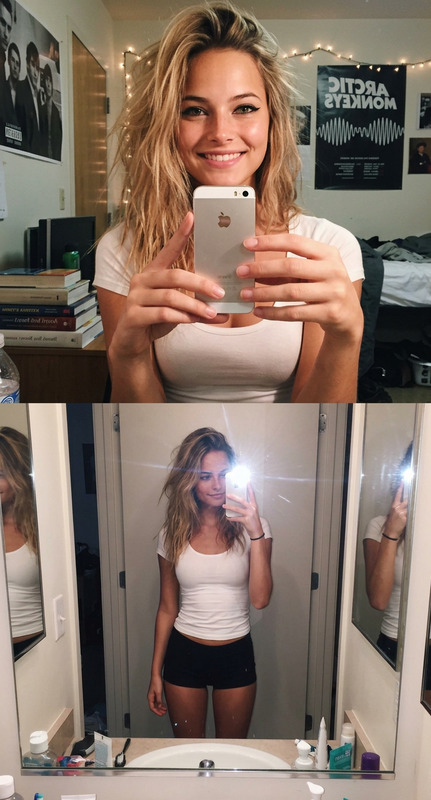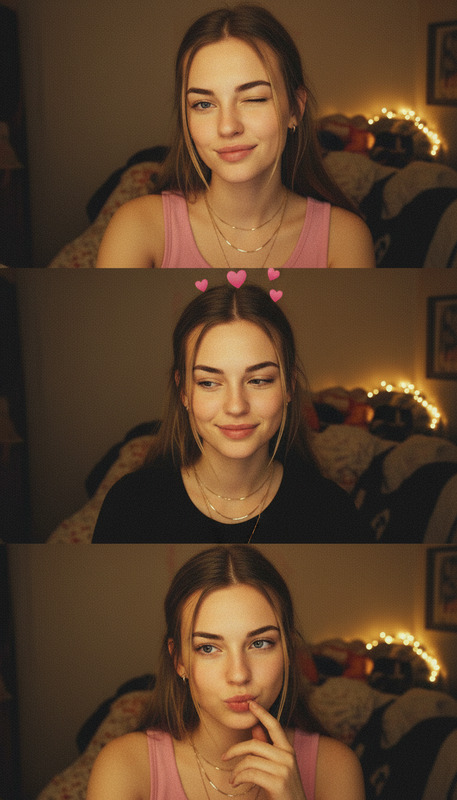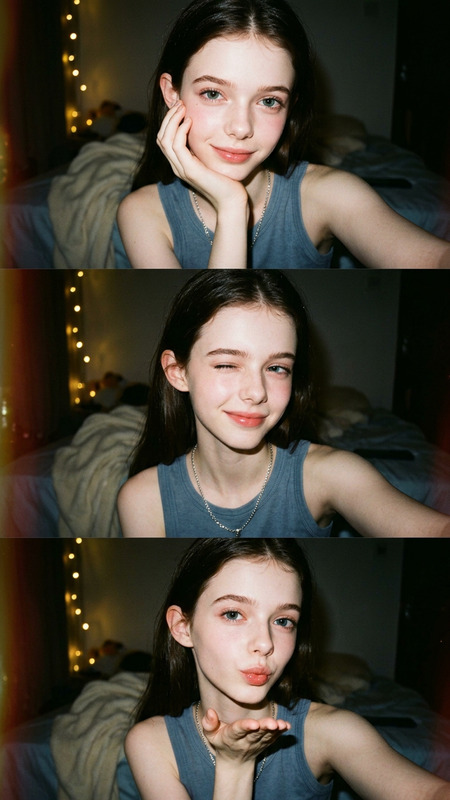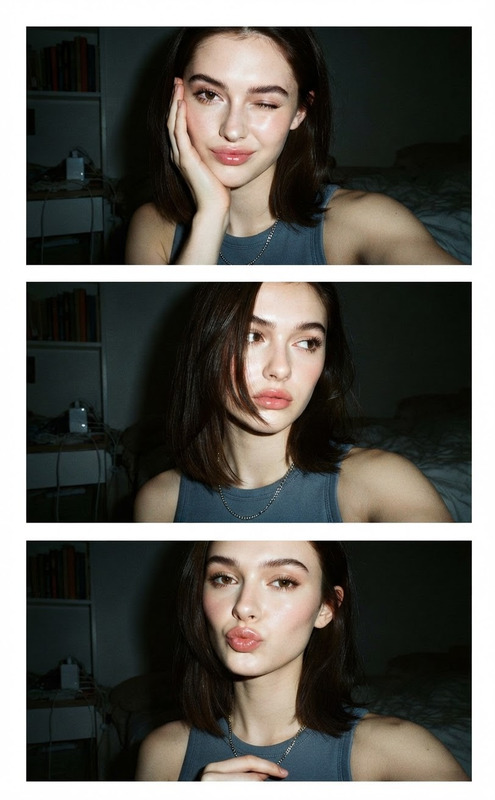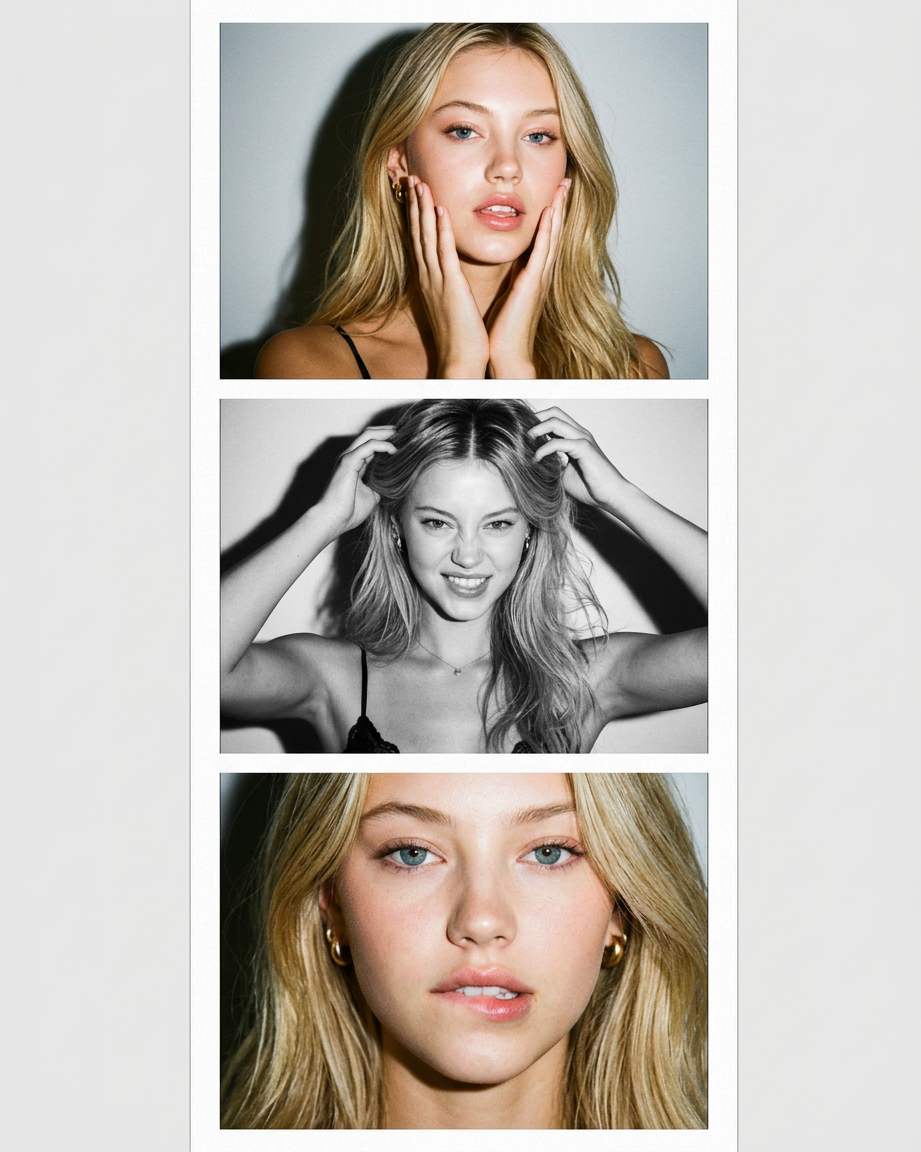
Portrait Collage
- Model
- Nano Banana 2
- Image
- 921 × 1152 px
Prompt
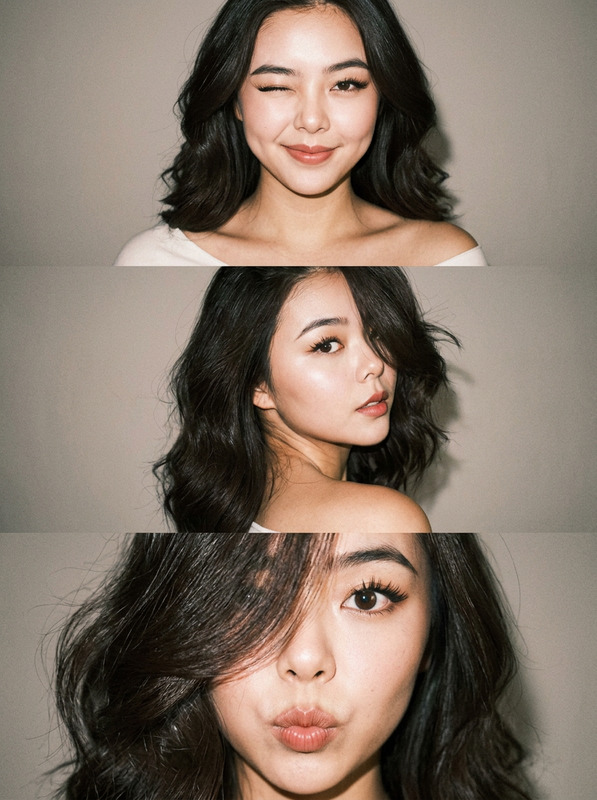
A vertical collage of three photographs in a Y2K style. The model poses against a neutral, light background. Harsh, direct lighting from the flash creates distinct shadows on the wall behind and a slightly overexposed look. Frame 1 (color): Close-up, the subject frames her face with both hands (palms on her jawline/cheeks), head slightly tilted, direct eye contact with the lens, a confident, sensual expression. Frame 2 (black and white): Medium shot, the subject looks at the camera more frontally, but slightly turns her head to the side; one hand is raised to the back of her head, as if adjusting her hair, the other hand is resting on her collarbone/strap, looking directly into the lens with a teasing expression. Her hair falls forward, lightly brushing her cheek, a high-contrast black and white image with a distinct shadow behind. Frame 3 (color): Extreme close-up, the subject lightly bites the corner of her lower lip (or pouts) and looks directly into the camera; one shoulder raised to the cheek in a flirtatious pose.
Any aspect ratio
Overview
Capture the vibrant energy of Y2K style with the Portrait Collage, an AI Image Editor template. Designed to bring a nostalgic yet modern flair to photo collages, this template utilizes the cutting-edge nano-banana-2 model to deliver stunning visuals with precise lighting and shadow effects.
What It Does
The Portrait Collage template allows you to create a vertical sequence of three uniquely styled photos. With specified lighting to induce a Y2K aesthetic, each frame showcases different moods and expressions. Frame 1 uses color to focus on facial framing, Frame 2 switches to a striking black-and-white, and Frame 3 zooms in closely in color for dramatic effect.
Who It's For
Ideal for photographers, creatives, and profile picture enthusiasts, this template is for anyone looking to add a touch of vintage flair to their portraiture. Social media influencers and content creators will find it particularly beneficial for engaging Instagram Reels or profile updates that stand out.
Summary
With the Portrait Collage template, you can easily transform traditional photo shoots into captivating, retro-inspired visual stories. Its intuitive design and modern AI technology ensure every user, regardless of skill level, produces professional-quality collages effortlessly.
How To
Choose Your Template

Customize Your Inputs

Generate Your Collage

Use Cases
Social Media Content
- Influence trends with Y2K aesthetic post formats.
- Boost engagement using visually appealing collages.
Fashion Lookbooks
- Draw attention with sharp, high-contrast images.
- Create mood-focused frames that showcase products.
Personalized Gifts
- Turn mundane photos into stylish keepsakes.
- Personalize gifts with a nostalgic twist.
Best Practices
Select Strong Images
Choose photos with clear details and contrasting features to enhance the shadow effects and the overall Y2K aesthetic.Mind the Background
Opt for neutral and light backgrounds to help the vibrant colors and shadows stand out, as described in the template prompts.Adjust Lighting Intentionally
Experiment with lighting setups to mimic the intended direct flash style, ensuring your shadows and highlights align with the template's parameters.