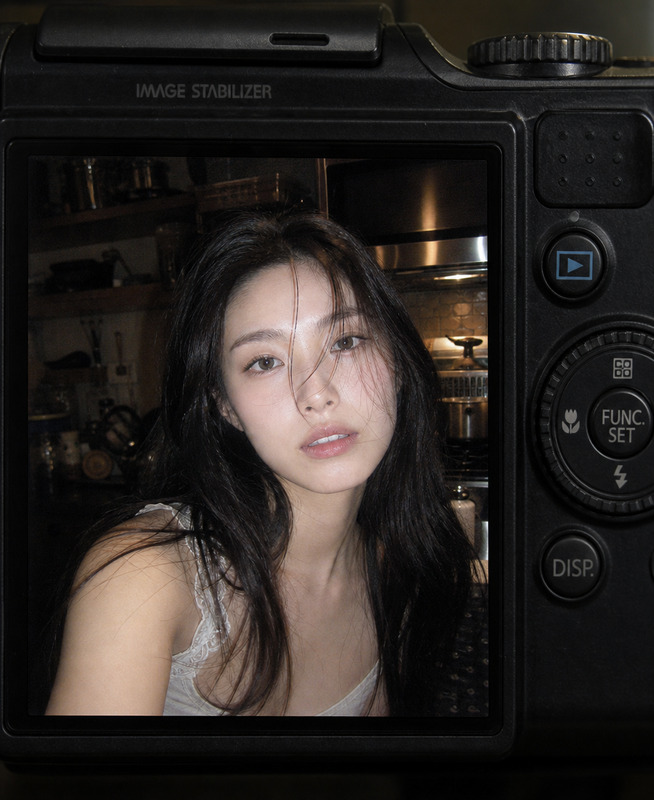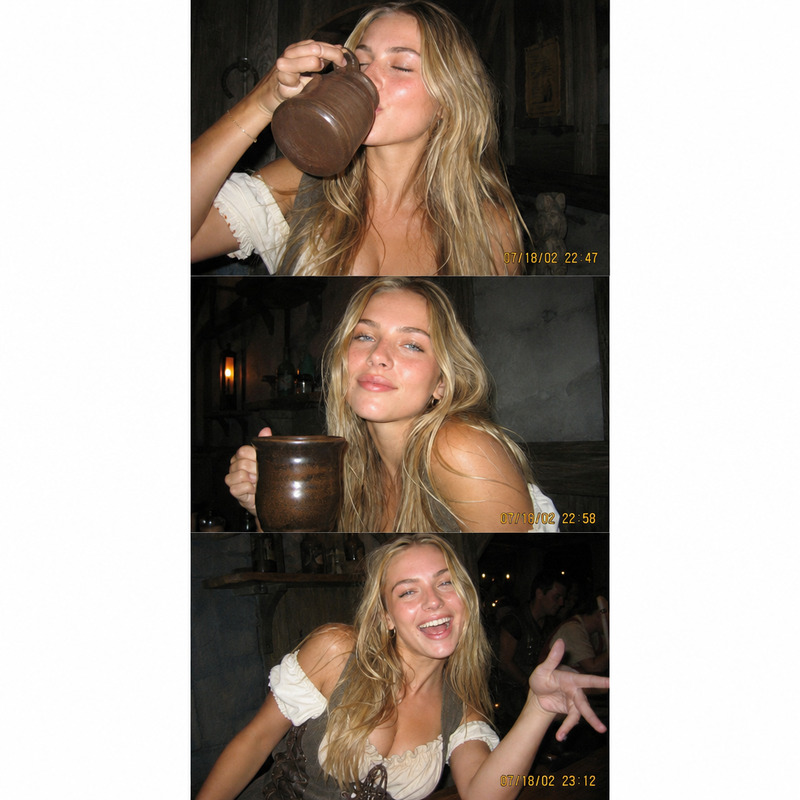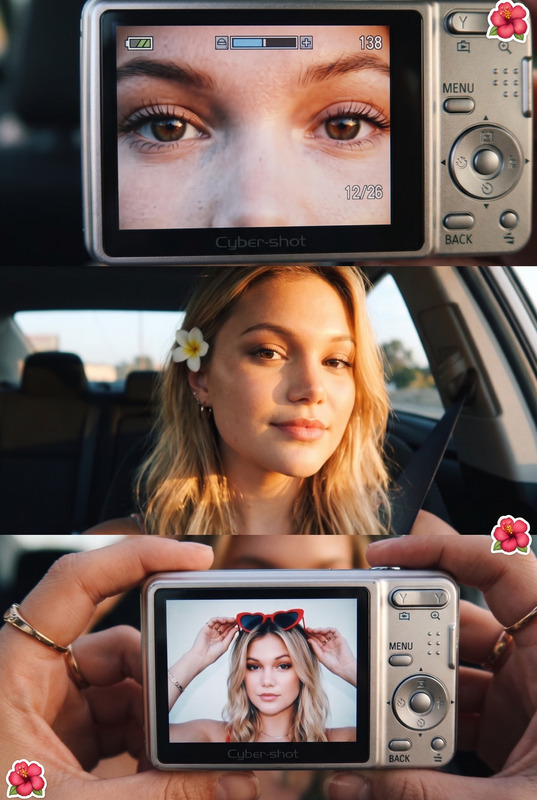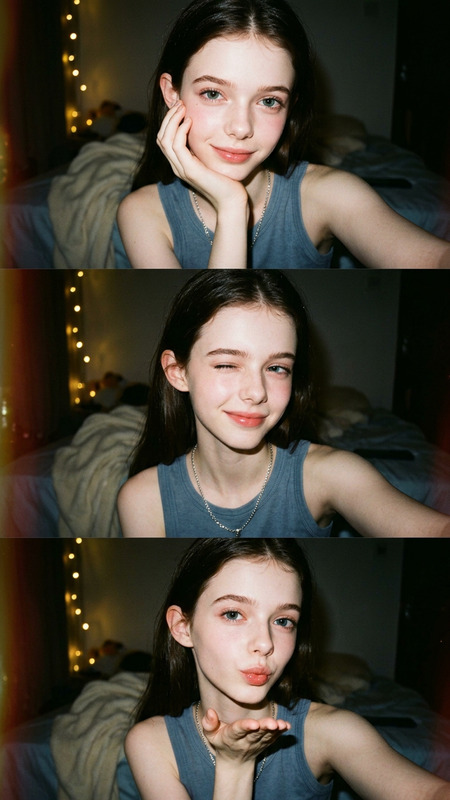
6-Frame Flash Photo Dump
- Model
- GPT Image 2
- Image
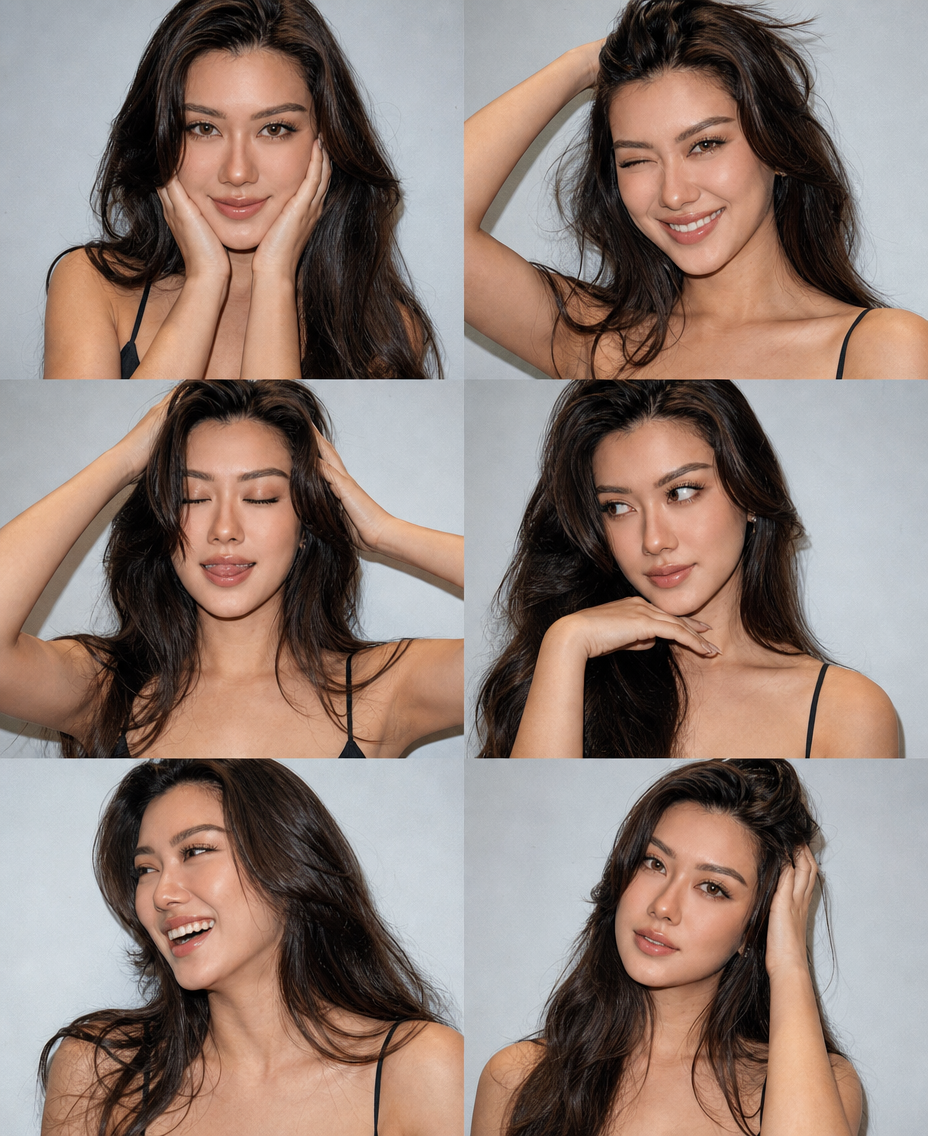
- 928 × 1136 px
Prompt
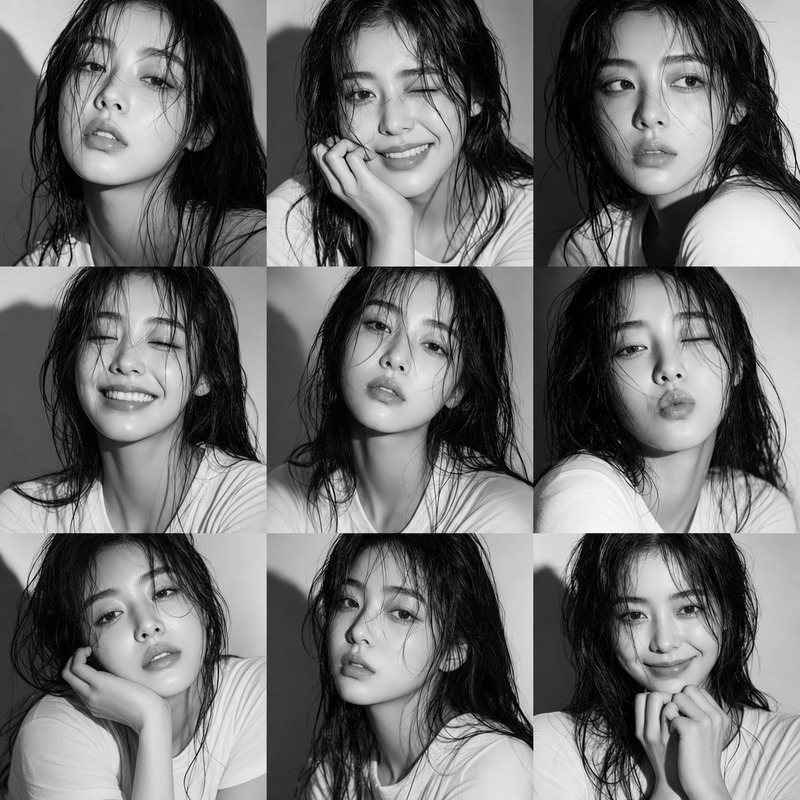
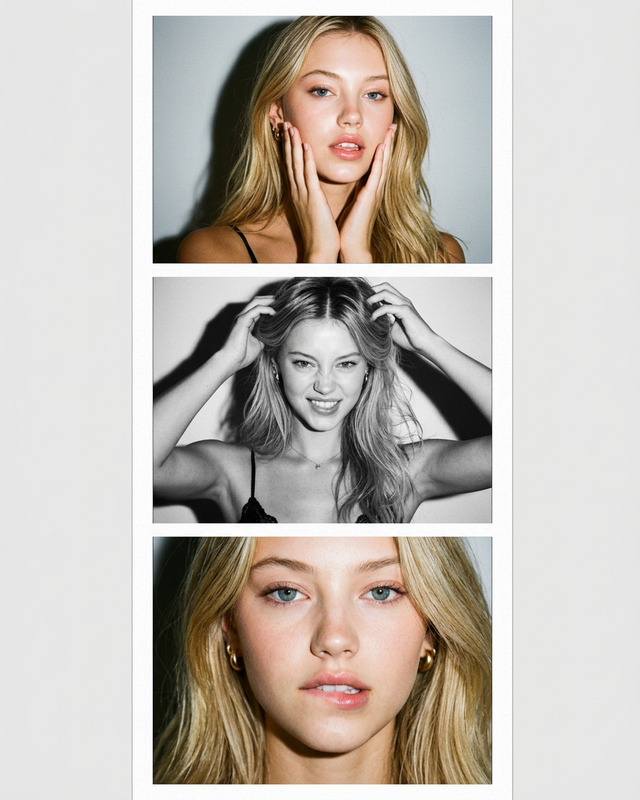
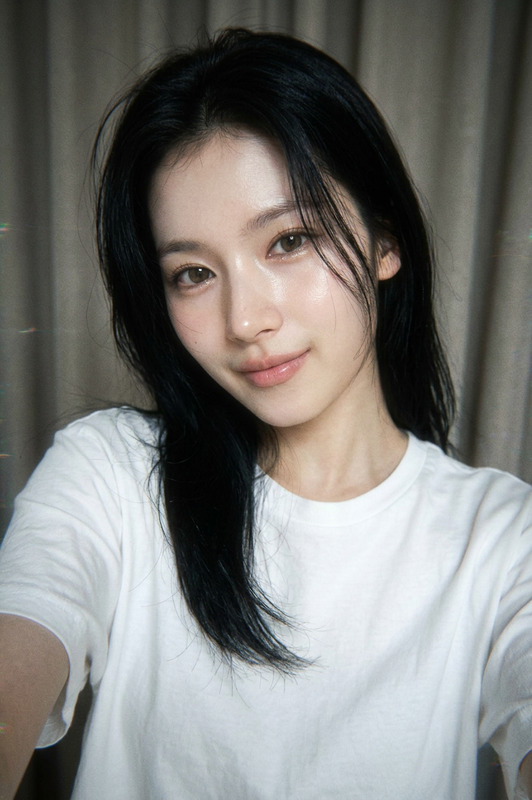
Ultra-realistic 3:4 vertical 3x2 photo collage of the same subject, using the client photo only as an identity reference while preserving the subject’s facial features, eye color, natural hair color, length, volume, and texture. The subject wears a simple black thin-strap camisole with minimal jewelry against a plain light gray-blue wall. Capture the series with a Canon PowerShot G7 X Mark III aesthetic using strong direct flash, crisp hard shadows, sharp facial details, realistic skin texture, subtle film grain, and authentic compact-camera imperfections. Create six distinct candid frames with different expressions, poses, and hair positions: a soft smile with hands on the cheeks; a playful wink with a broad smile and one hand in the hair; eyes closed with the tongue slightly out while both hands lift the hair; a confident side glance with one hand beneath the chin; genuine laughter while looking away with the hair flipped; and a dreamy expression with one hand touching the hair. Each frame should feel spontaneous and visually distinct while maintaining consistent identity, natural anatomy, realistic hands and fingers, and an authentic Instagram photo-dump aesthetic. Avoid an artificial AI appearance, distorted hands, extra fingers, excessive skin smoothing, inconsistent facial features, text, logos, and watermarks.
Any aspect ratio
Overview
Create stunning 3x2 photo collages with the 6-Frame Flash Photo Dump template, designed for users who want to capture ultra-realistic portraits. Utilizing the gpt-image-2 model, this template focuses on maintaining the subject's identity while incorporating authentic photography elements. Experience the charm of a Canon PowerShot G7 X Mark III aesthetic with crisp details and natural expressions.
What It Does
This AI Image Editor template crafts six distinct, candid portrait shots using client photos for identity reference. Each frame showcases different expressions and poses, applying strong flash effects and ensuring natural facial features and consistency. The result is a spontaneous and coherent photo-dump series, capturing the feel of a high-quality compact camera without artificial distortions.
Who It's For
The 6-Frame Flash Photo Dump template is ideal for photographers, social media influencers, and content creators seeking authentic, visually striking portraits. It's perfect for those who appreciate the authenticity of compact-camera aesthetics and need consistency in their imagery. Explore other creative possibilities with the AI Headshot Generator or enhance portraits using the AI Face Editor.
Summary
Capture the essence of a spontaneous, stylish photo series with this template. Emphasize authentic natural features, consistent identity, and realistic details, suitable for an Instagram-ready aesthetic. For further enhancements, consider integrating with the AI Image Upscaler to improve image quality and detail.
How To
Choose Your Template

Customize Your Design

Generate & Download

Use Cases
Social Media Aesthetic Enhancements
- Profile upgrades
- Promotional content
- Personal brand development
Photography Portfolio Diversification
- Client showcase
- Creative experiments
- Enhanced portfolio entries
Content Creation for Influencers
- Instagram stories
- Content series
- Engagement boost
Best Practices
Maintain Consistent Lighting
Ensure your uploaded photo matches the lighting conditions described in the prompt for optimal results.Select High-Quality Input Images
Using clear, detailed reference photos improves the fidelity and realism of the generated frames.Consider Post-Processing Adjustments
Use the AI Image Editor for additional touch-ups if needed.