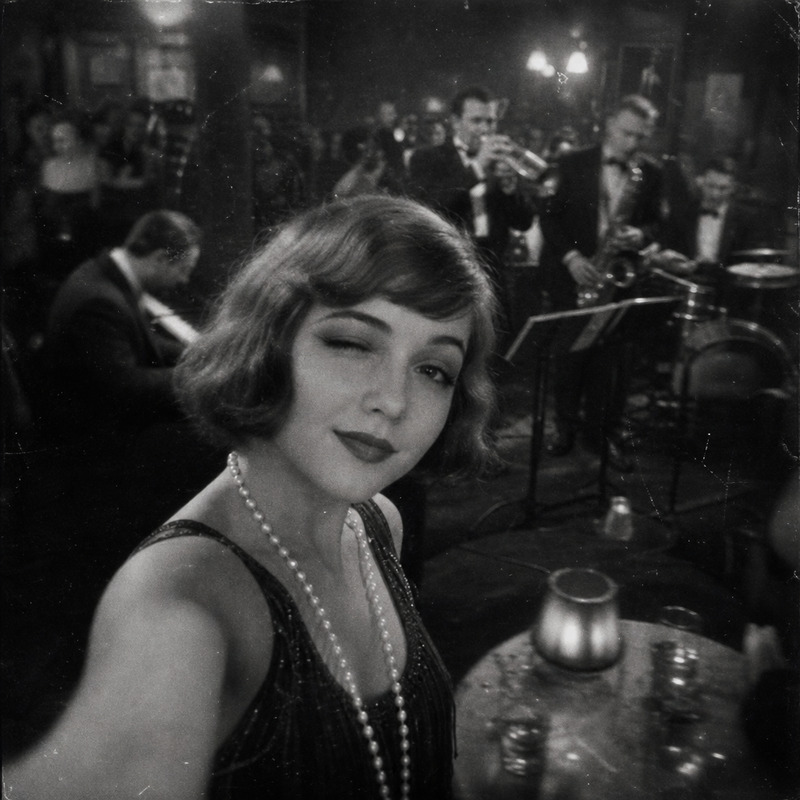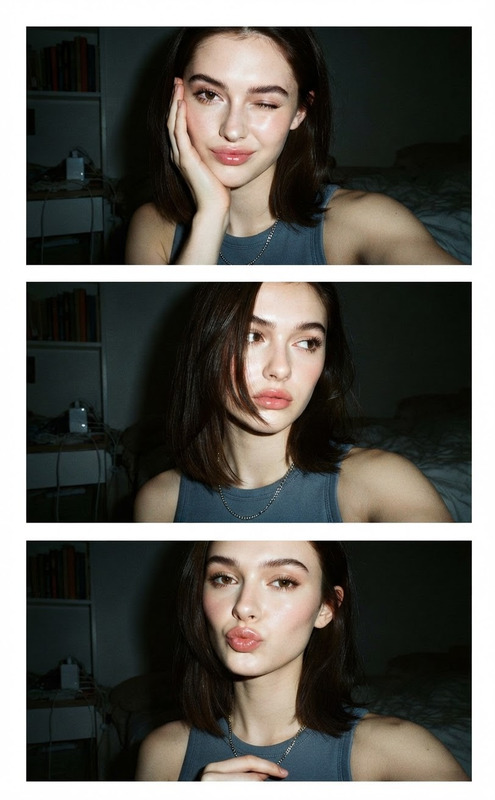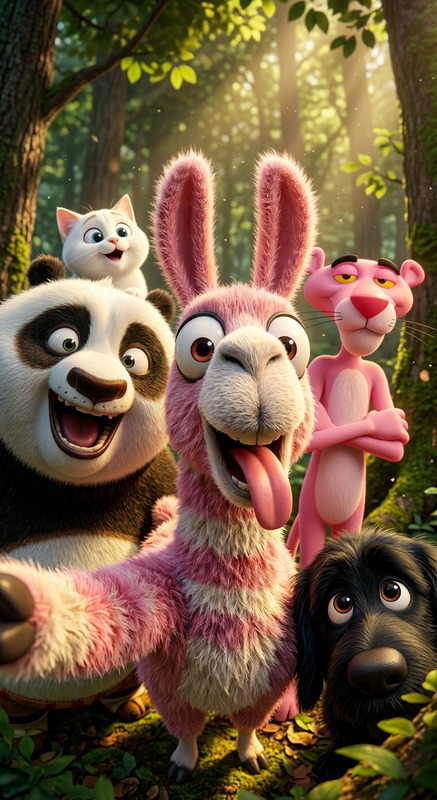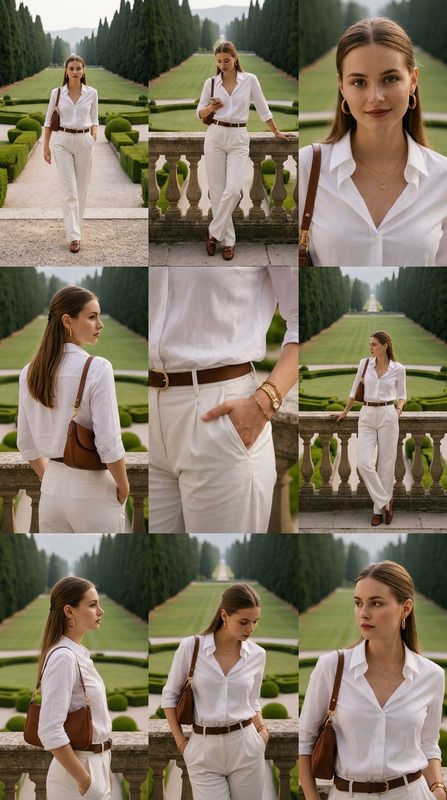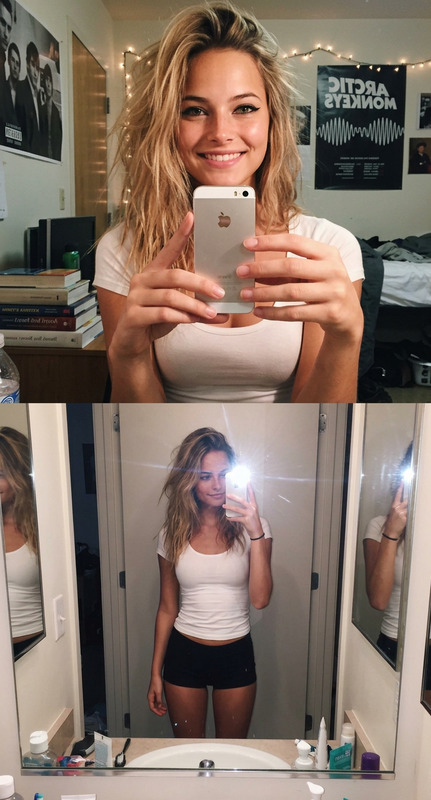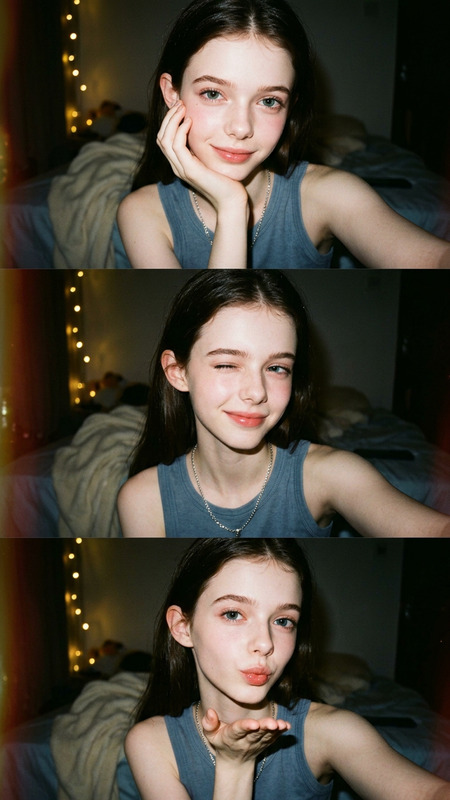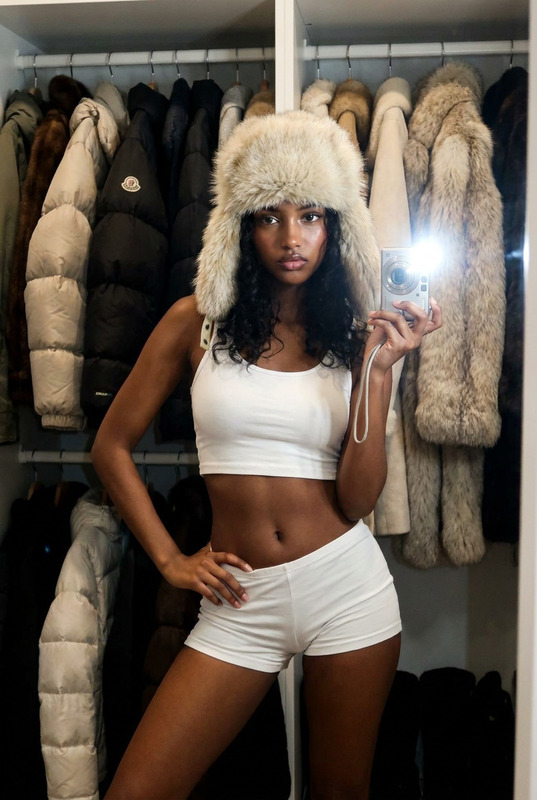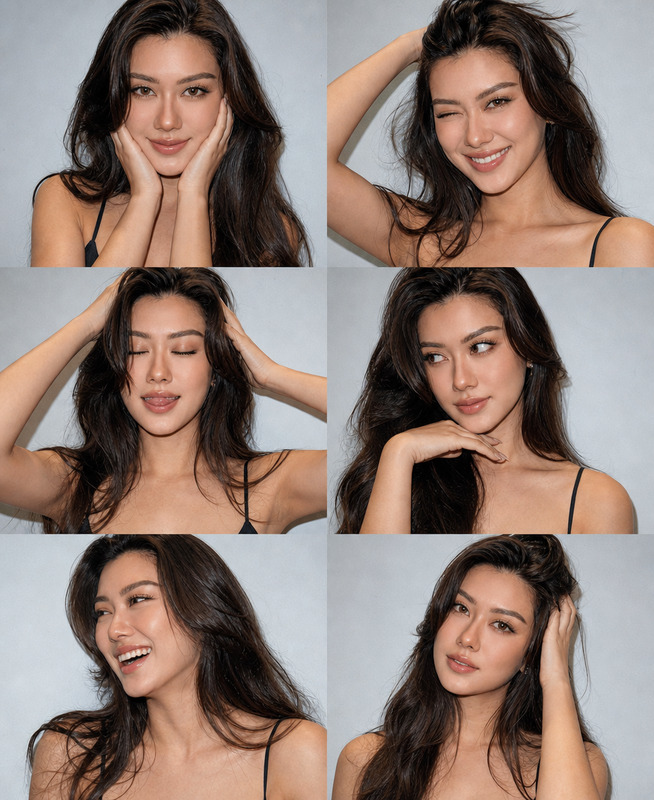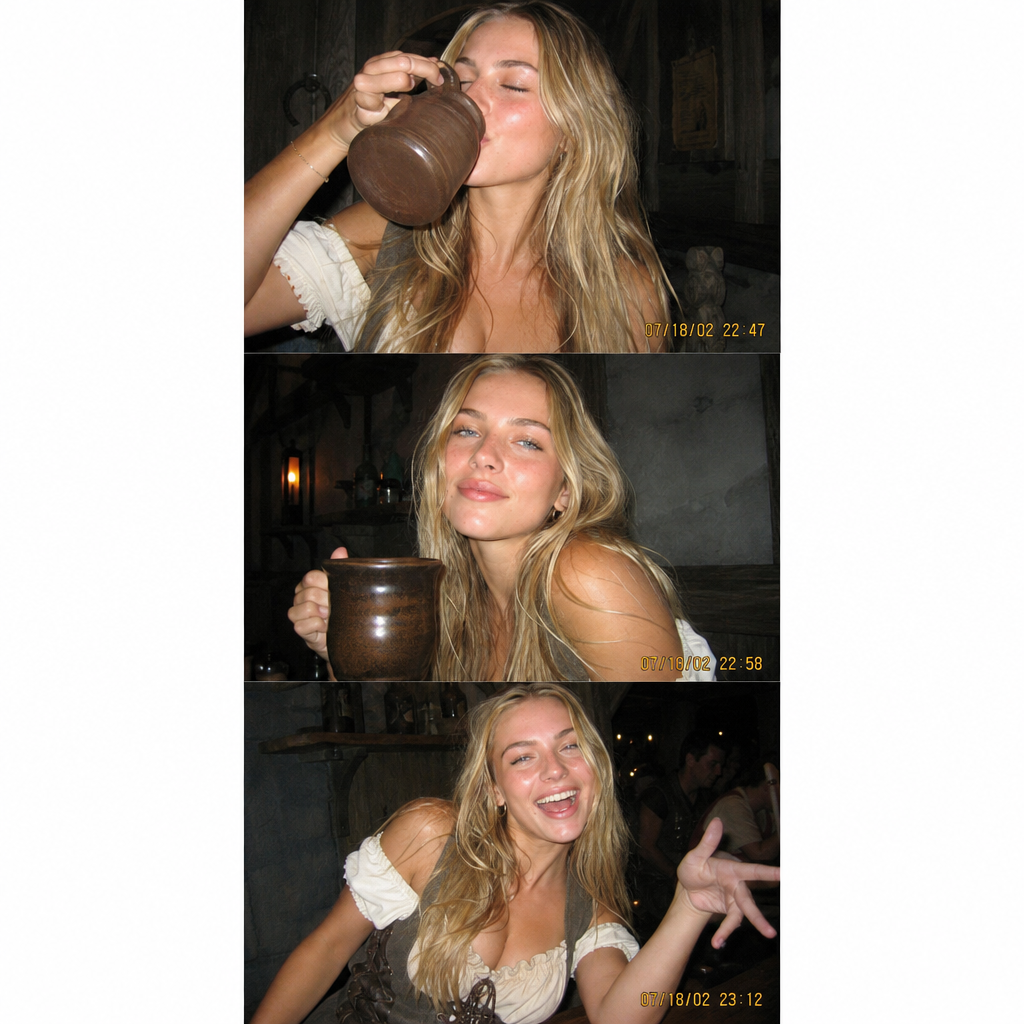
Selfie With Mug
- Model
- GPT Image 2
- Image
- 1024 × 1024 px
Prompt
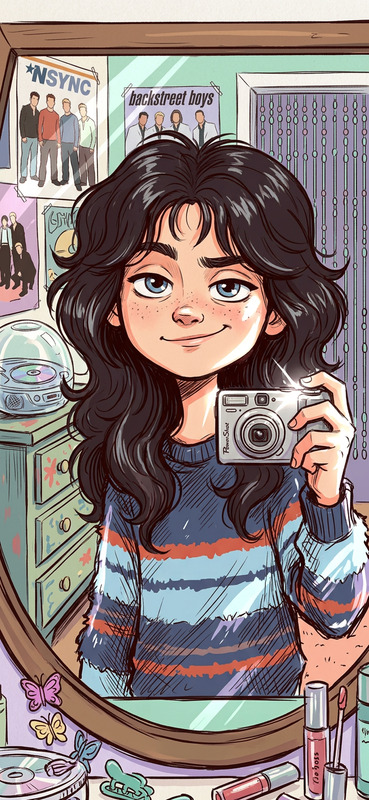
A vertical collage of three individual photographs, arranged strictly on top of each other, like a photo strip. All three images are intended to look as if they were taken with an old compact digital point-and-shoot camera from the early 2000s. A woman with a character resembling a grog
Any aspect ratio
Overview
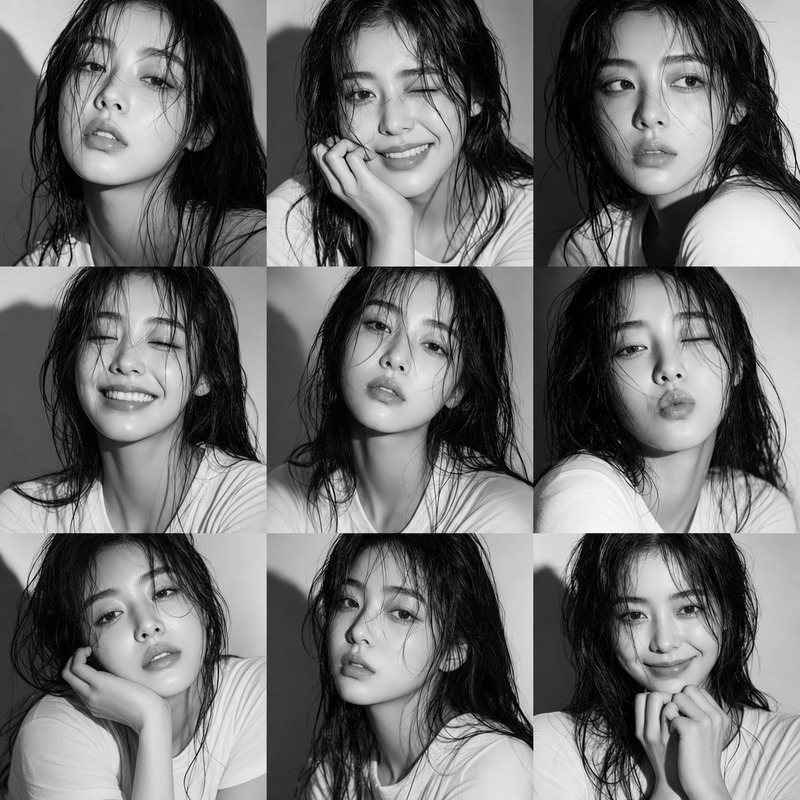
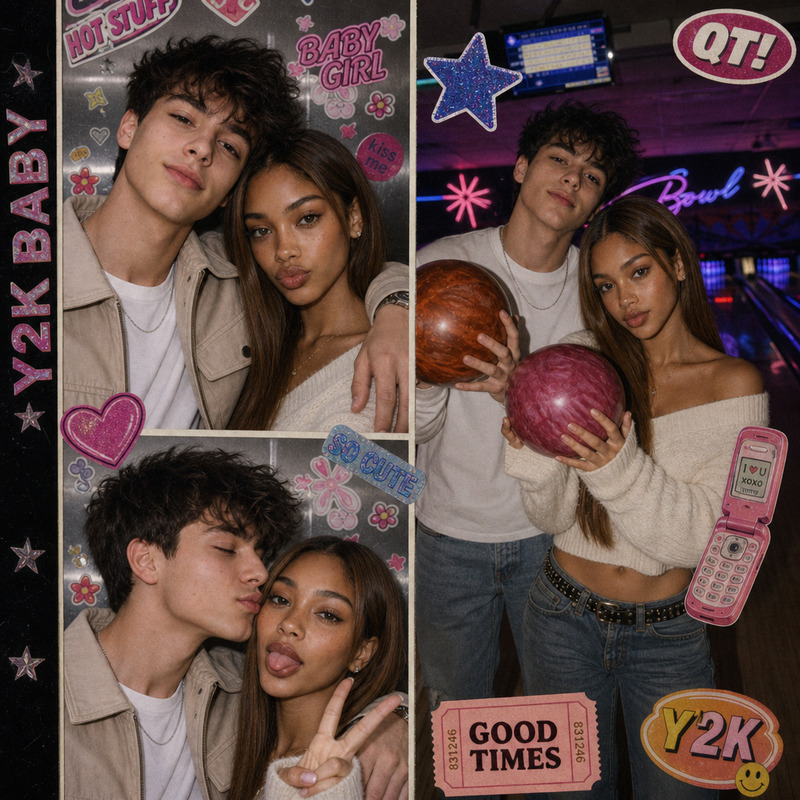
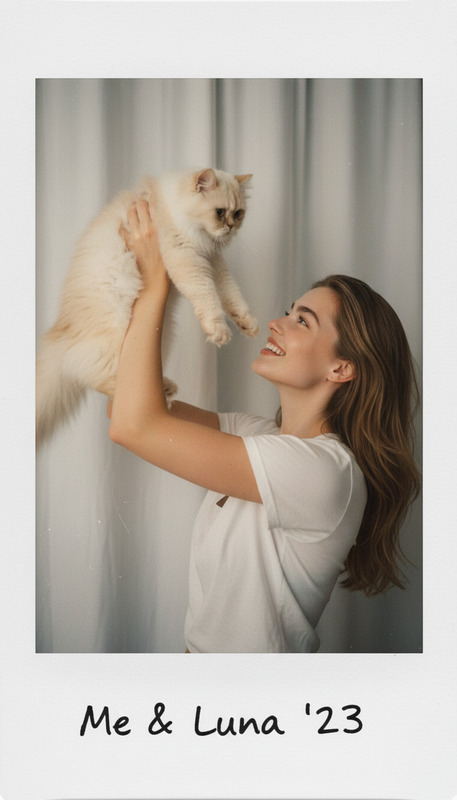
The Selfie With Mug template is a specialty AI Image Editor built using the powerful gpt-image-2 model. This template is designed to create a nostalgic photo strip feel by arranging vertical collages of images that mimic shots from an early 2000s digital camera. Perfect for themed social media posts or playful promotional material, this template offers a unique aesthetic touch.
What It Does
This template generates a vertical collage of three images stacked on top of each other. Each photograph replicates the distinctive grainy and saturated look of snapshots from an old point-and-shoot camera, featuring a woman with an intriguing character resembling a grog. Ideal for creating personalized photo strips or enhancing social media ads with a vintage twist.
Who It's For
Creatives, marketers, and influencers looking to add a touch of nostalgia to their projects will find this template particularly useful. It's perfect for those who want to incorporate a retro vibe into their GIF creations, meme content, and other visual marketing materials. It's also an excellent tool for designers working on branding projects that require a unique photographic aesthetic.
Summary
Create vintage-inspired vertical photo strips using the Selfie With Mug template. Take advantage of the gpt-image-2 model's capabilities within the AI Image Editor to produce engaging visuals evocative of early 2000s digital photography. This tool is essential for those aiming to enhance their design projects with nostalgic imagery.
How To
Choose the Template

Customize Your Inputs

Generate Your Image

Use Cases
Themed Social Media Posts
- Instagram Stories
- Facebook Memories
- Pinterest Pins
Marketing and Promotions
- Event Invitations
- Product Launches
- Campaign Visuals
Creative Projects
- Art Exhibitions
- Digital Storytelling
- Visual Art Projects
Best Practices
Select High-Quality Photos
For the best results, choose clear and well-lit images to maximize the vintage editing effects.Adjust Saturation Carefully
Moderate saturation levels will help maintain the authentic early 2000s aesthetic.Combine With Other AI Tools
Enhance your image further using the AI Image Upscaler or add motion with the AI Video Generator for dynamic projects.