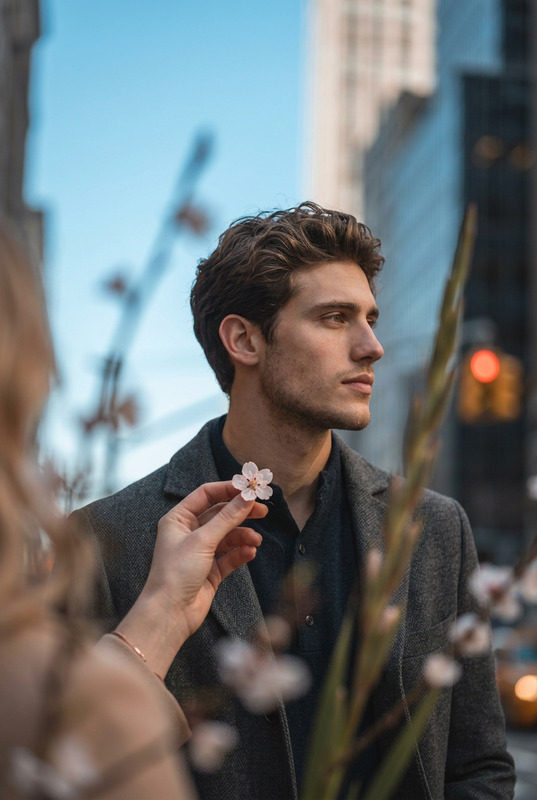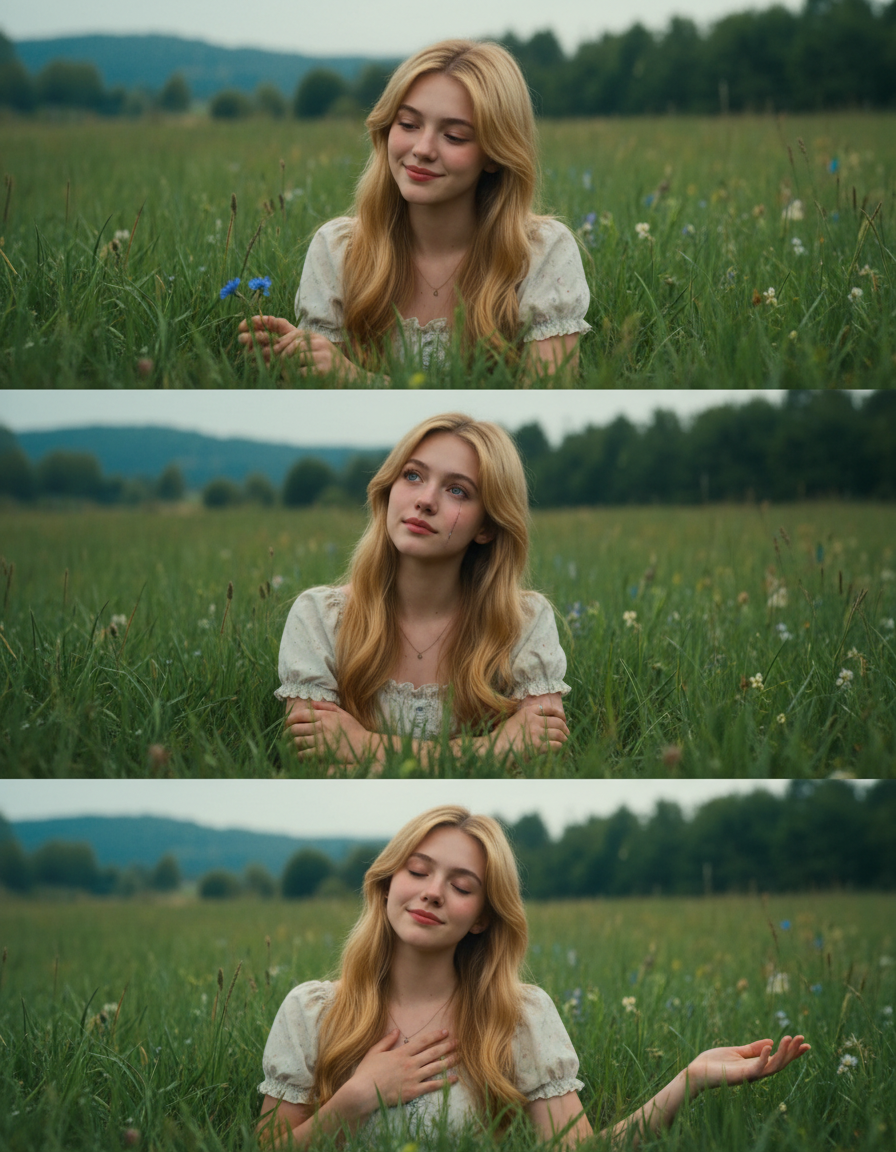
Nature Emotion Triptych
ai-image-editor
Any aspect ratio
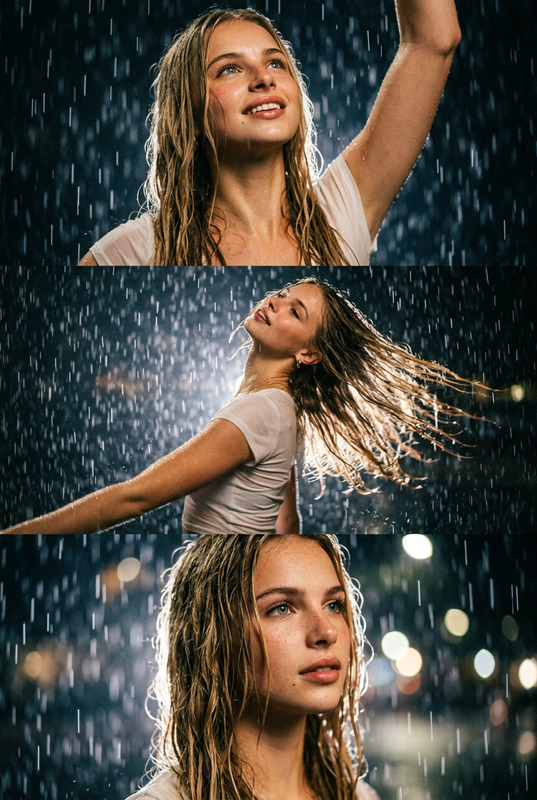
A cinematic 3-frame collage of a subject using the attached face as reference, portraying a subject in a lush green meadow with a contemplative, natural, emotional tone. The theme explores the connection between human emotion and nature. Each frame captures subtle variations in expression and posture, maintaining strong facial consistency. The subject is surrounded by rich greenery, creating a serene, immersive environment. Lighting is soft, diffused natural daylight under overcast conditions, enhancing a realistic yet slightly romantic cinematic mood. High detail, refined composition.
AI Image Editor Template: Fast, Precise Image Editing for Modern Creators
Use this template to turn any image into a polished, on-brand asset in minutes. The Magic Hour AI Image Editor lets you remove objects, replace backgrounds, clean up details, and generate new visual elements directly inside your existing images—without jumping between tools or learning complex software.
This page explains what the template is for, how to remix it, and how to combine it with other Magic Hour tools to build your own custom workflows.
What You Can Do With This Template
This AI Image Editor–based template is ideal for:
- Product and marketing images
- Remove distractions or clutter
- Replace dull backgrounds with branded scenes
- Add or remove text, logos, or UI mockups
- Creator content and social media
- Transform photos into stylized content (illustration, anime, comic, or branded visuals)
- Clean up thumbnails, cover images, and profile photos
- Design and concept work
- Iterate quickly on design ideas without full reshoots
- Prototype visuals for landing pages, decks, and ads
Because it’s built on the AI Image Editor, you work directly on your existing image instead of generating something from scratch.
How to Remix This Template in Magic Hour
You can use this template as a starting point and create your own version in a few simple steps:
Open the template
Start from this template inside Magic Hour. It’s pre-configured to use the AI Image Editor so you can immediately apply edits to any uploaded image.Swap in your own source image
- Upload a product shot, portrait, illustration, or screenshot.
- For best results, choose a clear, well-lit image with the main subject in focus.
Define what you want to change
Use the editor to:- Remove unwanted elements (objects, logos, text, people in the background)
- Replace or refine the background
- Add new elements (props, interfaces, branding assets)
- Adjust style (more realistic, more stylized, more minimal, etc.)
Iterate and save your “remix”
- Make several variations and keep the ones that best match your brand or creative direction.
- Save your edited result as your new base template for future images in the same style or layout.
Use it as a building block in your workflow
Once you like the result, you can:- Reuse the edited image as a base for campaigns and content series
- Feed it into other Magic Hour tools (see below) to generate videos, GIFs, avatars, or more.
Example Use Cases and Workflows
1. Product Images and Landing Pages
- Clean a product photo using this AI Image Editor template
- Then enhance or repurpose it with:
- AI Image Upscaler for higher resolution
- AI Background Generator to test different backgrounds (studio, lifestyle, seasonal)
- Thumbnail Maker to create YouTube or ad thumbnails from your edited image
2. Creator Thumbnails and Social Content
- Start with this template to:
- Remove clutter from photos
- Add eye-catching backgrounds or graphics
- Then extend the workflow with:
- AI Meme Generator for social-ready variations
- Album Cover Generator or Book Cover Generator to turn the same image into cover art
- AI GIF Generator to animate parts of your edited image
3. Brand and Identity Assets
- Use this template to standardize:
- Team headshots
- Founders’ photos for decks and PR
- Social avatars and profile images
- Combine with:
- AI Headshot Generator to create consistent, professional portraits
- Avatar Generator for stylized profile images
- AI Logo Generator to design or update brand marks that you can overlay on edited images
4. Concept Art and Visual Exploration
- Start with a rough sketch, photo, or mockup
- Use this template to:
- Refine shapes and details
- Explore different visual styles (realistic, manga, anime, comic, fantasy)
- Then explore specialized generators:
- AI Art Generator for high-quality concept art
- AI Manga Generator, AI Anime Generator, or Comic Book Generator for stylized storytelling
- Fantasy Map Generator or Dark Fantasy AI for worldbuilding visuals
Advanced Edits: What This Template Helps You Do
Because it uses the AI Image Editor, this template is well-suited for:
Object removal and cleanup
Combine with:- AI Remover
- Remove Object from Photo
- Watermark Remover
- Unblur Image for sharpening
Face and person edits
After basic image editing, you can:- Refine faces with AI Face Editor
- Generate new faces using AI Face Generator
- Try Gender Swap or Face Swap
- Turn still faces into talking characters with AI Talking Photo
Style and fashion changes
- Swap outfits or explore new looks with AI Clothes Changer and AI Outfit Generator
- Create full-body characters with Full Body Generator or Animated Characters Generator
- Explore looks and trends with AI Fashion Generator
Illustrations and graphics
Once you have a clean base image from this template, you can:- Transform it into stylized artwork via AI Illustration Generator
- Generate icons with AI Icon Generator
- Create graffiti-style interpretations with the Graffiti Generator
Turning Edited Images Into Video, GIFs, and Interactive Media
Your edited image can be the starting point for motion content:
From edited image to video
- Use Image to Video to add motion, camera moves, or transitions
- Explore Text to Video if you want to generate scenes around your edited visuals
- Refine output with Video Upscaler
Talking or animated characters
- Turn your edited portrait into a talking avatar with AI Talking Photo
- Clone or generate voices using AI Voice Cloner and AI Voice Generator
- Adjust vocal style with AI Voice Changer
Template-based video transformations
- Convert your edited still into animations and transformations using:
GIFs, memes, and short loops
- Use AI GIF Generator to create looping animations
- Turn your edited image into fast social content with AI Meme Generator
Quality, Restoration, and Cleanup
If you’re starting from older or lower-quality images, combine this template with:
- Old Photo Restoration for damaged or faded images
- Photo Colorizer to add or restore color
- Image Background Remover for clean subject extraction
- AI Image Upscaler to sharpen and enlarge
- Unblur Image for improved clarity
Use this template first to define the composition and remove distractions, then apply restoration and upscaling to finalize.
Niche and Creative Experiments
Once you’ve cleaned or refined an image with this AI Image Editor template, you can explore more experimental tools:
Stylization and fun:
Architecture and interiors:
Sketches, tattoos, and line art:
Niche content:
Your edited image becomes the “source of truth” that you can reinterpret across these tools.
Best Practices for Using and Remixing This Template
Start with the highest-quality image you have
Better input images produce more reliable edits. If needed, use AI Image Upscaler before heavy editing.Make one type of change at a time
For precise control, focus each remix on a single goal (cleanup, background change, style shift) before combining them.Keep a “clean master” version
After editing with this template, save a master version that you can reuse across campaigns, instead of reediting from scratch.Use consistent visual language
Once you find a style you like, reuse your remixed template as a base for new images to keep brand visuals consistent across web, social, and product surfaces.Chain tools intentionally
A common high-impact chain is:- Edit with this AI Image Editor template
- Clean/remove objects with AI Remover or Remove Object from Photo
- Upscale with AI Image Upscaler
- Convert to motion via Image to Video or Video to Video Templates
Why Use This Template Instead of Starting From Scratch?
- Faster experiments – You edit directly on existing assets rather than generating net-new images each time.
- Better brand alignment – You keep real products, faces, and environments while improving them.
- Reusable workflows – Once you remix this template, you have a repeatable process for future campaigns and projects.
- Composability – This template slots neatly into a broader Magic Hour stack: generation, editing, upscaling, video, and voice.
Use this AI Image Editor template as your base layer: clean, refine, and structure your image here—then extend it with other Magic Hour tools as your use case evolves.