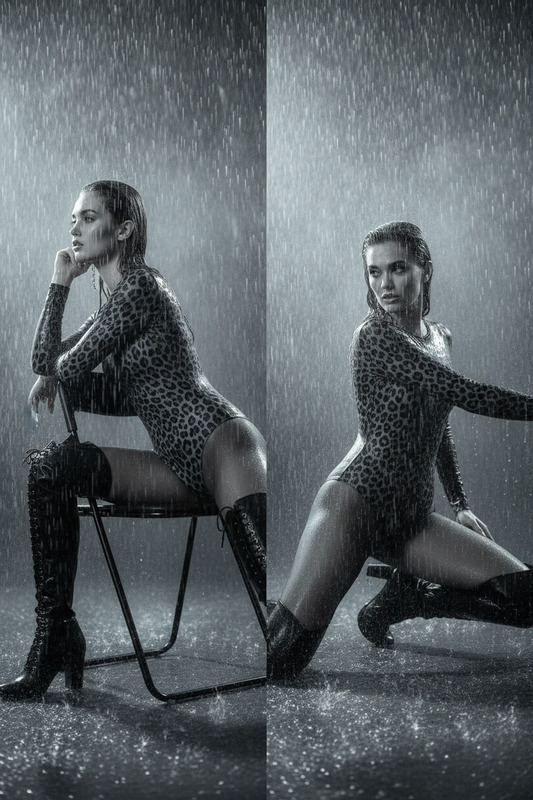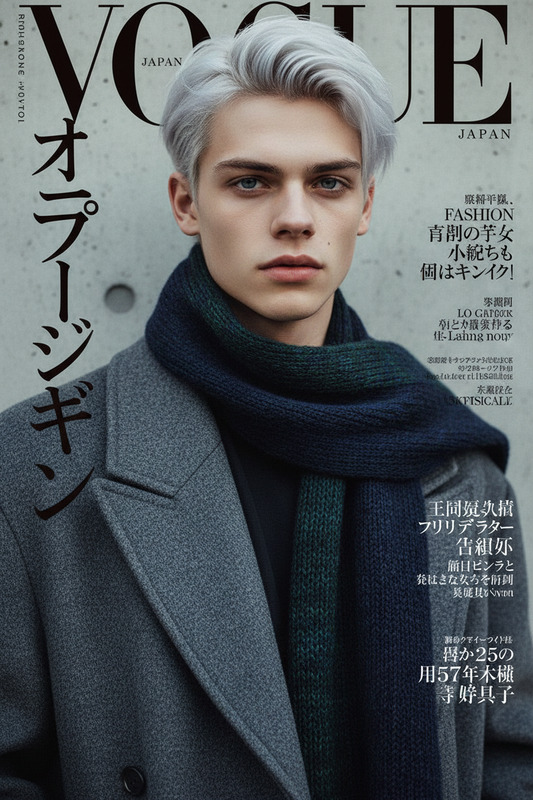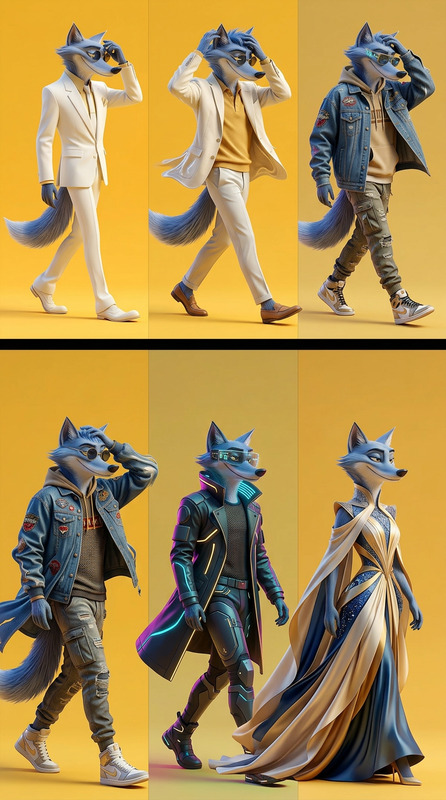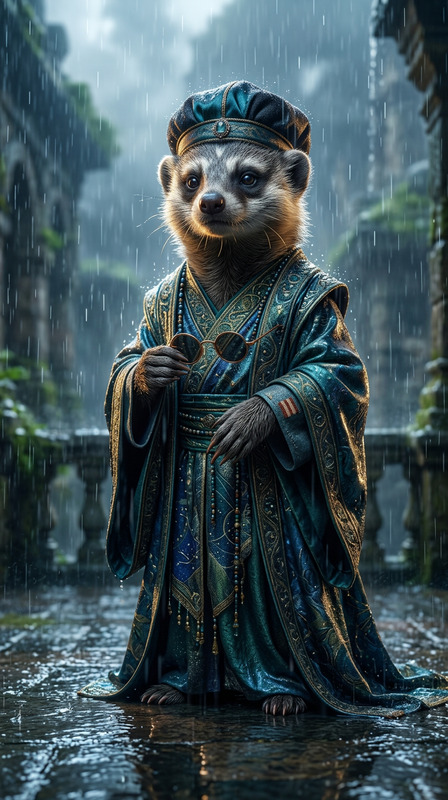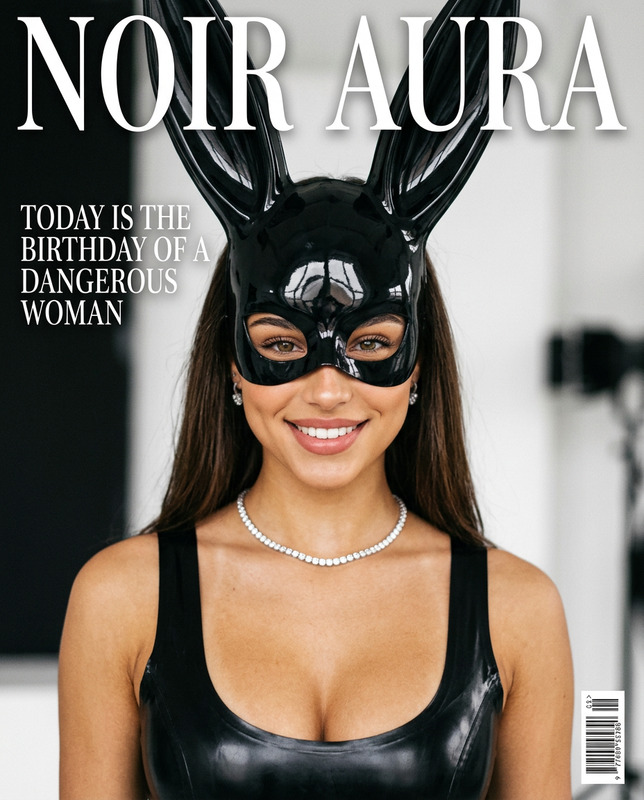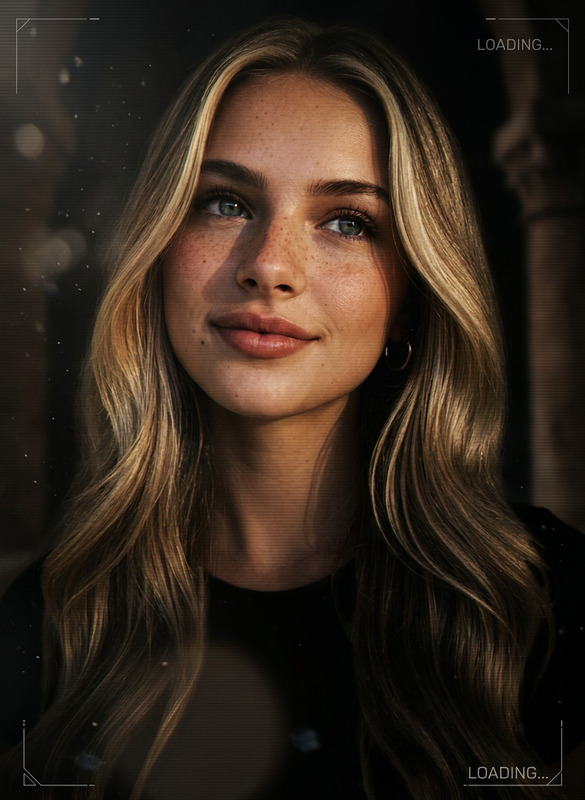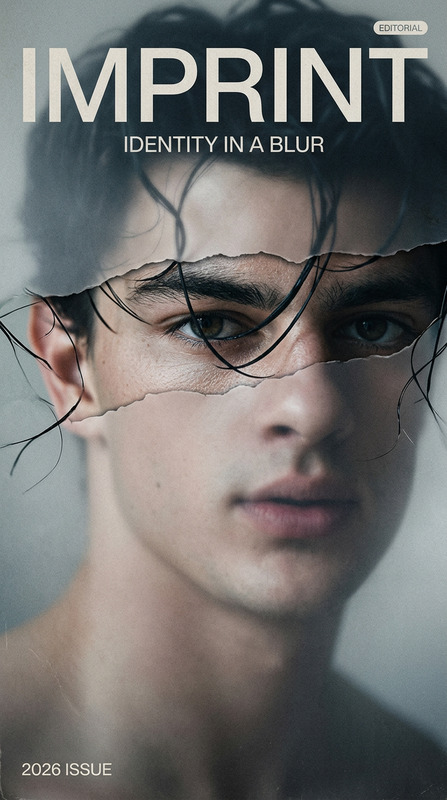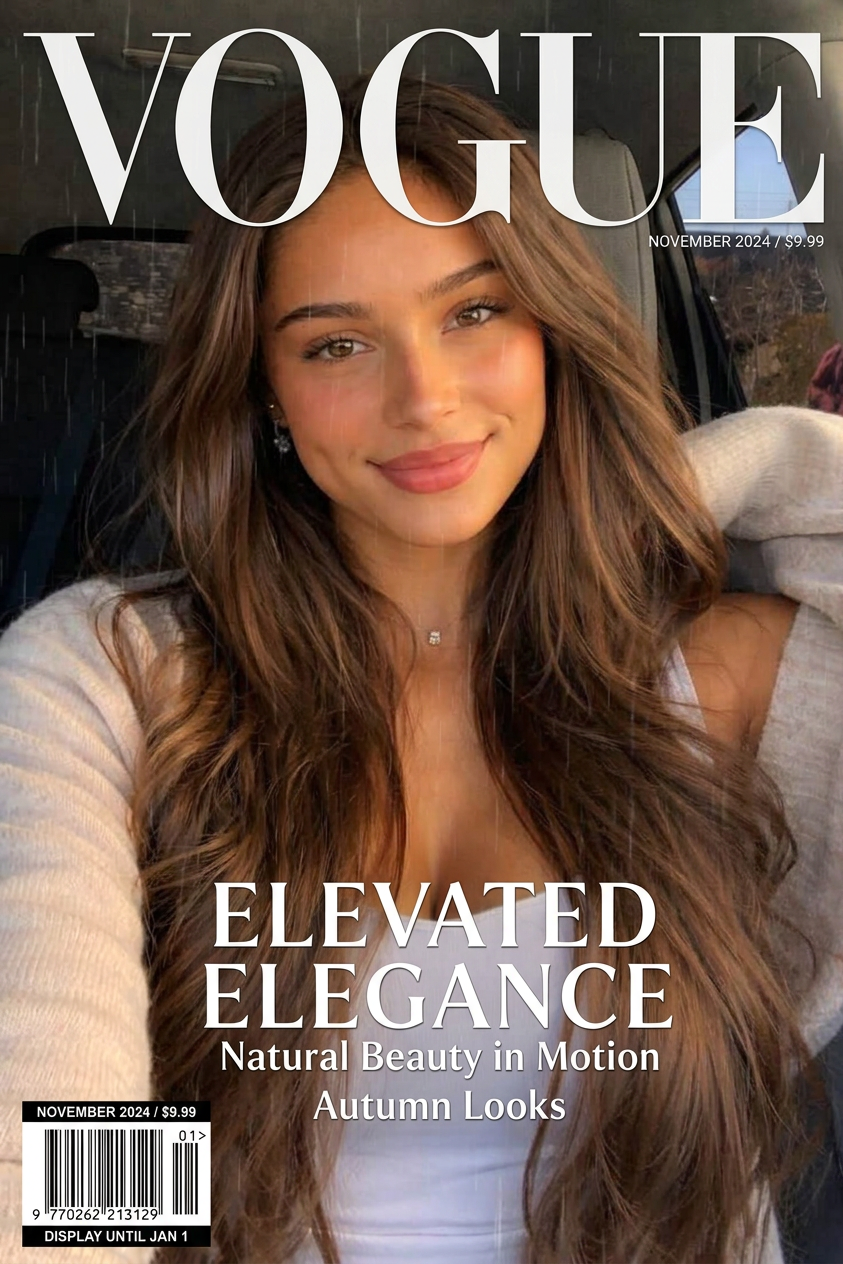
Cover Rain 2
- Model
- Nano Banana 2
- Image
- 843 × 1264 px
Prompt
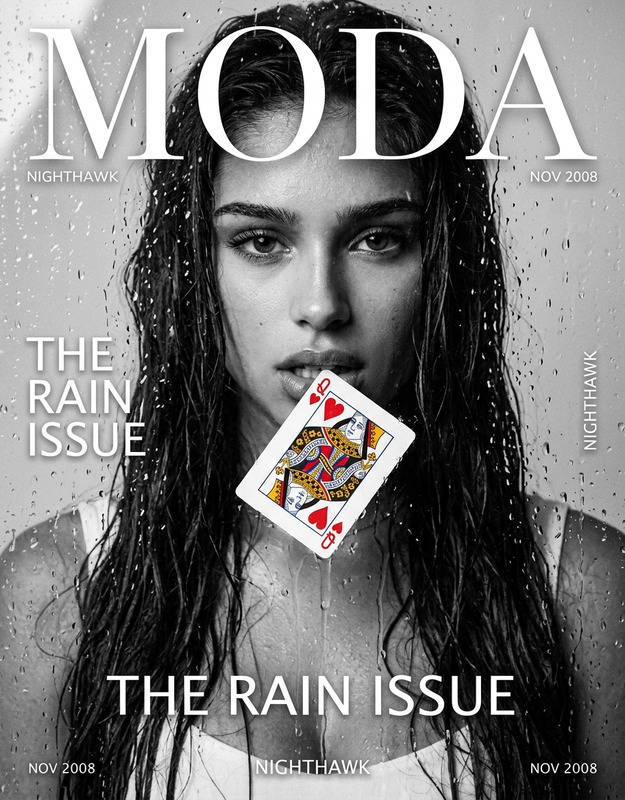
Create a subtle cinematic animation from this fashion magazine cover while keeping the composition, typography, and all text elements completely fixed in place. The magazine title, cover lines, barcode, and layout must not move, warp, flicker, or change position. Only animate the subject and the rainy atmosphere. The person should move very slightly and naturally, with minimal elegant motion: a soft blink, a gentle shift of her gaze, a faint tilt of the head, a subtle rise and fall of breathing, and a delicate movement of the hair and shoulders.
Any aspect ratio
Overview
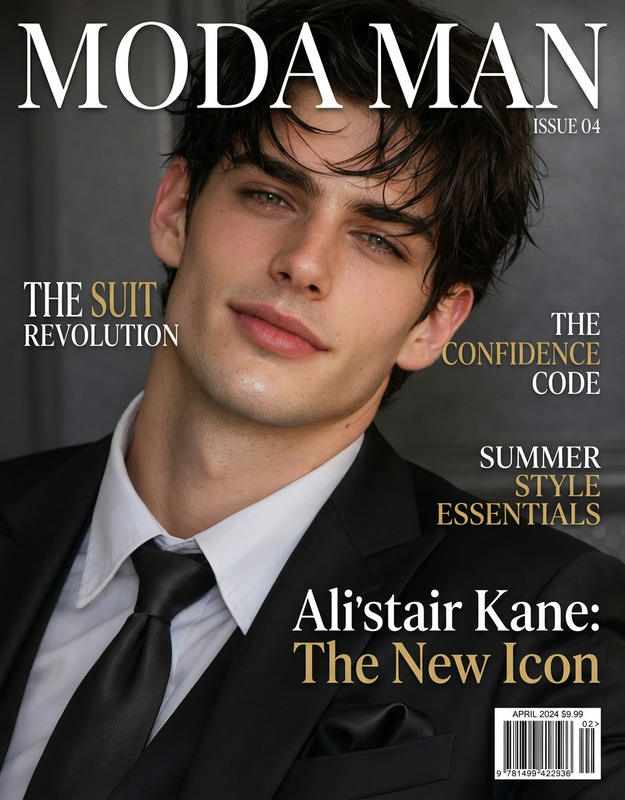
Transform your static fashion magazine cover into a living, breathing image with subtle movements using the "Cover Rain 2" template. This AI Image Editor tool employs the nano-banana-2 model to blend animation with artistic finesse, ensuring that essential elements like typography and layout remain untouched.
What It Does
The "Cover Rain 2" template specializes in animating only the subject and atmosphere of your images. It keeps all static design elements such as the magazine's title, cover lines, and barcode intact. The animation focuses on making natural movements in the subject, like soft blinking and gentle head tilts, and adds a dynamic rain effect, enhancing the cinematic appeal of your cover image.
For more on enhancing image aesthetics, check out our AI Image Editor.
Who It's For
This tool is ideal for graphic designers, editors, and marketers in the fashion industry looking to bring an extra layer of engagement to their cover designs. Whether you're working on promotional images or editorial content, "Cover Rain 2" offers a subtle artistic touch perfect for digital publishing.
To add more elements to digital publications, you can explore AI Talking Photo.
Summary
"Cover Rain 2" is your go-to template when seeking to animate fashion magazine covers without disrupting the layout or textual components. It's perfect for professionals aiming to enhance visual storytelling while maintaining design integrity. Suitable for various sectors, it offers refined animations of the subject and atmosphere, ensuring a cinematic yet minimal effect.
For a broad range of visual effects, you might also consider our Image to Video product.
How To
Choose Your Template

Customize the Animation

Generate Your Animated Cover

Use Cases
Fashion Magazine Covers
- Subtle animation of the cover subject
- Preserve original design and typography
Digital Marketing Campaigns
- Increased engagement through dynamic visuals
- Suitable for Instagram and online platforms
Editorial Enhancements
- Engaging visual storytelling
- Maintains textual and design integrity
Best Practices
Maintain Design Consistency
Ensure your text and layout elements remain untouched to keep the cover's design consistent.Focus on Subtlety
Small, realistic motions such as blinking or slight head tilts will elevate the animation without overpowering the cover.Test Before Publishing
Always preview the animated cover to ensure the motion elements are smooth and text positions are preserved.