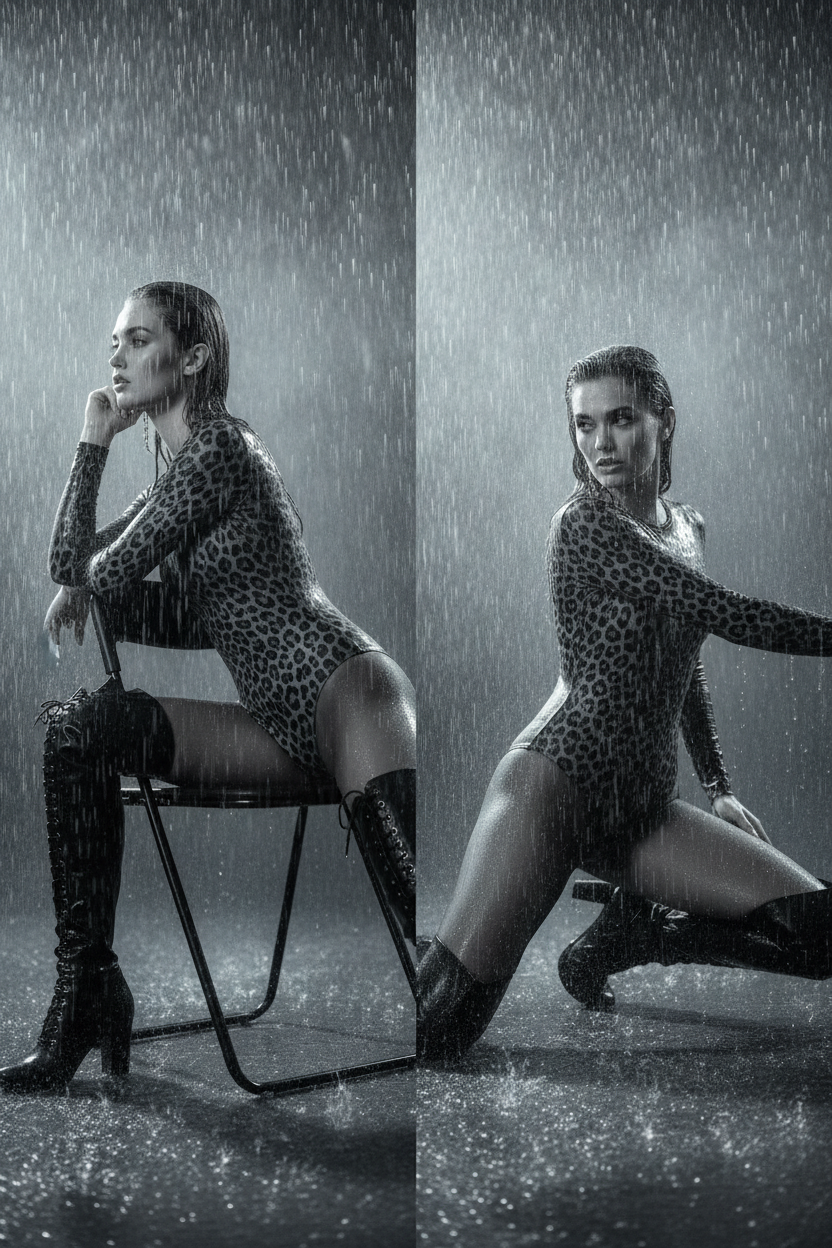
Leopard Rain
- Model
- Nano Banana
- Image
- 832 × 1248 px
Prompt
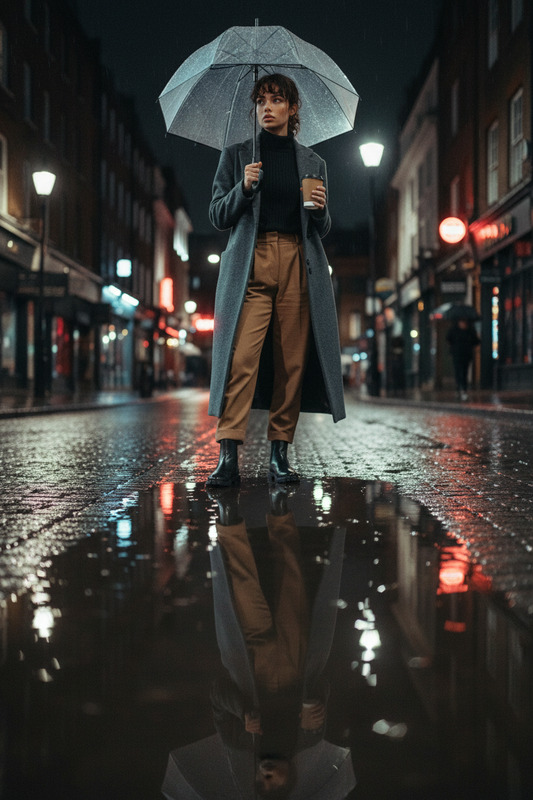
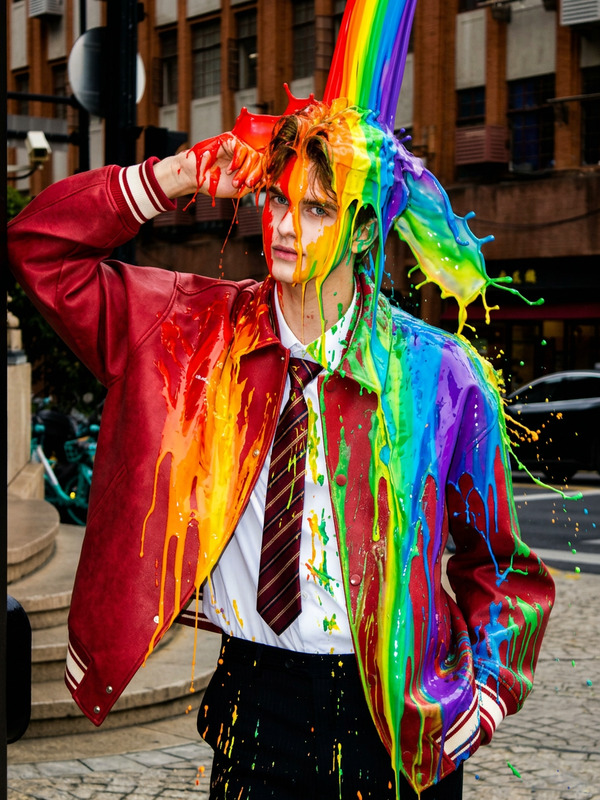
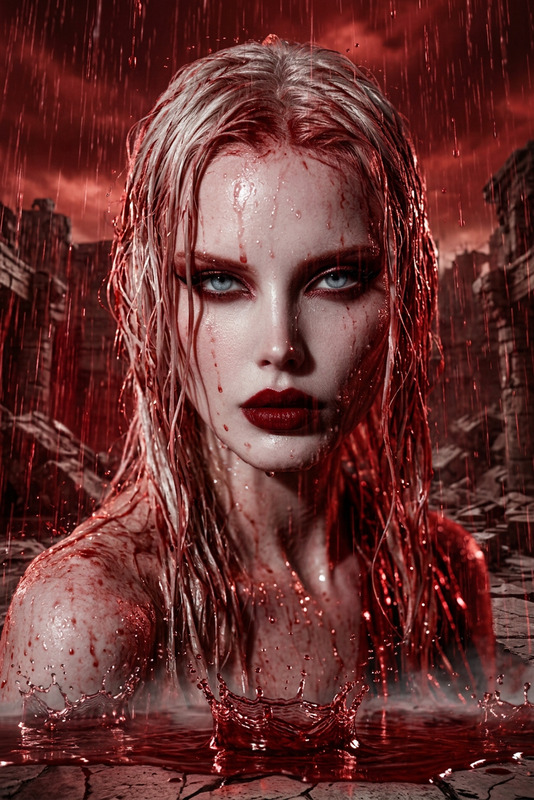
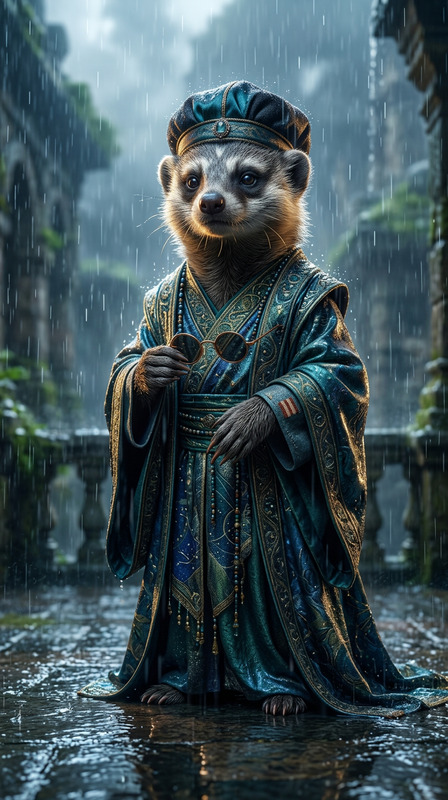
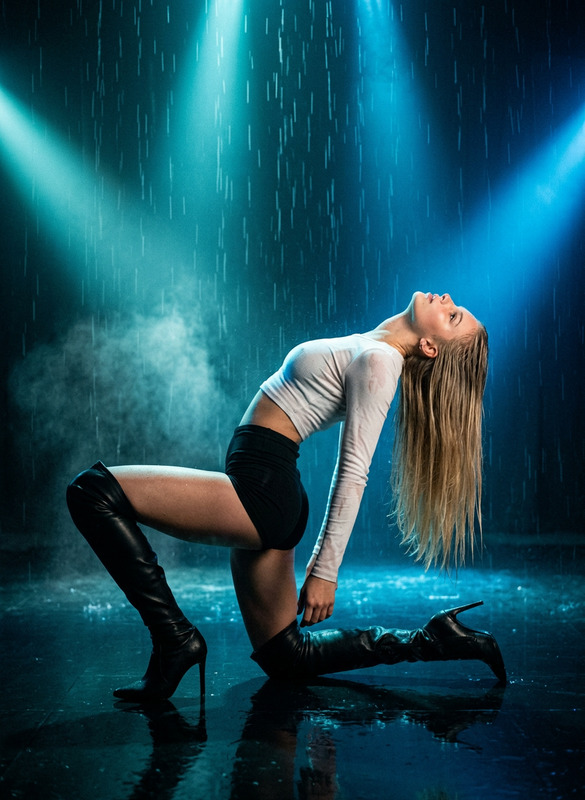
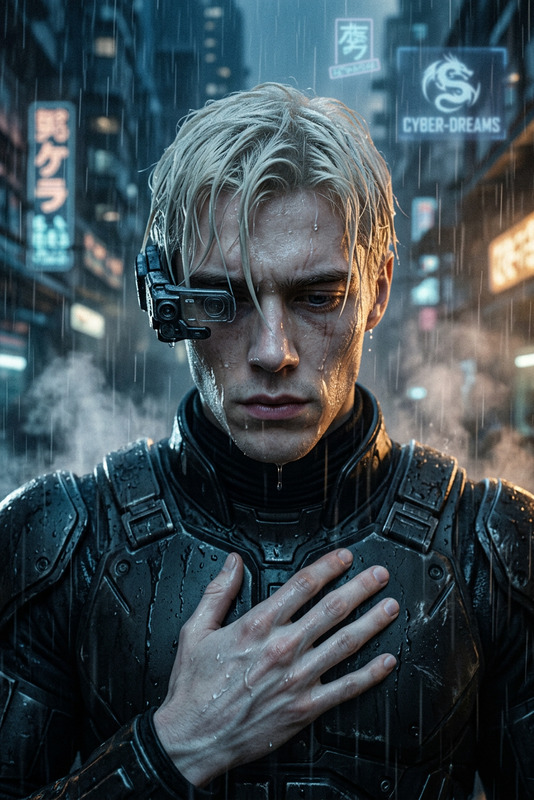
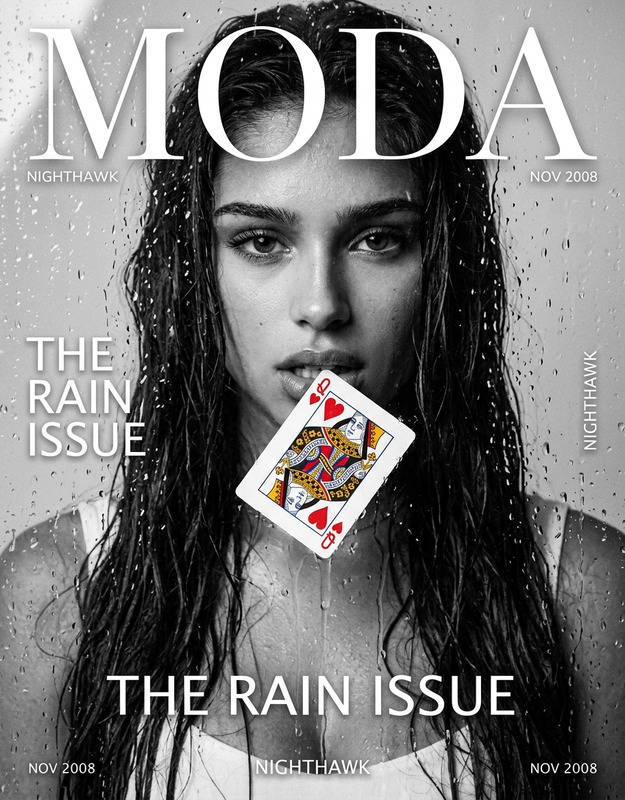
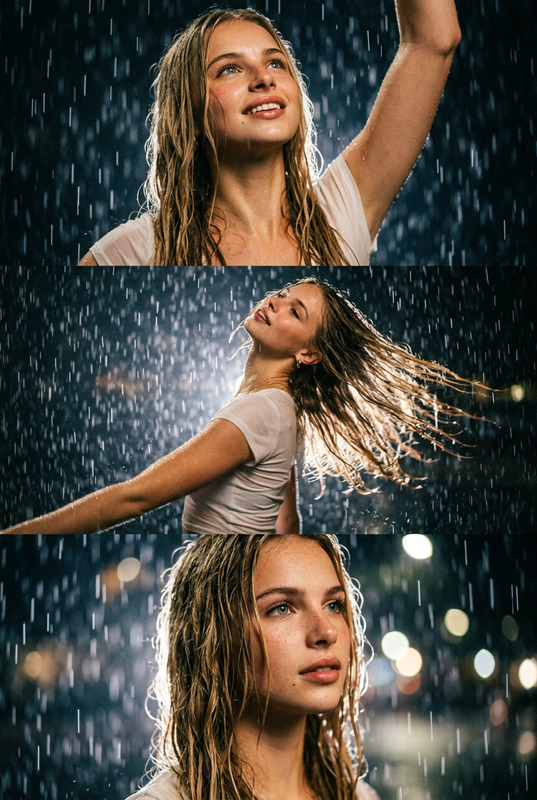
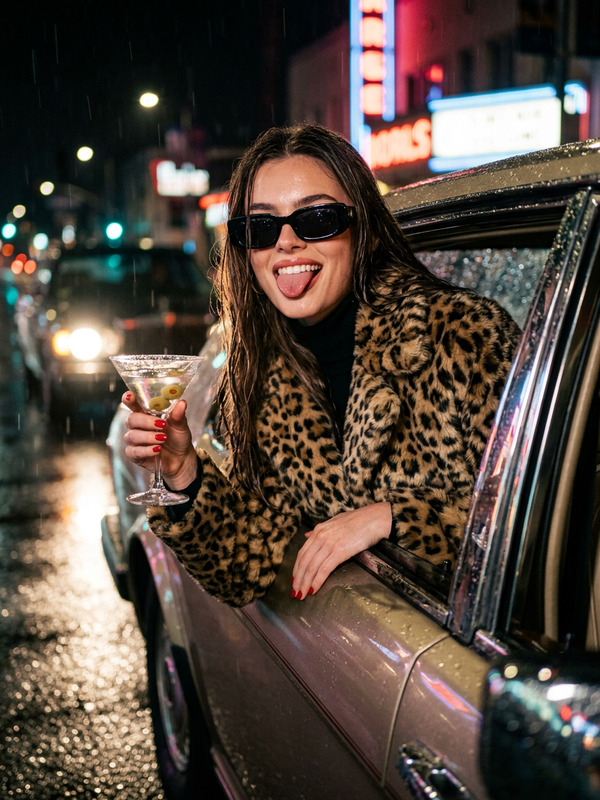
A cinematic, high-fashion rain portrait in a moody silver palette, styled after Christopher Nolan music videos. The character wears a matte leopard-print bodysuit with sheer black tights and black lace-up over-the-knee boots, posed against dense vertical rain and swirling fog. The first frame drapes them sideways over a black metal folding chair with a hand under the chin, while the second strikes a grounded action pose on one knee with the opposite leg extended out of frame. Rembrandt key light and vertical silver backlights make every rain droplet and hair strand glow, with wet skin detail, motion blur and realistic film grain.
Any aspect ratio
Overview
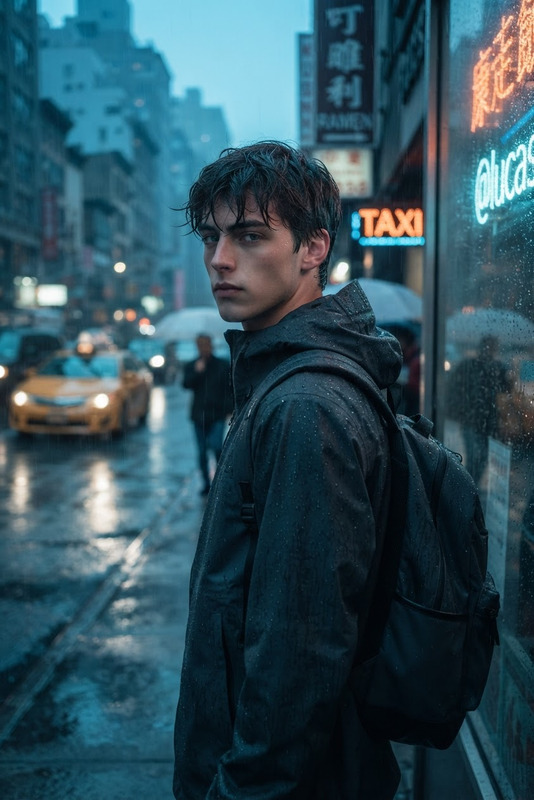
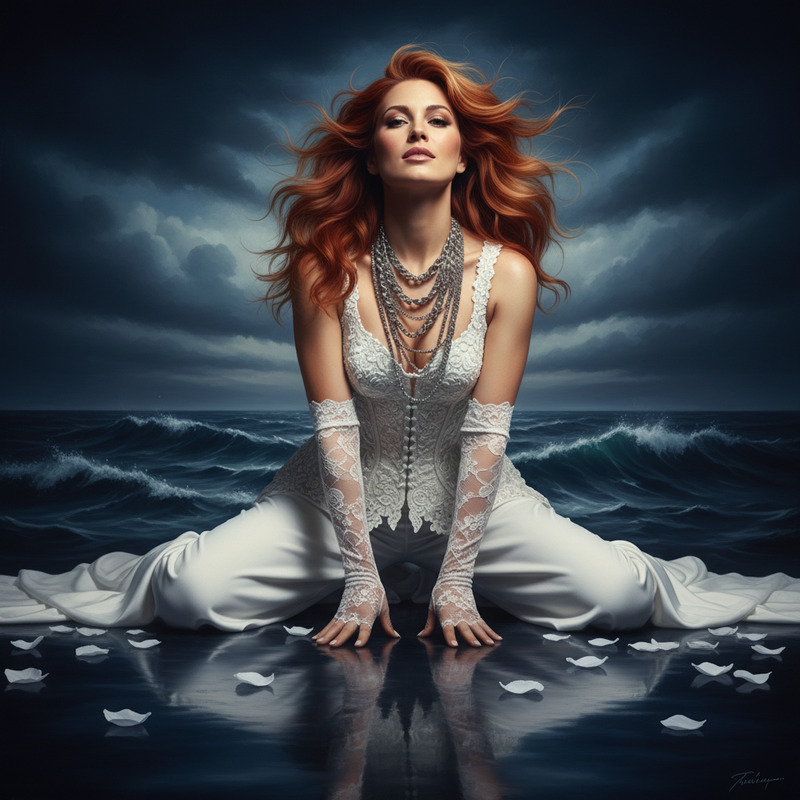
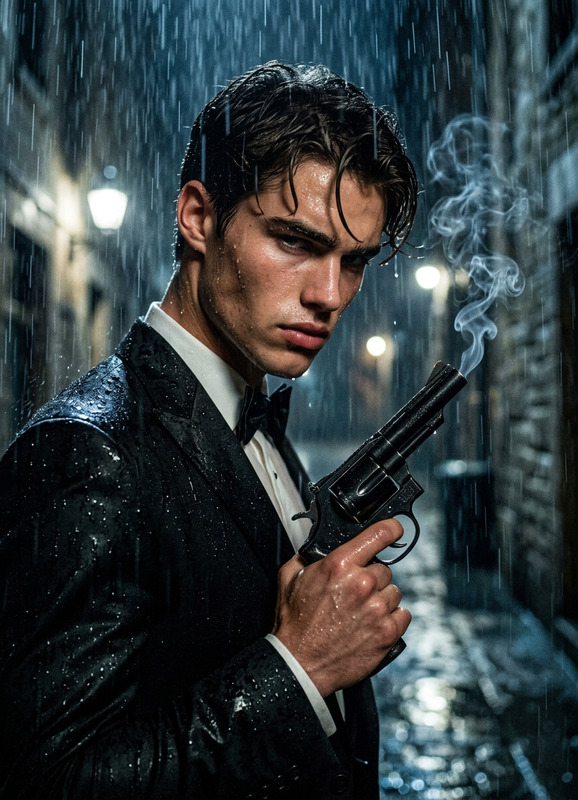
Leopard Rain is an exquisite template for the AI Image Editor, leveraging the sophisticated capabilities of the nano-banana model. With a focus on cinematic aesthetics, this template crafts high-fashion rain portraits that carry the essence of Christopher Nolan's music video style. Each frame captures your subject in beautifully orchestrated poses against a backdrop of dynamic rain and fog.
What It Does
This template specializes in crafting detailed, moody fashion imagery enriched by realistic environmental effects. The first frame introduces a dramatic sideways pose on a folding chair, enhancing character design with a glossy leopard-print ensemble. The second frame transitions to an action-oriented pose, maintaining thematic consistency with extended limbography. Utilizing industry-standard lighting techniques, wetness detail, and grain effects ensures each image is both striking and authentic.
Who It's For
Designed for photographers, fashion designers, and digital artists, Leopard Rain offers an ideal solution for those looking to elevate their portfolios with thematic elegance and cinematic flair. Creatives who seek to explore moody, high-style visuals for campaigns or artistic projects will find this template invaluable.
Summary
Incorporate Leopard Rain into your creative arsenal to transform ordinary images into high-fashion art. For those seeking versatility, the template works seamlessly with other Magic Hour products like the Face Swap and Image to Video tools for enhanced effect combinations.
How-To
Choose Your Template

Customize Your Design

Generate Your Image

Use Cases
Fashion Campaigns
- Capture high-fashion aesthetics
- Emphasize mood and style with rain effects
Digital Art Projects
- Combine with drawing or painting elements
- Use as a base for digital editing
Film and Music Promotions
- Craft visuals that align with cinematic themes
- Integrate with promotional video trailers
Best Practices
Focus on Lighting
Lighting is critical; adjust the Rembrandt key and silver backlights to achieve a more dramatic rain effect.Enhance Texture Details
Pay attention to wet skin and texture details—these add realism and depth to your portrait.Experiment with Poses
Try different poses to create unique images while maintaining the overall aesthetic quality.