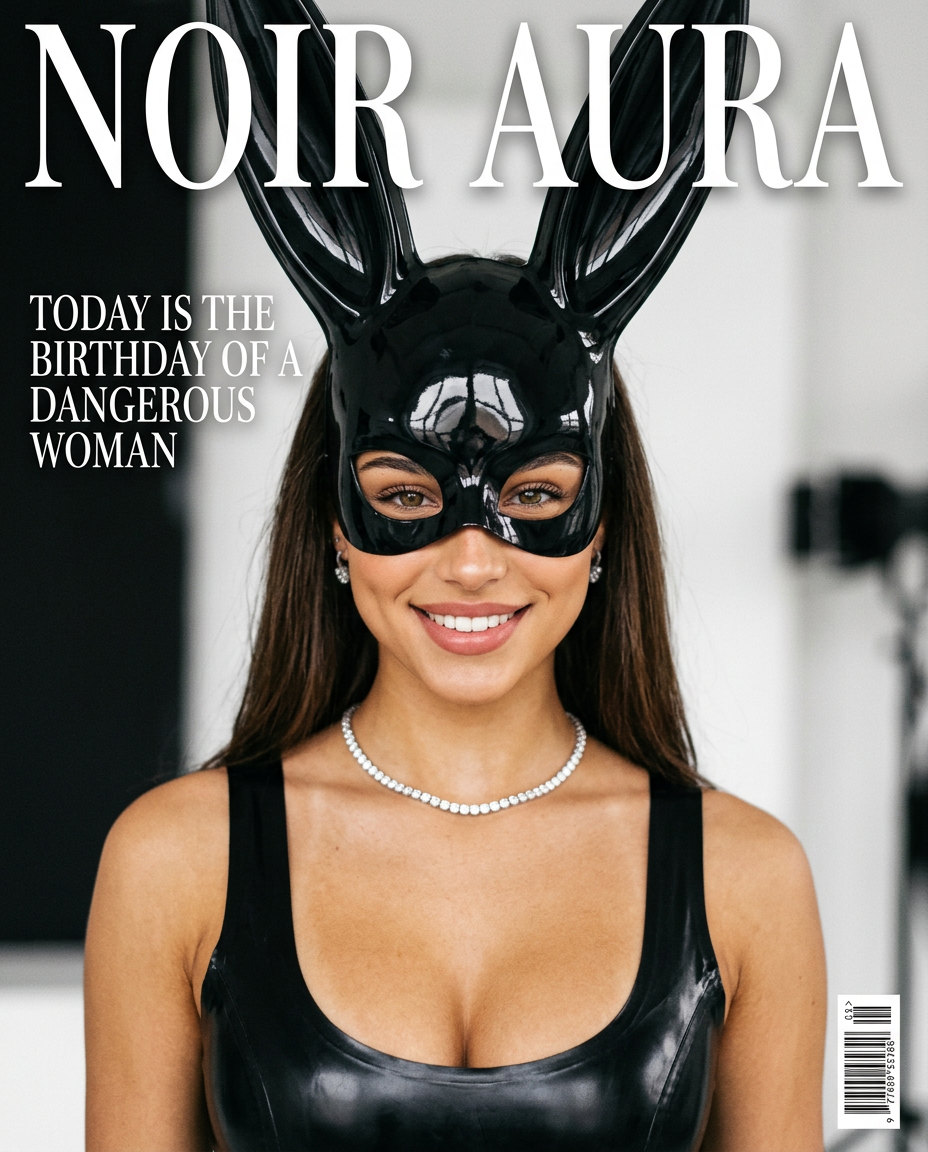
Cover Noir
- Model
- Nano Banana 2
- Image
- 928 × 1152 px
Prompt
Photorealistic editorial cover of a fashion magazine in a minimalist studio with monochrome black and white aesthetics and soft studio light. a woman in a glossy black vinyl mask with bunny ears and a latex top with a luxurious necklace, a large heading NOIR AURA on top, under it the phrase Today is the birthday of a dangerous woman, style — luxury high-fashion magazine cover 2000s pop culture inspired, with a light film grain and vintage glossy print effect.
Any aspect ratio
Overview
The Cover Noir template is an exquisite choice for bringing a touch of mystery and sophistication to your fashion magazine covers. Designed using the nano-banana-2 model, this template emphasizes a monochrome aesthetic, focusing on luxury and high fashion.
What It Does
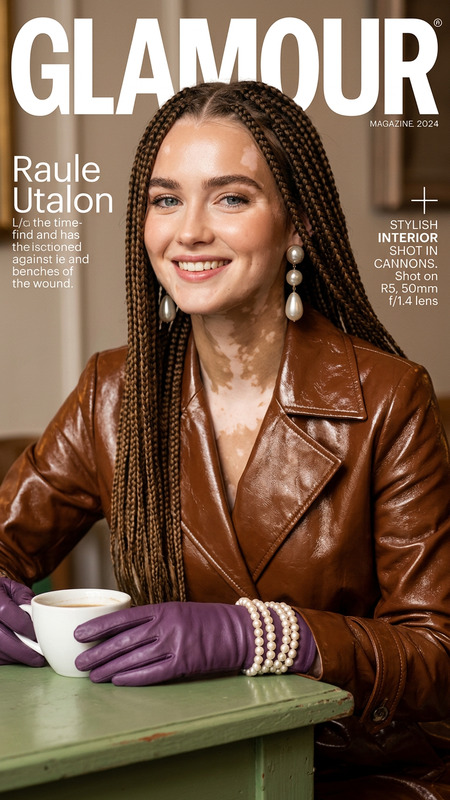
With Cover Noir, you create striking editorial magazine covers. The AI Image Editor crafts high-fidelity visuals that feature a model styled in glossy, vinyl attire, accented with luxurious accessories. The vintage gloss and soft lighting effect add authenticity, making your cover appear both nostalgic and contemporary. The end result is a captivating visual perfect for high-fashion and 2000s-inspired aesthetics.
Who It's For
This template is ideal for designers and creatives working in the fashion industry, marketing professionals, and magazine publishers seeking to produce high-quality covers. It's also perfect for social media influencers and brands that aim to make a bold statement with their visual content. Explore more visual styles with our AI Image Editor for diversified project needs.
Summary
The Cover Noir template provides all the tools necessary to craft visually stunning magazine covers. Its emphasis on multi-angle generation in a monochrome palette delivers an effect that is both elegant and powerful. Whether you're celebrating iconic themes or setting a new trend, this template will elevate your editorial images.
How to Use Cover Noir
Choose the Cover Noir Template

Customize Your Image

Generate and Download

Use Cases
Fashion Magazine Covers
- Editorial designs
- Thematic covers
- Exclusive editions
Social Media Content
- Instagram posts
- Pinterest visuals
- Twitter banners
Brand Marketing
- Luxury campaigns
- Brand collateral
- Promotional ads
Best Practices
Focus on Monochrome Aesthetics
Keep your color palette limited to black, white, and grey tones to maintain the template’s true charm.Incorporate Film Grain Effect
Adding a light film grain can enhance the vintage appeal, drawing more attention to the finer details.Utilize High-Contrast Lighting
High-contrast lighting helps accentuate features and textures, creating a more dynamic and engaging cover.