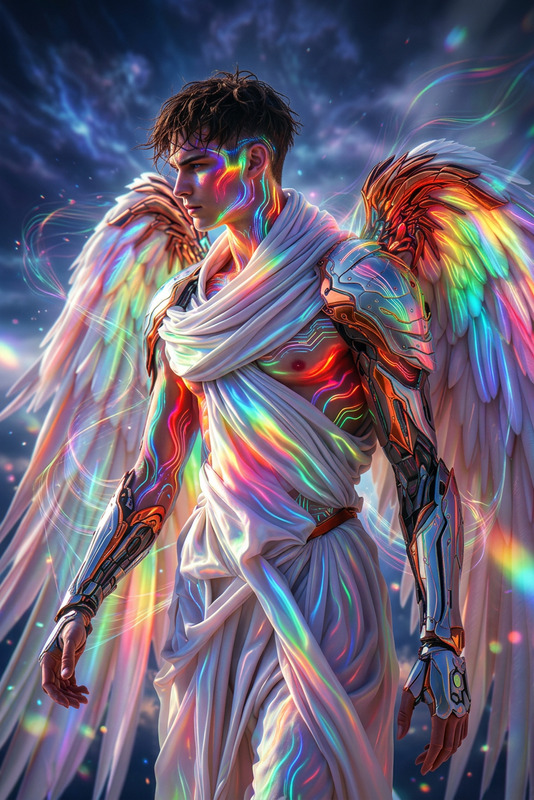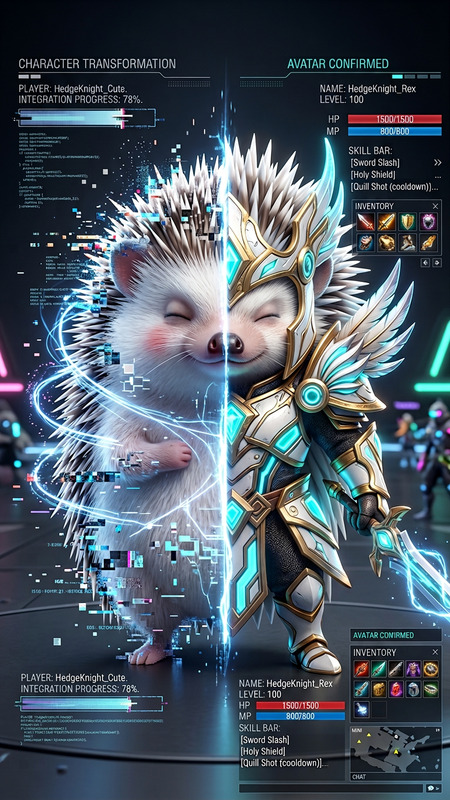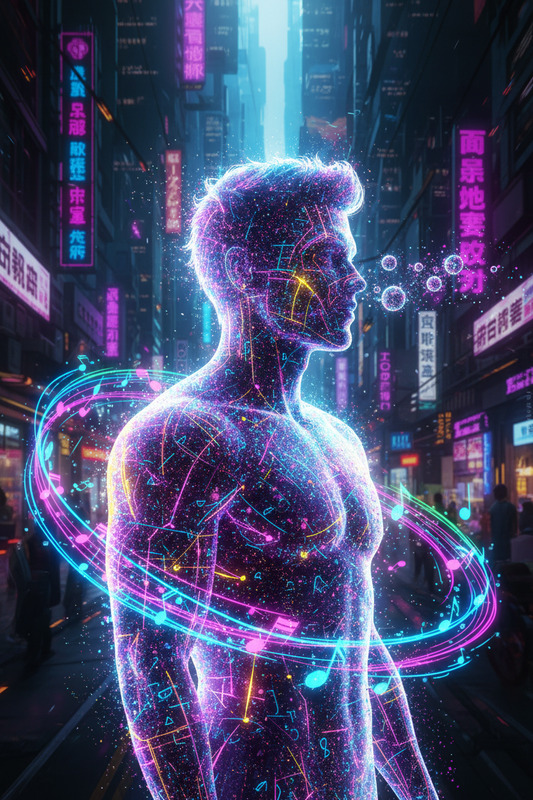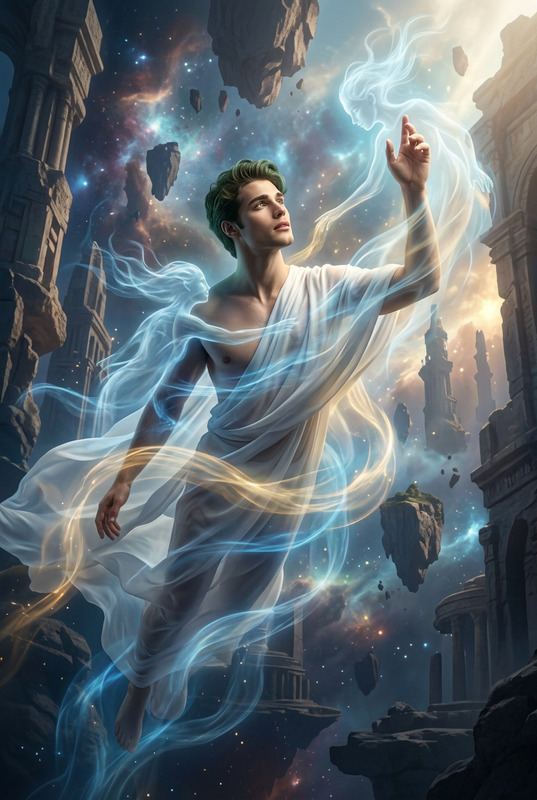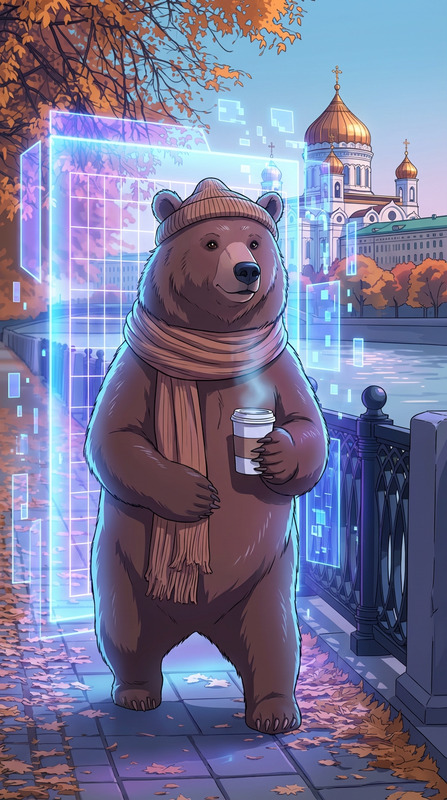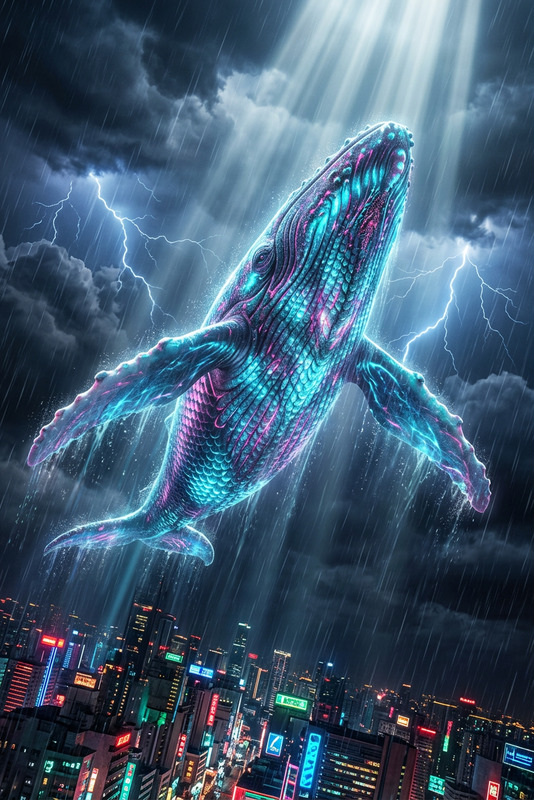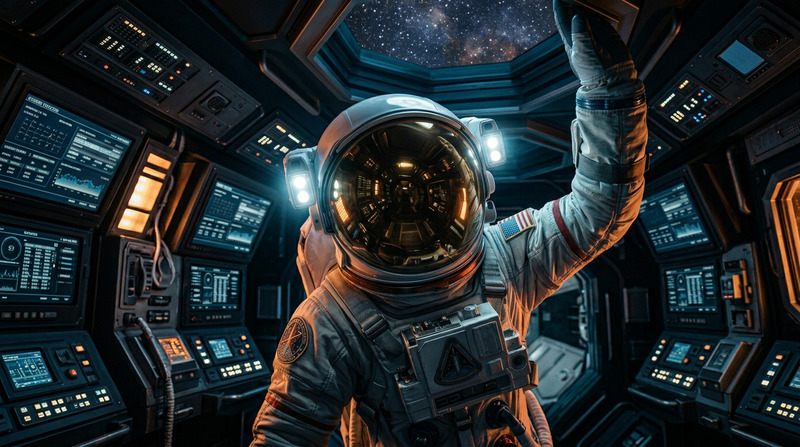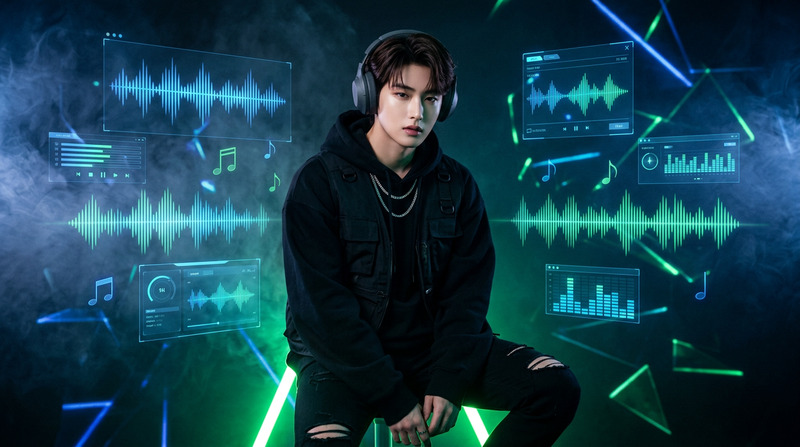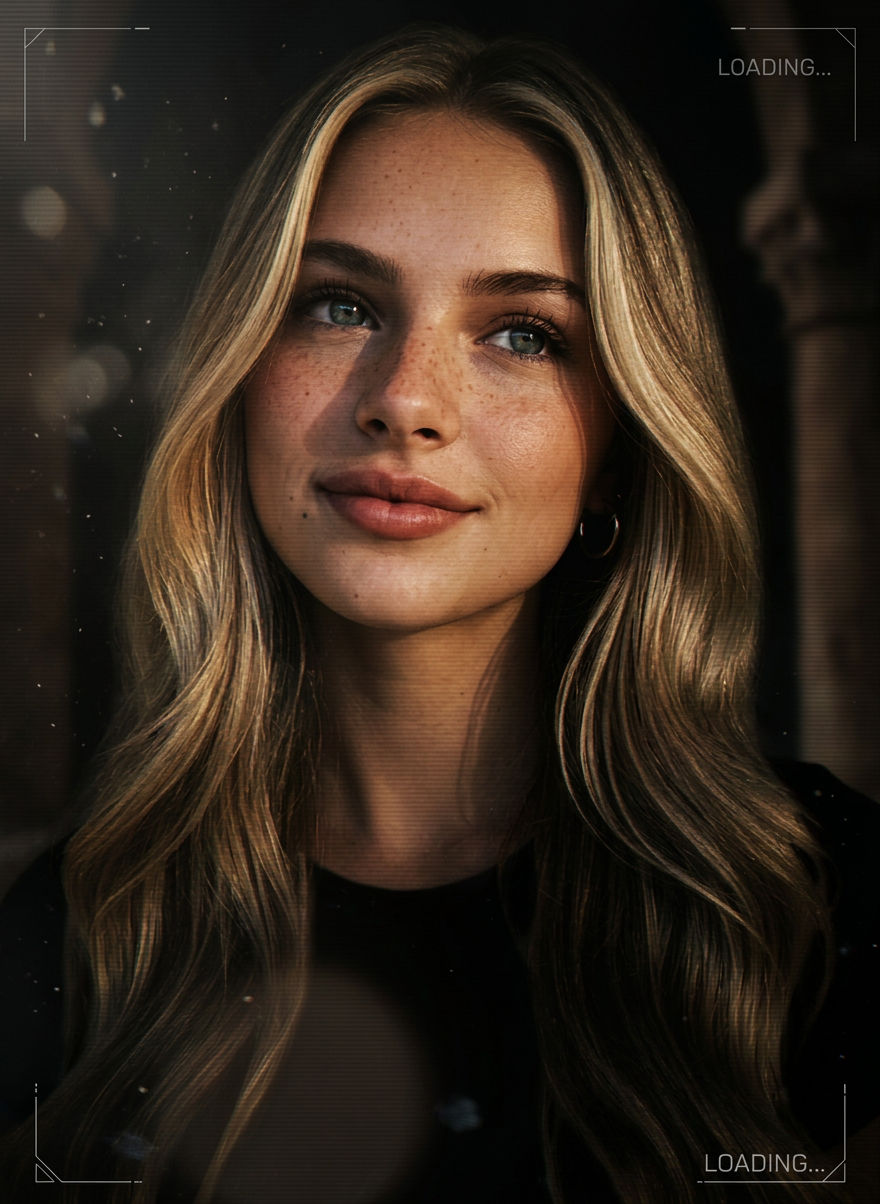
CD Cover
- Model
- Nano Banana 2
- Image
- 880 × 1204 px
Prompt
Drifting particles, soft glow, subtle scanlines, subtle shimmer, subtle chromatic flickering, and a slow, cinematic parallax effect. It evokes the feeling of a highly polished AAA game loading screen, visually rich and immersive, with dark, cinematic lighting and exquisite contrast. Motion should be smooth, minimalist, and stylish.
Any aspect ratio
Overview
The CD Cover template brings a cinematic flair to your digital design projects. Built on the robust nano-banana-2 model, this template lets you create visually stunning CD covers imbued with a sense of movement and depth. Perfect for music producers and graphic artists aiming for an elevated, professional aesthetic, this tool captures the essence of AAA game aesthetics.
What It Does
This template transforms static images into dynamic works of art, using drifting particles, soft glows, and scanlines. The subtle shimmer and chromatic flickering, combined with a slow parallax effect, give each CD cover a stylishly minimalist motion. The cinematic lighting and high contrast ensure your designs stand out with a polished, professional appearance.
For those interested in more dynamic imagery, you might explore our Image to Video or AI Image Editor products, which offer additional tools for enhancing visual storytelling through advanced AI capabilities.
Who It's For
Designed for graphic designers, music producers, and digital artists, the CD Cover template is ideal for anyone needing to present their visual content with a touch of cinematic elegance. It's especially useful for those in the music industry seeking to elevate their album art or for game developers wanting to create immersive loading screens.
If you're a creative professional also working on social media content, consider leveraging the AI GIF Generator to animate your covers for platforms like Instagram or TikTok.
Summary
The CD Cover template is an advanced tool for creating visually arresting and immersive album covers. With its roots in nano-banana-2 technology, it offers a unique way to add motion and depth to otherwise static images. Whether you're a seasoned designer or a creative newcomer, this template equips you with the tools you need to produce stunning digital art.
How-To
Choose Your Template

Customize Your Inputs

Generate Your Design

Use Cases
Music Album Artwork
- Design eye-catching album covers.
- Create a cohesive theme across music releases.
AAA Game Promotions
- Produce game loading screens with depth.
- Create promotional graphics for in-game content.
Digital Art Projects
- Enhance the viewing experience.
- Highlight key features of your artwork.
Best Practices
Optimize Image Quality
Use high-resolution images to ensure clarity and detail in your final design. Low-quality inputs can result in blurred or pixelated outputs.Experiment with Contrast
Adjust contrast settings judiciously to create striking visuals that maintain a professional look.Leverage Template Flexibility
Don’t hesitate to customize elements like shimmer and parallax to better match your artistic vision. The flexibility is there to help you achieve the best result.