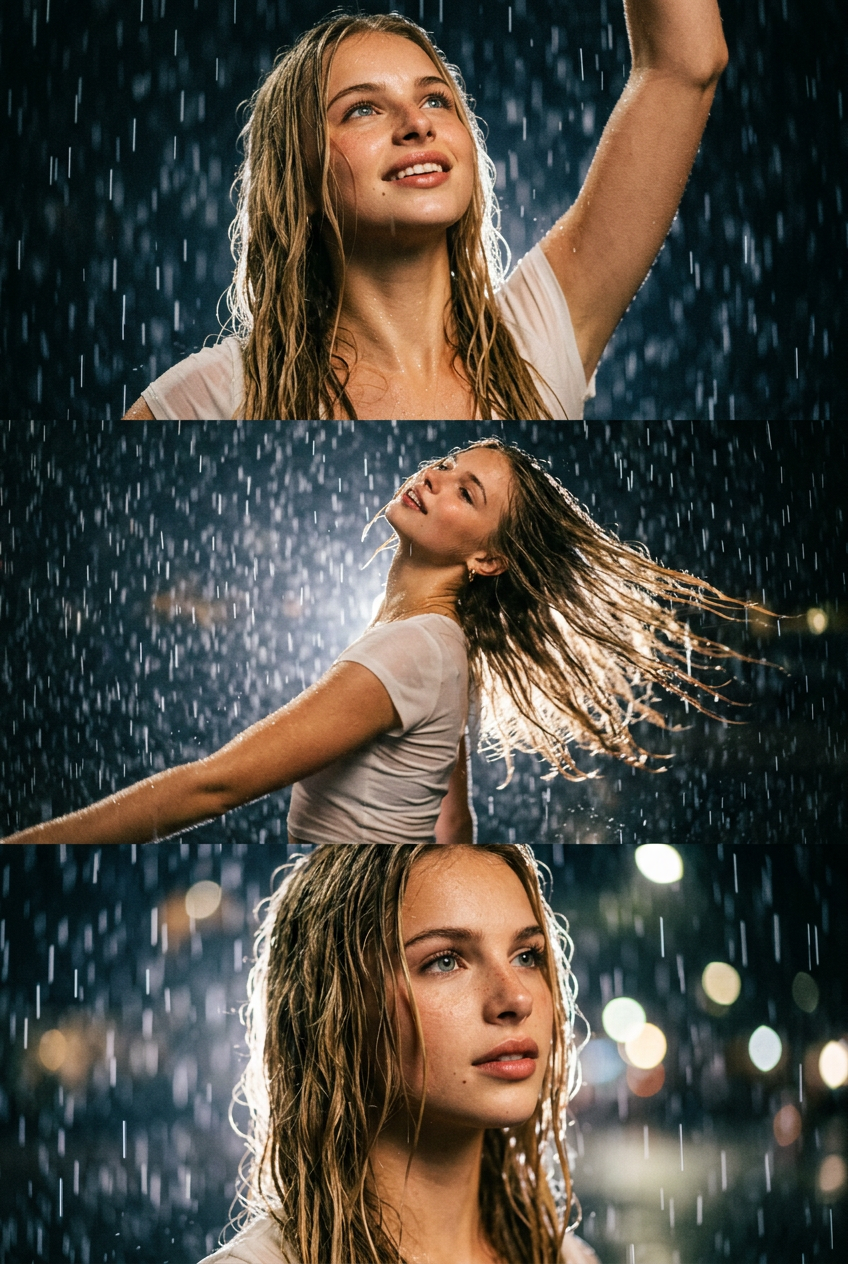
Rain Collage
- Model
- Nano Banana 2
- Image
- 848 × 1264 px
Prompt
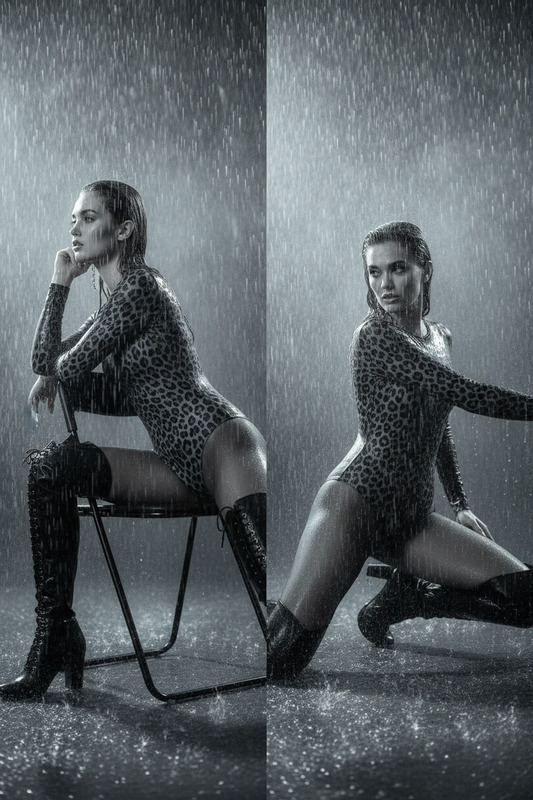
An ultra-realistic cinematic vertical collage of three seamlessly blending frames: a character dances emotionally and naturally in a heavy night rain, like something out of a romantic film. A soft, dreamy atmosphere, wet hair and clothing, elegant, natural poses, sensual, unobtrusive glances, a dark, blurred background, and the aesthetics of a beautiful, dramatic film frame without frames or graphic dividers.
Any aspect ratio
Overview
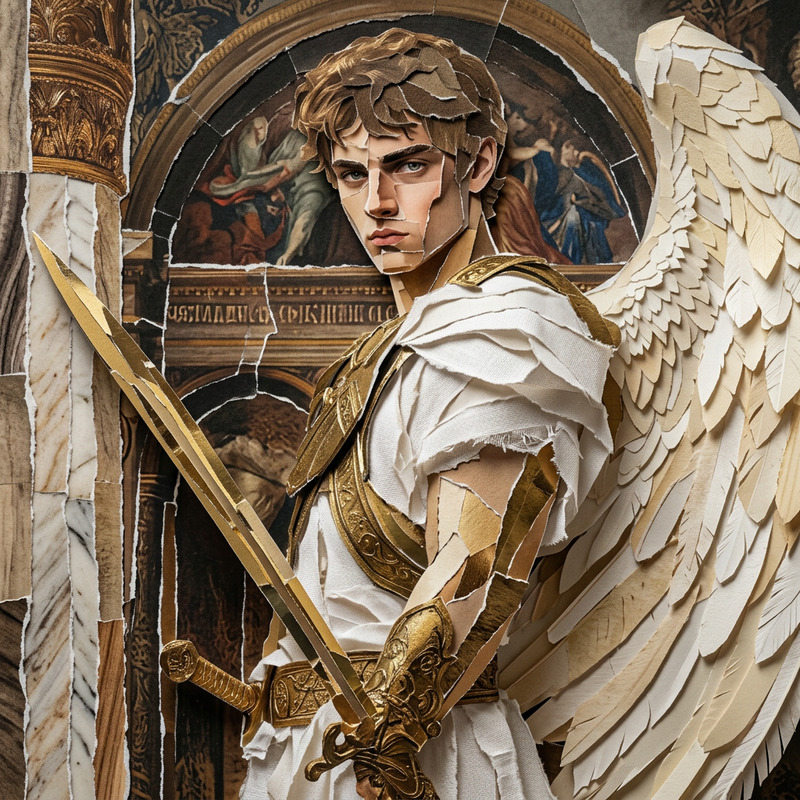
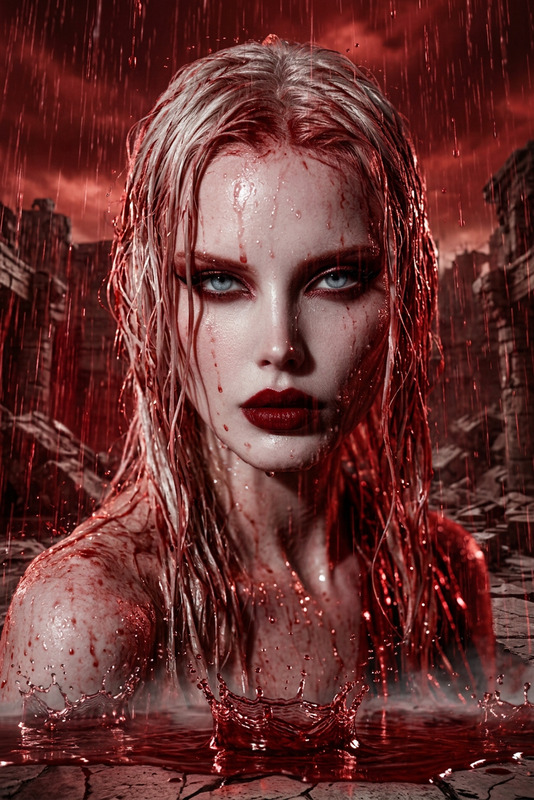
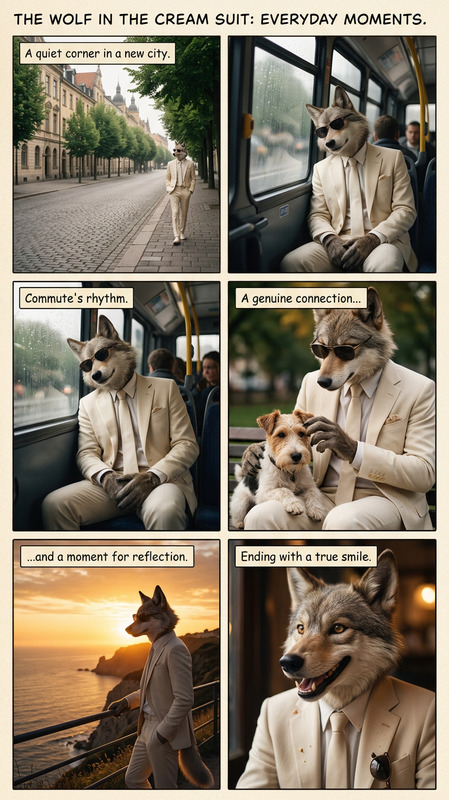
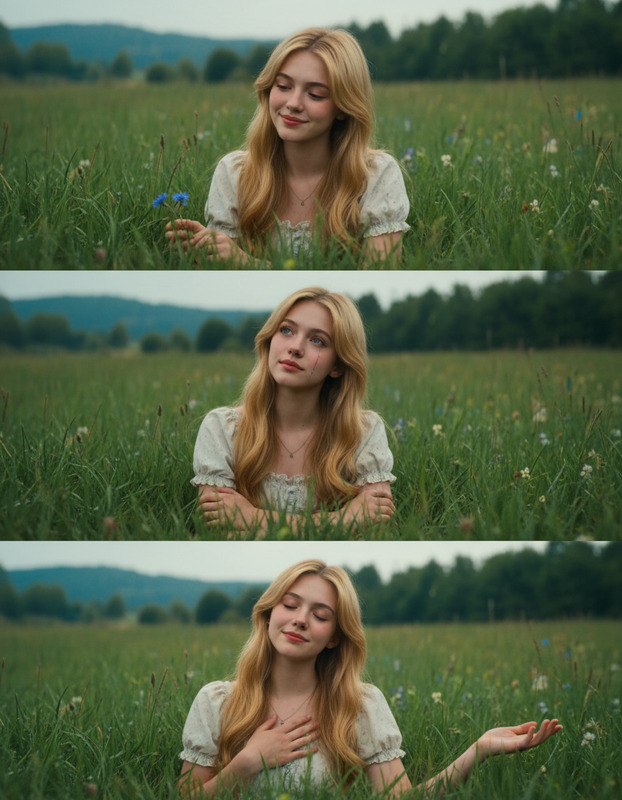
The Rain Collage template is a sophisticated tool within the AI Image Editor suite that transforms your images into an evocative cinematic experience. It uses the power of the nano-banana-2 model to create a multi-frame collage that captures the essence of a dance scene in the rain, reminiscent of a romantic film.
What It Does
This template generates a vertical collage composed of three seamlessly integrated scenes. Each frame depicts a character dancing in the rain, captured in ultra-realistic detail. The soft, dreamy atmosphere, along with the natural poses and elegant glances, brings the aesthetics of a dramatic film to life. This tool is perfect for those looking to add a layer of refined creativity to their projects.
Who It's For
The Rain Collage template is designed for visual storytellers, content creators, and filmmakers who want to inject a cinematic touch into their imagery. It's ideal for use in video style transfers, product videos, and social media ads to evoke emotion and enhance narrative depth.
Summary
Unlock the full potential of your image editing with the Rain Collage template. Whether you are aiming to produce compelling AI video ads or need stunning visuals for a storytelling project, this template offers the tools to bring your artistic vision to life. Empower your creativity by blending the drama of cinematic rain scenes into your work.
How To
Choose the Template

Customize Your Inputs

Generate the Collage

Use Cases
Film and Cinematics
Advertising Campaigns
Social Media Content
Best Practices
Select High-Quality Inputs
Ensure your source images are of high quality to maximize the realism and impact of the final collage.Focus on Natural Poses
Use reference images that feature natural and elegant poses to keep the cinematic feel authentic.Utilize the Background Wisely
Opt for backgrounds that complement the subject without overwhelming the focal point of the frame.