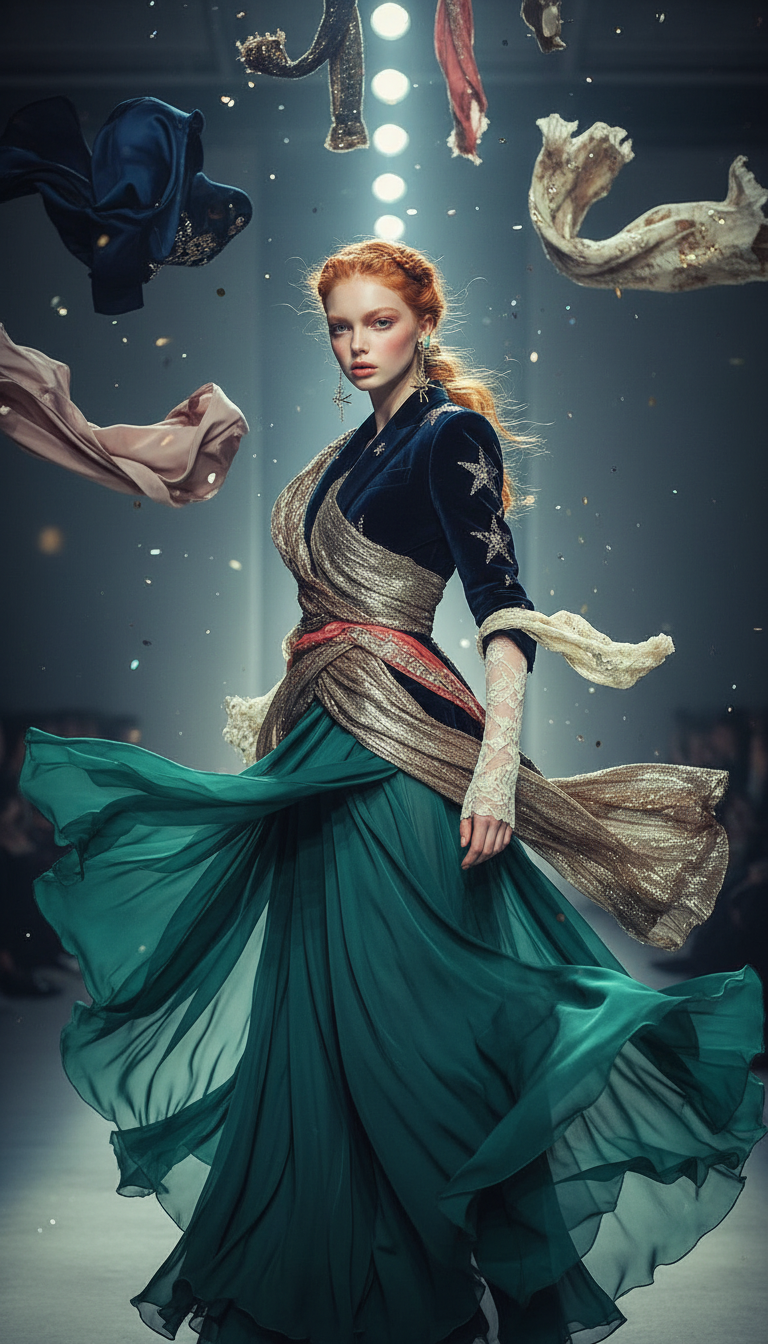
Posing
- Model
- Nano Banana
- Image
- 768 × 1344 px
Prompt
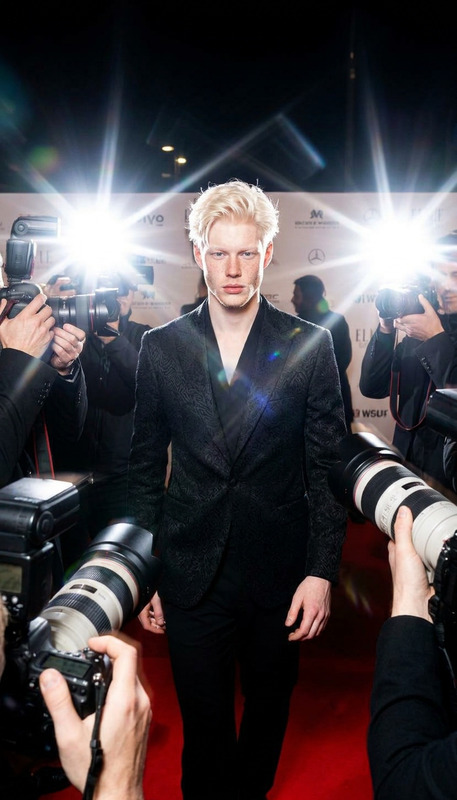
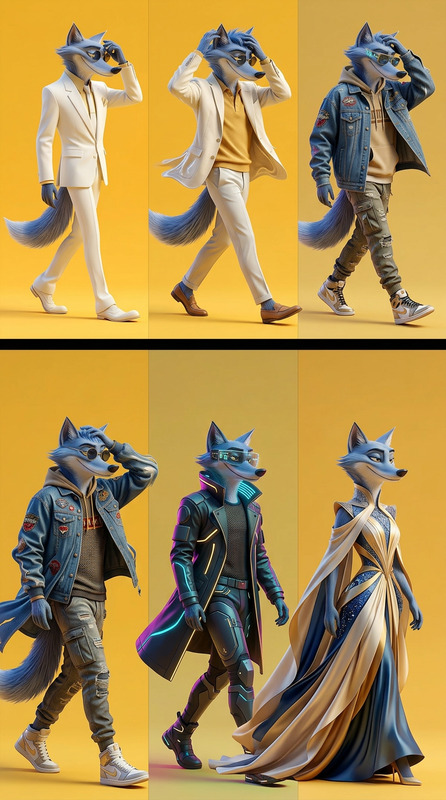
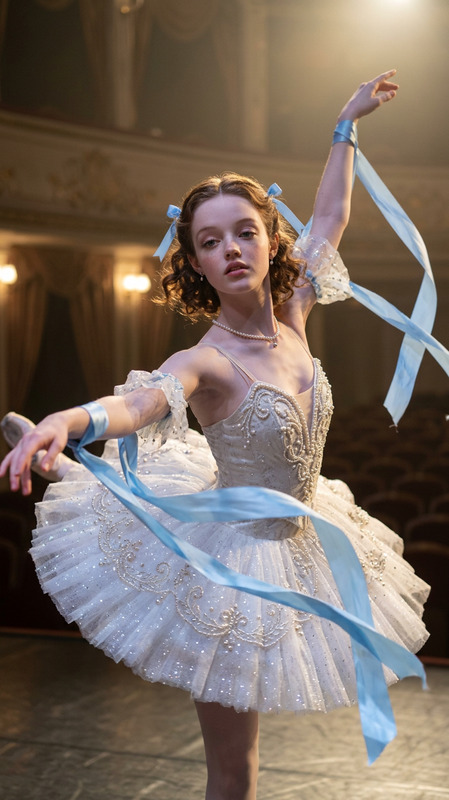
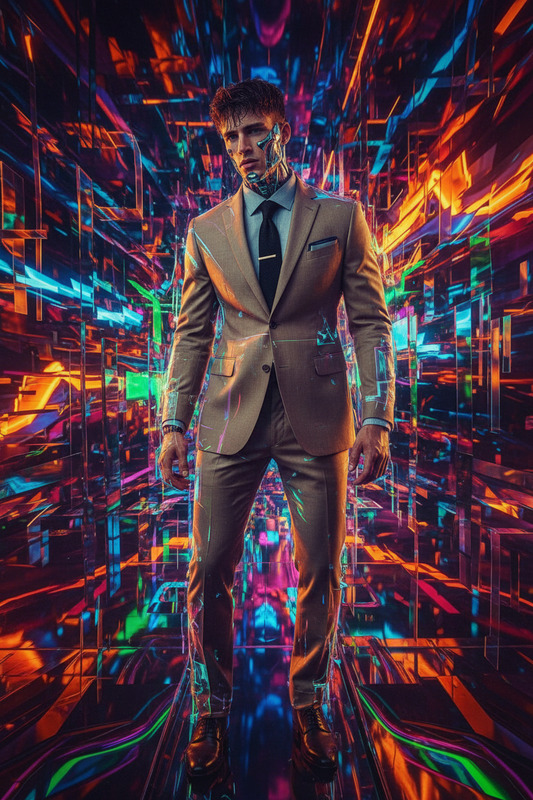
A subject striking a high-fashion pose as garments fall from above like rain, clothing pieces drifting and swirling in mid-air before wrapping naturally around the body, dynamic runway atmosphere, elegant and whimsical fashion energy, cinematic lighting, ultra-detailed, 4K..
Any aspect ratio
Overview
Transform your fashion imagery with the Posing template, a powerful feature of our AI Image Editor. Ideal for fashion shoots and dynamic visuals, it captures and enhances dynamic poses with extraordinary detail. The cinematic lighting and ultra-high-resolution capabilities make it perfect for professional use.
What It Does
The Posing template allows users to create high-fashion visuals where garments seem to fall from above, dynamically wrapping around the subject's body. Using the nano-banana model, the template enhances the scene with a runway atmosphere, blending elegance and whimsy. This tool brings out the best in apparel presentation, suitable for 4K output needs.
Who It's For
This template caters to fashion photographers, designers, and creative directors who need to showcase garments and poses with cinematic flair. It's especially beneficial for those in the fashion industry looking to craft standout visuals without extensive post-editing. AI Product Photography professionals will find this template invaluable for high-impact images.
Summary
Leverage the Posing template to achieve breathtaking fashion scenes effortlessly. Utilize the template's AI-driven capabilities for creating complex high-fashion poses and garment interactions. Ideal for professional settings, it maximizes visual impact in video generation and image creation workflows, streamlining the production of striking visual content.
How-To
Choose the Template

Customize Your Scene

Generate and Download

Use Cases
Fashion Photography
- Editorial shoots
- Catalog showcases
- Runway simulations
Video Production
- Fashion film production
- Avant-garde video projects
- Content for social media
Creative Marketing
- Campaign visuals
- Social media content
- Brand storytelling
Best Practices
Select the Right Subject
Choose subjects whose poses can be dramatized to amplify garment movements and the overall fashion statement.Optimize Lighting
Adjust the prompt's lighting parameters to bring out the best features of both subject and garment, considering cinematic quality.Use High-Resolution Models
For the clearest results, ensure your output settings are at the highest resolution possible, aligning with the 4K capability of your tools.